ONLYOFFICE Documents 10.0 for iOS: AI assistant, file generation, and Grok and DeepSeek providers
The ONLYOFFICE 10.0 release brings major updates across our products, including the mobile apps. The new version of ONLYOFFICE Documents for iOS adds advanced AI capabilities to the editors, new AI providers, and better compatibility with the ONLYOFFICE cloud.

AI assistant
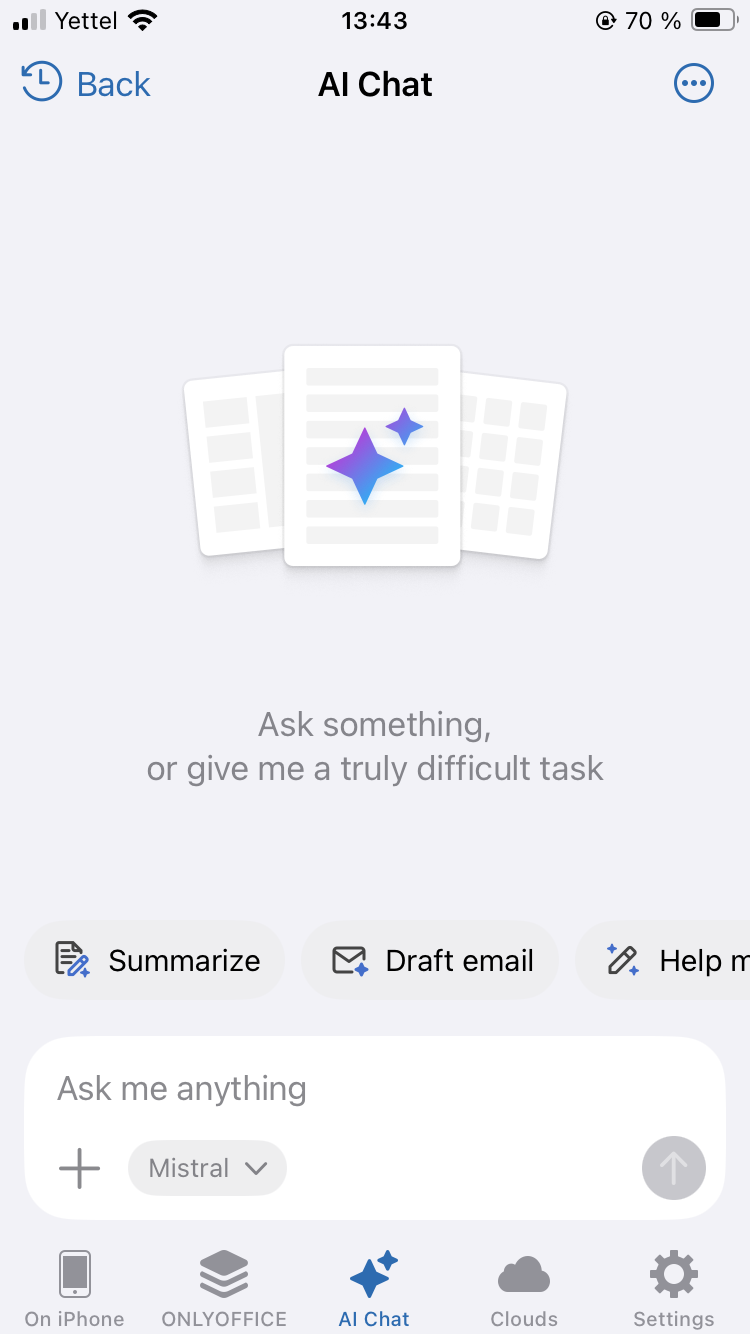
AI is now available right in the Documents section where you manage your files.
The assistant goes beyond working with content inside an open document. It helps explore, understand, and find information across your files without opening them in the editor. Get a quick summary, ask what a document is about, or locate a specific piece of information in just a few prompts.
You can also attach files to the AI chat, including files stored in your cloud, and ask questions about their content.
This makes it easier to check a document, find the information you need, and decide which files require further work without opening them one by one.
Where to find: AI Chat
AI file generation
In version 10.0, AI allows you to create documents, spreadsheets, and presentations from scratch.
Start with a description of what you need, and AI generates a ready-to-edit file. For example, for presentations, it can build the slide structure, add content, and generate images.
Where to find: AI Chat
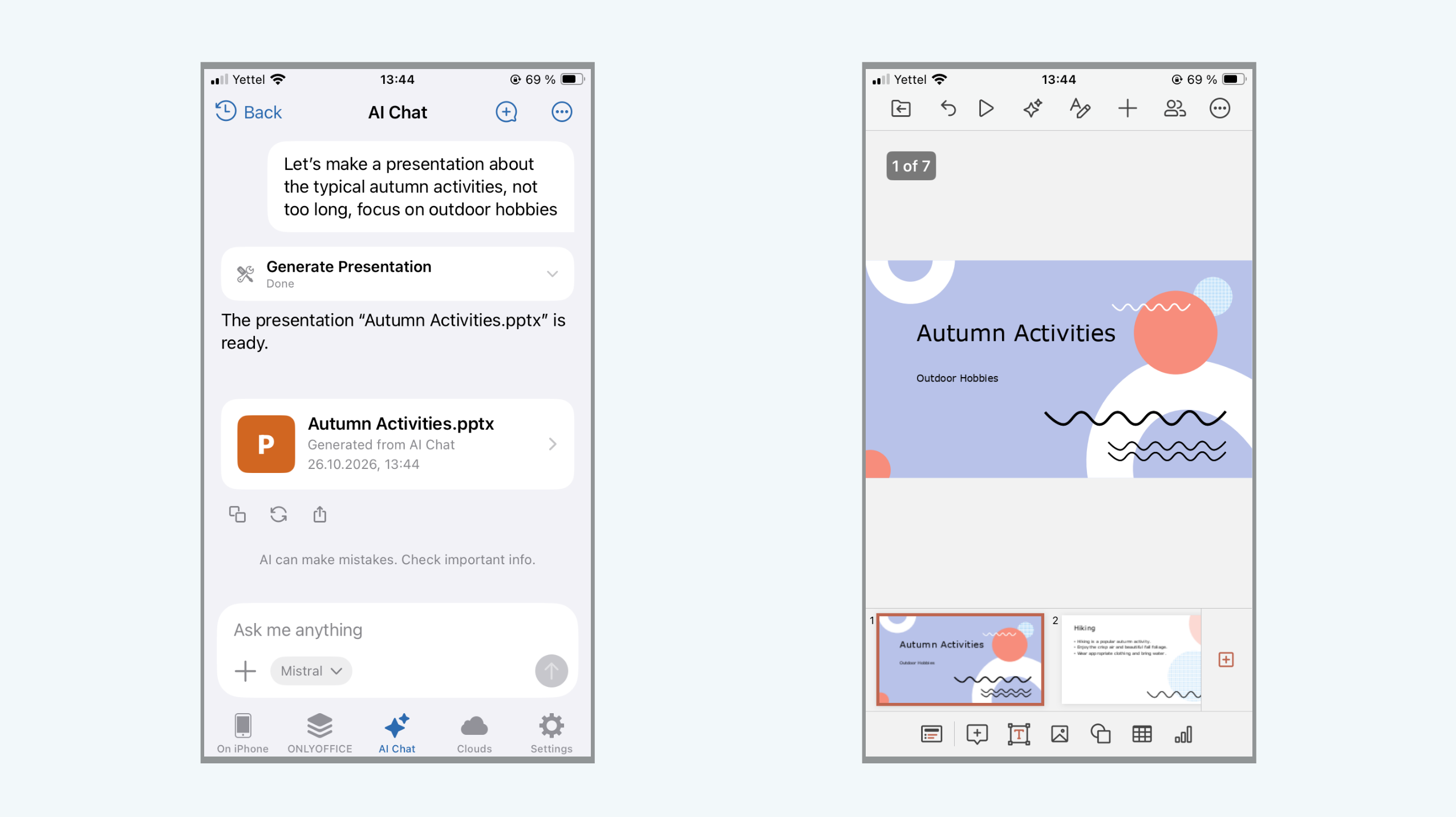
The generation runs in the background, so you don’t need to keep the editor open while AI is working. After the generation, the file is saved locally and becomes available for editing once the process is complete.
AI-automated form filling
Filling out forms often means entering the same type of information into multiple fields. AI-powered Auto Fill takes care of much of this routine work.
The feature recognizes form fields and selection options, identifies fields that still need a signature, places dates correctly in fields made up of separate cells, and inserts a signature or image where needed.
Please note: the feature works only in form-filling mode, which you can enable via the context menu.
Where to find: AI chat
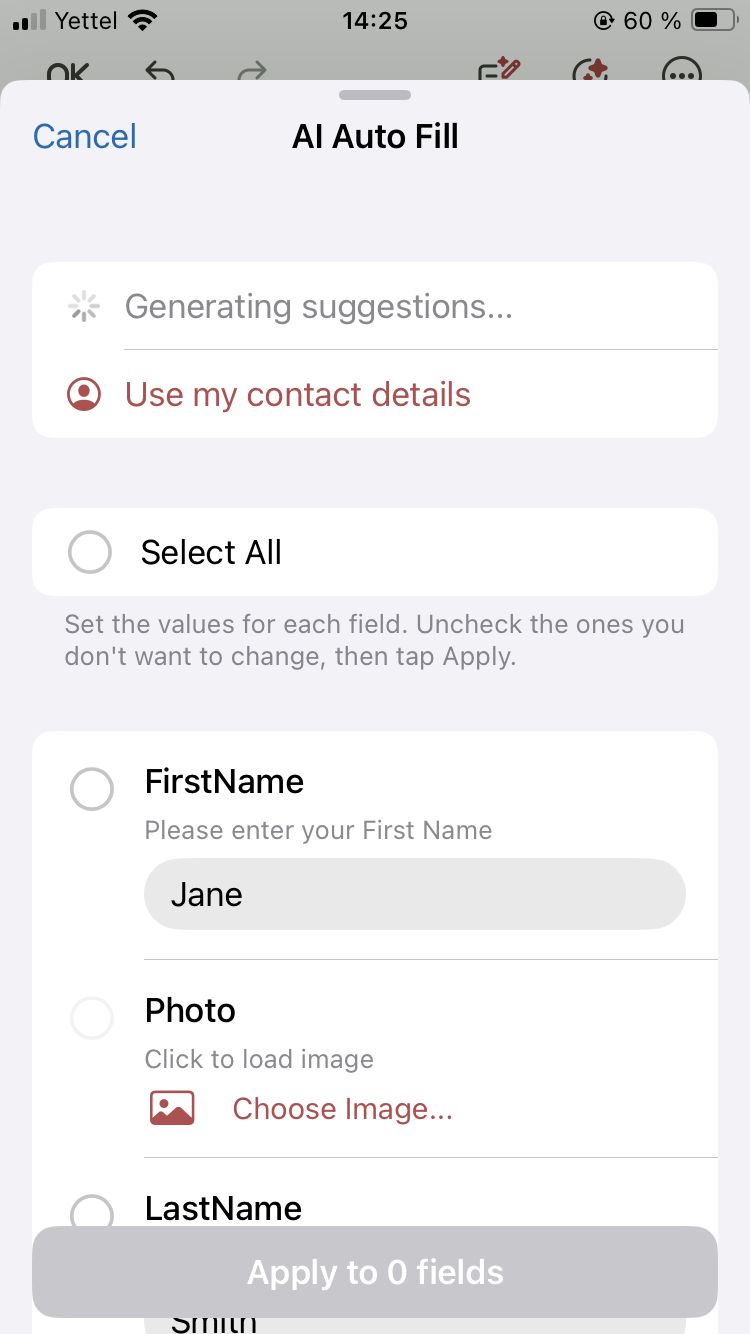
Instead of filling in every field manually, the process becomes more about reviewing the result and making any necessary changes.
Voice prompt input
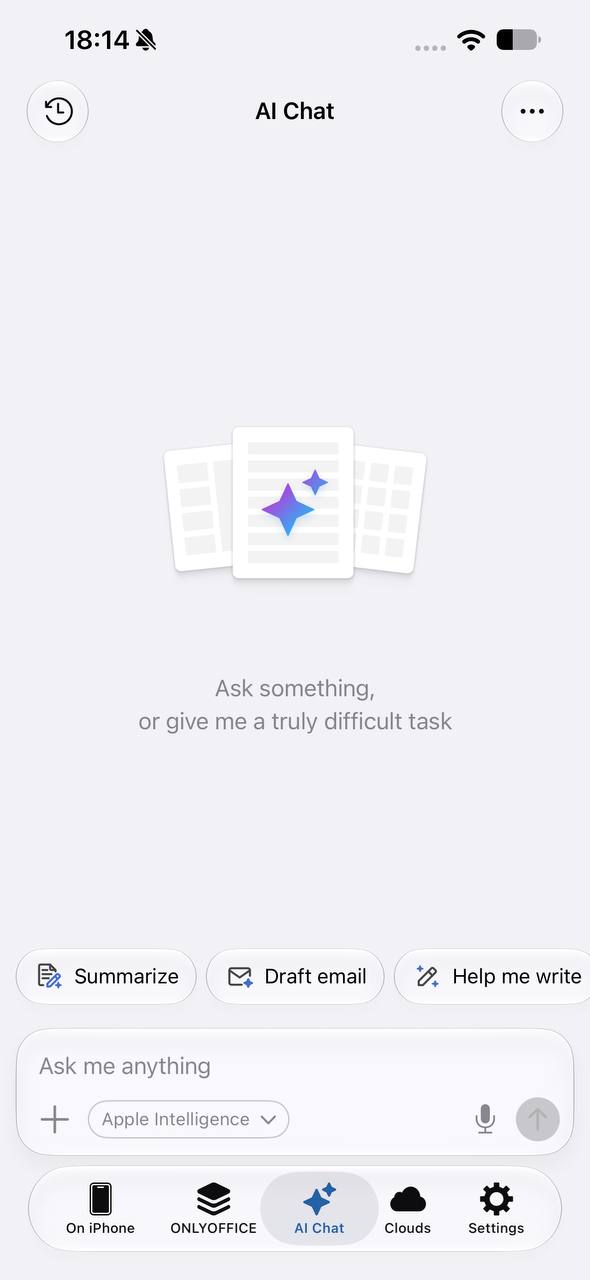
Starting from iOS 26+ version, AI chats and editor assistants now support voice input. Dictate a request directly from your iPhone or iPad and let the device convert your speech into text.
Speech recognition is performed on the device, making voice input a more convenient option than typing a long prompt.
Grok and DeepSeek providers
The list of AI providers in ONLYOFFICE Documents now includes two new options: Grok and DeepSeek.
Use a model from your preferred provider for AI-powered features inside the editors and the AI assistant in the Documents section. Generate and refine text, analyze spreadsheet data, translate or summarize content, ask questions about your files, or find specific information in a document without opening it.
Where to find: AI -> Settings -> Add AI Model -> Provider type
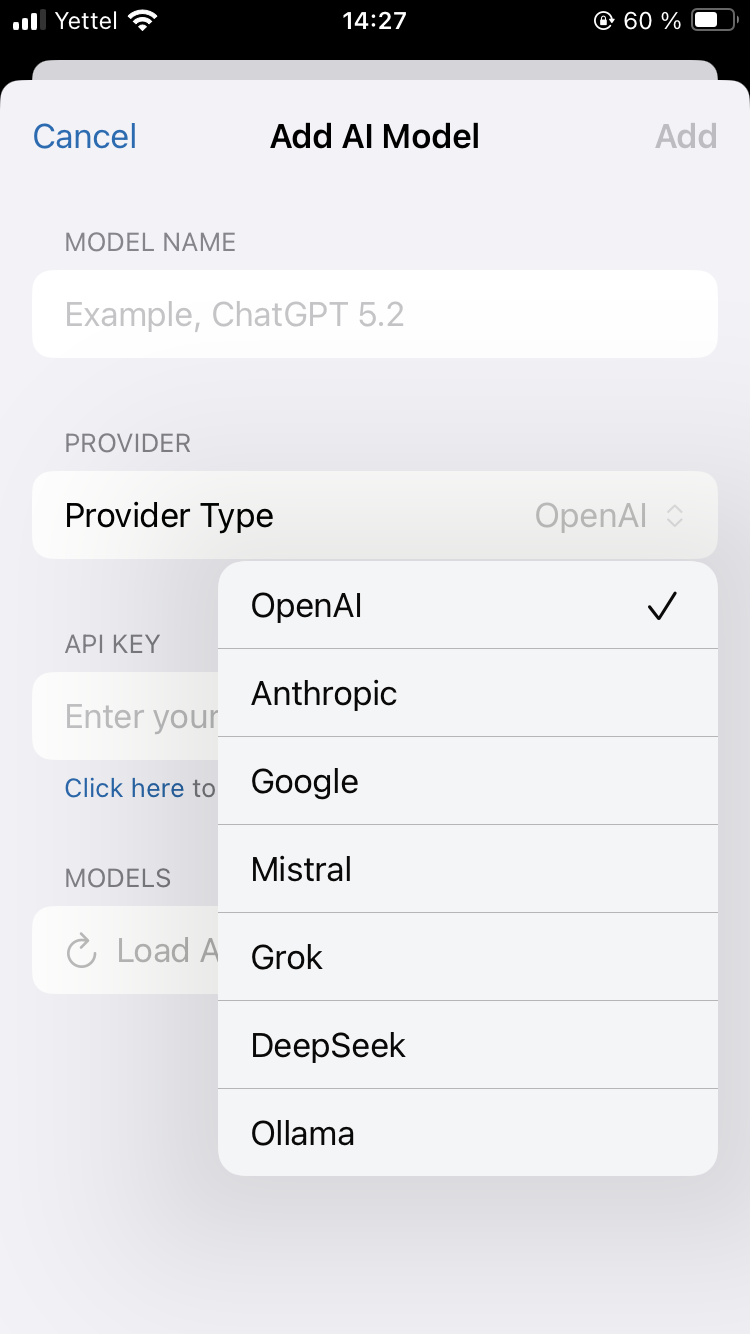
Along with Grok and DeepSeek, you can connect other providers: OpenAI, Anthropic, Google AI, Mistral, and Ollama.
Better compatibility with ONLYOFFICE cloud
The mobile app now offers improved compatibility with the ONLYOFFICE Rooms app inside the revamped cloud.
Rooms can be organized into groups to keep different projects separate. Create, rename and edit groups, choose an icon, add or remove rooms, and filter the room list by group.
Custom icons and colors for room covers to give rooms a recognizable look.
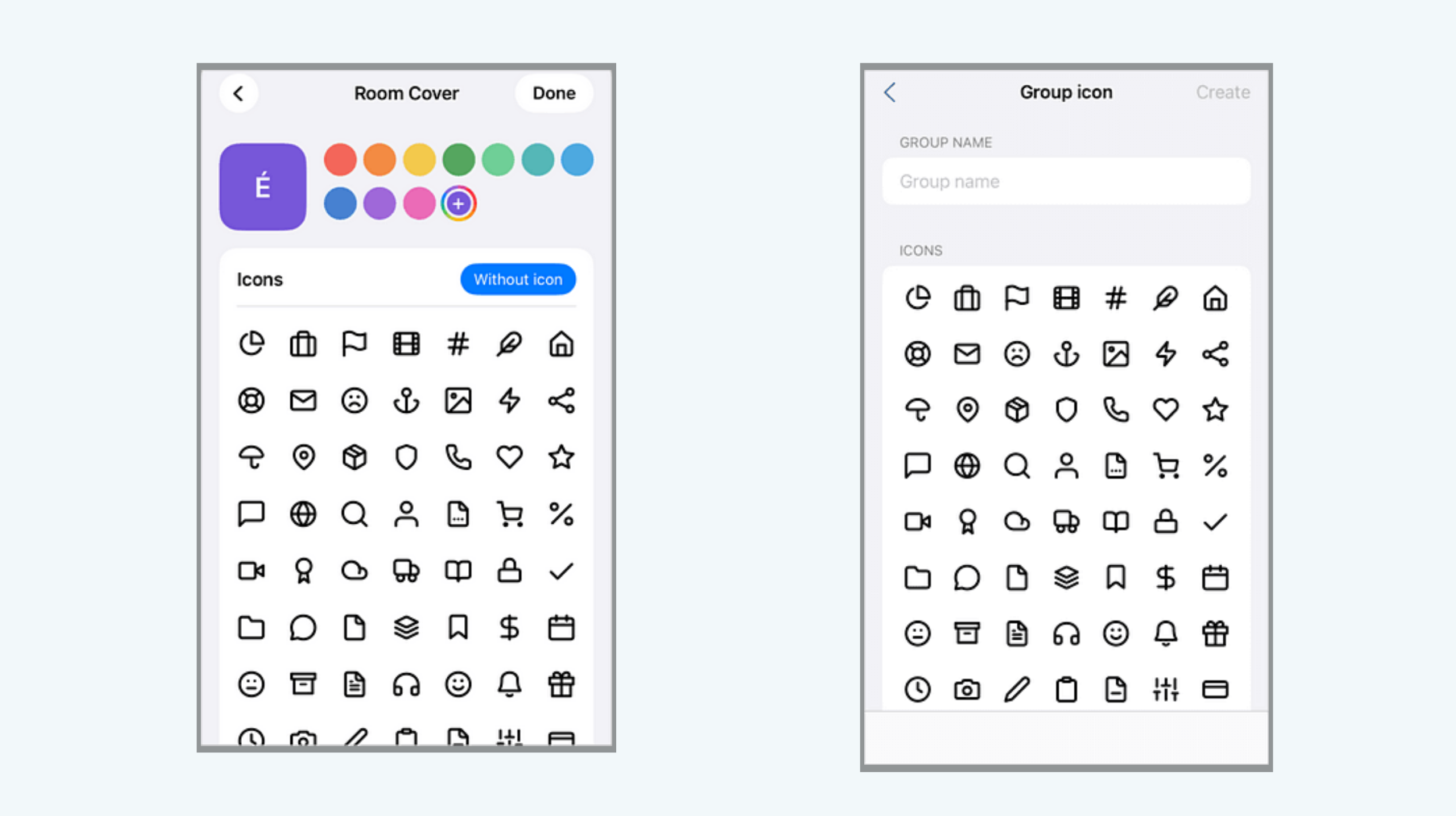
New filter categories for browsing rooms and Cloud content.
Updated context menu for files, folders, and VDR rooms has been redesigned with updated actions for working with Cloud content.
More control over invite links with options to set their expiration period and limit the number of users who can access them.
Moving files with identical names. When you move a file to a cloud folder that already contains a file with the same name, you can now choose Create a Copy and keep both files.
Signing up with Google
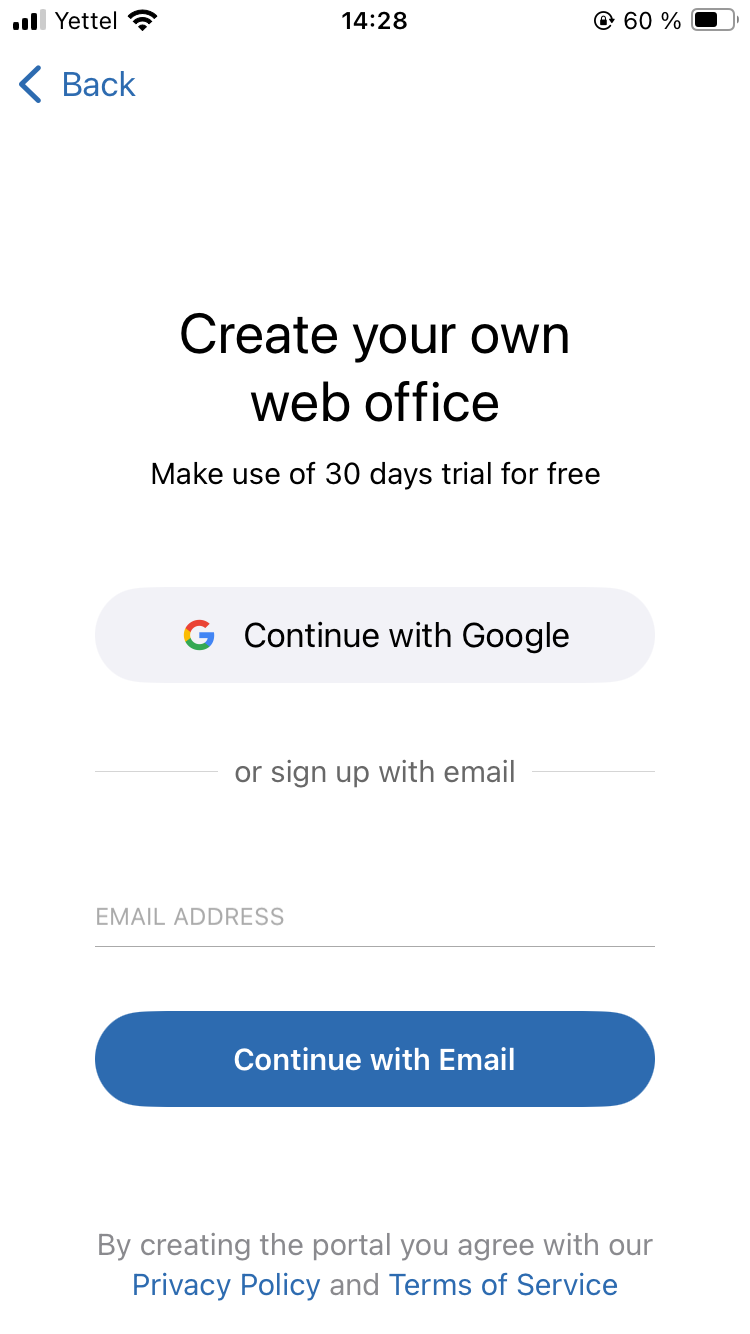
Create an ONLYOFFICE cloud directly from the mobile app using your Google account. Store your files in the cloud, access them from any device, and share them with others for collaborative editing.
Clouds -> Create free account -> Continue with Google
More updates in editors
Favorites. Documents that are not available for collaboration can now also be added to and reached through Favorites right from the editors, so the files you work on alone stay as easy to find as shared ones.
Tables in spreadsheets. You can now insert tables into the spreadsheet editor with their formatting preserved, so there is no need to restyle them after insertion.
Updates for iPad
The iPad version gets several updates that make working with documents and spreadsheets more comfortable on a larger screen.
System menu bar is now supported in iPadOS, providing access to app commands from the system menu.
Formula tab is now available as a separate tab in the spreadsheet editor, making spreadsheet tools easier to access.
Table insertion has also been improved, giving you more convenient control when adding tables to your documents.
Other improvements
- Comments are highlighted in the author’s color
- Precise paragraph spacing: enter the exact value in numbers
- Redesigned hyperlink screens and context menu buttons, with an expanded set of quick actions
- Fixed file moving to On iPad
- Smoother navigation after selection mode
Get ONLYOFFICE Documents v10.0 for iOS
Update the app to access the new features and improvements. If you are installing it for the first time, download it from the App Store and connect it to your cloud or work locally with files on your device.
Discover all updates of the ONLYOFFICE solutions:
Create your free ONLYOFFICE account
View, edit and collaborate on docs, sheets, slides, forms, and PDF files online.