ONLYOFFICE Documents 10.0 for Android: What’s new?
Our free mobile app, ONLYOFFICE Documents for Android, gets a major update alongside the release of ONLYOFFICE 10.0. The new version brings an AI assistant, Grok and DeepSeek providers, and better compatibility with ONLYOFFICE Cloud.
Manage AI in a dedicated tab
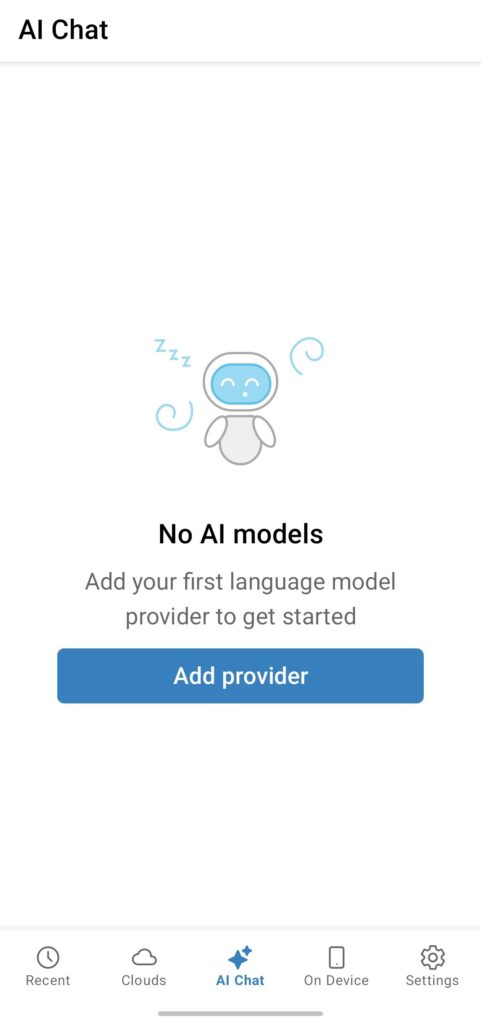
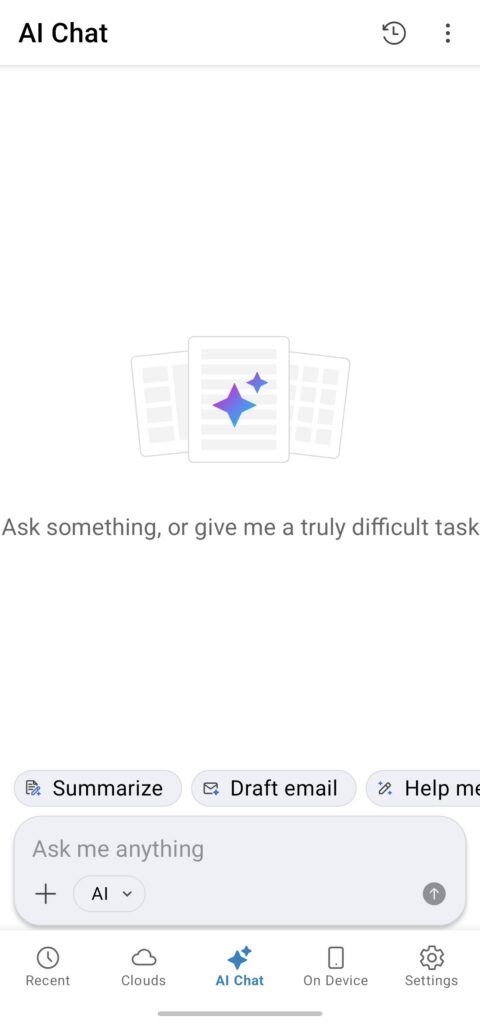
AI features are now easier to access and manage in ONLYOFFICE Documents via a dedicated AI tab. From there, you can use the AI assistant and set the provider parameters.
This gives you one place to configure the AI features instead of looking for these settings in editor menus.
Where to find: AI Chat -> Add provider
Use AI assistant in Documents section
The AI assistant comes directly in the Documents section, so you can work with files using AI from the file management area. Use it to find information, summarize a file, or ask questions about its content.
It also supports file and image attachments. Ask questions about the content and files you are working with, rather than copying text from a document or describing an image.
Where to find: AI Chat
Chat with AI in the editor
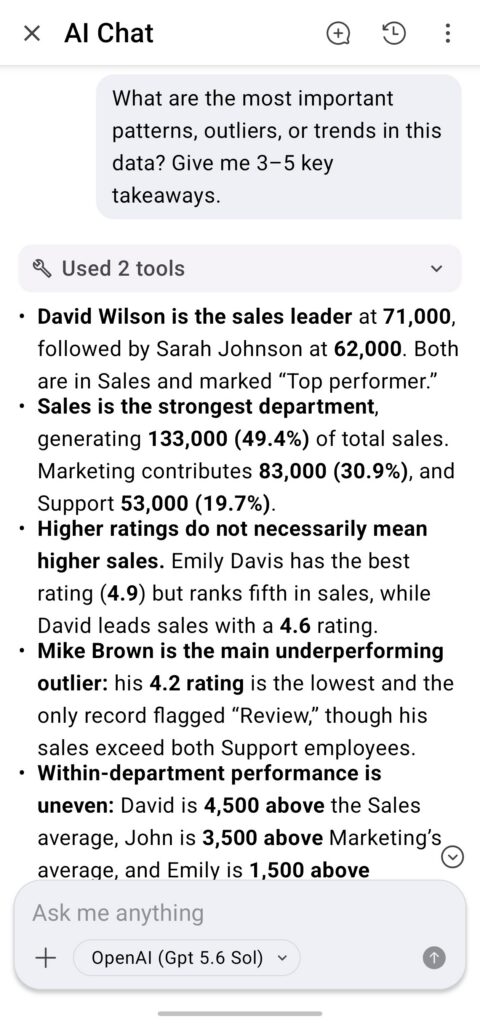
AI chat is now available in the document, spreadsheet, and presentation editors.
Each editor provides its own set of AI functions tailored to the type of content. For example:
- Document Editor: Summarize, Draft email, Help me write, Brainstorm
- Spreadsheet Editor: Summarize, Highlight insights, Suggest a chart, Clean up data
- Presentation Editor: Summarize, Talking points, Improvements, Generate image
The chat lets you send your own prompts, ask follow-up questions, and research a topic. Once you get an answer, insert it directly into the editor without copying and pasting.
Where to find: AI icon on the top toolbar -> AI Chat icon
Generate presentations in one click
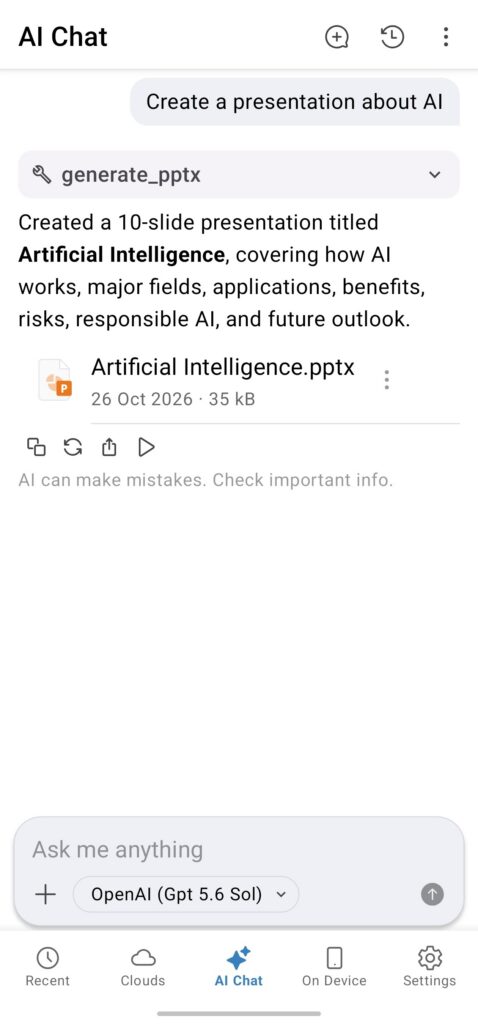
The new AI presentation generation feature helps to create a presentation from a simple description. Enter a topic or describe what you want to cover and let AI create a starting point for your slides.
The generated presentation opens in the Presentation Editor, where you can review the content, make changes, and adapt the slides to your needs. It gives you an initial version to work from when you already have a topic but not yet the full presentation.
Where to find: AI Chat
Listen to AI responses
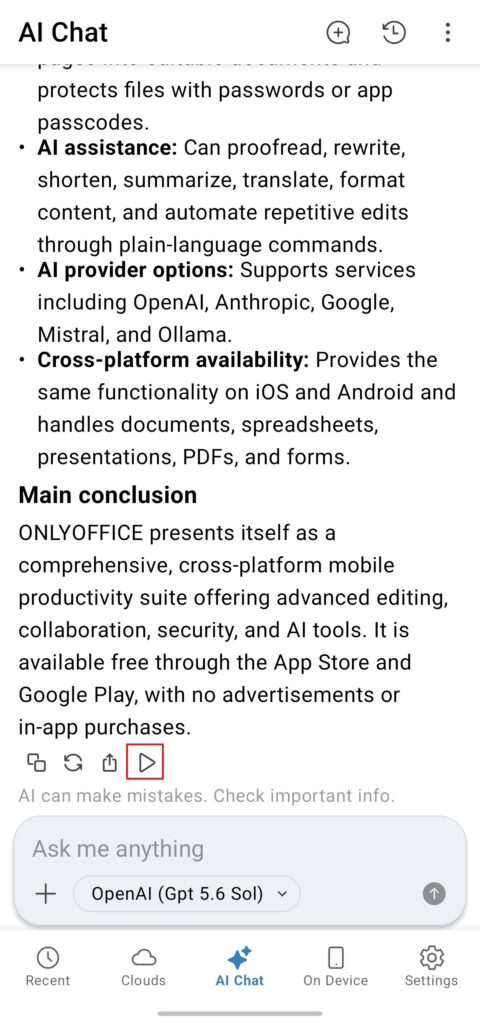
AI responses can now be read aloud on your Android device. The app automatically detects the language of the response, so there is no need to change the language settings. This can be useful when you want to listen to generated content while doing something else or check a response instead of reading it on screen.
Where to find: Play button in the AI Chat
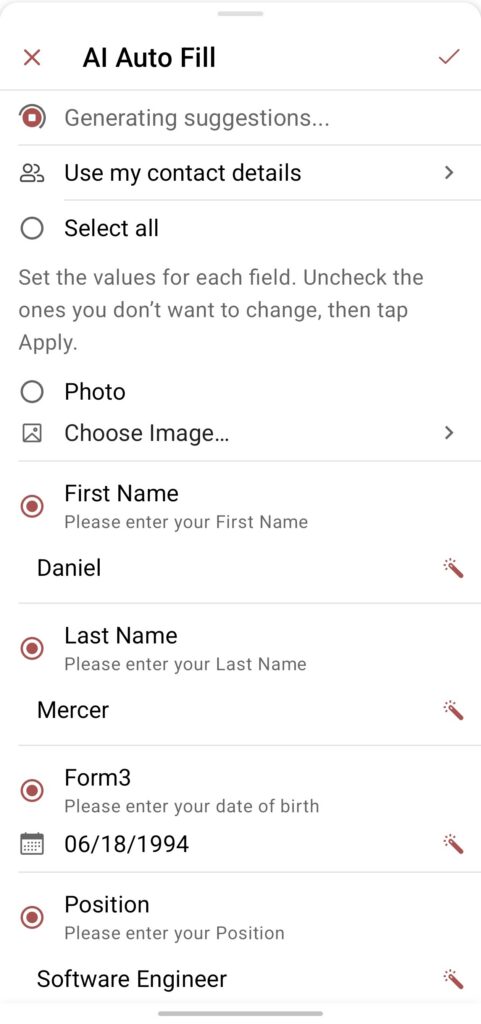
Fill forms with AI
The new Auto Fill feature uses AI to help complete forms. It provides suggestions based on the information you enter and can fill in the fields with contact details from your device.
It also supports input masks and phone number formatting, as well as signatures, making it easier to complete different types of form fields directly on your Android device.
Note: The feature works only in form-filling mode, which you can enable via the context menu.
Where to find: AI icon on the top toolbar -> AI Auto Fill
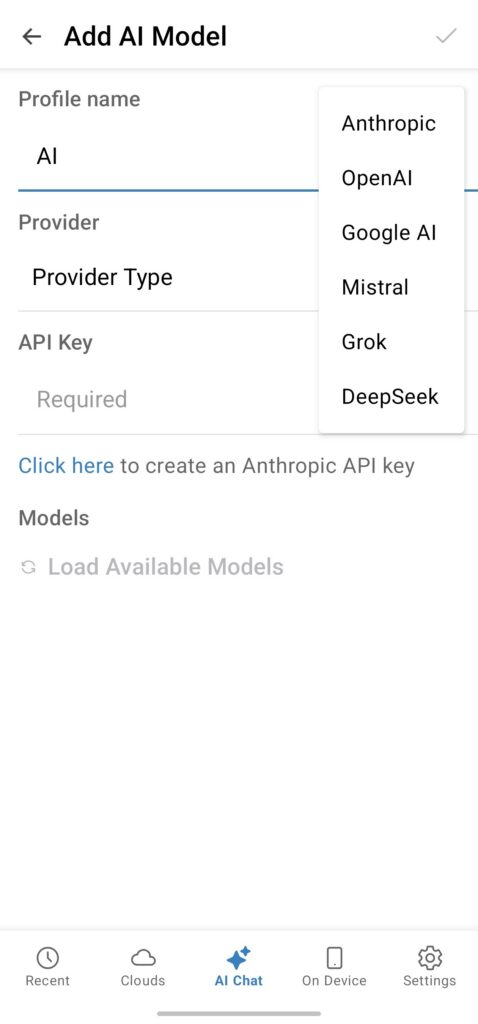
Add Grok and DeepSeek AI models
The update adds Grok and DeepSeek to the list of available AI providers. Select and configure the provider you want to use in AI settings and choose the model that works best for your tasks.
Where to find: Where to find: AI Chat -> Add provider -> Provider type
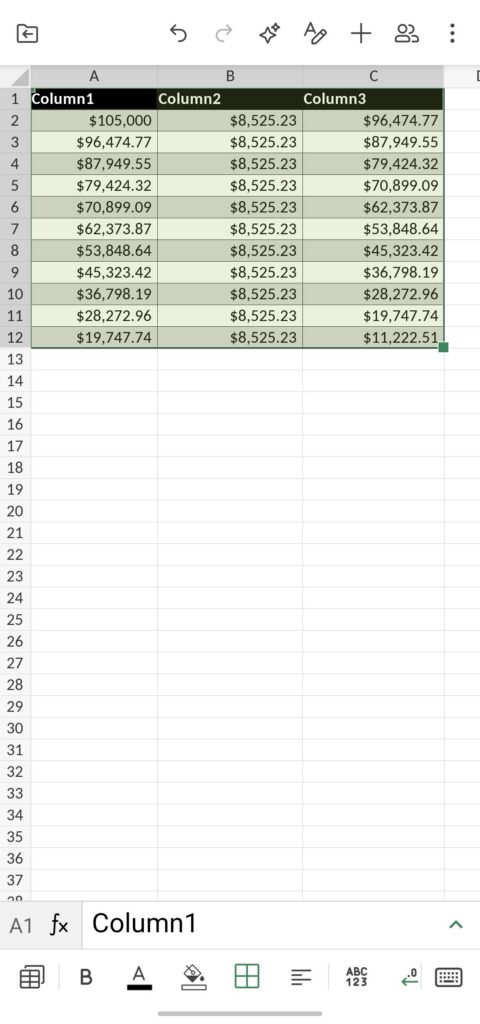
Add tables to a selected range
A range of existing data can now be converted into a table in the Spreadsheet Editor. Select the cells you need and add a table without moving or re-entering the data.
Where to find: + icon on the top toolbar -> Three dots icon -> Table
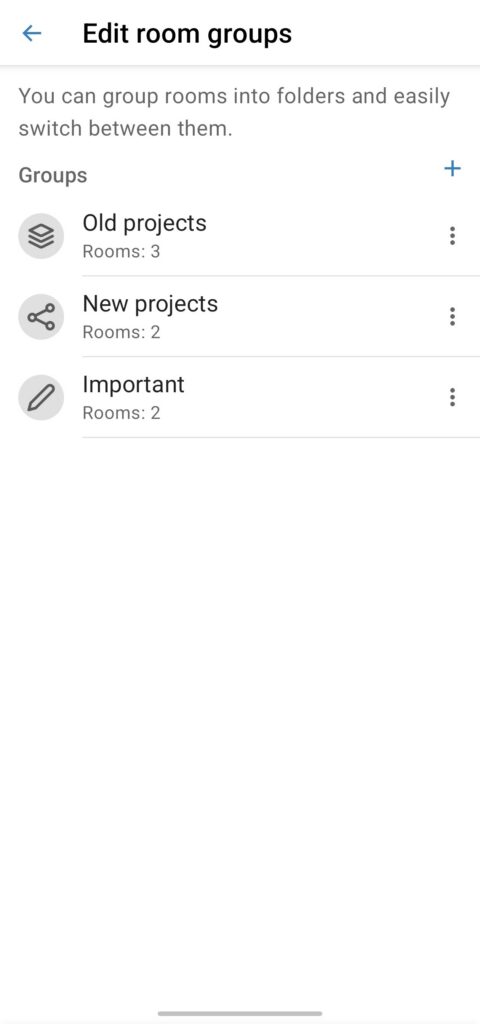
Work with ONLYOFFICE cloud
The integration with ONLYOFFICE cloud has also been improved. You can now manage groups of rooms, add covers to rooms, use new filters, and delete rooms directly from the mobile app.
The update also makes it easier to work with different apps and content, including Rooms, Forms, and Files.
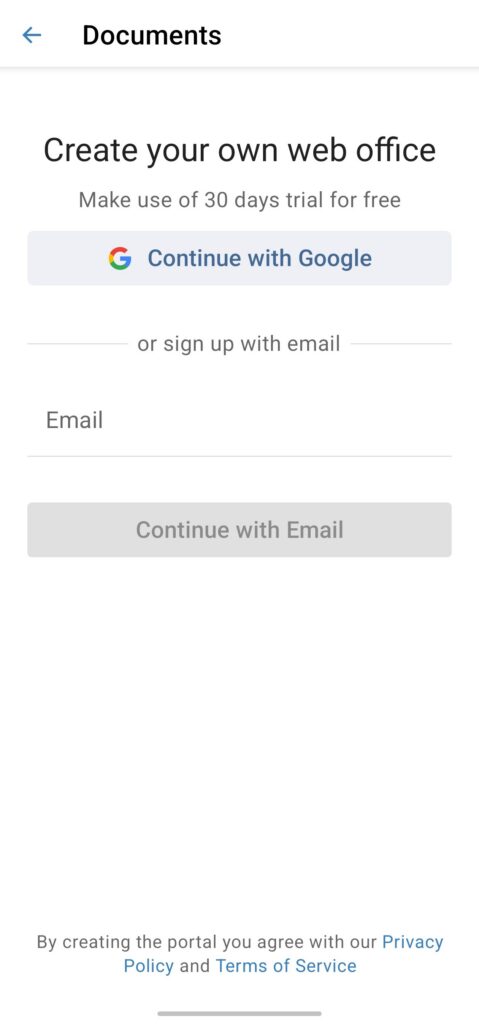
Sign in with Google
Sign in to or create a cloud using your Google account. This gives you a quicker way to access your cloud workspace without having to enter your cloud credentials separately.
Where to find: Clouds -> Create free account -> Continue with Google
More cloud updates:
- Share documents and add them to Favorites directly from the editors, including documents with disabled collaboration.
- Disable SSL certificate verification.
Other updates and improvements
The update also includes several smaller improvements:
- Upload multiple images at once.
- Rename files stored in WebDAV.
- Improved processing of HTML files and e-books.
- Support for deferred deep links after installing the app from Google Play.
- Bug fixes and stability improvements.
Discover all updates of ONLYOFFICE 10.0 in our video:
Get the updated app for Android devices
Get ONLYOFFICE Documents 10.0 for your Android smartphone or tablet today for free.
You can also download the official app from Samsung Galaxy Store, Huawei AppGallery, Xiaomi GetApps.
Create your free ONLYOFFICE account
View, edit and collaborate on docs, sheets, slides, forms, and PDF files online.