ONLYOFFICE 10: 18 features you asked for
Across the online, desktop and mobile editors, the ONLYOFFICE 10.0 release delivered approximately 50 new features. Many of them were implemented based on direct user requests on our community forum and GitHub issues. Below you will find an overview of what ONLYOFFICE users helped us introduce in version 10.0.

Document editor: what’s new
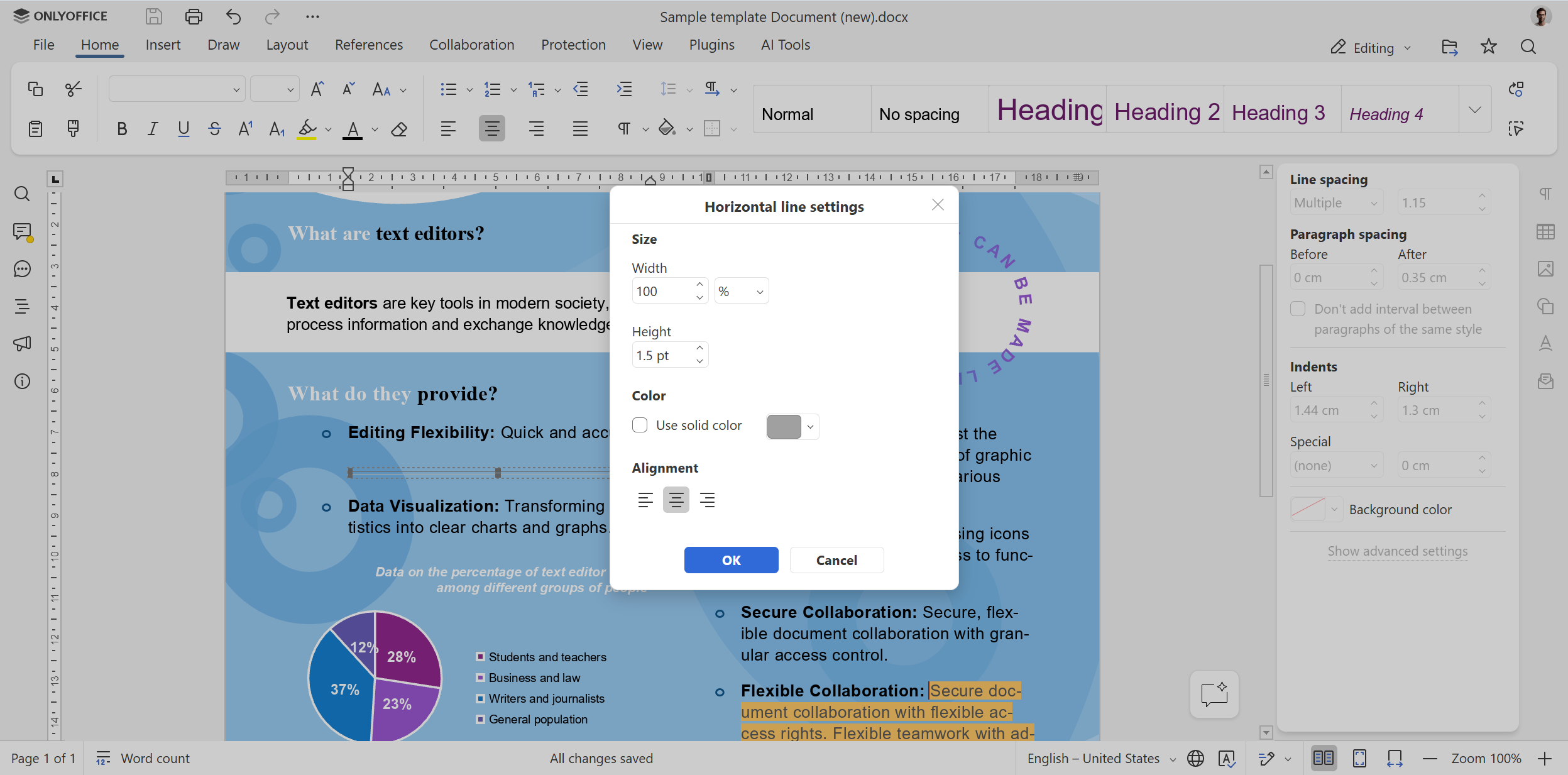
Horizontal line settings. Version 10.0 introduces a new settings dialogue for horizontal lines, allowing users to customize their appearance, taking more control over document formatting.
Improved navigation through bookmarks and table of contents links. Another improvement in ONLYOFFICE Document Editor is related to better and more accurate navigation. When you click a bookmark or a link in your table of contents, the document positions closer to the top of its visible area, making it easier for you to continue reading the text.
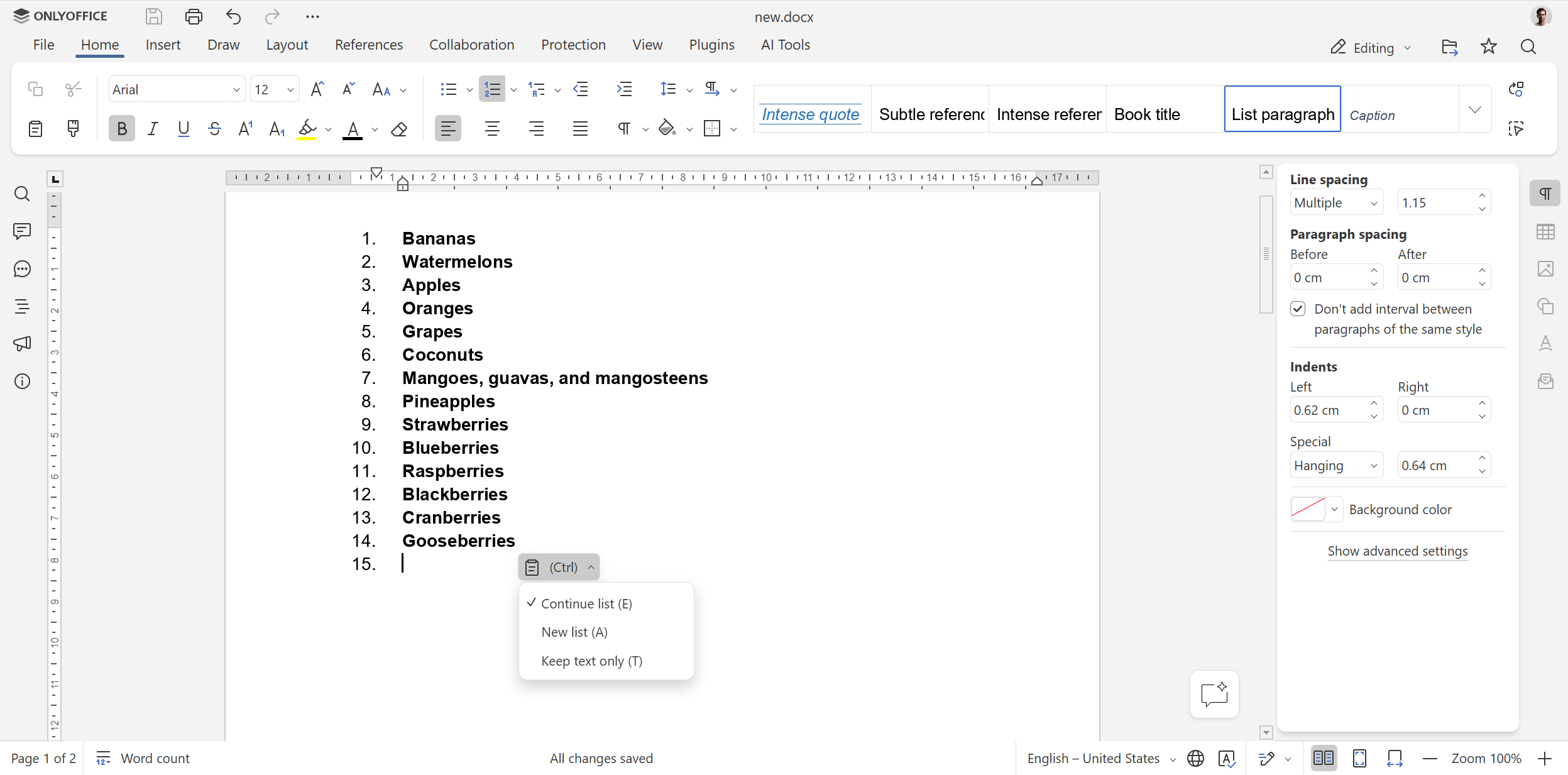
More convenient copy-pasting for lists. The two newly added options, “Continue list” and “New list”, make it easier to copy-paste list items from one list into another, allowing you to choose what you need.
Correct visualization of images within text paragraphs. In version 10, an image within a paragraph appears cropped to the height of the paragraph, rather than being displayed entirely. This improvement makes sure your documents with images look identical in both ONLYOFFICE and MS Word.
New features in ONLYOFFICE spreadsheets
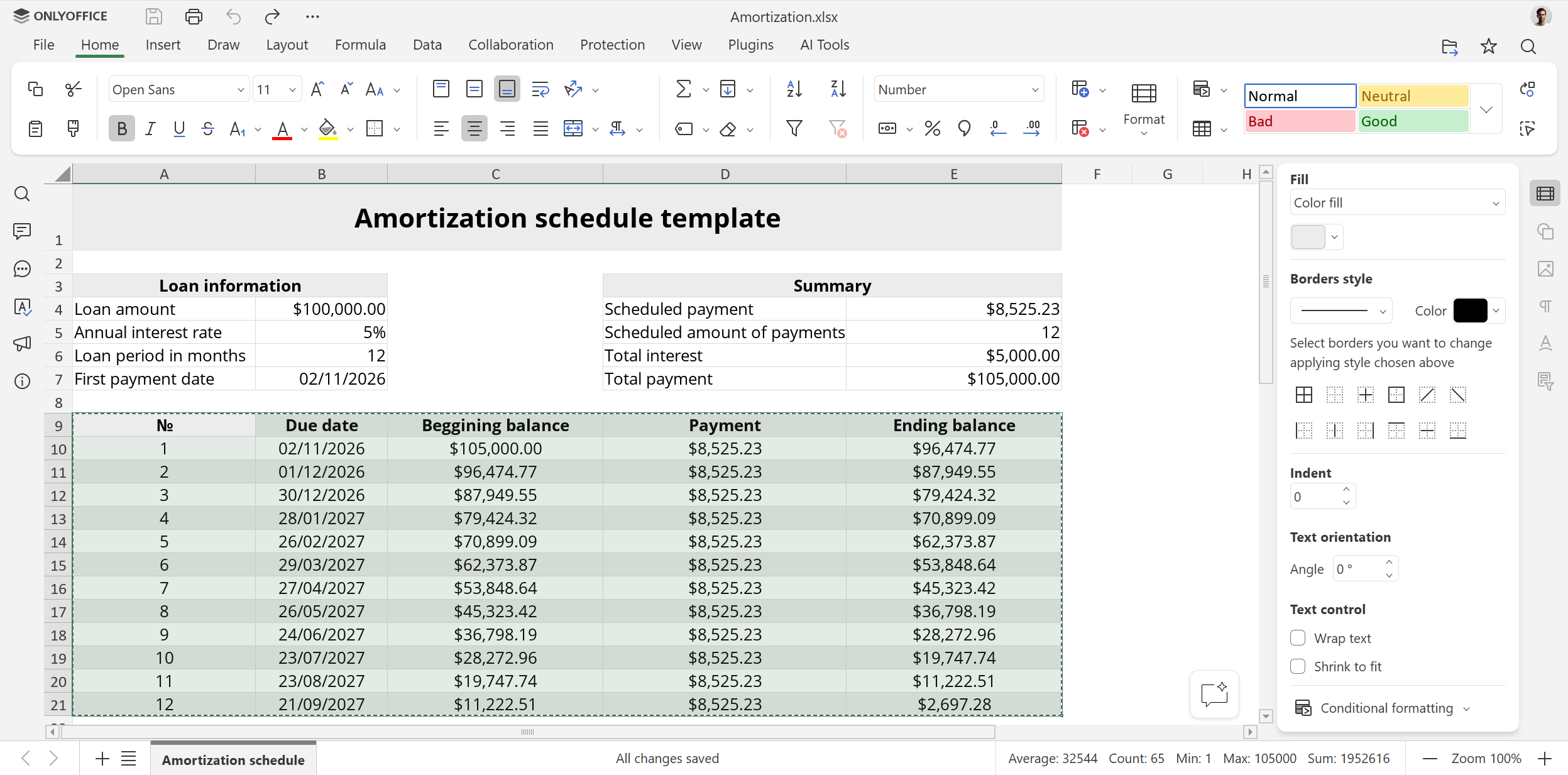
Animated selection marquee. After you copy or cut something in your spreadsheet, a moving outline clearly shows your selection, so you can always know what you are going to paste.
Resizing multiple rows and columns with the mouse. The updated spreadsheet editor lets you adjust the height or width of all selected rows or columns by dragging their boundaries even when the entire sheet is selected.
Chart data label formatting via API. Version 10.0 is not only about new things for regular users. Developers can also benefit from using it. For example, they can now format chart data labels through ApiChart, including font formatting.
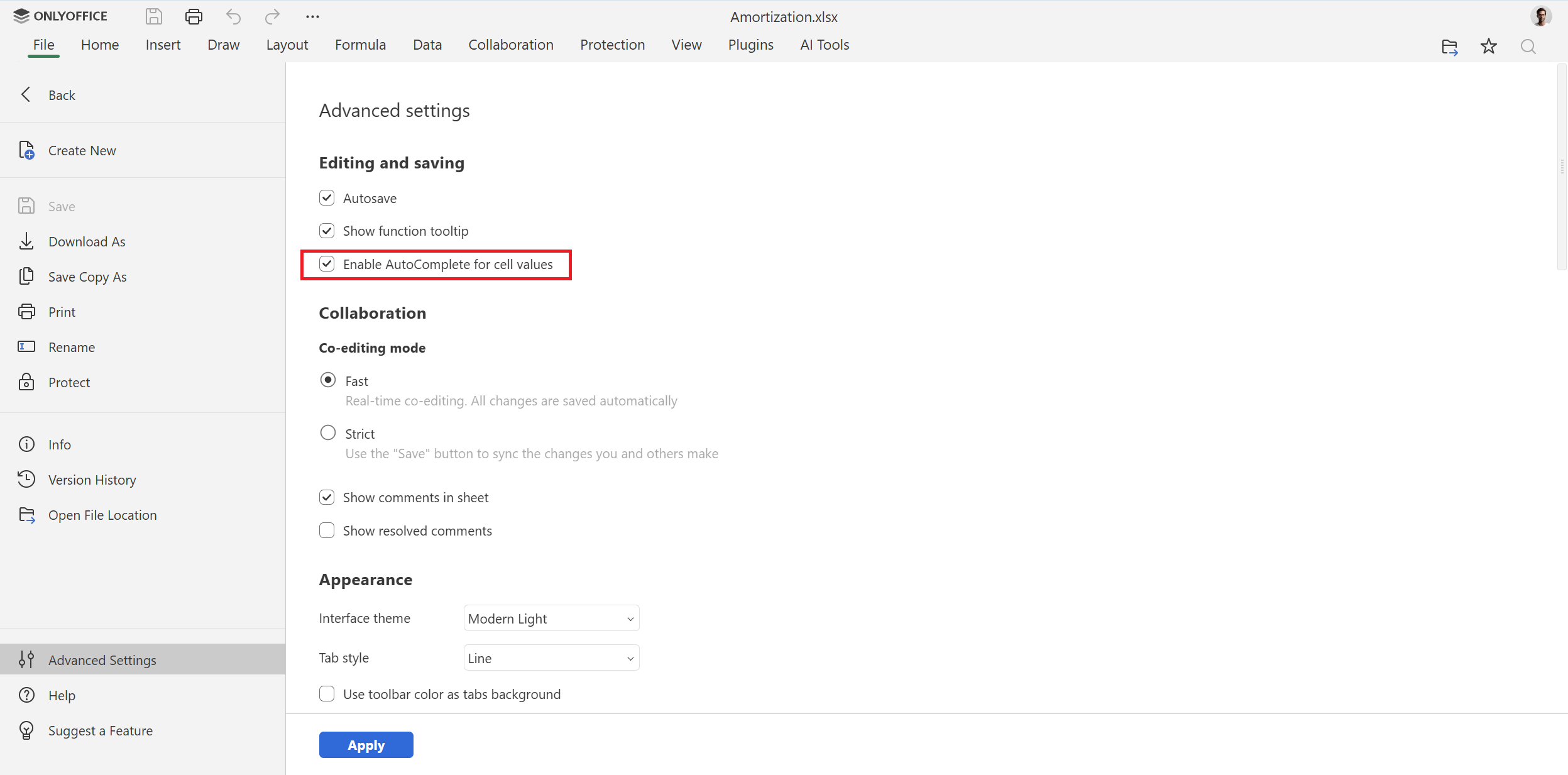
Disabling the Cell Autocomplete feature. In spreadsheets, there is now a new option, allowing you to turn off and on automatic completion for cell values.
Ctrl+D to fill cells down. ONLYOFFICE Spreadsheet Editor now supports the Ctrl+D keyboard shortcut, making it possible to fill the selected cells downward, speeding up data entry.
Improvements in presentations
Presentation to video/GIF export. With version 10.0, you can save your presentations as a GIF file or video. This new feature makes it easier to share your content across social media and other channels.
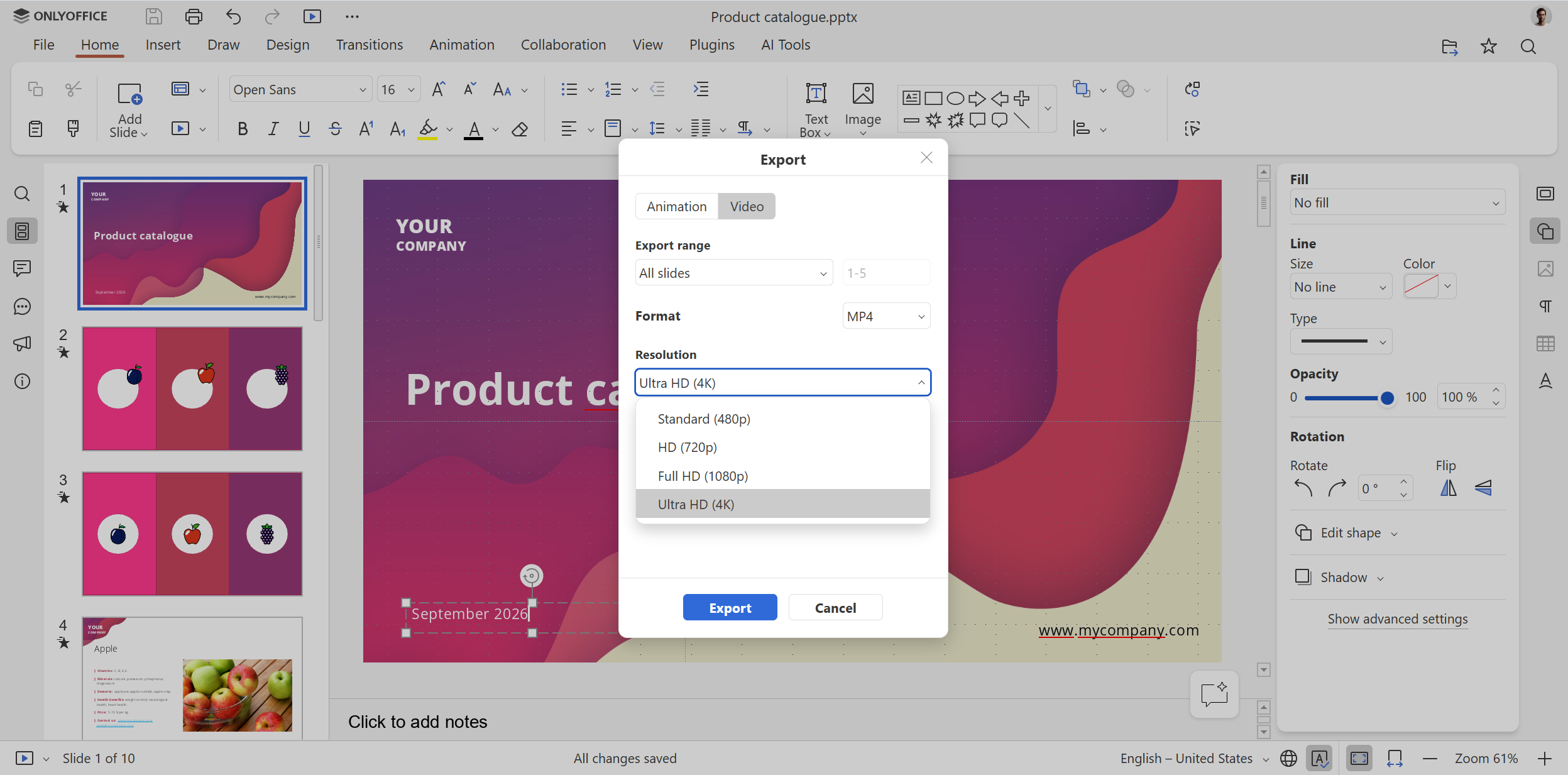
Notes and Handouts printing options. Preparing materials for meetings, lessons and live presentations is a piece of cake due to new printing options — “Notes” and “Handouts”.
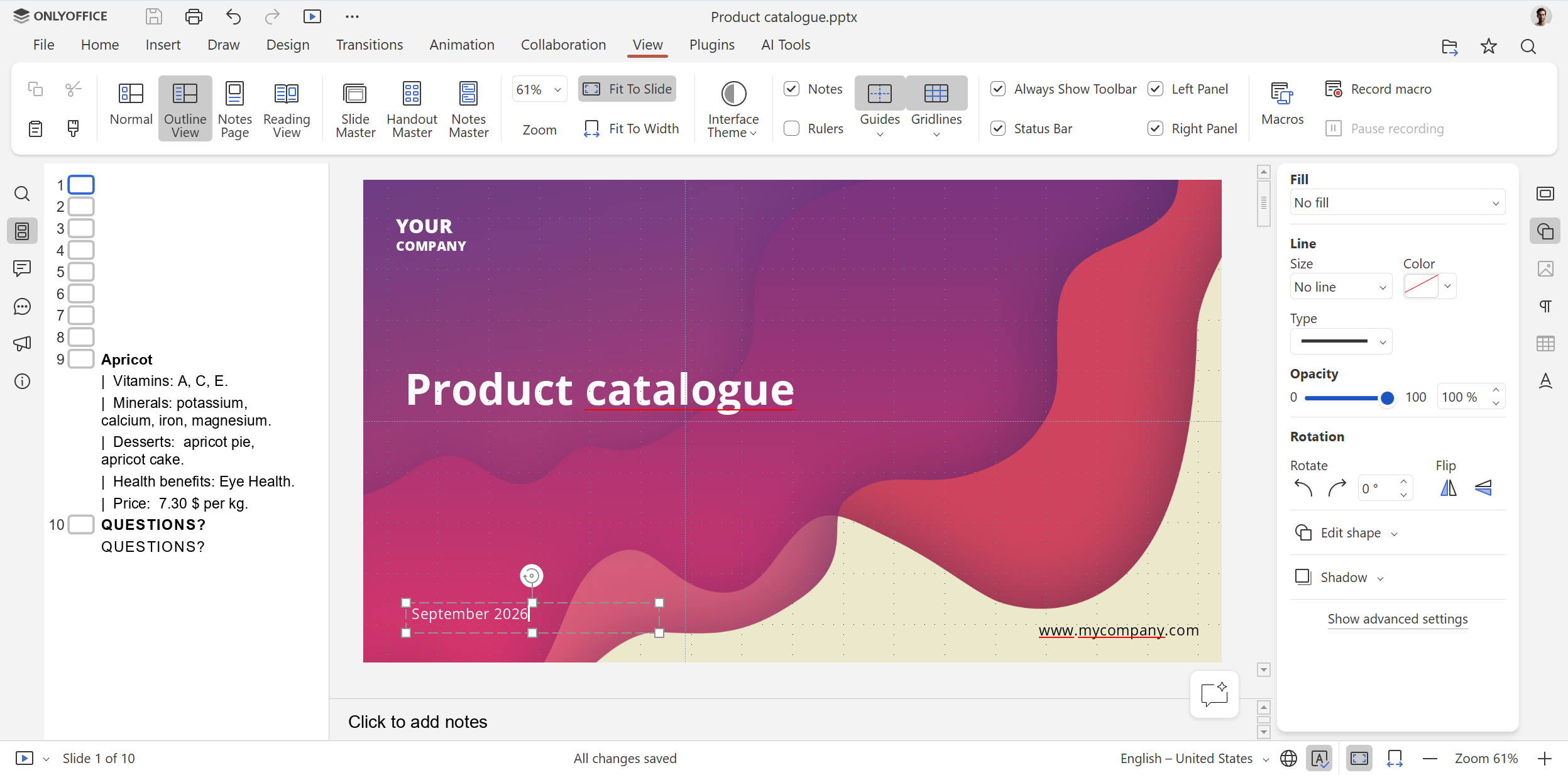
Reading and Outline display modes. Those who want to browse their slides without modifying their content and view their presentations as a structured text hierarchy of slide titles and body points can easily do that in ONLYOFFICE Presentation Editor thanks to the new Reading and Outline viewing options.
SVG to shape conversion. You can now customize and modify graphics directly in your presentations by converting SVG images into editable shapes.
Search and Replace methods for the Presentation API. The updated Presentation API now supports oPresentation.Search() and oPresentation.SearchAndReplace(), making it possible to find and replace text programmatically in presentations.
More flexible PDF forms
Additional field settings. Fields in ONLYOFFICE PDF forms support the Validate, Calculate and Action settings, giving you more control over field behaviour and calculations.
Better PDF editor
OFD support. ONLYOFFICE 10.0 expands the list of supported formats, making the PDF editor compatible with OFD (Open Fixed-layout Document), an electronic document format with a fixed layout, established as the national standard in China. You can now open such files for viewing and convert them to other formats.
User requests for ONLYOFFICE Documents for Android
Increased maximum zoom level. If you often read PDFs on your Android device, you will definitely like this improvement — the new maximum zoom options (up to 5x) make it easier to examine PDF pages on the go.
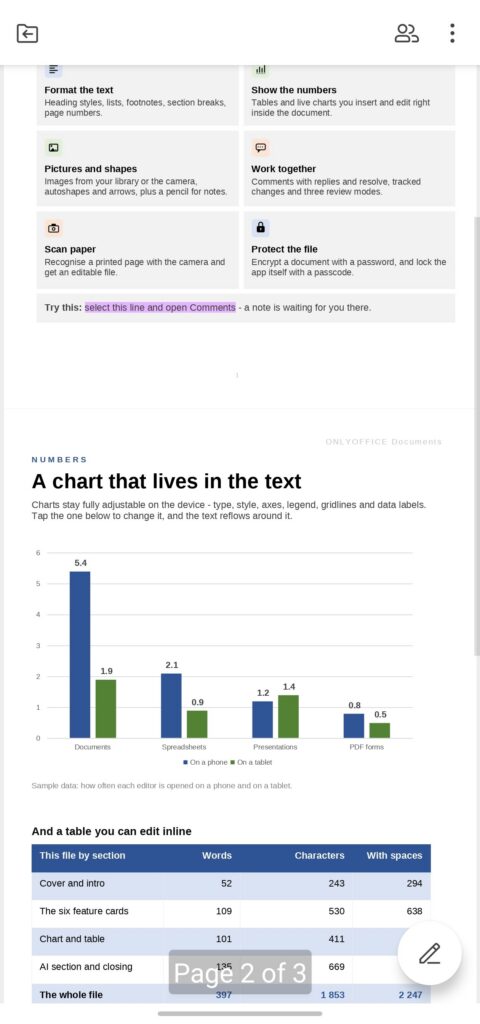
Page number indicator. ONLYOFFICE Documents for Android now displays the current page number in a pop-up tooltip while scrolling through the document pages, making it easier to work with multi-page files.
Get version 10.0
Do you want to try all these features and enjoy an AI-powered editing experience in your documents, spreadsheets, presentations and PDF files? Get access to version 10.0 and its improvements by creating a free cloud account or downloading a free desktop app for Windows, Linux and macOS:
Discover ONLYOFFICE 10.0 in this blog post or watch our webinar on YouTube:
Share your feedback and request new features
Do you want our team to add new features and tools to our editors in further releases? We would love to hear from you! Leave your ideas, request new features and vote for others’ suggestions on our community forum, helping us make ONLYOFFICE better:
Create your free ONLYOFFICE account
View, edit and collaborate on docs, sheets, slides, forms, and PDF files online.