All connectors update: November 2026
The November updates to ONLYOFFICE integrations introduce new AI-powered features, an AI Forms prototype for Nextcloud, and compatibility with the latest versions of several platforms. Here is a closer look at the updates and what they mean for users and administrators.

Pipedrive: fill out PDF forms with deal information
The ONLYOFFICE connector for Pipedrive has been updated to version 1.2.1. Its main addition is the AI Autofill Plugin, which helps sales teams complete PDF forms using information already stored in their Pipedrive deals.
When a user opens a fillable PDF form, the plugin identifies its fields and suggests values based on the corresponding deal. This works with documents such as invoices, receipts, sales orders, and contracts. Users can review the suggested entries and apply them to the form with one click.
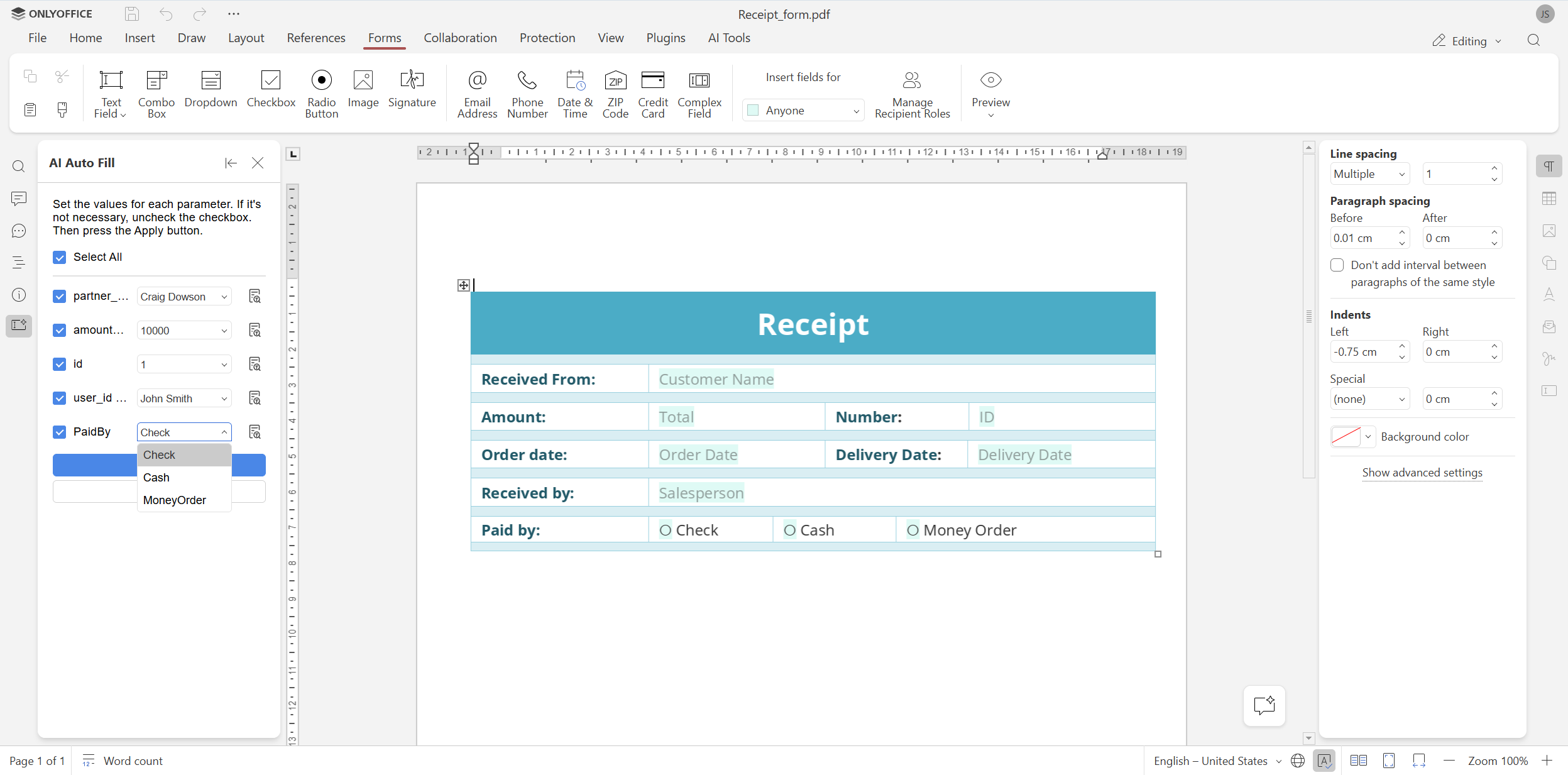
The feature relies on ONLYOFFICE AI Tools, so you must configure an AI provider and model before you can use it. The connector itself is free to download, while the selected AI provider may charge for API usage. Learn more about the ONLYOFFICE connector 1.2.1 for Pipedrive.
Dropbox and Box: AI Tools and plugins in the editors
The ONLYOFFICE integrations for Dropbox and Box have been updated to versions 1.2.3 and 1.2.2, respectively. Both now support AI Tools and plugins, provided that ONLYOFFICE Docs 10.0 or later is used.
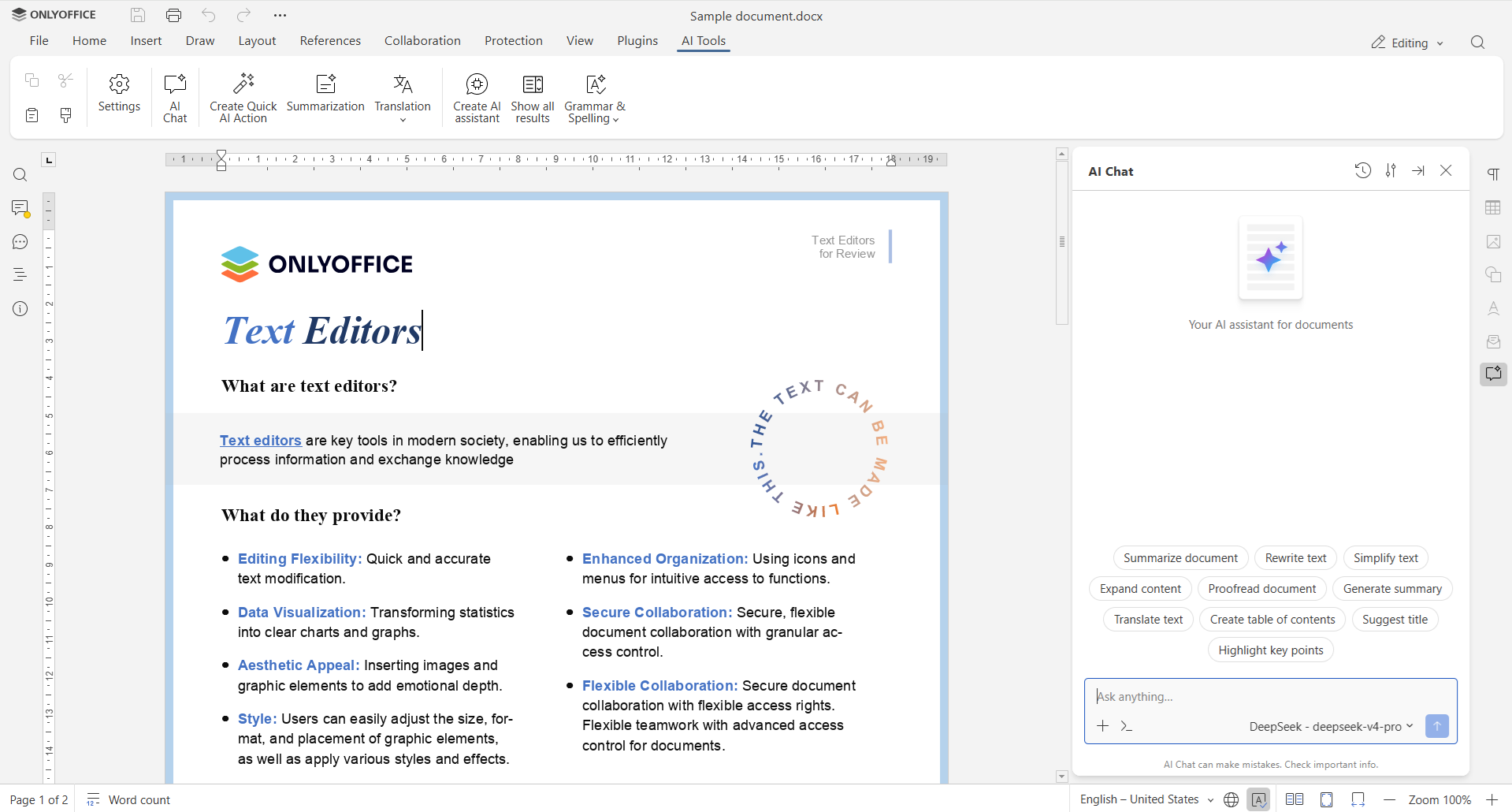
With AI Tools, you can work with text, spreadsheets, presentations, and PDFs in new ways: summarize lengthy documents, translate or improve text, check grammar, analyze spreadsheet data, generate presentation outlines, and ask questions about PDF content. You can also save frequently used prompts in AI Chat and create custom Quick AI actions and AI assistants in the Document Editor.
The updates also let you use third-party plugins directly in the editors. Open the Plugin Manager to install extensions such as draw.io, LanguageTool, Antidote, or DeepL and access their features without leaving your document.
ONLYOFFICE Apps for Claude: manage Files and Rooms from the chat
We have released a new ONLYOFFICE Apps connector for Claude, based on the Model Context Protocol (MCP). It connects Claude to the ONLYOFFICE Files and Rooms apps, allowing users to manage files, folders, and rooms, invite people, and search for documents directly from the chat. Claude can also read document content and use it to answer questions.
Find out how to connect ONLYOFFICE Apps to Claude
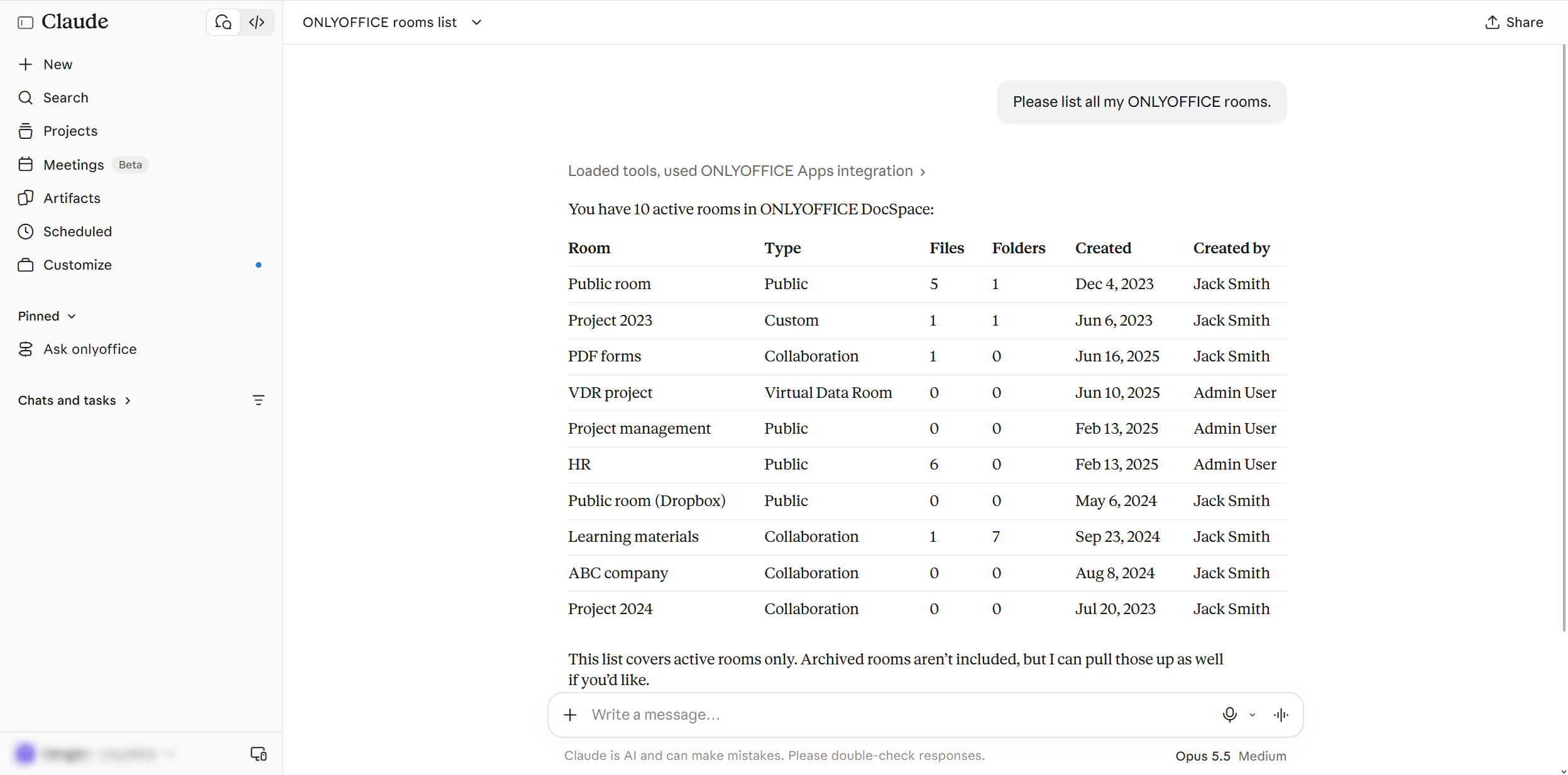
The connector is available in the Claude Directory and requires an ONLYOFFICE Cloud account.
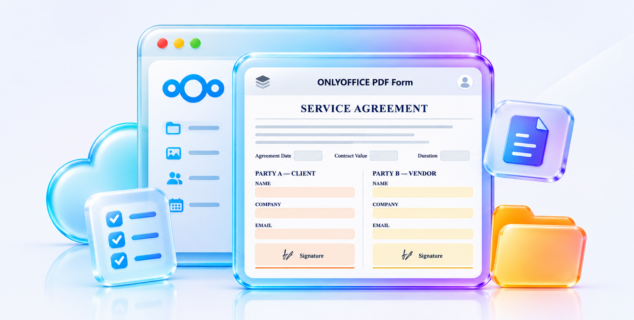
ONLYOFFICE AI Forms for Nextcloud: new concept of form workflow
We have presented an early concept of AI Forms for Nextcloud, exploring how organizations could use AI to manage PDF forms and process submitted information.
The concept is designed for administrators and managers who need to collect information from others. They can create forms from scratch, use templates, or upload existing PDFs, then share them with people who need to fill them out. Once a form is completed, it automatically appears in the folder for completed submissions. The form creator can access submitted forms and view all responses collected automatically in a single spreadsheet. AI tools add another layer to this process: they can extract information from submitted forms, summarize responses, and answer questions about the collected data.
Explore the AI Forms concept for Nextcloud
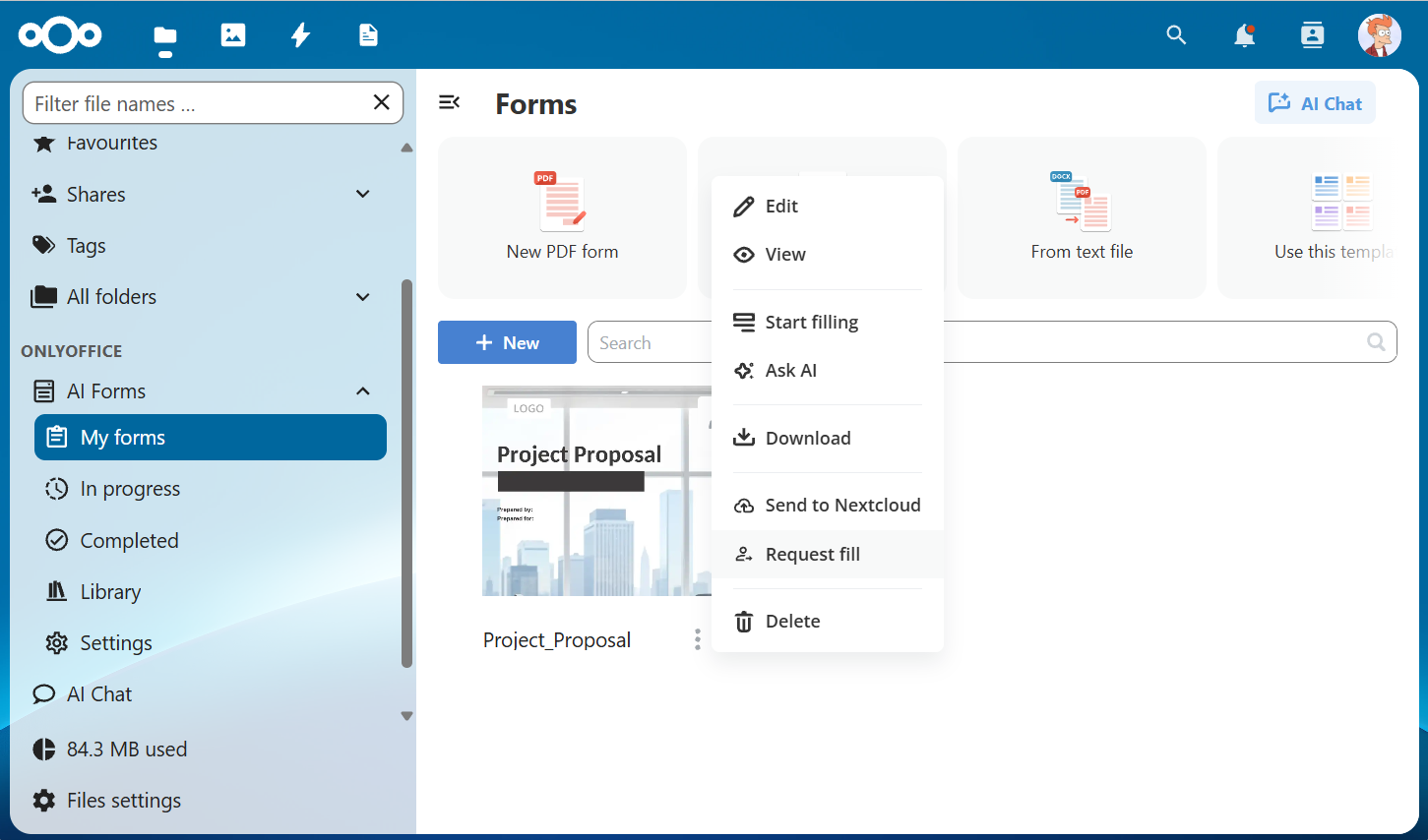
Take a look at the demo to explore the concept and share your ideas with us. Your feedback can help shape the future development of AI Forms for Nextcloud.
ONLYOFFICE connector for Confluence: better compatibility with Confluence
Version 8.6.0 of the ONLYOFFICE connector for Confluence adds compatibility with Confluence Data Center 11.x. The release also includes security improvements to document download requests, along with an update to the Docs Integration SDK.
Mattermost: improved comment notifications and file handling
Version 3.0.0 of the ONLYOFFICE connector for Mattermost improves comment notifications. When someone mentions a user in a document comment, the notification now includes the comment text and a link that opens the relevant comment in the editor.
Nuxeo: support for Nuxeo 2025
The ONLYOFFICE connector for Nuxeo now supports Nuxeo 2025.x. The update also improves document access when a file is locked by another user: the document opens in view mode, while other Nuxeo security policies remain in effect.
The release includes several fixes related to document creation, file conversion, and security.
Explore more ONLYOFFICE integrations
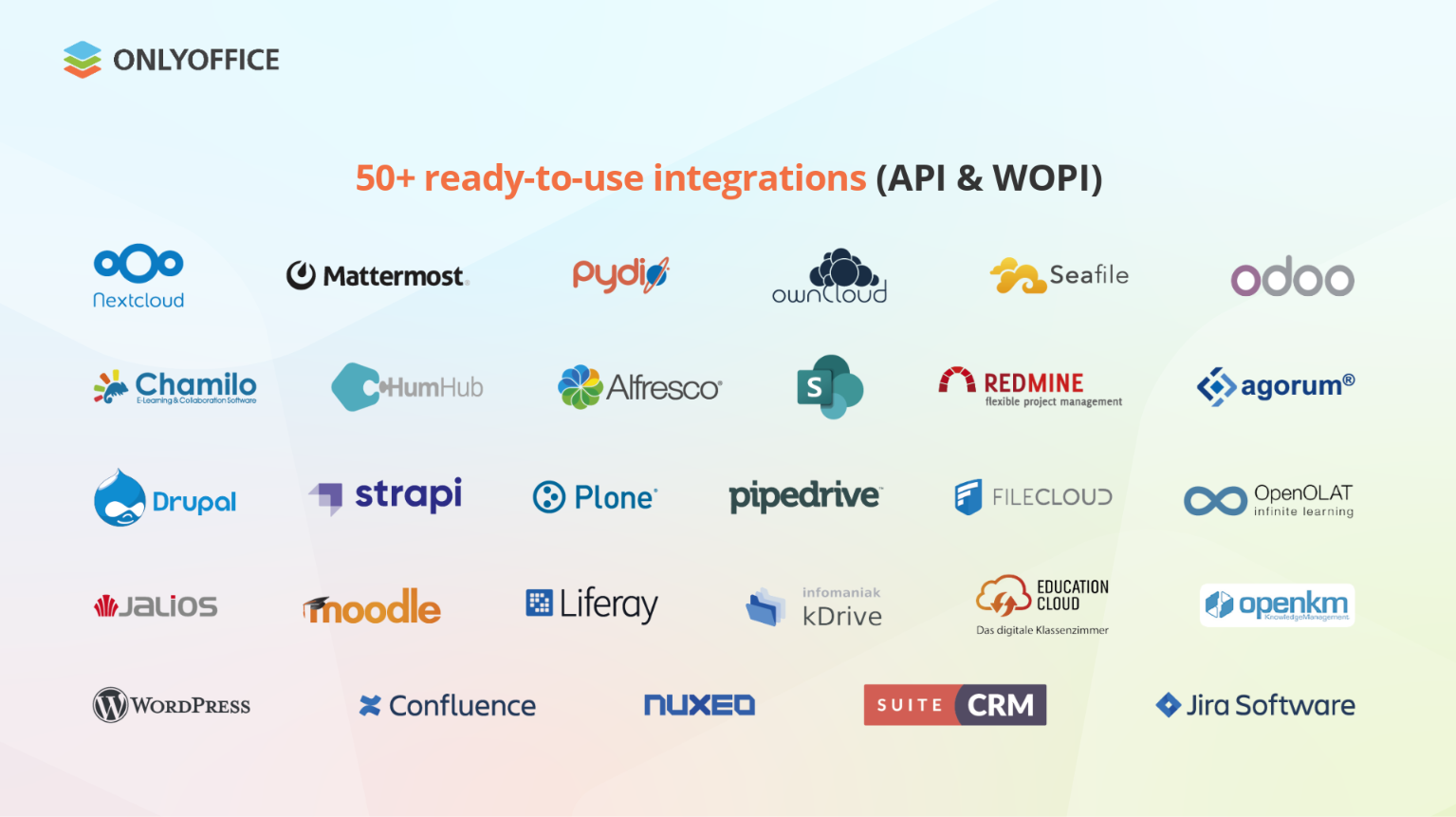
ONLYOFFICE offers more than 50 integrations with popular platforms and services, including storage services, CMS, LMS, DMS, and business applications. They let you bring document editing and collaboration into the tools you already use, so you can create, edit, and co-author office files without switching between applications.
Get started with ONLYOFFICE
Haven’t tried ONLYOFFICE yet? Integrate our document editors into the platform you already use and bring document editing and collaboration directly into your workflow. Choose between a self-hosted solution, which you deploy and manage on your own infrastructure, and a Docs Connect cloud solution hosted and maintained by ONLYOFFICE.
Useful links
ONLYOFFICE integration guides: Help Center / API
Create your free ONLYOFFICE account
View, edit and collaborate on docs, sheets, slides, forms, and PDF files online.