How to connect Odoo to ONLYOFFICE Desktop Editors
Starting with version 10.0, ONLYOFFICE Desktop Editors lets you connect your Odoo account to access and edit documents, spreadsheets, presentations, and PDFs stored in your cloud on your computer. Discover how to connect Odoo to Desktop Editors and start working with your files.

About Odoo and ONLYOFFICE integration
Odoo is a platform to manage business processes such as sales, accounting, inventory, and project management. Documents are part of many of these workflows, from spreadsheets and reports to presentations and PDFs.
ONLYOFFICE already provides an integration that lets users create, edit, and collaborate on office documents directly within Odoo using ONLYOFFICE Docs.
Now, ONLYOFFICE Desktop Editors adds Odoo as a cloud provider, so you can connect your Odoo account to the desktop application and work with your files.
What can you do with Odoo files in Desktop Editors?
The Odoo connection lets you work with several types of office files in the desktop application:
- Text documents for reports, contracts, business correspondence, and other written content.
- Spreadsheets for calculations, budgets, business data, and reports.
- Presentations for project updates, proposals, and business meetings.
- PDF files for viewing and working with documents in PDF format.
Use AI Tools to summarize and translate content, proofread text, analyze spreadsheet data, and work with PDFs. You need to configure a supported AI provider. Learn more in our article about ONLYOFFICE AI Tools.
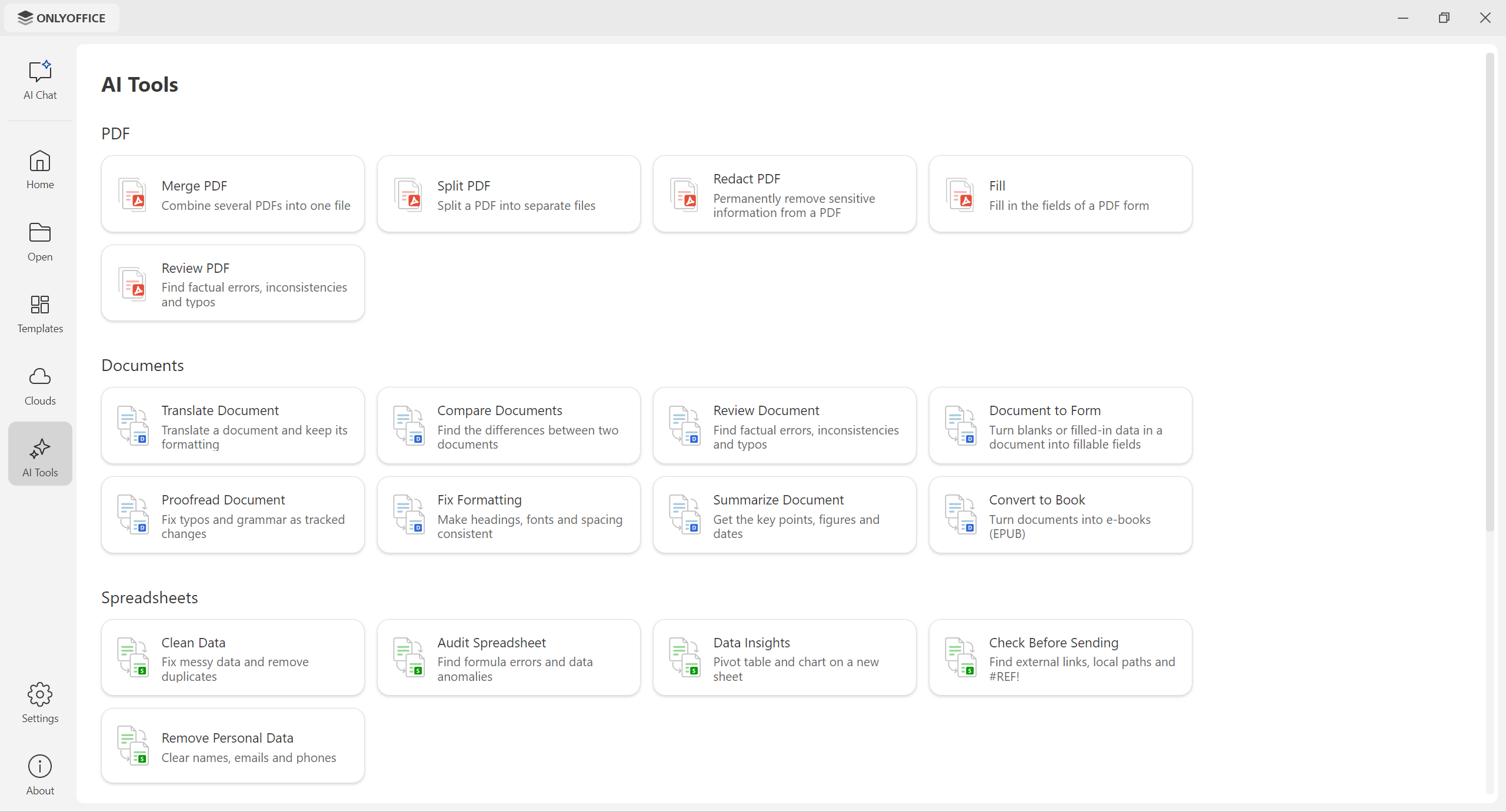
You can also benefit from desktop-specific features. For example, if a document uses fonts installed on your computer, you can work with those local fonts in Desktop Editors. You can use your system’s printing services and spellcheckers as part of your usual desktop workflow.
How to connect Odoo to Desktop Editors
Step 1. Download and install the latest version of ONLYOFFICE Desktop Editors for Windows, Linux, or macOS.
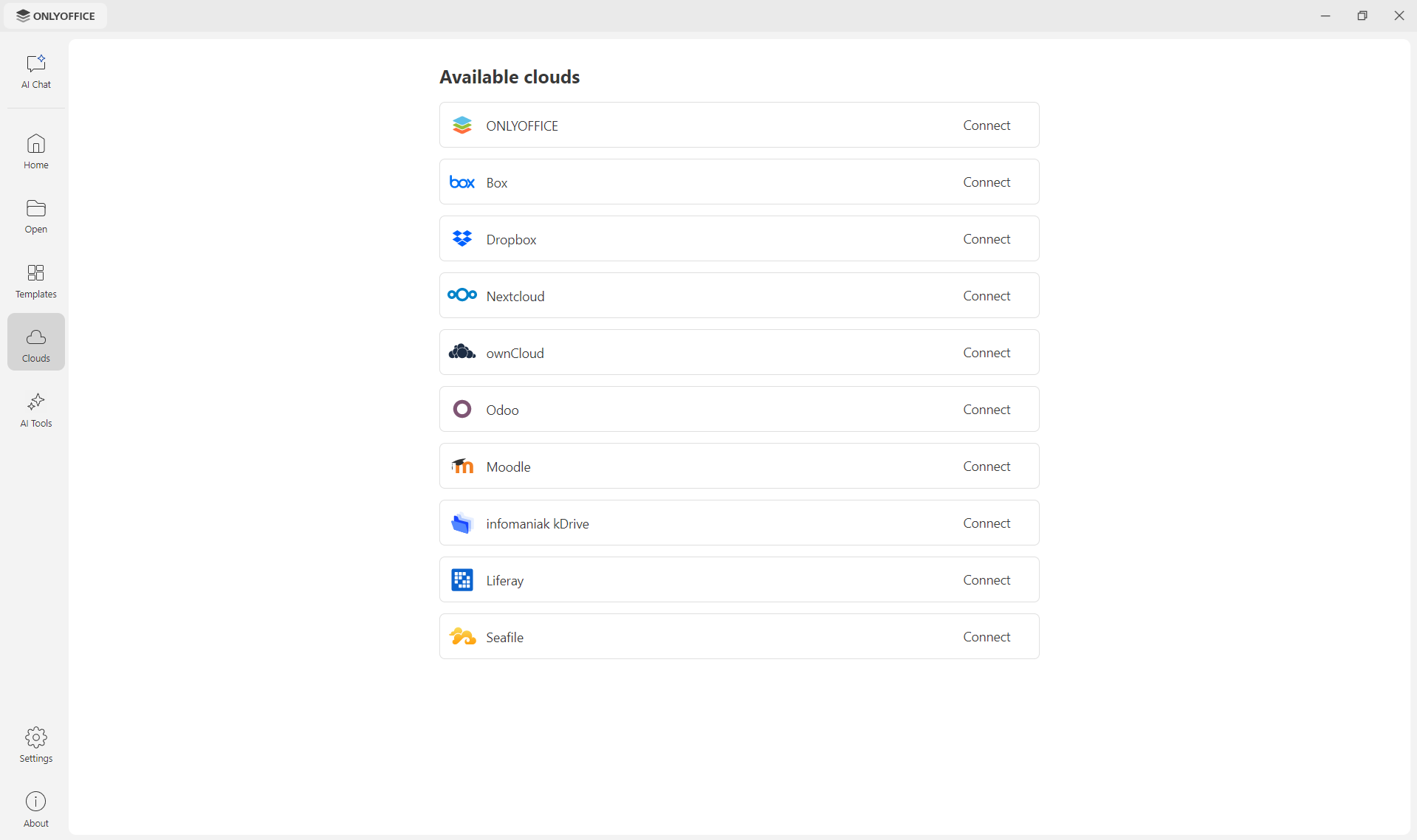
Step 2. Launch ONLYOFFICE Desktop Editors. In the start window, open the Clouds section. Find Odoo in the list of cloud providers and click Connect to start setting up the connection.
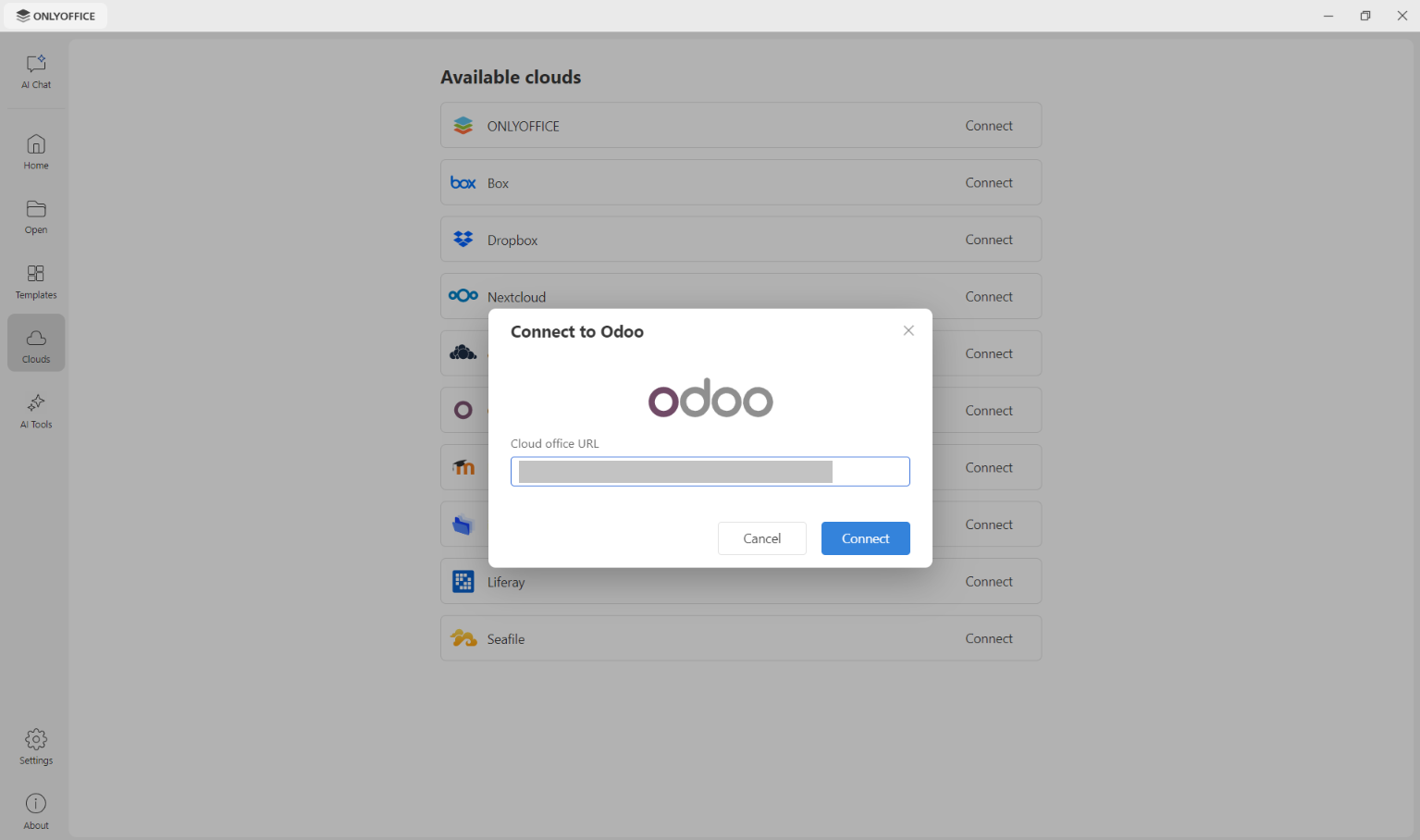
Step 3. Insert the Odoo cloud office URL and click Connect.
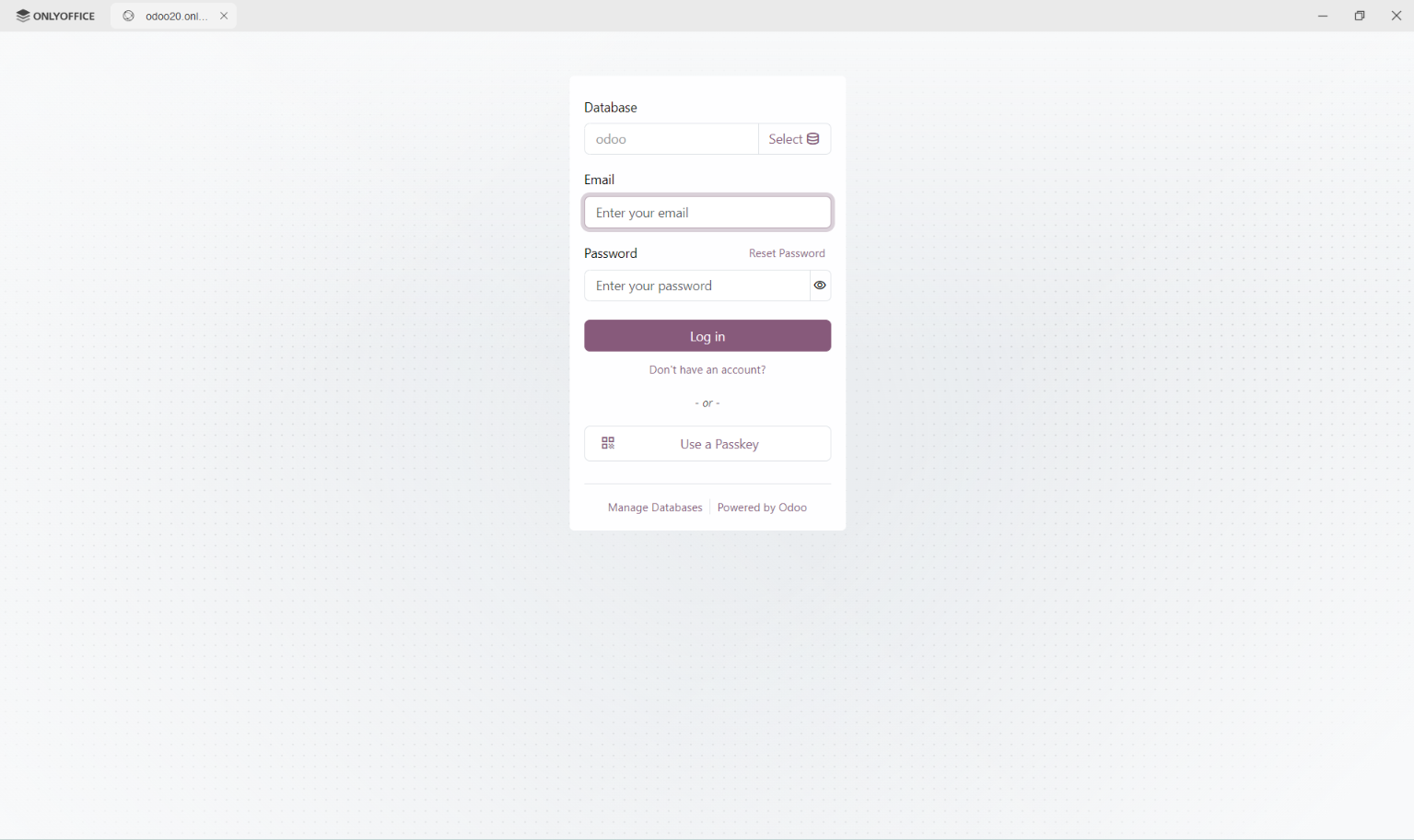
Step 4. Follow the on-screen instructions to connect your Odoo account. Choose Database and enter your email and login. Alternatively, you can create a new account or use a passkey.
Once the connection is established, you can access the files available to your Odoo account. Manage and edit your text documents, spreadsheets, presentations, and PDFs right from the Desktop Editors interface.
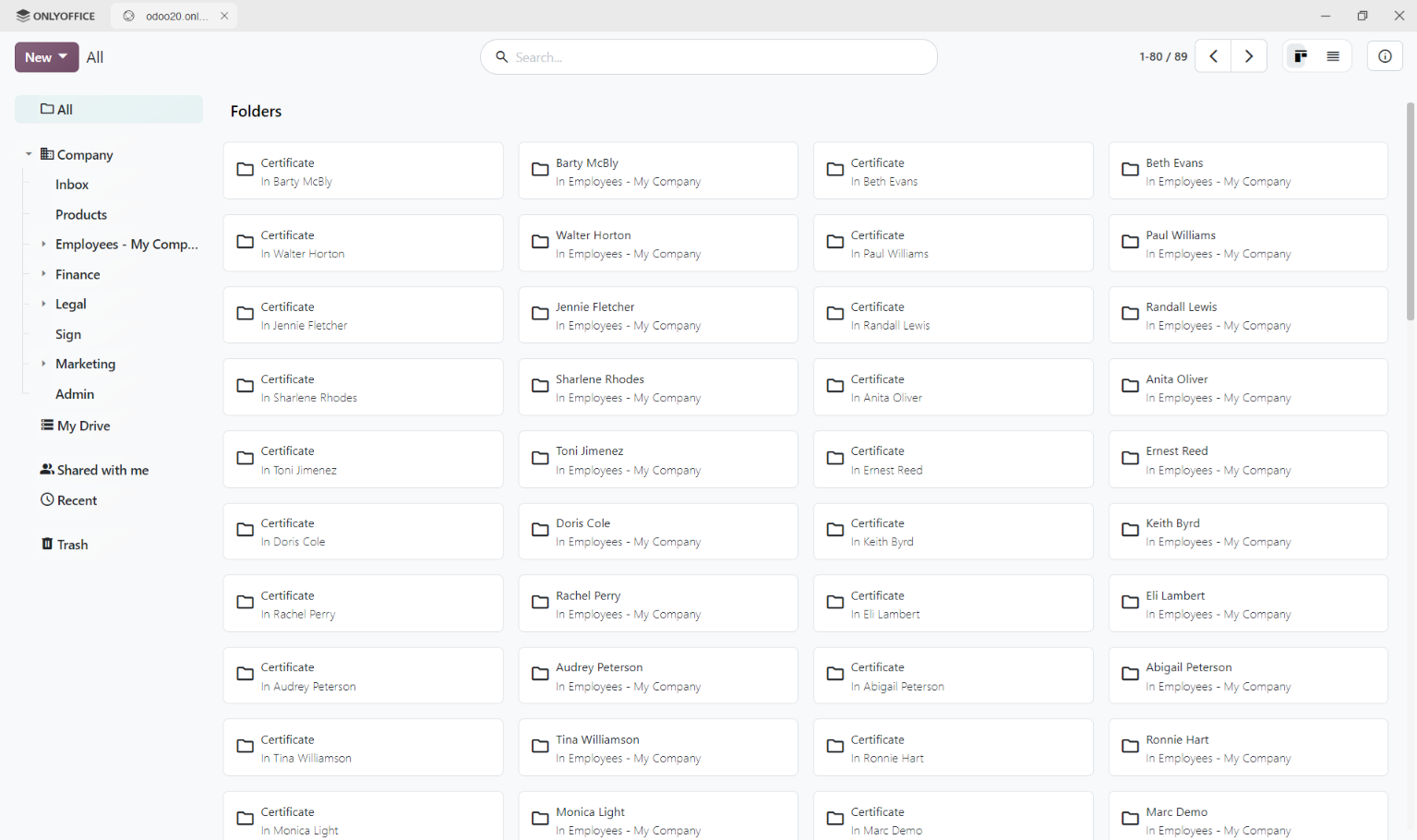
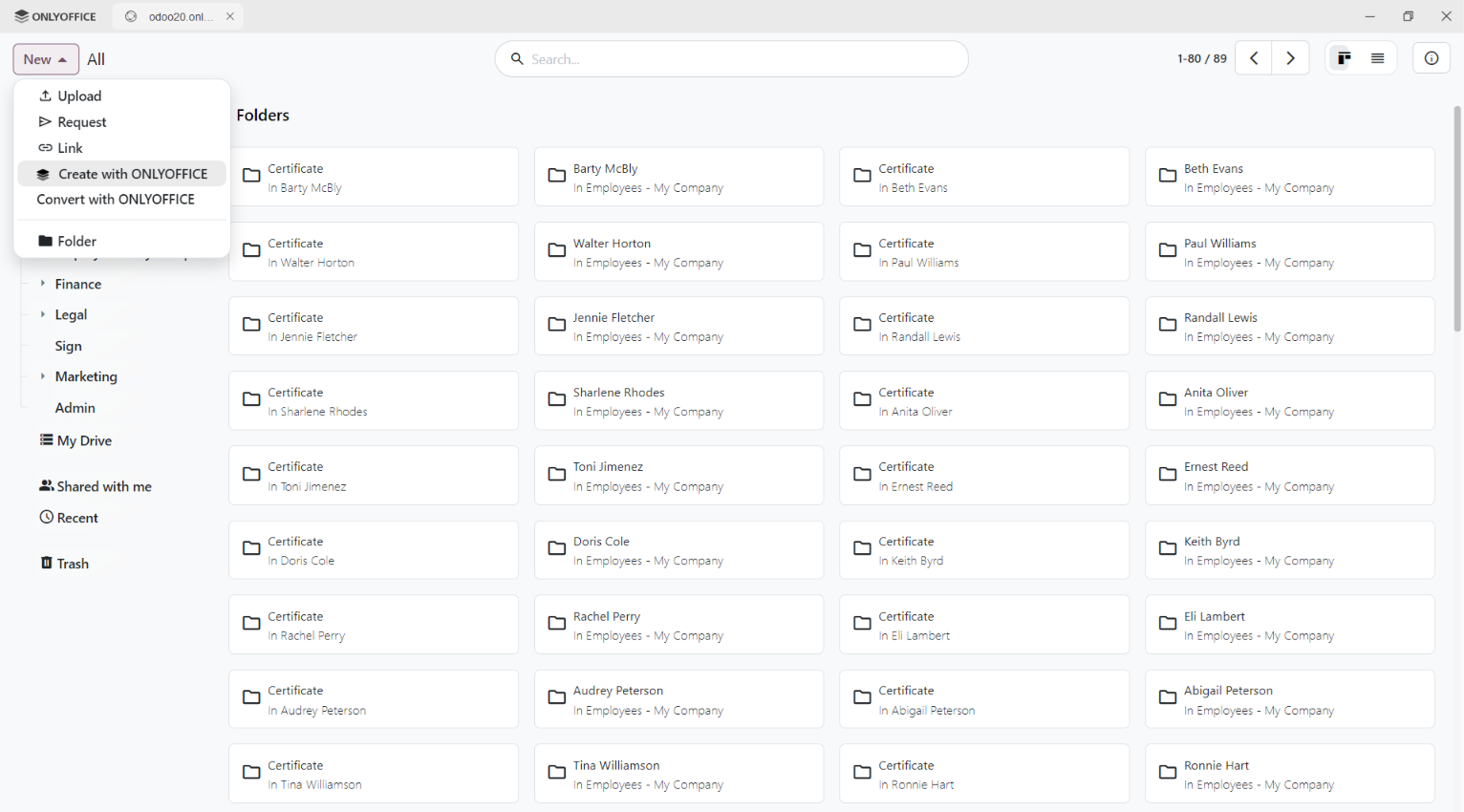
To create a new file with ONLYOFFICE or upload files to the cloud, use the New button.
Get started with ONLYOFFICE and Odoo
Connect your Odoo account directly to Desktop Editors to access and edit files stored in your Odoo cloud:
FAQ
Which version of ONLYOFFICE Desktop Editors supports Odoo?
The Odoo cloud connection is available starting with ONLYOFFICE Desktop Editors 10.0.
Can I edit Odoo files using local fonts?
Yes. When you connect Odoo to ONLYOFFICE Desktop Editors, you can use local fonts, your computer’s printing services, and spellcheckers while working with your files.
Can I use AI Tools in ONLYOFFICE Desktop Editors?
Yes. Desktop Editors 10.0 includes AI Tools for tasks such as summarization, translation, proofreading, and spreadsheet analysis. You need to configure a supported AI provider to use these features.
Is the desktop connection a replacement for the ONLYOFFICE integration inside Odoo?
No. The connection to ONLYOFFICE Desktop Editors complements the existing integration, which includes three connectors for different Odoo workflows:
- ONLYOFFICE is the main module, and is compatible with Odoo Community. It lets users open and edit office files attached to various Odoo modules, including Sales, Invoicing, and Calendar.
- ONLYOFFICE Documents is designed for Odoo Enterprise. It enables users to create, edit, and collaborate on office files directly within the Odoo Documents module.
- ONLYOFFICE Templates is a module used for creating and editing fillable forms within a separate module.
Where do I find guides for the ONLYOFFICE and Odoo integration?
You can visit our Help Center and API documentation.
Create your free ONLYOFFICE account
View, edit and collaborate on docs, sheets, slides, forms, and PDF files online.