ONLYOFFICE Desktop Editors is the default office suite on Maze Linux
Summary
ONLYOFFICE Desktop Editors is indeed the default office suite on Maze Linux. This Arch-based Linux distribution integrates ONLYOFFICE to provide users with a robust set of productivity tools that support various document formats and features, ensuring a seamless transition for those moving from other operating systems.
- ONLYOFFICE is pre-installed on Maze Linux.
- It supports Microsoft Office formats reliably.
- Users can launch it from the application launcher.
- The suite includes tools for document editing and collaboration.
- Maze Linux focuses on security and privacy features.
Continuing our blog series on operating systems that come with ONLYOFFICE Desktop Editors pre-installed, today we are taking a look at Maze Linux, an Arch-based Linux distribution focused on security, privacy and artificial intelligence integration.
About Maze Linux
Maze Linux is a relatively new open-source project that revolves around building an Arch-based Linux distribution focused on security, privacy and local AI. Developed and maintained by Berk Küçük, it provides a preconfigured workstation rather than the minimal starting point typically associated with Arch.
These are the main features of Maze Linux:
- KDE Plasma desktop: KDE Plasma 6 running on Wayland, with a customized layout, widgets and a dock.
- Privacy by default: Tor, Proton VPN and WireGuard integration, optional MAC address randomization through Maze Cloak and no telemetry.
- Local AI: Ollama for running AI models locally, built-in Maze AI assistant and other AI tools.
- Encryption and secure boot: Optional LUKS2 full-disk encryption during installation and secure boot support using a machine-specific signing key.
- Recovery options: Automatic Btrfs snapshots around updates and a separate signed LTS recovery kernel.
- Gaming software: Steam, GameMode, MangoHud and gamescope included.
- Arch software access: A rolling-release model, AUR access through paru and Flathub support.
- Live USB and guided installation: You can try the desktop before installing it.
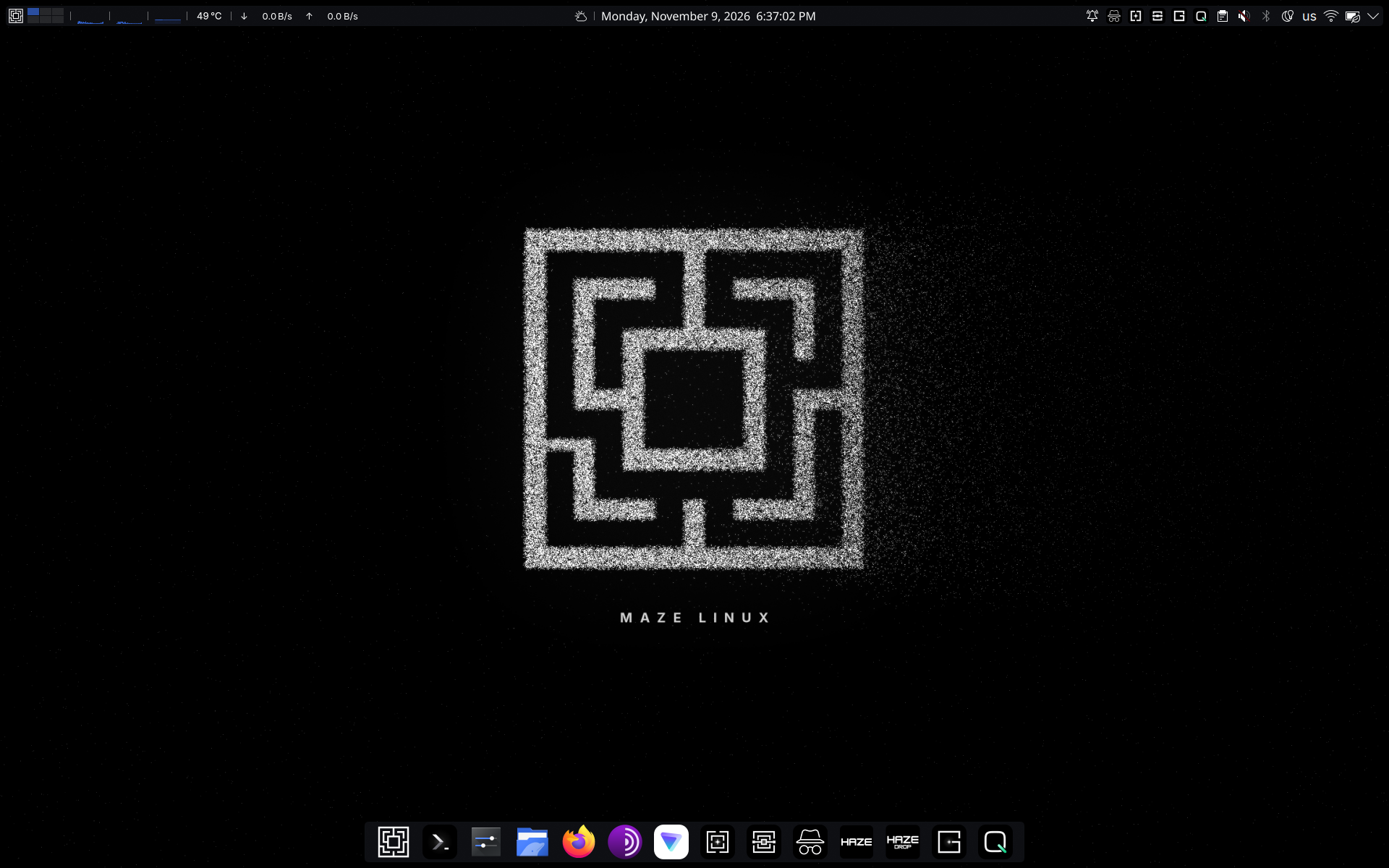
ONLYOFFICE Desktop Editors, the default office suite
ONLYOFFICE Desktop Editors is installed by default on every Maze Linux installation. It isn’t included in the live ISO itself because of the size, so the installer sets it up automatically. The ONLYOFFICE app is installed through the onlyoffice-bin package, which provides the latest ONLYOFFICE release, so the installer requires an internet connection.
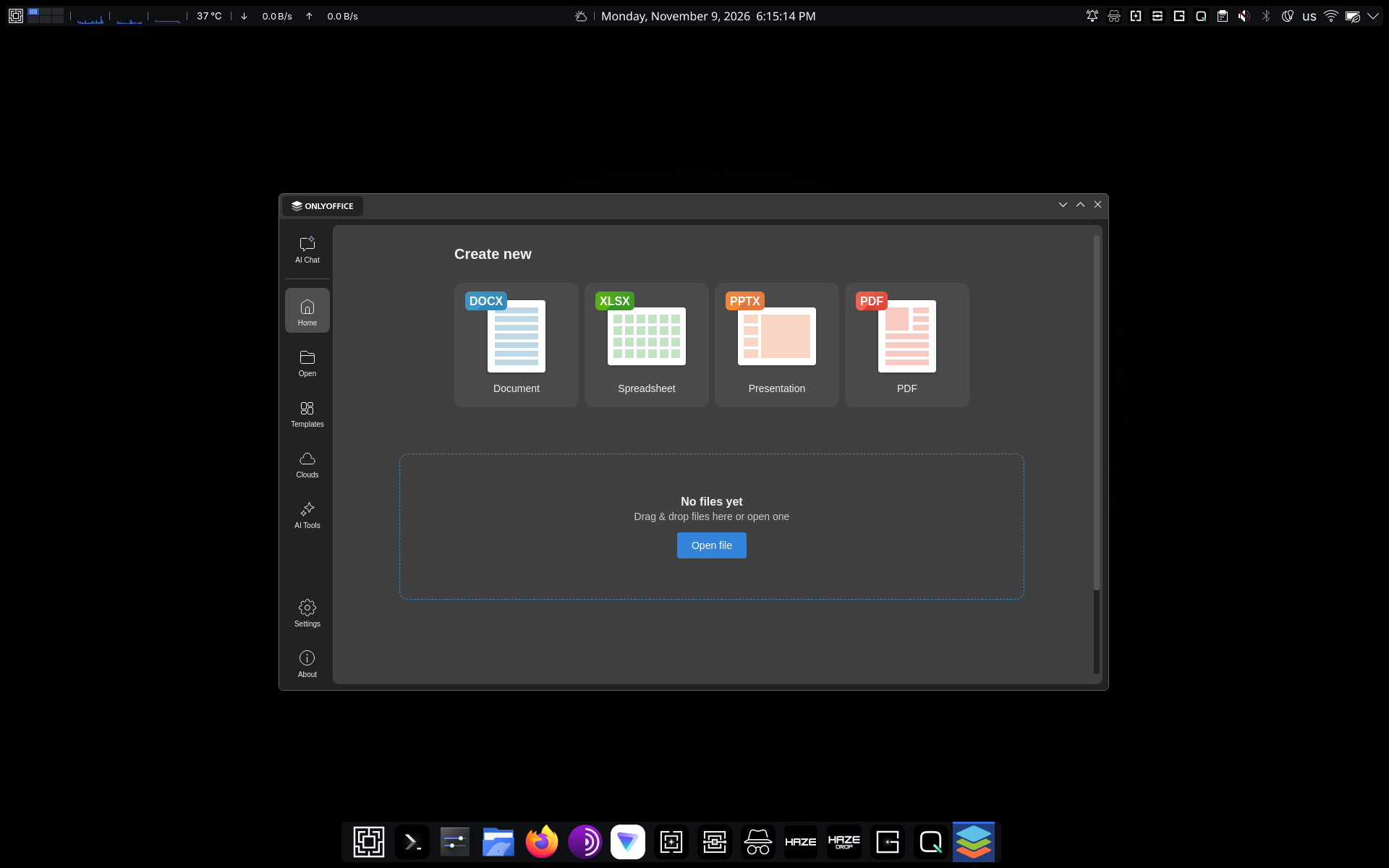
How to launch ONLYOFFICE Desktop Editors
Maze Linux users can launch ONLYOFFICE from the application launcher — under the Office section or by typing “ONLYOFFICE” in the search bar. Alternatively, they can open documents directly from the Dolphin file manager via right-click → Open with ONLYOFFICE.
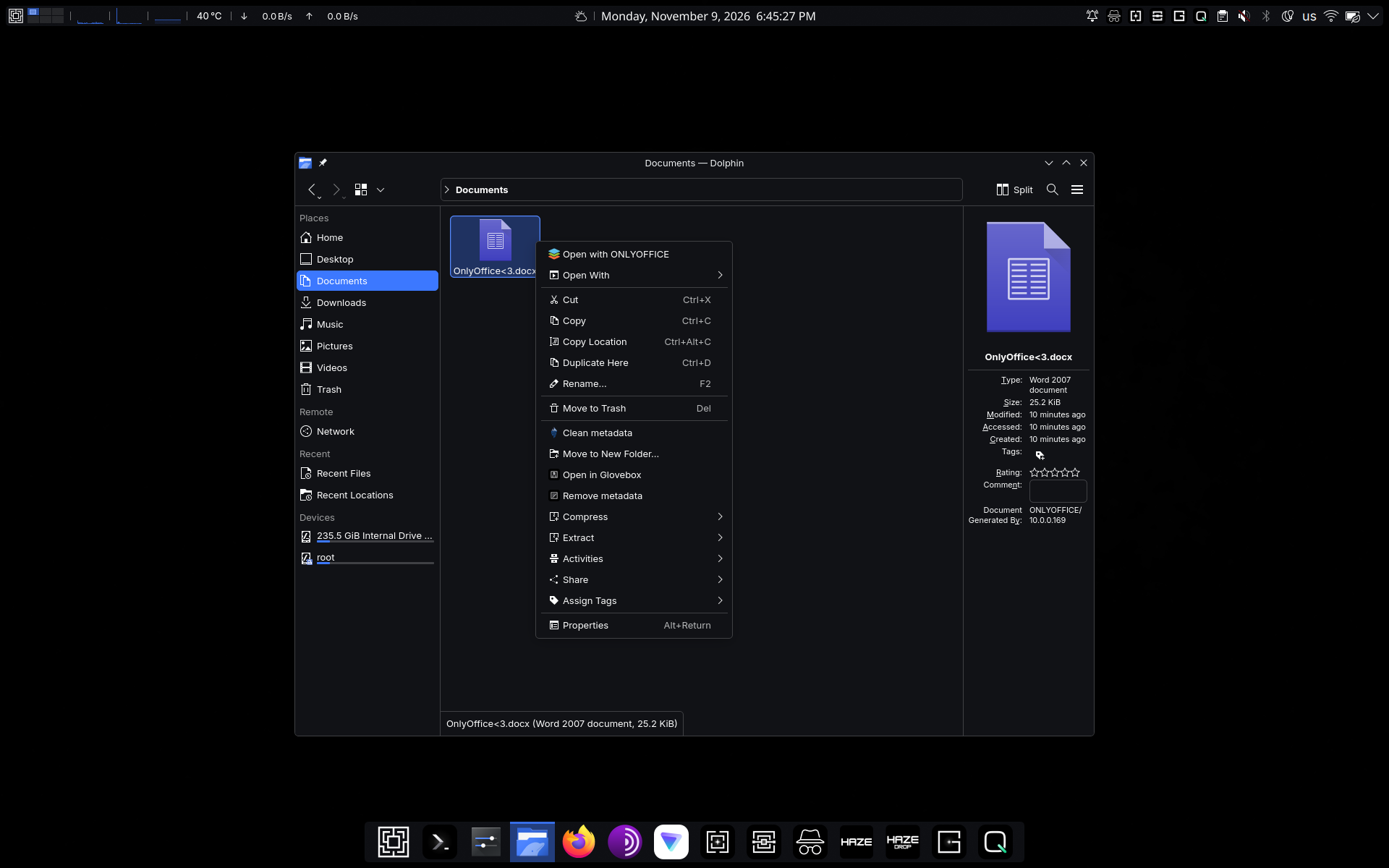
Using ONLYOFFICE on Maze Linux
With ONLYOFFICE Desktop Editors pre-installed, Maze Linux users can enjoy a full range of tools and features, provided by our free desktop office suite:
- Native support for Word documents, Excel spreadsheets and PowerPoint presentations, as well as compatibility with ODF files, Apple iWork formats (Pages, Keynote, Numbers), Hancom Office’s HWP and HWPX documents, and other files;
- Fillable forms and PDF editing with OCR, redaction, annotation, conversion and digital signatures;
- Visio diagram viewing;
- Access to a collection of ready-made templates for business and personal use;
- Optional ONLYOFFICE AI Tools for text-related tasks and document management — ChatGPT, Mistral, Google Gemini, Claude Sonnet, xAI and more;
- Cloud-based integration for real-time collaboration — ONLYOFFICE, Nextcloud, Seafile, ownCloud, Liferay, kDrive, Moodle, Box, Dropbox and Odoo.
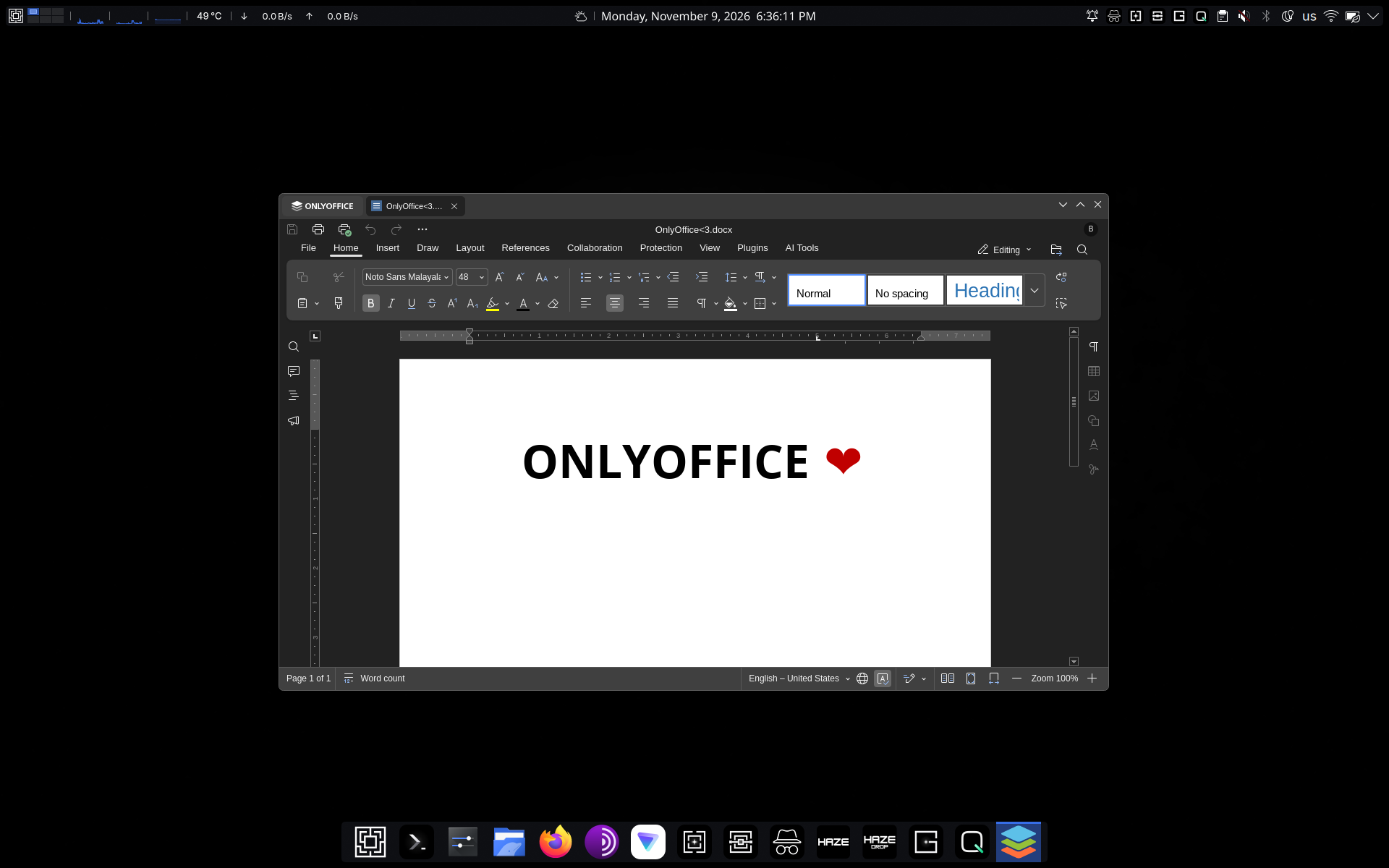
Why Maze Linux chooses ONLYOFFICE
Berk Küçük, founder and developer of Maze Linux:
When we chose the default office suite for Maze Linux, we had three requirements: it had to be open source, it had to work entirely offline, and it had to handle Microsoft Office formats reliably enough, so that users could move their existing work to Linux without friction. ONLYOFFICE Desktop Editors met all three. Its format fidelity in particular sets it apart, and having documents, spreadsheets, presentations and PDFs in a single application keeps the desktop simple. That is why it is part of every Maze Linux installation.
Get ONLYOFFICE Desktop Editors
Want to include ONLYOFFICE Desktop Editors as a pre-installed office suite to your own operating system? Get the latest version for free from GitHub or download it for Linux, Windows and macOS from our website:
Does your OS already come with ONLYOFFICE Desktop Editors pre-installed? Let us spread the word about it! Contact us in any way that you find convenient — email, X or our community forum.
Create your free ONLYOFFICE account
View, edit and collaborate on docs, sheets, slides, forms, and PDF files online.