How to work with Multipage documents in ONLYOFFICE
You asked, and we delivered!
After numerous requests from users, multipage view has finally been added to ONLYOFFICE Docs with version 9.3. This long-anticipated update introduces a more flexible way to navigate and manage longer documents, making everyday work more comfortable and efficient.
Why multipage view matters
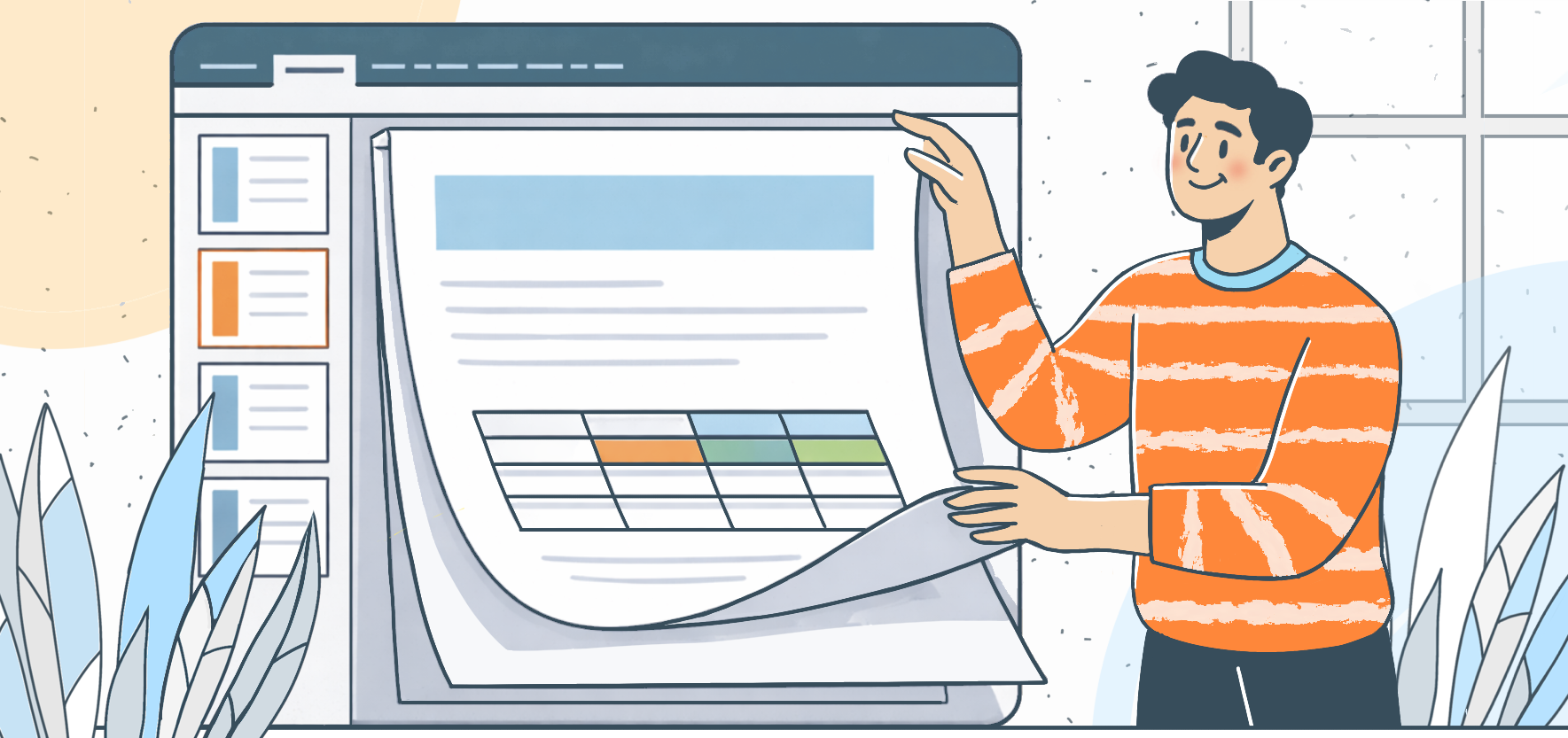
With multipage view, you can place two or more pages side by side in the editor and look at them at the same time. You’re no longer stuck scrolling through one page after another, and can simply step back and see a bigger portion of your document in one glance.
It makes a real difference when you’re working on longer documents like reports, contracts, academic papers, or books, where it helps to see how everything flows from one page to the next.
With multipage view now added, you can:
- See two or more pages side by side
- Compare content across pages without endless scrolling
- Better understand how headers, footers, and page breaks fit together
How to enable multipage view
Using the feature is simple:
- Open your document in ONLYOFFICE Docs.
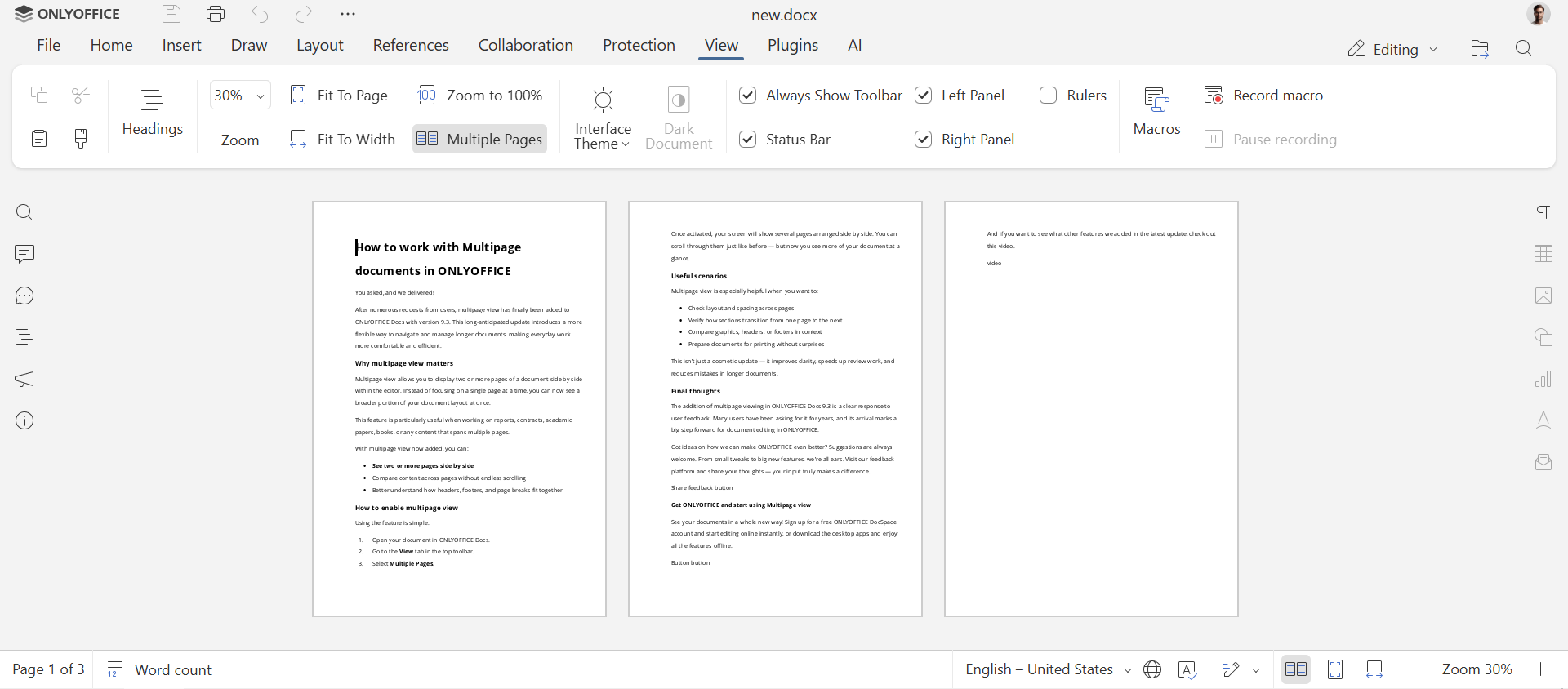
- Go to the View tab in the top toolbar.
- Select Multiple Pages.
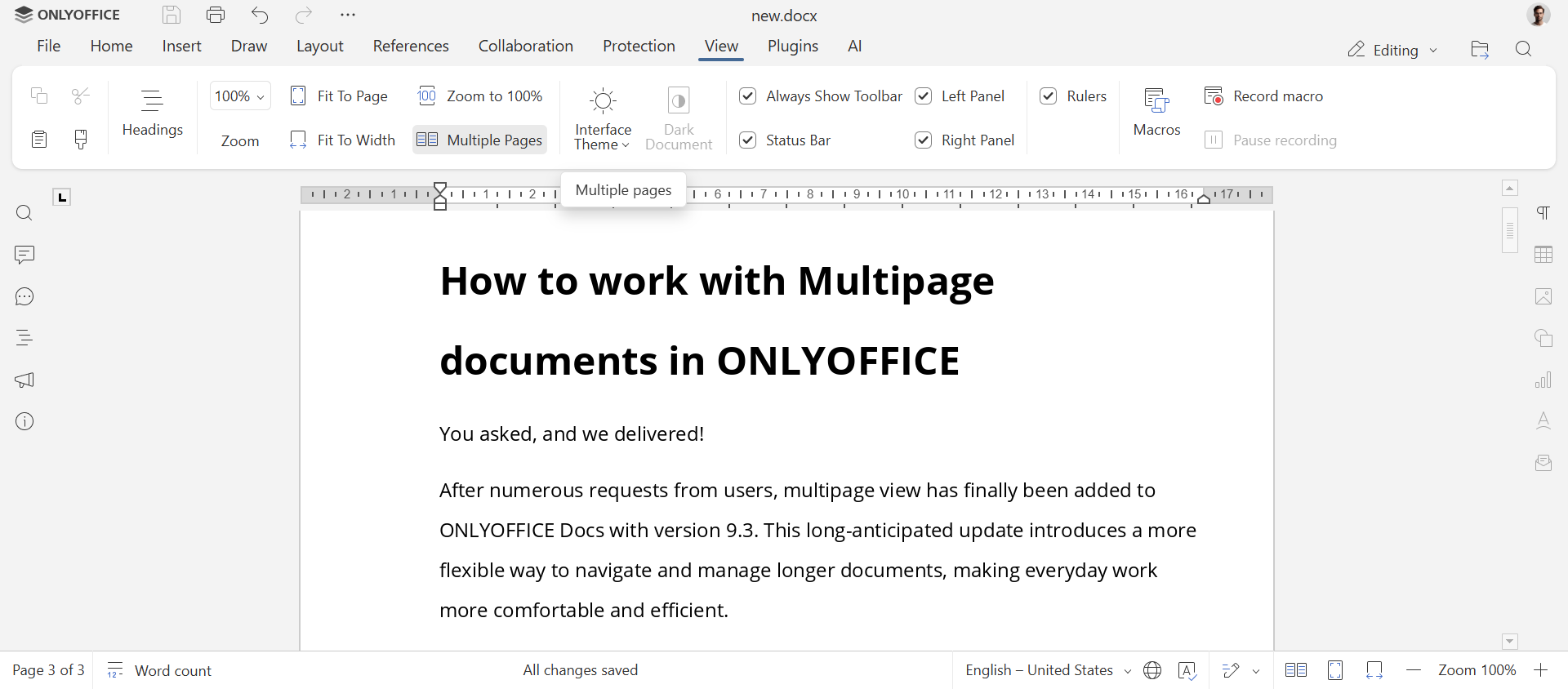
You can also activate it by clicking the icon on the status bar at the bottom.
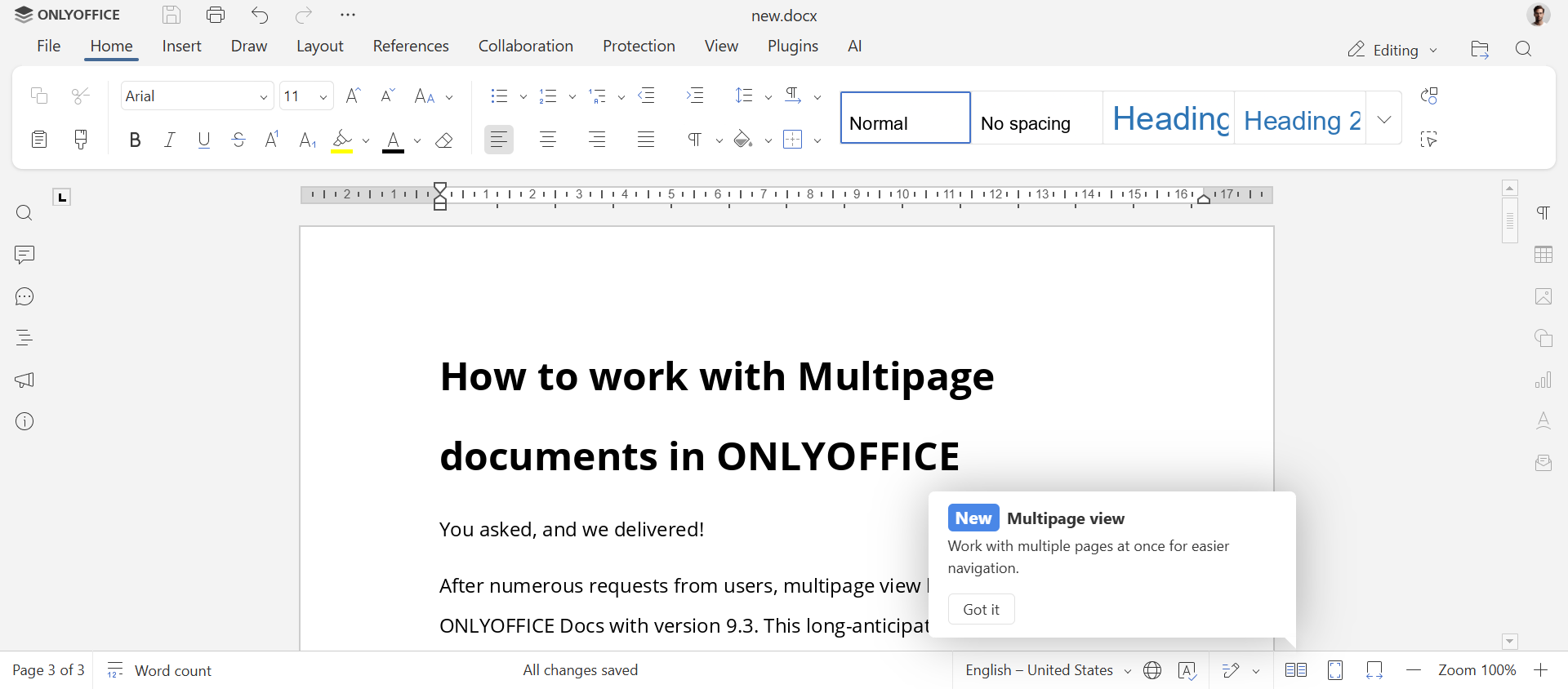
Once activated, your screen will show several pages arranged side by side.
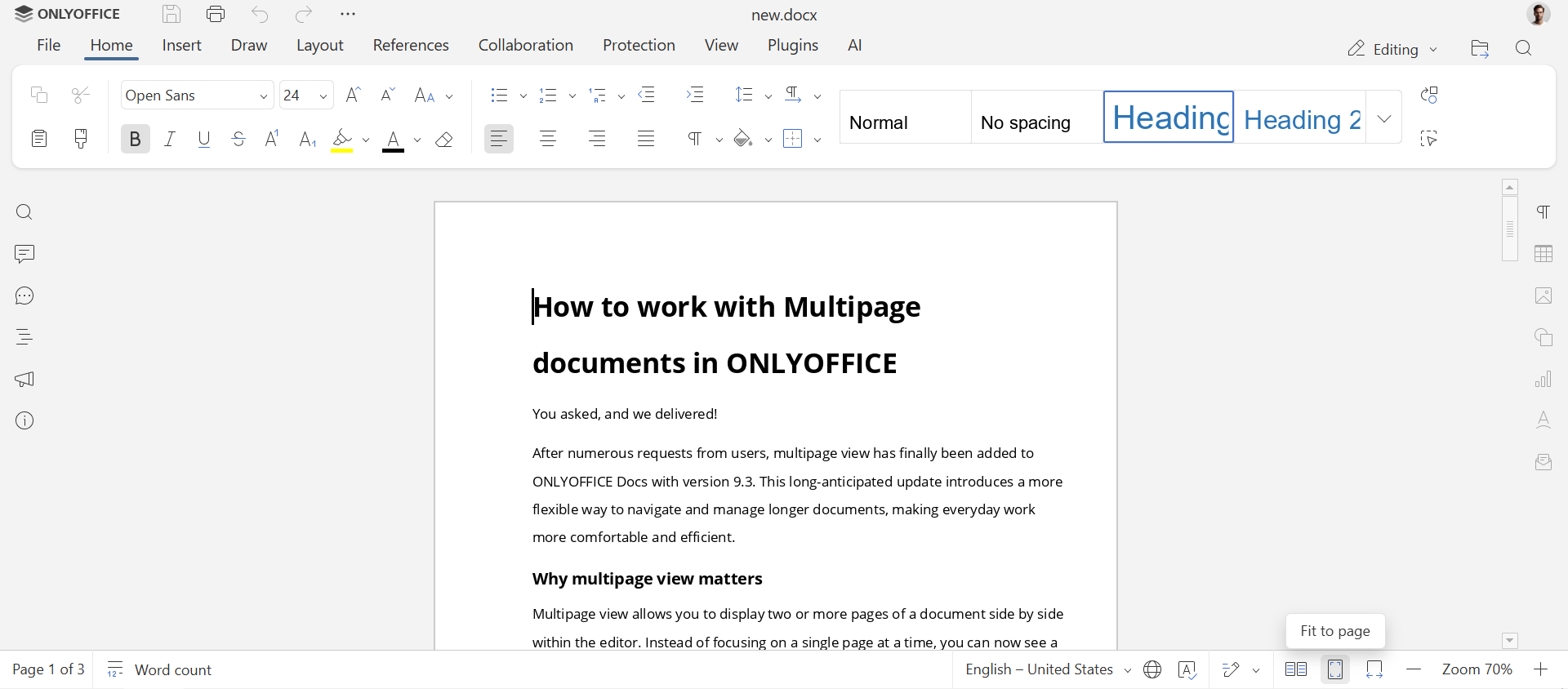
To disable multipage view, simply click Fit to page on the bottom toolbar, or click Multipage view again in the View tab.
Useful scenarios
Multipage view is especially helpful when you want to:
- Check layout and spacing across pages
- Verify how sections transition from one page to the next
- Compare graphics, headers, or footers in context
- Prepare documents for printing without surprises
This isn’t just a cosmetic update, but a feature to improve clarity, speed up review work, and reduce mistakes in longer documents.
Final thoughts
The addition of multipage viewing in ONLYOFFICE Docs 9.3 is a clear response to user feedback. Many users have been asking for it for years, and its arrival marks a big step forward for document editing in ONLYOFFICE.
Got ideas on how we can make ONLYOFFICE even better? Suggestions are always welcome. From small tweaks to big new features, we’re all ears. Visit our feedback platform and share your thoughts — your input truly makes a difference.
Get ONLYOFFICE and start using Multipage view
See your documents in a whole new way! Sign up for a free ONLYOFFICE DocSpace account and start editing online instantly, or download the desktop apps and enjoy all the features offline.
And if you want to see what other features we added in the latest update, check out this video.
Create your free ONLYOFFICE account
View, edit and collaborate on docs, sheets, slides, forms, and PDF files online.