How ONLYOFFICE teams use AI in practice: real cases from inside the company
Summary
ONLYOFFICE teams utilize AI in various practical applications to enhance productivity and streamline workflows. By automating repetitive tasks across design, marketing, engineering, and operations, they have significantly reduced the time required for numerous processes, allowing team members to focus on more complex and creative aspects of their work. These implementations demonstrate the effective integration of AI in real-world scenarios, leading to measurable improvements in efficiency.
- StoreShot reduces mobile design upload time from two days to one hour.
- AI pipeline generates template cards in seconds, not minutes.
- Jasper ensures consistent, on-brand content across multiple languages.
- dsutil automates DocumentServer diagnostics, improving efficiency.
- AI-driven pull request reviews enhance code quality and speed.
At ONLYOFFICE, we build tools that help people work with documents, collaborate, and automate workflows. But we also use AI ourselves: across design, marketing, engineering, and operations, to make our own work faster, more consistent, and less repetitive.
These are not experimental pilots or proof-of-concept demos. These are real implementations that went into production, built by our teams to solve actual problems they were dealing with every day. Here is what that looks like in practice.
Mobile design: a Figma plugin that turned a two-day task into one hour
The problem. Every time the mobile design team needed to upload screenshots for the App Store and Google Play, it took about a day of manual work per store: exporting files from Figma, renaming them, sorting them into locale-specific folders, compressing them using third-party services (with frustrating free-tier limits), and uploading everything in the right format.
The solution. The team built StoreShot, a Figma plugin developed in collaboration with Claude, that automates the entire process.
What StoreShot does:
- Automatically detects the target store (App Store or Google Play) from the Figma file name.
- Recognizes locale names from page titles, abbreviated language codes.
- Compresses PNG files by approximately 35% without quality loss, at around 5 seconds per image, no third-party services, no token limits.
- Generates the correct folder structure for each store automatically.
- Offers three upload options: ZIP archive, direct push to GitHub, or push to Gitea in a single commit.
The result. The first production run processed 652 files across two stores:
- Play Market: 252 files across 8 locales, ~37% compression.
- App Store: 400 files across 10 locales, ~35% compression.
- Total time: approximately 1 hour instead of approximately 2 days.
Now all a designer has to do is click the button, unzip the archive, and create a Pull Request.
Marketing: from file upload to a complete template card in seconds
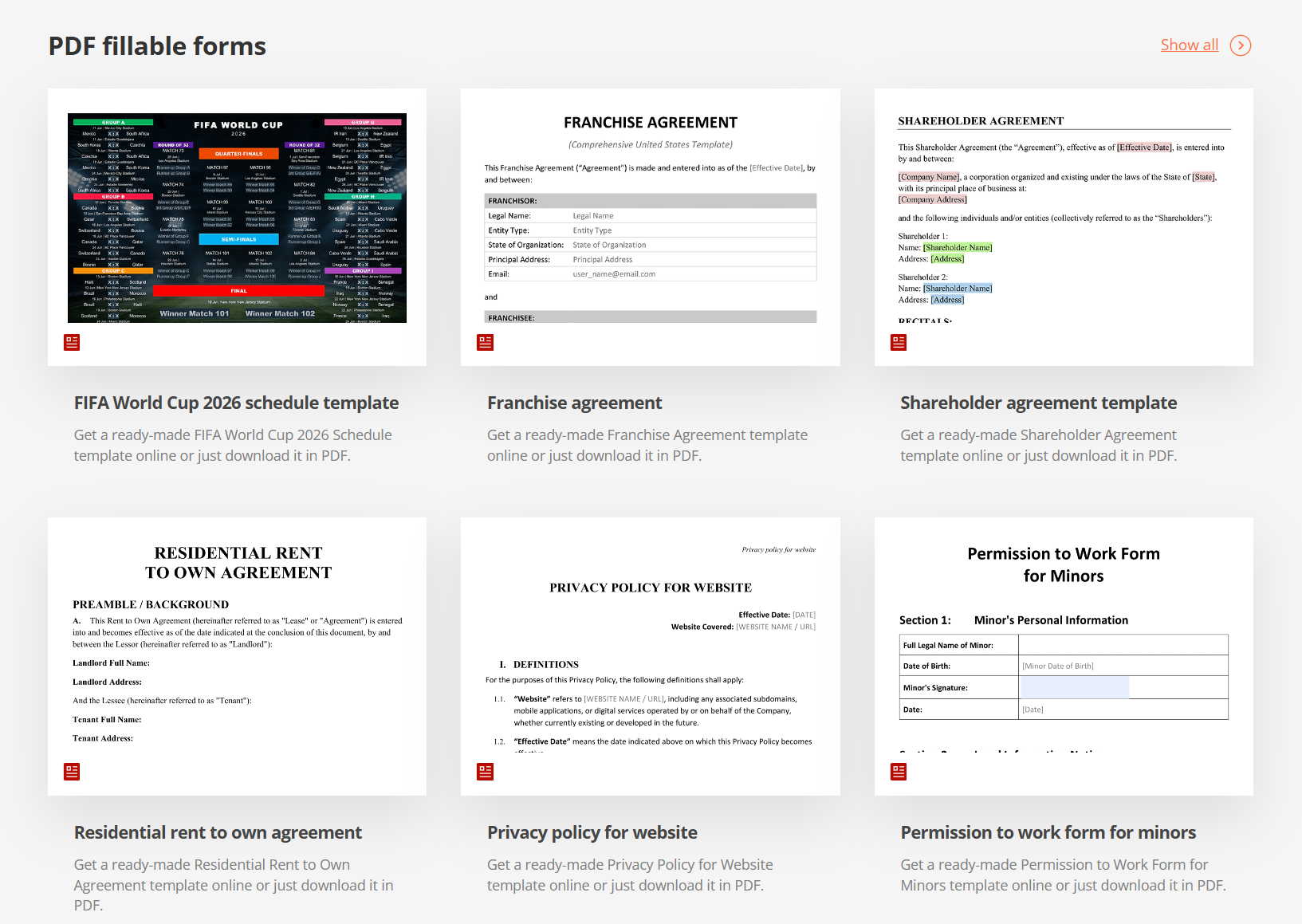
The problem. The marketing team manages a large and continuously growing document template marketplace. Every time a new template was added, someone had to manually fill in a card: title, description, SEO fields, categories, URL slug, and cover images, in multiple languages. With thousands of templates already in the catalogue, this was a significant recurring cost.
The solution. The team built an AI pipeline that generates a complete, publishable template card from a single file upload.
How it works: a file is uploaded to the CMS in PDF, DOCX, XLSX, or PPTX. Two processes run in parallel. The AI analyses the text, identifies the document type (ready-made template or fillable form), and generates all metadata in the required language. Simultaneously, preview images of the first page are generated at four resolutions: 916×648, 1448×1024, 566×400, and 260×184. The editor reviews and publishes. That is all.
What the pipeline handles automatically:
- 8 text fields: title, short description, SEO title, SEO description, full description, categories, document type, and URL slug.
- 9 languages: English, Chinese, Brazilian Portuguese, French, Spanish, German, Italian, Japanese, and Arabic, each locale generated in its own language.
- Smart deduplication: no naming conflicts or duplicate URLs.
- Preservation of manually entered data: the pipeline does not overwrite fields that have already been edited by a human.
- Automatic regeneration when a file is replaced, keeping the card current.
The result. AI handles up to 95% of the routine work per template. Generation takes seconds instead of 15–20 minutes. There are currently 3,505 templates in production, and each new one is published significantly faster than before.
Marketing: consistent on-brand content at scale with Jasper
The problem. The marketing team produces a high volume of content across multiple channels: blog posts, social media copy, ad creatives, email campaigns, SEO articles, and product descriptions, all of which need to maintain a consistent tone, vocabulary, and brand voice. With an international audience and content produced in multiple languages, keeping quality and consistency high while meeting publishing cadence was an increasing strain on the team.
The solution. The marketing team adopted Jasper, an AI platform purpose-built for marketing content, as a core tool for accelerating content production while keeping outputs on-brand.
The primary use cases where Jasper is now embedded in the team’s workflow:
- Long-form content: blog posts, articles, and product guides drafted using Jasper Canvas, with the team providing strategic direction and Jasper handling structure and first-draft writing.
- Ad copy and social media: short-form copy for paid campaigns, LinkedIn posts, and social updates produced using Jasper’s library of over 50 marketing-specific templates.
- Email marketing: campaign emails and nurture sequences drafted and refined within Jasper, reducing time from brief to send-ready copy.
- Multilingual content: content generated and adapted across 30+ languages, supporting ONLYOFFICE’s international marketing without proportionally scaling the team.
- Brand voice consistency: Jasper’s Brand Voice feature is trained on ONLYOFFICE’s tone and style, so AI-generated outputs align with brand standards regardless of who initiates the task.
The result. Routine content production like drafts, social copy, ad variants, moves significantly faster. The team’s time shifts toward strategy, editorial judgment, and the creative decisions that require human input. AI handles the volume; the team handles the quality.
Automation and administration: an AI-built diagnostic tool for DocumentServer
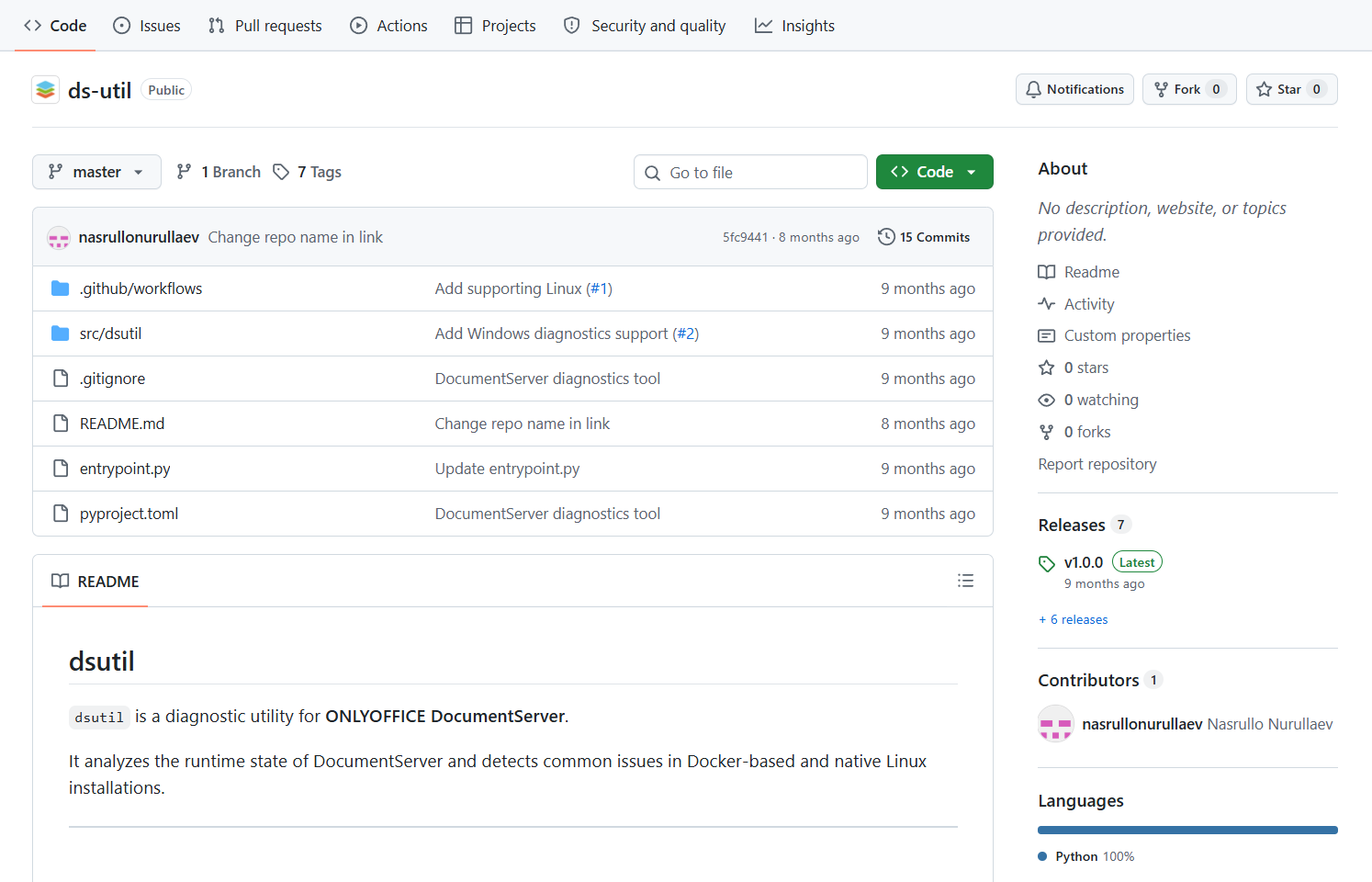
The problem. Diagnosing issues with ONLYOFFICE DocumentServer installations, across Docker, Linux, and Windows environments, required DevOps and support engineers to manually check containers, services, logs, and configurations. Initial diagnostics were time-consuming and inconsistent.
The solution. The team built dsutil, an intelligent command-line utility for DocumentServer diagnostics, using an AI-driven, iterative development approach (sometimes called vibe-coding): rapid hypotheses, instant iterations, minimal time to production.
dsutil checks:
- Container status and health checks.
- Key services: docservice, converter, and others.
- Nginx, PostgreSQL, RabbitMQ, and Redis.
- Logs for errors, timeouts, out-of-memory events, and runtime issues.
- Generates a structured report, including JSON output.
Supported environments: Docker, native Linux, Windows.
The architecture, check logic, and log pattern analysis were designed collaboratively with AI. The result is a tool that reflects accumulated diagnostic knowledge rather than having to be rebuilt by each engineer from scratch.
The result. Fast, standardised initial diagnostics. Reduced load on DevOps and support. Rapid identification of infrastructure issues. dsutil is open source and available on GitHub: github.com/ONLYOFFICE/ds-util
Automation and administration: AI review for every pull request
The problem. Code review takes time, and important details get missed, especially under deadline pressure. The team needed a way to maintain review quality consistently without proportionally increasing the engineering time spent on it.
The solution. The Automation and Administration team implemented automated pull request review using Claude in the DocSpace-buildtools repository. Every PR now undergoes AI analysis before human review.
How it works: when a PR is opened or updated, a pipeline runs automatically, collects context, analyses the changes, and generates a structured report. Claude checks security issues, code quality, configuration files, README accuracy, CI/CD pipeline logic, and dependencies. Issues are posted directly in the PR with priorities. Status is tracked as the PR is subsequently updated.
The result. AI handles up to 80% of routine review analysis, allowing engineers to focus on architecture and the complex decisions that actually require human judgment. Review standards became consistent and predictable. Bugs and vulnerabilities are caught earlier in the process. It is not a replacement for human reviewers, it is a tool that makes human review faster and more reliable.
Marketing: Figma to production-ready HTML email in five minutes
The problem. Converting an email design from Figma into production-ready HTML code is a technically fiddly process: parsing the layout structure, writing cross-client compatible code, handling different rendering behaviours in Gmail, Outlook, and Apple Mail, catching common errors, and managing localisation. A single email could take 3–5 hours of engineering time.
The solution. The marketing team built Figma2Email, a tool powered by AI that converts a Figma layout into a working HTML email template.
How it works: paste a link to the Figma layout. The AI parses the structure and styles, generates HTML tailored for email clients, and runs the output through a validator. The resulting layout typically needs only minor final adjustments.
Results:
- Generation time: approximately 5 minutes instead of 3–5 hours.
- Code readiness out of the box: approximately 95%.
- Cross-client compatibility across Gmail, Outlook, and Apple Mail.
- Automatic correction of common coding errors.
- Localisation support for 10+ languages.
The result. AI handles up to 95% of the routine conversion work. The team focuses on final proofreading and content quality, not on wrestling with email rendering quirks.
What these cases have in common
Seven different teams. Seven different problems. Seven different AI implementations. But they share a consistent pattern:
The AI handles the routine; the human handles the judgment. In every case, AI took over the repetitive, mechanical work: repetitive uploads, metadata generation, DNS operations, log scanning, code review, infrastructure audits, code generation, while humans retained responsibility for final review, quality control, and the decisions that matter.
The productivity gains are concrete and measurable. Two days to one hour. Fifteen minutes to seconds. Three to five hours to five minutes. $2,500 per month in infrastructure savings. These are not estimates of potential future value, they are results from production deployments.
The tools were built quickly, iteratively, and with AI assistance. Several of these tools were developed using AI-assisted coding: Claude, GitHub Copilot, with iterative, rapid development cycles. The development approach reflects the same philosophy as the tools themselves: use AI for the parts that can be automated, and keep human judgment at the centre of what matters.
Try ONLYOFFICE yourself
ONLYOFFICE provides document editors, collaboration rooms, and AI integration for teams of any size, available as a cloud service or self-hosted on your own infrastructure.
Create your free ONLYOFFICE account
View, edit and collaborate on docs, sheets, slides, forms, and PDF files online.