Accessibility and document editing: what the European Accessibility Act means for software and how ONLYOFFICE is approaching it
Summary
The European Accessibility Act (EAA) establishes common accessibility requirements for digital products and services in the EU, impacting software procurement and usage. ONLYOFFICE is actively addressing these requirements by preparing an Accessibility Conformance Statement that outlines its current accessibility features, areas for improvement, and plans for formal assessments. This approach aims to ensure that users with disabilities can effectively utilize its document editing tools.
- The EAA aims to reduce accessibility barriers in the EU.
- Current ONLYOFFICE's accessibility features include language support, interface scaling and others.
- Future work focuses on enhancing screen reader support.
- Accessibility is integrated into the product development lifecycle.
Accessibility requirements for digital products are becoming increasingly important across Europe. For organizations choosing software, accessibility is no longer simply an additional product feature. It can be part of procurement requirements, institutional policies and, depending on the product or service concerned, legal obligations.

For document editing software, the question is particularly complex. A productivity suite is used for much more than entering text. Users navigate toolbars and menus, work with tables and spreadsheets, create presentations, fill in forms, edit PDFs, collaborate with colleagues and move between different types of content. An accessibility barrier in any of these workflows can prevent someone from completing an otherwise routine task.
As part of its ongoing accessibility work, ONLYOFFICE is preparing an Accessibility Conformance Statement describing the accessibility capabilities currently available in its editors, the areas where support is still being expanded and the company’s approach to formal conformance assessment. The document is intended to provide a clearer picture for users and organizations evaluating ONLYOFFICE, particularly those with accessibility requirements.
What is the European Accessibility Act?
The European Accessibility Act (EAA) is Directive (EU) 2019/882, adopted to establish common accessibility requirements for certain products and services in the European Union.
The Directive covers a defined range of products and services, including consumer computer hardware and operating systems, e-books and dedicated software, e-commerce services, consumer banking services and certain electronic communications and transport-related services. The requirements have applied from 28 June 2025 for products and services within its scope.

The purpose of the legislation is broader than requiring individual interface elements to be accessible. It aims to reduce barriers created by different accessibility requirements across EU Member States and improve the accessibility of products and services for people with disabilities.
Whether a particular software product or deployment falls within the exact scope of the EAA depends on the product, service, economic operator and use case. This is particularly relevant for software such as office and document editors, which can be delivered in different ways and as part of different services.
For this reason, organizations should assess their own legal and procurement requirements rather than treating the presence of an accessibility statement as, by itself, proof of legal compliance.
EAA, EN 301 549 and WCAG: what is the difference?
These terms are often used together, but they are not interchangeable. The EAA is European legislation. It establishes accessibility requirements for the products and services covered by the Directive.
EN 301 549 is a European technical standard covering accessibility requirements for ICT products and services. The currently harmonized version, EN 301 549 v3.2.1, draws heavily on WCAG 2.1 but also includes requirements that are not part of WCAG.
WCAG, or the Web Content Accessibility Guidelines, is a set of accessibility guidelines developed by the W3C. WCAG 2.1 organizes accessibility requirements around four principles: content and interfaces should be perceivable, operable, understandable and robust.
This distinction matters when assessing software. Meeting individual WCAG criteria does not automatically mean that a product has demonstrated conformity with every applicable requirement of EN 301 549. Likewise, publishing an accessibility feature list is not the same as completing a formal accessibility audit.
A useful conformance process therefore needs to identify the applicable requirements, test the relevant product workflows and document the results.
Why document editors present a particular accessibility challenge
A modern office suite is effectively a collection of complex applications. Consider a document editor. A user may need to navigate headings, tables, comments, links, footnotes, images and other objects. A spreadsheet adds a two-dimensional grid, formulas, charts, filters and data structures. A presentation editor introduces slides, objects, animations and speaker notes.
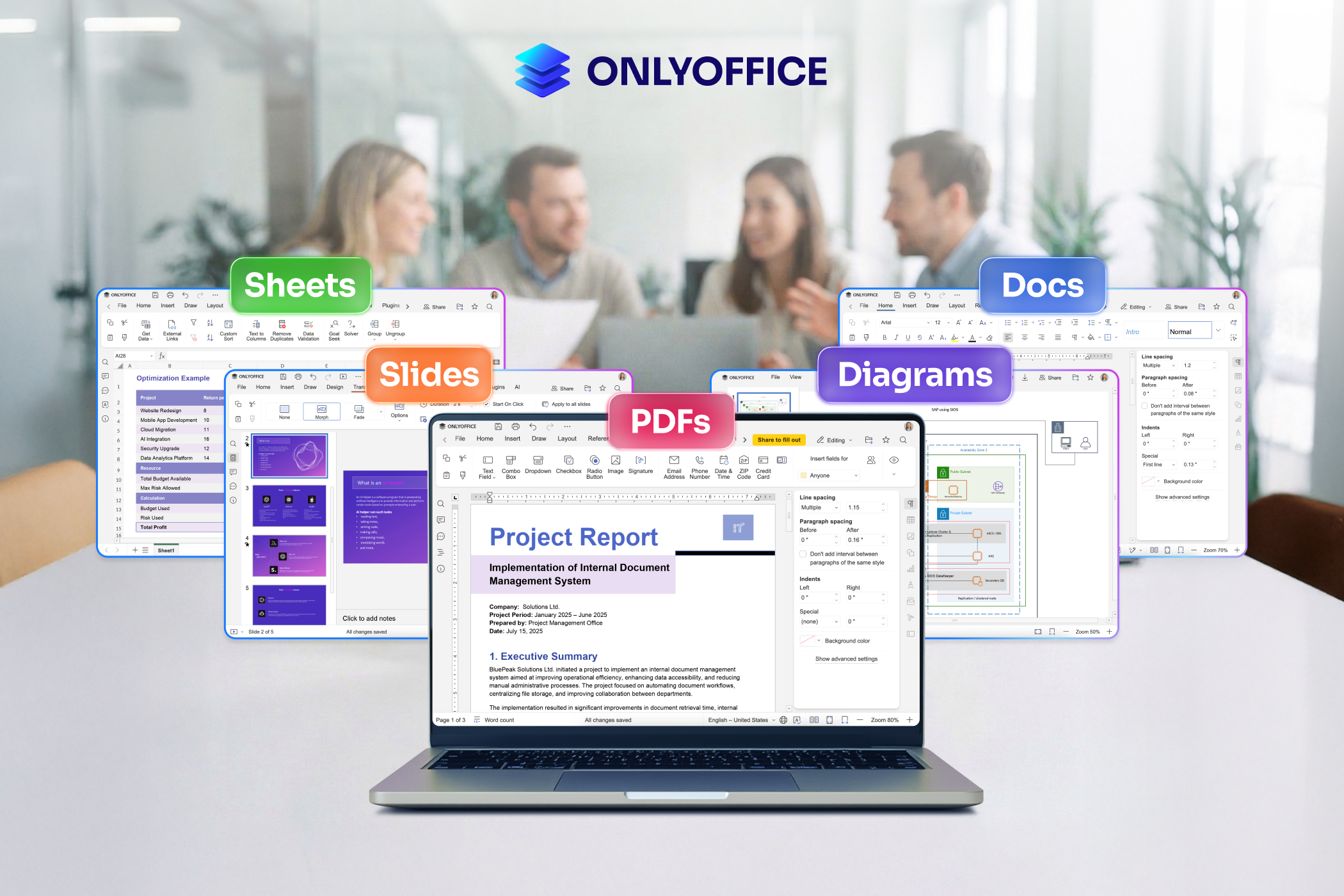
PDFs present another set of challenges, particularly when users need to annotate documents, navigate pages, complete forms or work with scanned content.
This means that accessibility cannot be evaluated only by checking whether a product has a “high contrast mode” or whether a particular button can be reached using the keyboard. The entire workflow needs to be considered.
What accessibility features are already available in ONLYOFFICE?
ONLYOFFICE already provides a number of mechanisms intended to make its editors more adaptable to different users.
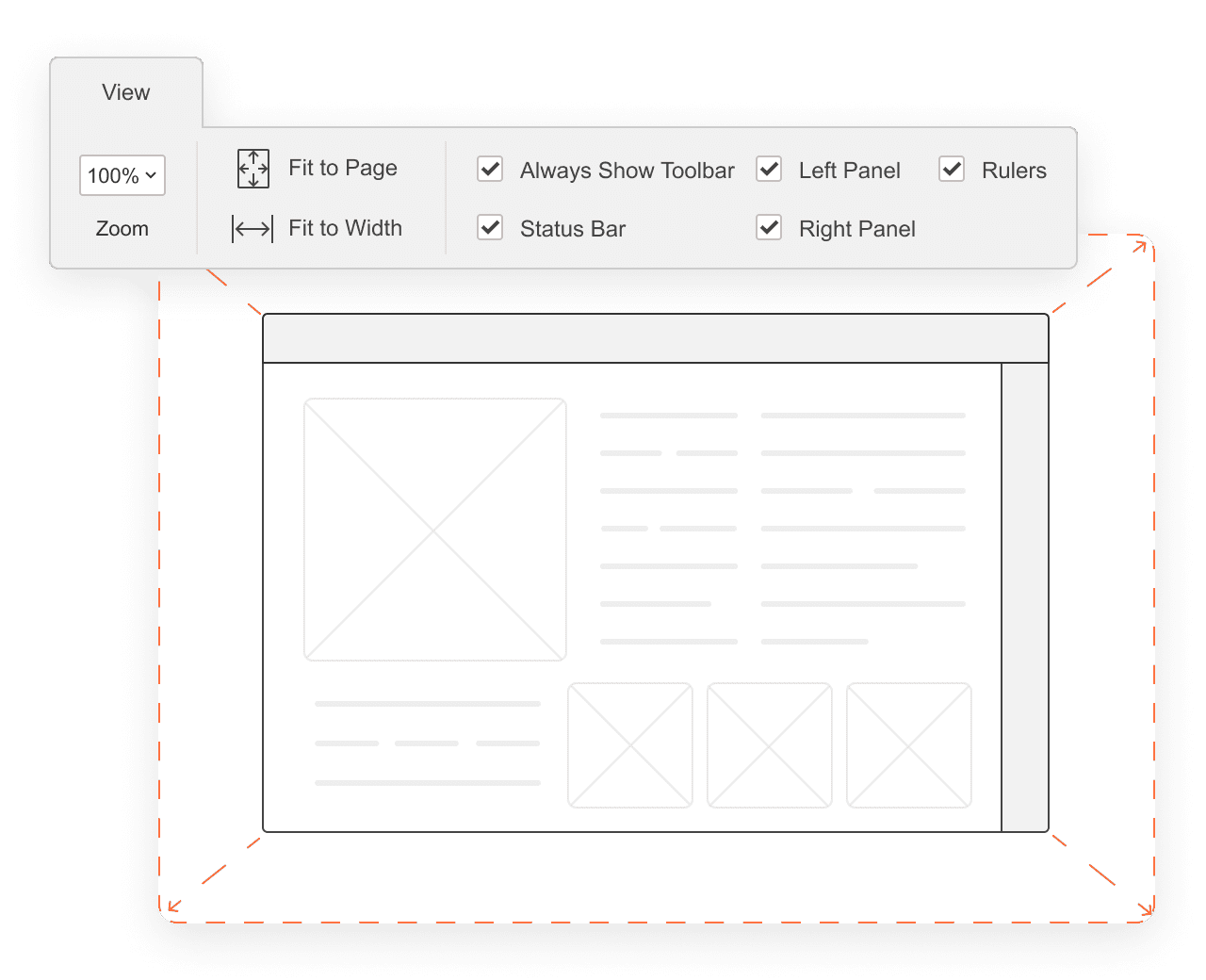
For visual accessibility, the editors provide scaling presets from 50% to 500%, together with options to fit the editing area to the page or screen width. Users can also hide interface elements such as the toolbar, status bar and rulers when they want to reduce visual complexity.
The editors provide light and dark interface themes, while chart elements can use geometric patterns and other distinctions instead of relying exclusively on color.
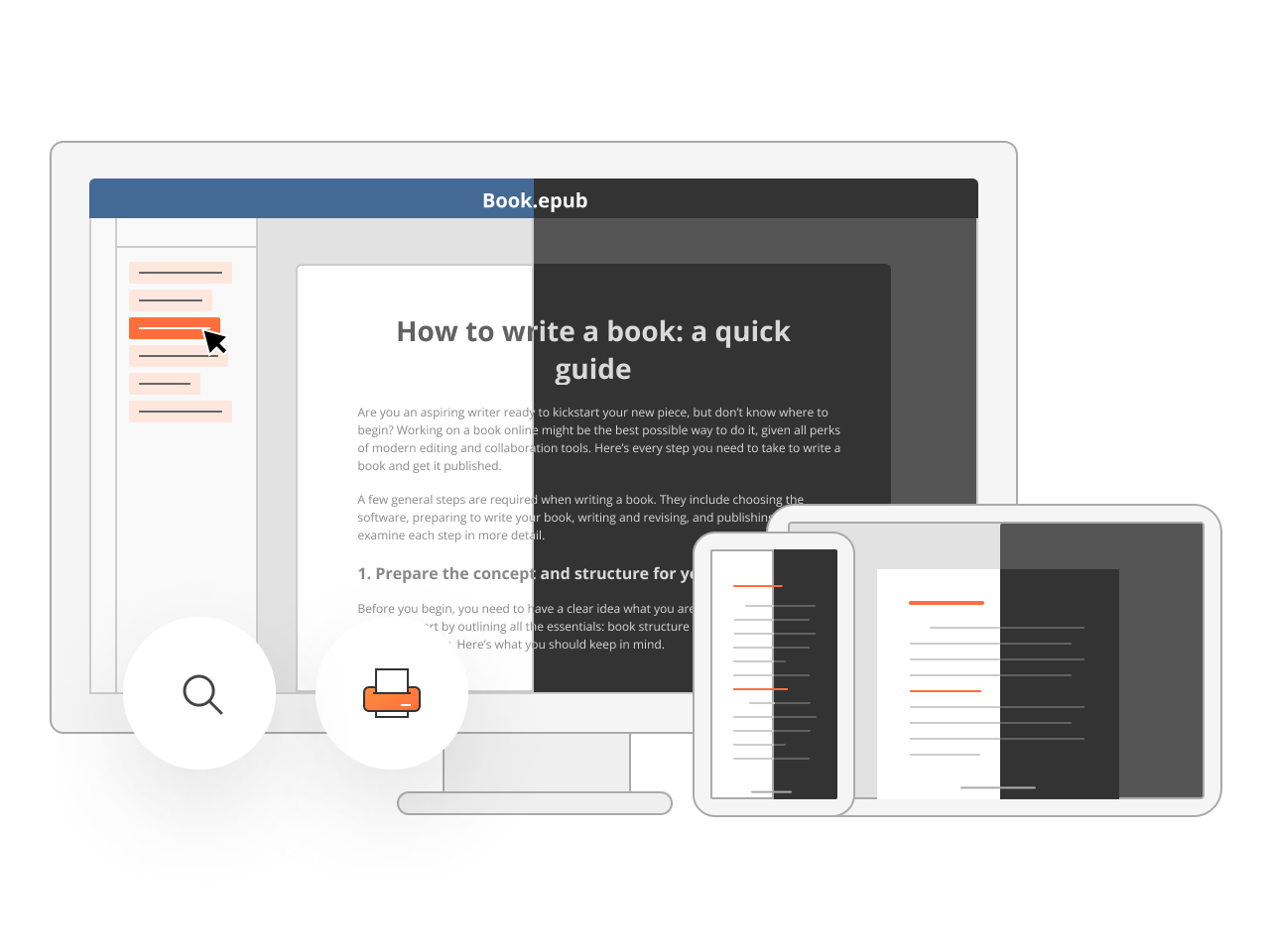
Language is another part of accessibility. ONLYOFFICE supports more than 25 interface languages, and the interface language can be configured independently from the document language.
The editors also support right-to-left and bidirectional text, allowing users to work with languages such as Arabic, Hebrew, Persian and Urdu without having to restructure their content around the limitations of a left-to-right interface.
Keyboard interaction is supported across important parts of the editors, while the Speech Input plugin provides an alternative way to enter text.
On mobile platforms, accessibility capabilities include support for technologies such as VoiceOver and Dynamic Type on iOS and TalkBack on Android.
These features do not by themselves establish full conformance with a particular accessibility standard. They are individual parts of a broader accessibility approach.
Where is accessibility work still needed?
One of the most important parts of an accessibility statement is documenting what is not yet complete.
For ONLYOFFICE, screen reader support remains an active area of development. The company is working toward broader support for NVDA and JAWS on Windows and VoiceOver on macOS across the document, spreadsheet, presentation and PDF editors.
Keyboard accessibility is also being extended. In particular, the PDF editor and form-filling interfaces currently have more limited keyboard accessibility than the document and spreadsheet editors. Other areas being explored include dyslexia-friendly font options and reduced-motion settings.
Being explicit about these limitations is important for organizations evaluating software. Accessibility requirements can differ considerably between users, and a feature that is sufficient for one workflow may not be sufficient for another.
Why ONLYOFFICE is preparing a formal conformance assessment
The next step is formal evaluation. ONLYOFFICE is working toward a WCAG 2.1 Level AA accessibility audit across its editors and preparing a VPAT / Accessibility Conformance Report for procurement purposes. A formal report provides a different level of information from a general accessibility statement.
Instead of simply saying that a product supports keyboard navigation or screen readers, an Accessibility Conformance Report can examine individual accessibility criteria and indicate whether they are supported, partially supported, not supported or not applicable, according to the assessment methodology.
For organizations, this type of documentation can make accessibility evaluation much more practical. Procurement and IT teams can compare specific requirements against the product rather than relying on broad accessibility claims. It also creates a clearer development target for the product team.
Accessibility is a product-development process
One reason accessibility work can take time in complex productivity software is that accessibility needs to be considered whenever the product changes.
A new editor feature can introduce new keyboard interactions. A redesigned toolbar can affect navigation. A new dialog can require additional screen reader information. A new PDF workflow can create new requirements around forms and focus management.
Accessibility therefore cannot be treated as a one-time checklist completed at the end of development. It needs to be part of the product lifecycle: requirements, design, implementation, testing, feedback and subsequent releases.
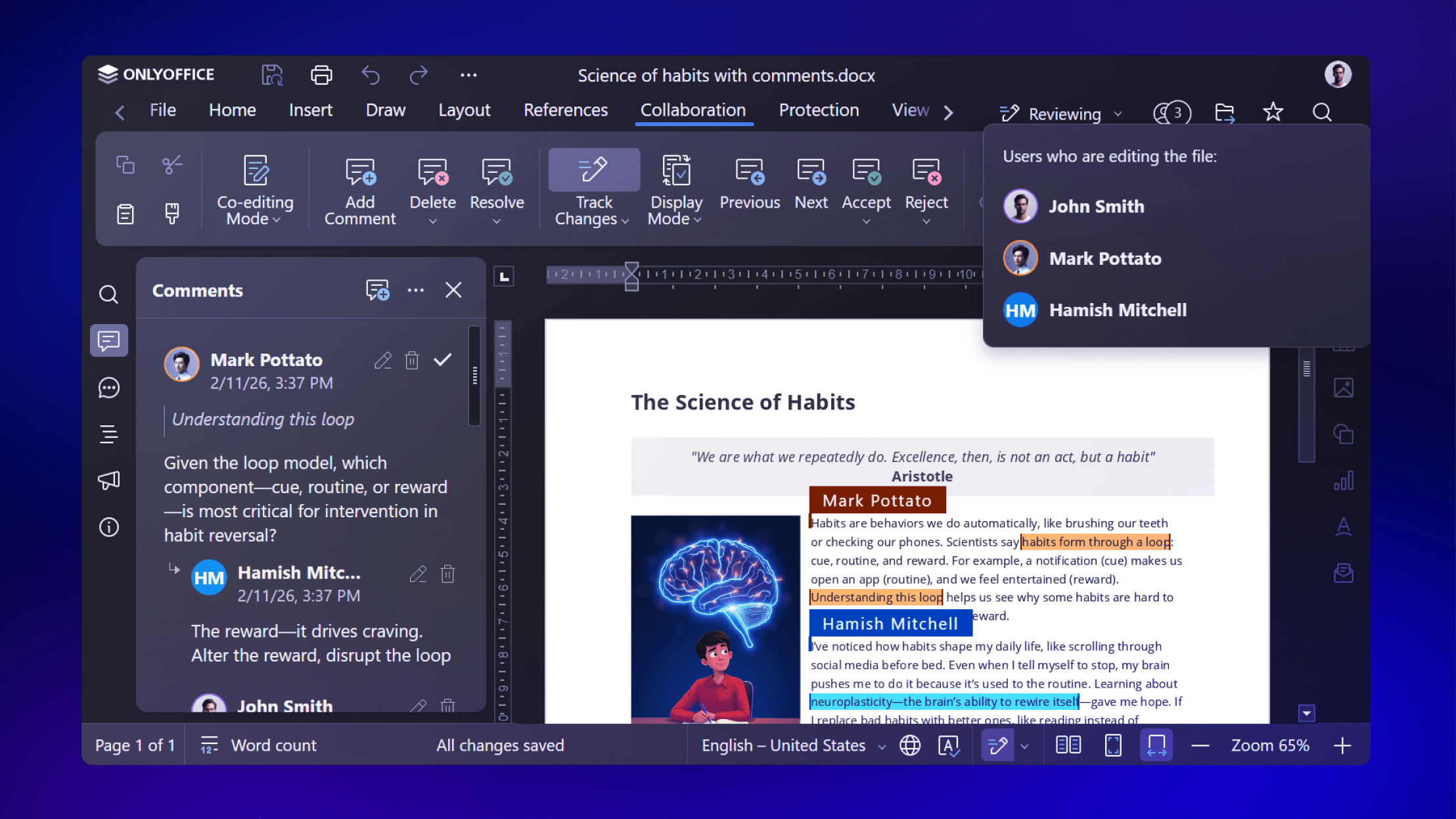
This is also why formal conformance work and user feedback complement each other. An audit provides a structured assessment against defined criteria, while users can reveal practical barriers that may not become obvious during a limited test scenario.
What the Accessibility Conformance Statement provides
The new ONLYOFFICE Accessibility Conformance Statement brings these elements together.
It documents the accessibility capabilities currently available, identifies known limitations, describes the areas under active development and explains the company’s approach to formal assessment against recognized accessibility standards. It is deliberately not presented as a blanket claim of full compliance.
For organizations with specific accessibility requirements, the most useful information is often not simply whether a product has an accessibility label, but which workflows are supported, which limitations remain and what evidence is available. That is the purpose of the statement.
Looking ahead
The accessibility work at ONLYOFFICE will continue beyond the publication of this document.
The priorities include broader screen reader support, expanded keyboard navigation, additional options for users with different cognitive and visual needs, and formal evaluation against the relevant accessibility requirements.
The broader objective is straightforward: people should be able to create, edit, review and collaborate on documents using the interaction methods and assistive technologies that work for them.
For software used every day in education, business, government and other organizations, that is not a secondary consideration. It is part of what makes a digital workplace usable in the first place.
Create your free ONLYOFFICE account
View, edit and collaborate on docs, sheets, slides, forms, and PDF files online.