ONLYOFFICE connectors for Odoo updated: advanced file sharing, integrated form gallery, and improved form creation
We’ve released updates for the ONLYOFFICE connectors for Odoo, including the core Odoo integration for the Enterprise and Community, and Templates apps. The new versions focus on more flexible sharing and permissions, enhanced form creation, and extended format support.
Let’s take a closer look at what’s new in each integration.

Odoo Enterprise
Opening documents via links for shared access
Documents can now be opened in the ONLYOFFICE editor directly via a share link for viewing. This makes collaboration with external users and partners much easier, as you can grant access to a document without providing full access to your Odoo system.
Advanced sharing permissions
You can now assign advanced access rights:
- Text documents: share for reviewing or commenting only
- Spreadsheets: grant comment-only access or allow editing without changing filters
- Presentations: share for commenting only
- PDF files: allow form filling only
Where to find: Select the files → Share

The update also introduces sharing permissions, allowing you to configure access rights for multiple files in a single action.
Form gallery with ready-made templates
A form gallery is now available in Odoo Documents, giving users access to a library of ready-made form templates.
Instead of creating documents, spreadsheets, or presentations from scratch, you can select an existing template from the gallery and continue working with it in the ONLYOFFICE editor — edit text, adjust layout, and customize the document to match your business needs.
Once selected, the template opens in the editor and can be modified like any other document.
Where to find: New → Create with ONLYOFFICE → From template

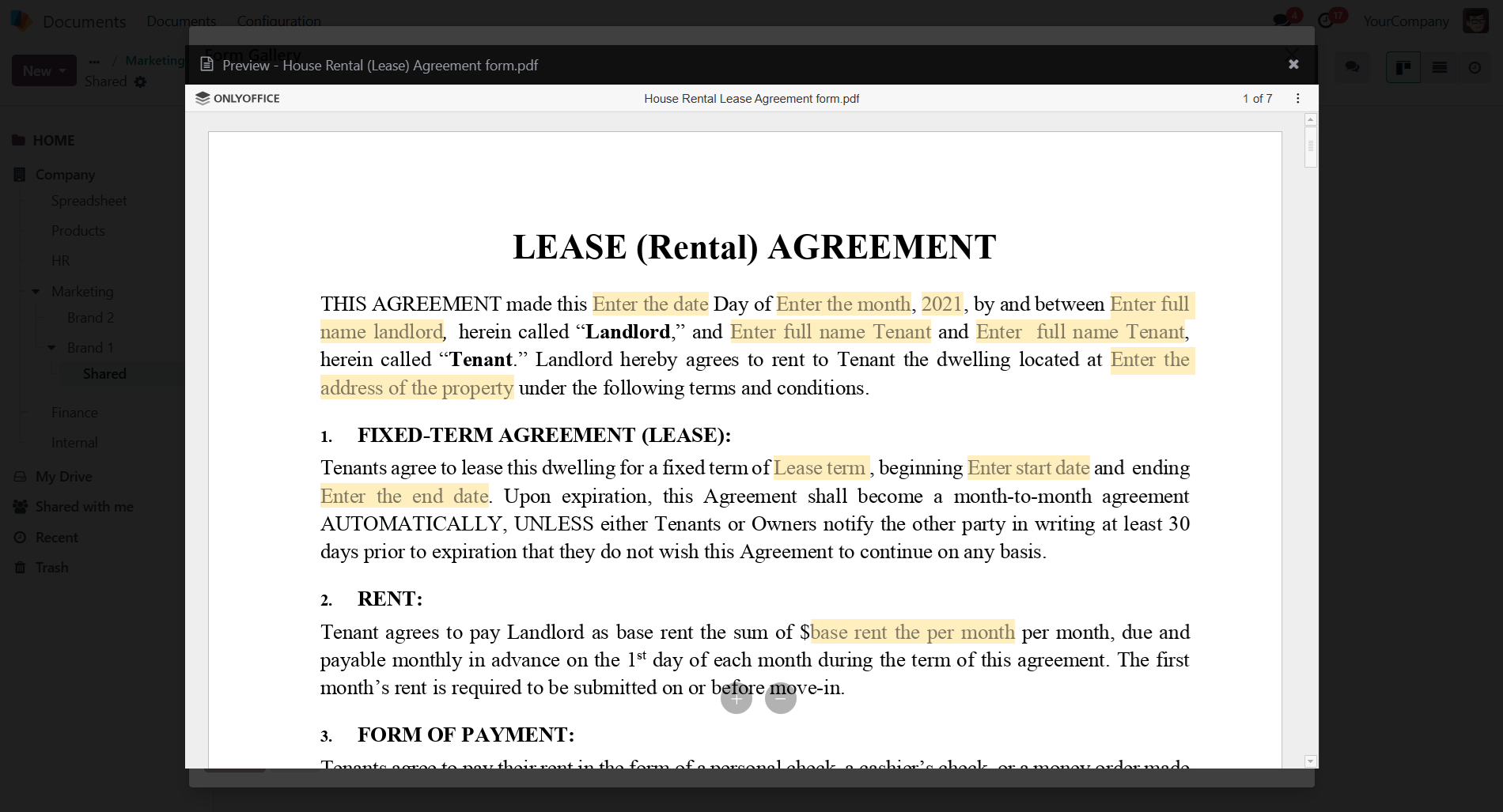
You can now open a preview of documents directly in ONLYOFFICE editors and review them before adding them for editing.
Document change history
The integration now stores the full history of document changes. This allows teams to track edits, review previous versions, and restore earlier states of a document when needed.
Where to find: Discussion → Attachments

Odoo Community
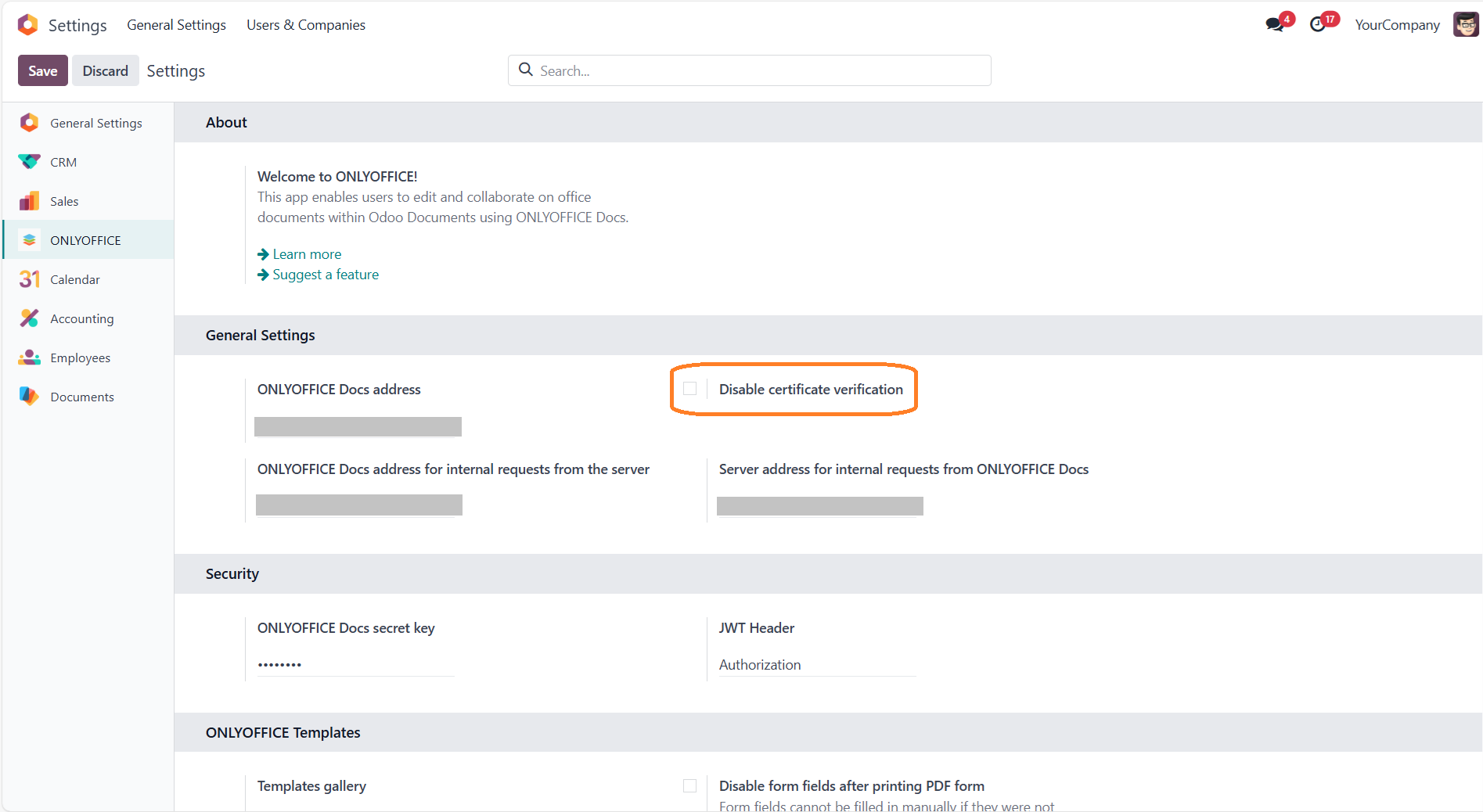
Certificate verification disabling
A new option allows administrators to disable certificate verification, which can be useful in test environments or custom infrastructure setups where a trusted certificate may not be configured.
ONLYOFFICE can establish a connection to the Document Server without requiring additional manual certificate configuration. Administrators simply need to check the corresponding checkbox to bypass certificate validation.
Where to find: Settings → ONLYOFFICE → General settings → Disable certificate verification
Expanded format support
This update significantly expands the list of supported formats:
- View diagram files: VSDX, VSSX, VSTX, VSDM, VSSM, VSTM
- View ODG and MD files
- Edit XLSB spreadsheets
Other improvements
- About panel and update the texts in the settings
- Catalan, Danish, Hungarian, Indonesian, Romanian empty file templates
ONLYOFFICE Templates app
Control over form field editing
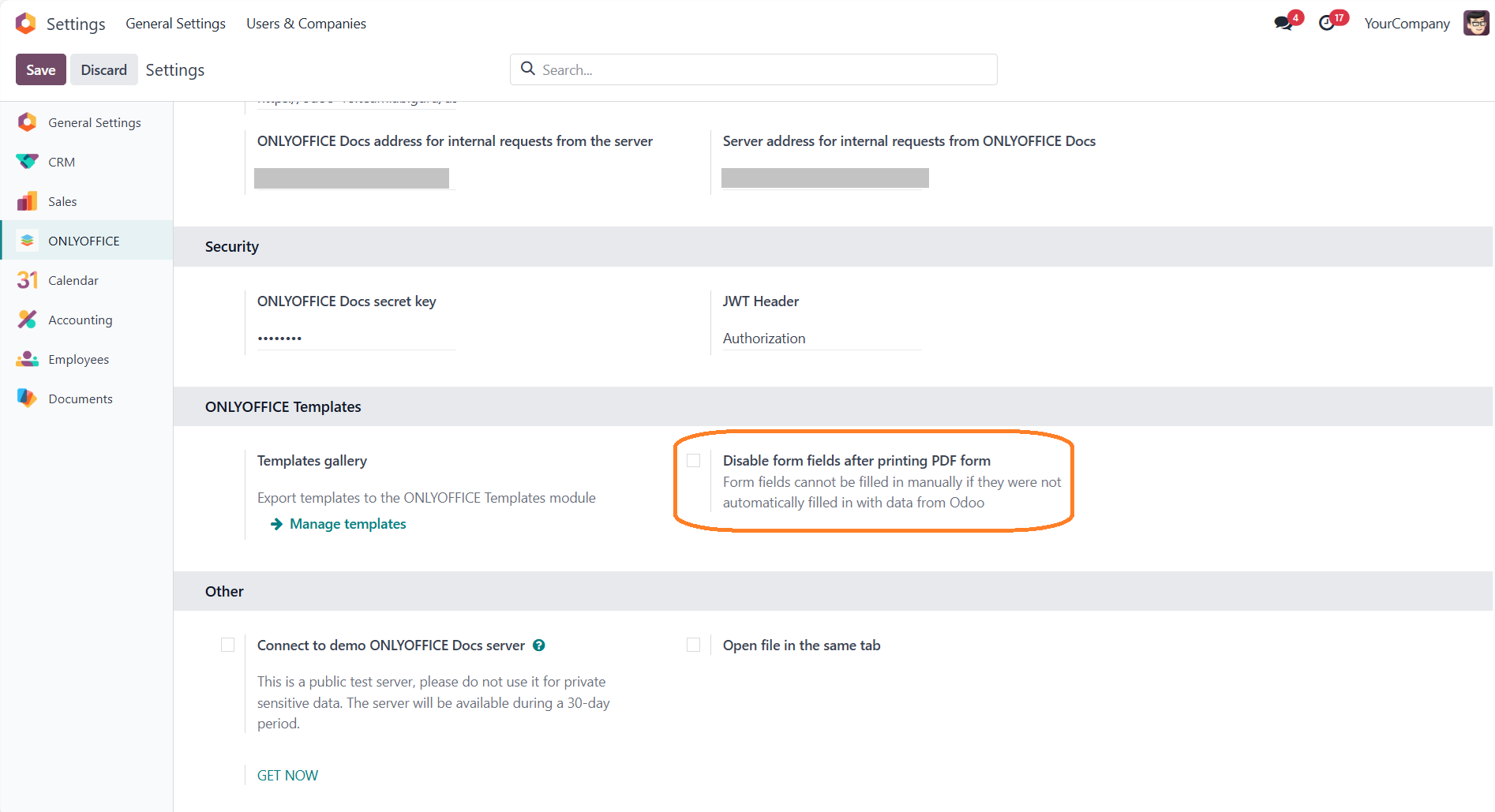
To protect the structure of templates, a new setting allows administrators to disable form field editing. With this option enabled, users can only fill in predefined fields while the form layout and structure remain unchanged.
Where to find: Settings → ONLYOFFICE → ONLYOFFICE Templates → Disable form fields after printing PDF form
Form gallery for templates
The form gallery is now also available in Templates, making it easier to reuse and manage form-based templates.
Where to find: Open Document templates
PDF to form conversion
You can now convert a PDF into a fillable form when creating or modifying a template, significantly speeding up form preparation workflows. When creating or modifying a template, you can upload an existing PDF and then refine it using ONLYOFFICE form builder.
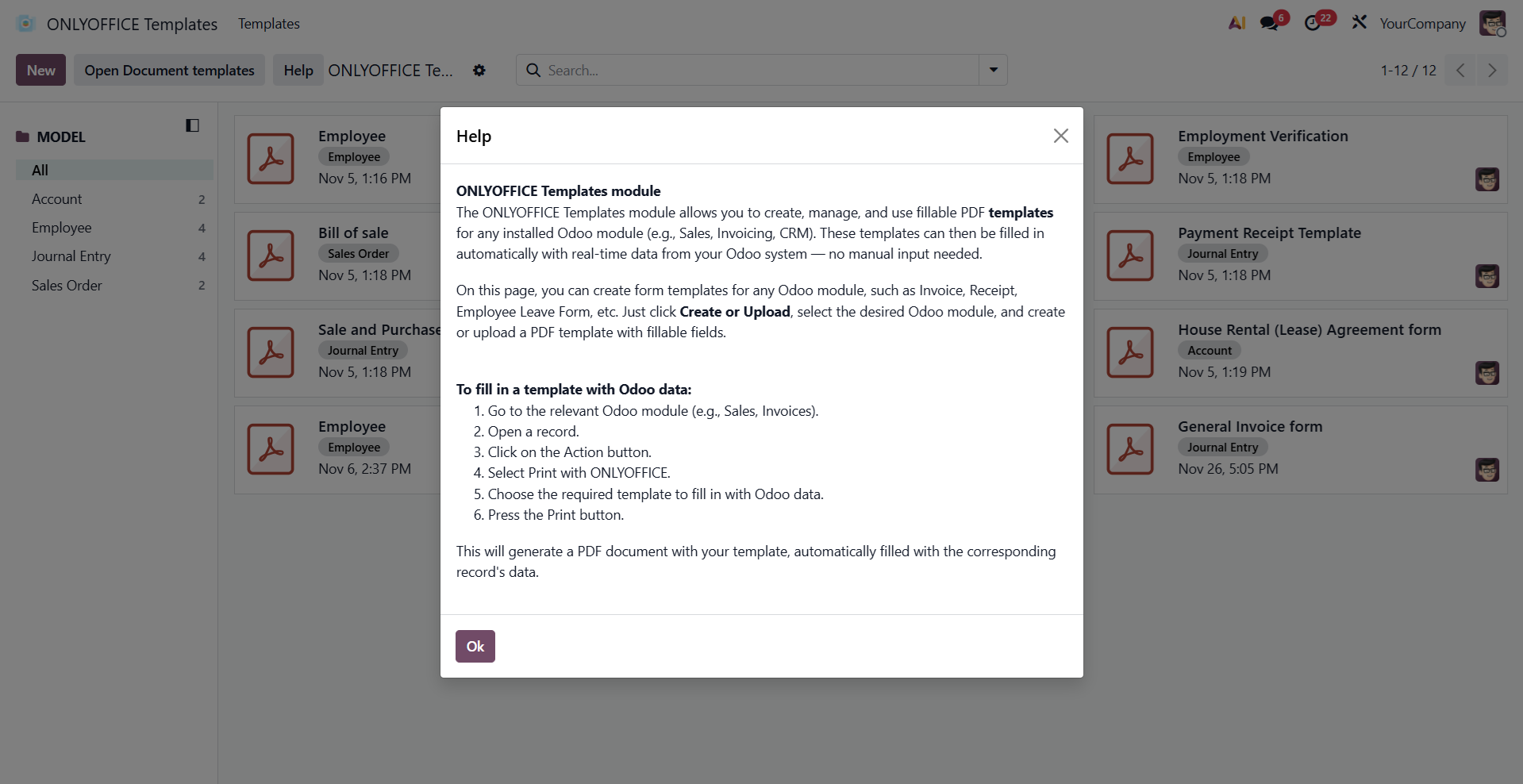
Built-in Help section
A new Help section is now available directly in the Templates app. It provides guidance on how to create, edit, and use templates, making it easier for new users to get started and helping teams adopt templates faster.
Where to find: Help
Get started with the ONLYOFFICE connectors for Odoo
Discover how to connect Odoo’s business applications and create, edit, and collaborate on office documents directly within your Odoo environment:
Create your free ONLYOFFICE account
View, edit and collaborate on docs, sheets, slides, forms, and PDF files online.


