FAQ: ONLYOFFICE Docs 9.2, Desktop Editors 9.2 and other releases
Following up on a series of new releases, specifically ONLYOFFICE Docs 9.2, Desktop Editors 9.2, DocSpace 3.6 and Documents 9.2 for iOS and Android, here are our answers to all the questions that our users had before the new versions came out. Read the article below to learn more about the new features, including some exciting AI updates.
Watch our webinar about the new releases
If you have questions about the latest versions of the ONLYOFFICE products, you can watch our YouTube webinar to learn more about the new features and improvements:
Still have questions? Below you can find our answers to what ONLYOFFICE users want to know about ONLYOFFICE Docs 9.2, Desktop Editors 9.2 and other releases.
AI updates
Since AI improvements were at the core of the new releases, questions about AI features and how they work were the most popular. Let’s dive deep into it!
Question: Is the desktop AI agent similar to the AI inline agent you presented some time ago? How do I update them?
Answer: These are two different things! The newly added AI agent in the desktop app performs operations on files (creation, content analysis, document management, etc.) without you having to launch the editors, while the AI inline agent works inside the editors via the AI plugin and performs various actions directly in your documents. The desktop AI agent can be updated with the desktop app, and the AI inline agent can be updated via the Plugin Manager.
Question: What’s the difference between the AI agent and the AI plugin in the desktop editors?
Answer: The AI agent performs operations in a separate window, and you can interact with it without having to launch the ONLYOFFICE editors. On the contrary, the AI plugin works only inside the editors and has its own settings. You can combine them to guarantee the best editing experience.
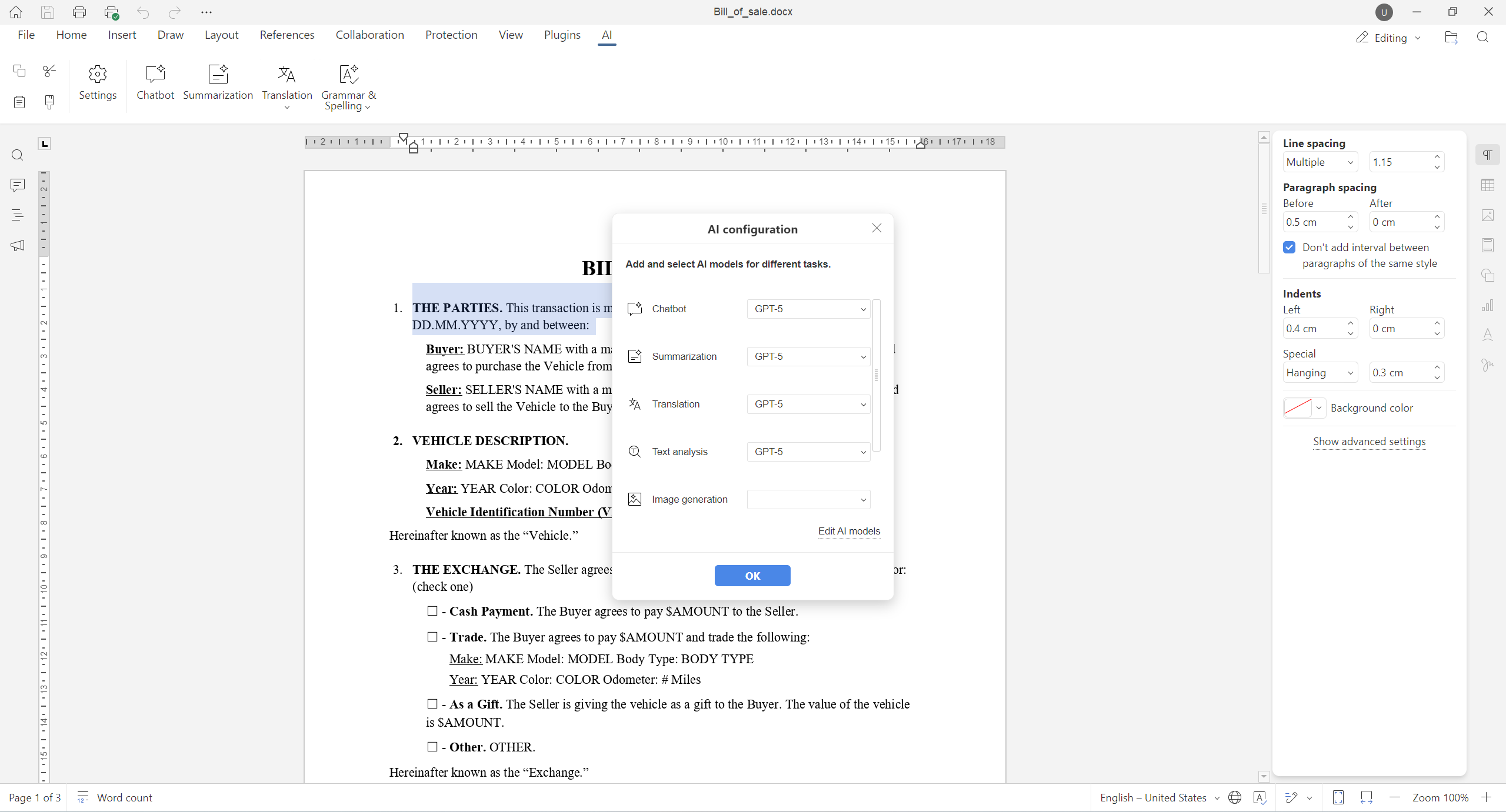
Question: Is the AI agent option in ONLYOFFICE Desktop Editors 9.2 obligatory? How do I disable it?
Answer: The AI agent feature is optional. It’s up to you to decide if you want to use it or not. When configured, your AI provider can be easily deleted via the agent settings.
Question: Is the AI agent in the desktop app free to use?
Answer: Yes, it’s available at no cost. However, your AI provider might charge you for using its AI models in ONLYOFFICE Desktop Editors. To learn more, visit the website of your provider.
Question: Is the desktop AI agent compatible with any AI provider?
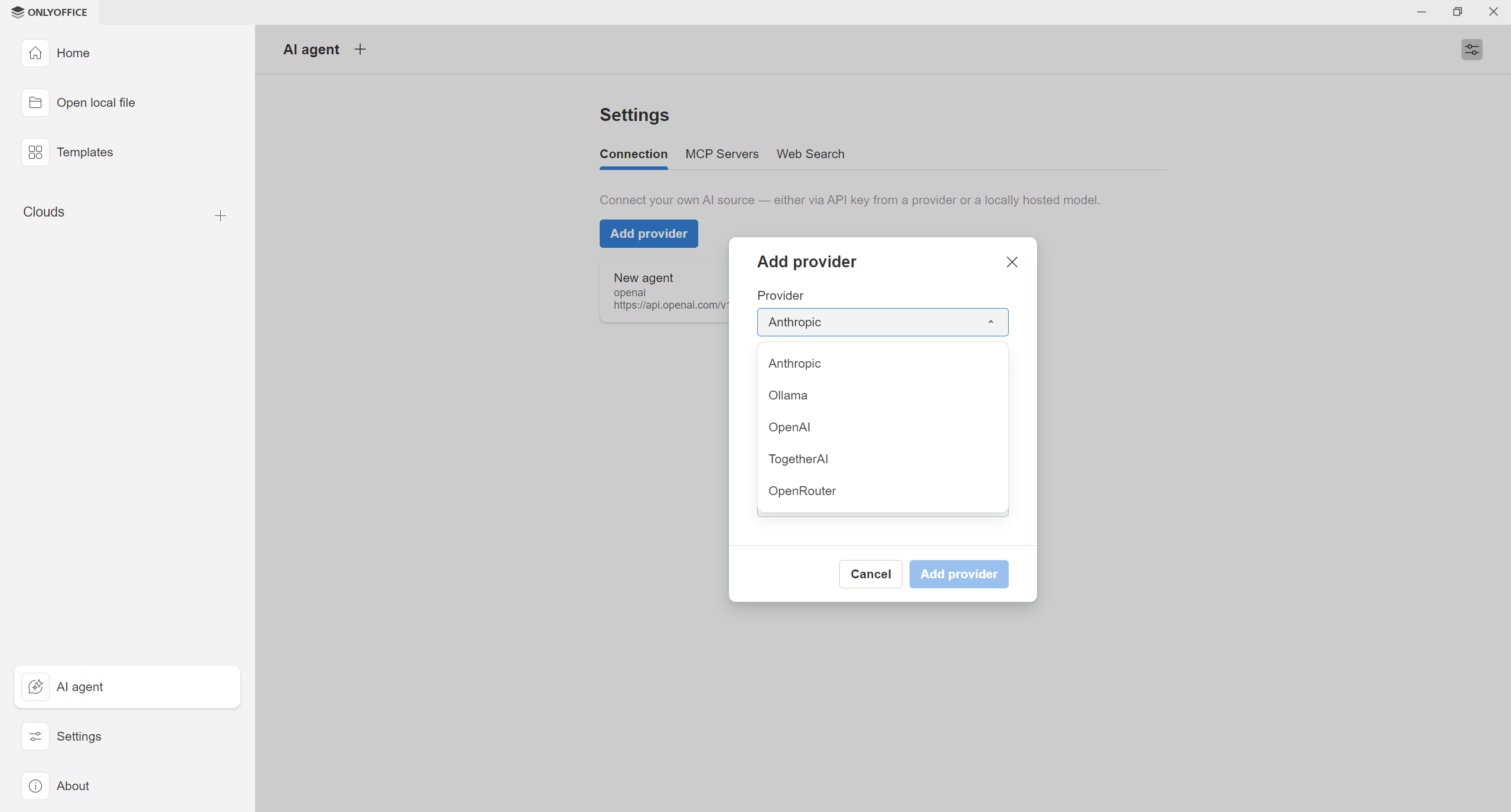
Answer: At the moment, Anthropic, Ollama, OpenAI, TogetherAI and OpenRouter are available as predefined options. More options will be available soon.
Question: Can any AI model serve as an AI agent?
Answer: The agent allows you to choose among several models offered by each available provider. All these models can be used as an AI agent, and you can try them all to check what works best for your needs.
Question: How do I get an API key for my AI agent?
Answer: ONLYOFFICE doesn’t provide API keys. You should get them from your AI provider. Here are the pages where you can find more information about how to get API keys:
Question: Do I need to configure the AI plugin to be able to use the AI agent?
Answer: No, you don’t. You can set up your AI agent and start using it without configuring the AI plugin in the editors.
Question: When I use the AI agent, it asks me to provide some permissions. What do they mean?
Answer: Your configured AI agent can use various tools to get its work done, so it might ask you to provide the required permissions. For example, the file_opener tool is used to open local files on your PC or laptop, and the generate_form tool is designed to generate a fillable form based on your description. If you don’t allow the requested permissions, your AI won’t perform some operations.
Question: I need to use OpenAI models through Azure OpenAI and Gemini models through Google Vertex AI, do the new DocSpace 3.6 / Docs 9.2 support Azure OpenAI and Google Vertex AI as providers?
Answer: Yes, you can add Azure OpenAI and Google Vertex AI as custom providers in the AI plugin settings. Read this blog post for more information.
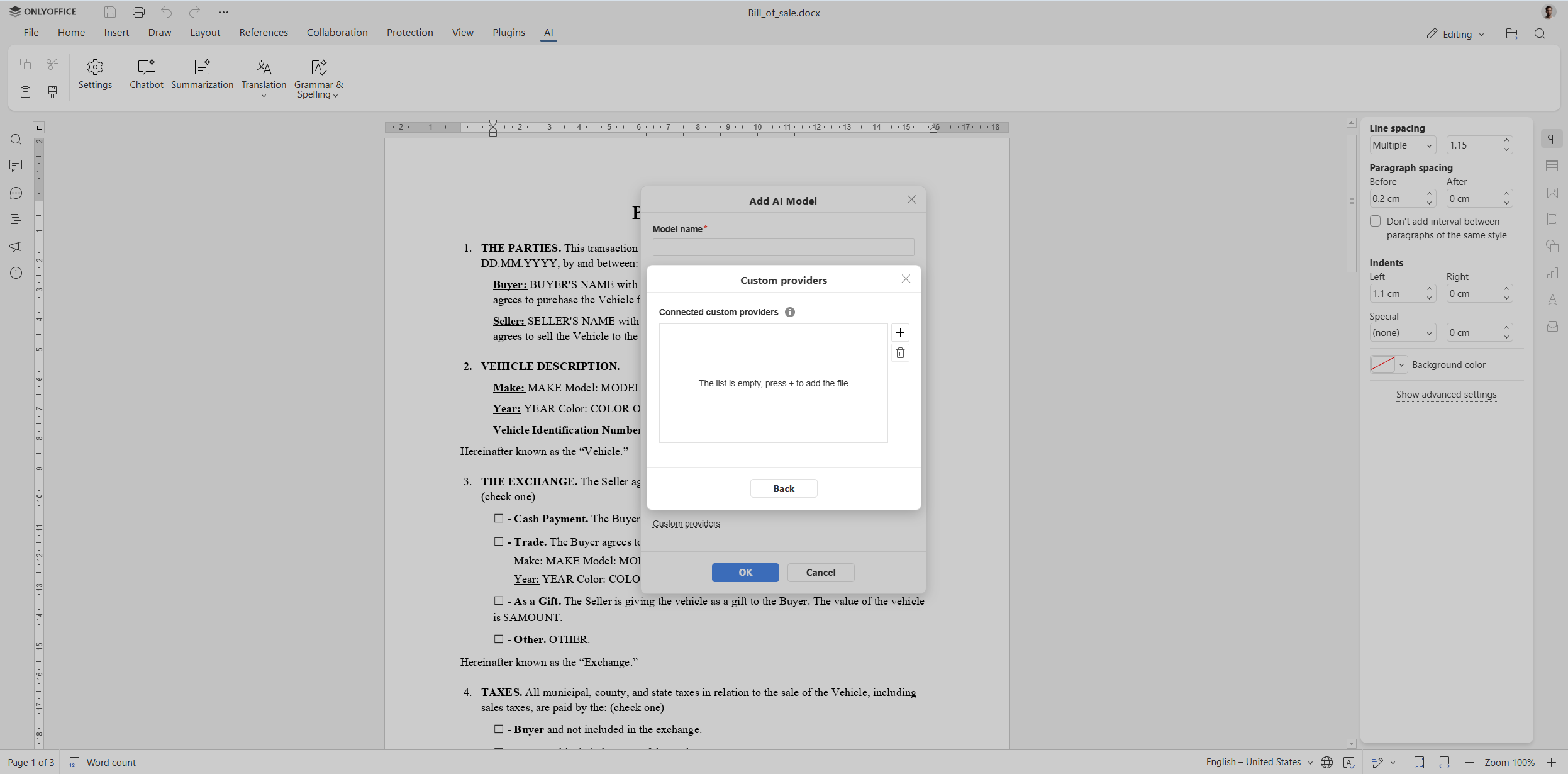
Question: Can we gut the AI on the self-hosted versions?
Answer: Sure thing. You can delete any plugin, not only the AI plugin, following the instructions in this guide.
Question: Which AI models power the agents and Docs 9.2 grammar/spell features? Are they open models we can host and inspect, or proprietary cloud models?
Answer: The AI integration in ONLYOFFICE Docs and Desktop Editors is flexible, allowing you to choose among several AI providers for both the AI agent and the AI plugin. Not only can you opt for cloud-based providers and their proprietary models, but you can also use open-source AI models locally hosted on your machine via Ollama.
Question: Is it possible to connect the AI agent on the main page and then change the settings for individual tasks directly in the editor?
Answer: Yes. If you have configured AI models for different actions within the AI plugin in the editors, they will be used as if there were no desktop agent. The only difference is that if you don’t have a model configured for the Chat option, it will be taken automatically from the desktop agent.
Question: Why do all presentations generated by the AI agent look similar? Is it possible to make them more diverse?
Answer: It will be possible in further releases. This is the first version of the AI agent, so some features might be limited upon the initial release and will be expanded in the future.
Question: How is the list of tasks performed by the AI agent regulated? Can it be expanded independently?
Answer: The list of available operations for the AI agent is preliminary, and more operations might be added in further releases. If you need a certain function for the agent, you can request it via our feedback platform. Also, you can configure MCP servers in the AI agent settings and use them for a more personalized user experience tailored for your common tasks.
General improvements
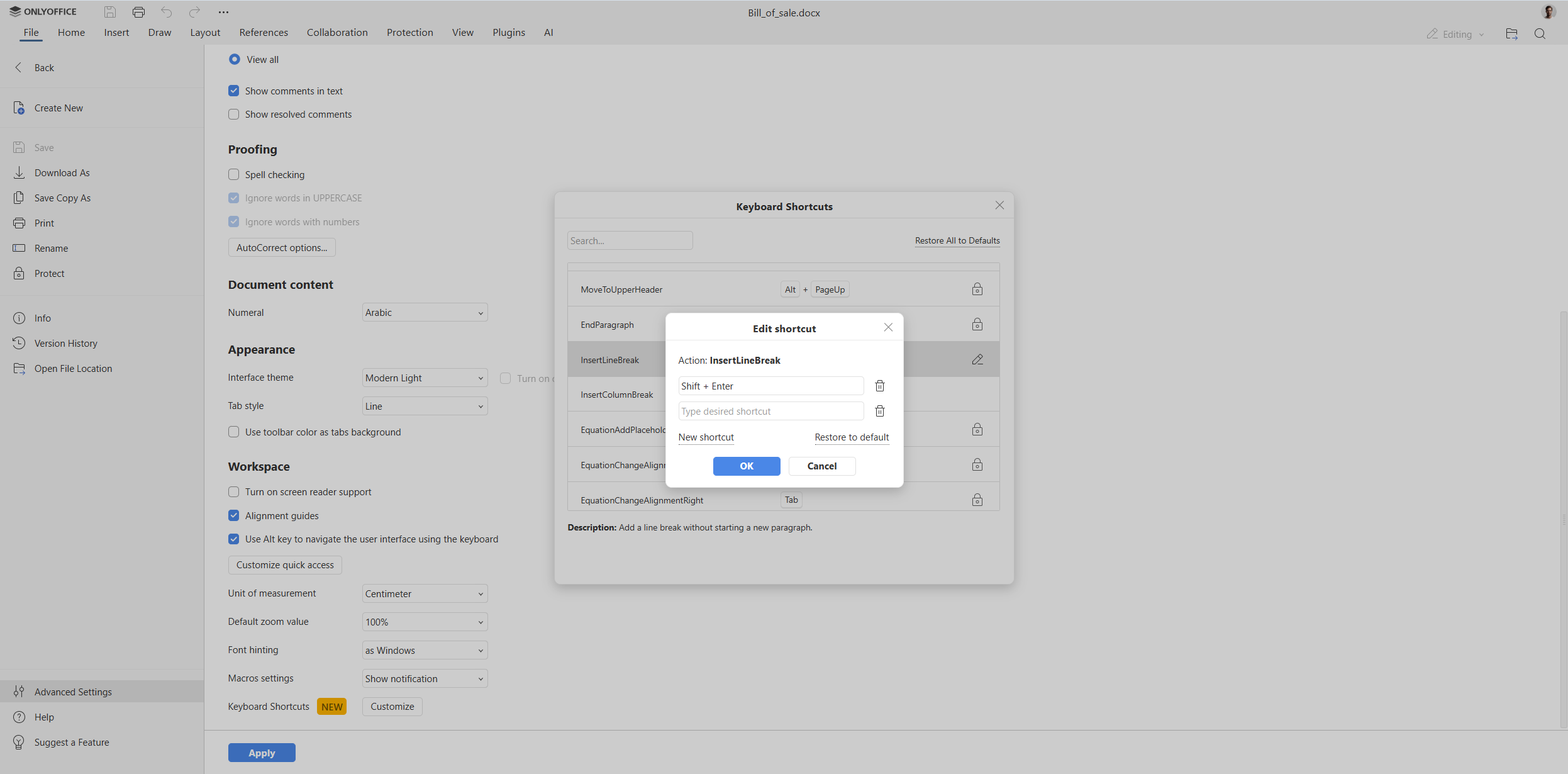
Question: I have been asking about customizable shortcuts for quite a long time. Does the new version bring this feature?
Answer: Yes, it does. The new versions of the ONLYOFFICE online and desktop editors allow you to customize shortcuts the way you are used to. Learn more in this blog post.
Licensing
Question: If I want to host ONLYOFFICE Home DocSpace across a cluster of devices serving my home, can I still have only a single license? And if I integrate it into my smart home app, is that covered too?
Answer: ONLYOFFICE DocSpace is a room-based document management platform designed to make it easier for multiples users to collaborate on documents in real time. Its version for home use, ONLYOFFICE DocSpace Family Pack, installs on a server and can be accessed from various devices, from PC to mobile phones and tablets. DocSpace integration is not intended for smart home apps.
Compatibility
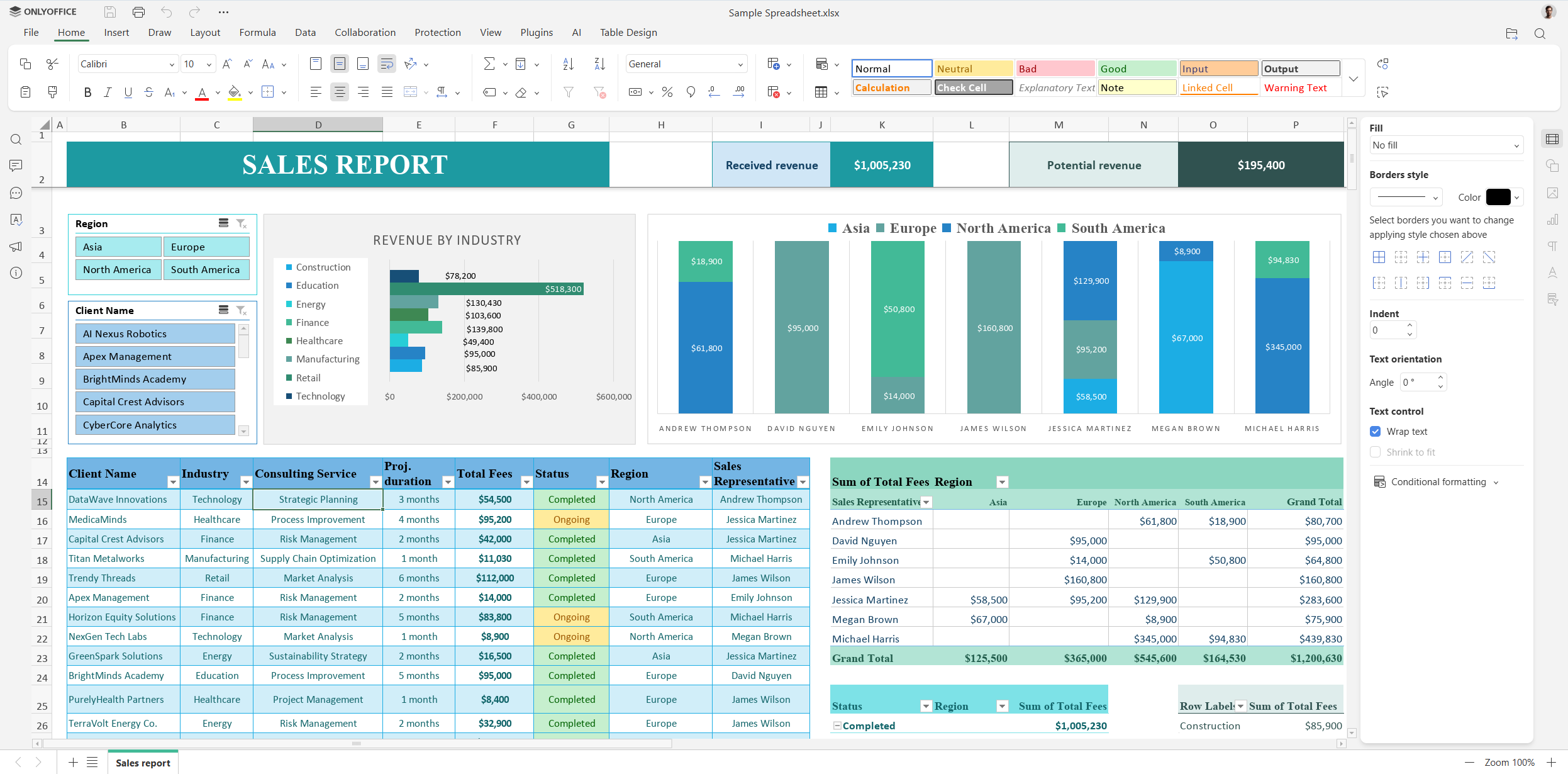
Question: My question: is this 100% compatible with MS Excel for spreadsheets moving back and forth between ONLYOFFICE and MS Excel?
Answer: ONLYOFFICE Spreadsheet Editor provides the highest compatibility with Excel spreadsheets due to its native support for the XLSX file format. This means that you can open and edit Excel spreadsheets in ONLYOFFICE Spreadsheet Editor and vice versa. We constantly work to improve MS Excel compatibility, and if you face any issues, please let us know on our forum.
Miscellaneous questions
Question: How is ONLYOFFICE helpful for engineers and students? What makes it different from Microsoft Office used by engineers for planning and productivity?
Answer: ONLYOFFICE Docs provides engineers with a complete suite of collaborative editors and viewers for documents, spreadsheets, presentations, fillable forms, PDF files and digram, allowing them to collaborate in real time. The ONLYOFFICE editors can be flexibly integrated into any web-based platform and run on web, desktop and mobile platforms. As a self-hosted solution, ONLYOFFICE Docs guarantees privacy and transparency, which is crucial in engineering projects.
Students can also benefit from using ONLYOFFICE solutions. Visit this page to learn more about what ONLYOFFICE offers for students.
Feature requests
In addition to questions about ONLYOFFICE Docs 9.2 and other recent releases, we received the following requests for new features and tools that our users would like to see implemented in our editors:
- AI features such as adjusting formatting based on templates, uploading templates and assets to generate new documents and presentations;
- Portable version of ONLYOFFICE Desktop Editors;
- Page number formatting similar to MS Word;
- Multiple-page view in documents.
We really appreciate everyone’s feedback. If you have another feature suggestion or want to share an idea, don’t hesitate to visit our platform below and let us know your thoughts:
Get started with ONLYOFFICE
Want to try all the new features available in version 9.2? Create a free ONLYOFFICE DocSpace to get started in the cloud or download the free desktop app for Windows, Linux and macOS:
Create your free ONLYOFFICE account
View, edit and collaborate on docs, sheets, slides, forms, and PDF files online.


