PDF API explained: features, use cases, and examples
PDF is one of the most widely used formats for sharing documents. Companies rely on it for contracts, invoices, reports, forms, and many other types of structured information. The challenge appears when applications need to create, process, or transform these documents automatically.
Manually generating PDFs or converting files using desktop tools doesn’t work when your system needs to handle hundreds or thousands of documents. This is why many development teams rely on a PDF API.
It allows applications to generate, edit, convert, or sign documents programmatically. Instead of building complex document-processing logic from scratch, developers can use a PDF generation API or PDF converter API to automate tasks such as creating reports, converting DOCX files to PDF, extracting text, or preparing documents for signing.
In this article, we explain how a PDF API works, what features developers typically use, and how it helps automate document workflows in modern applications.
Why PDF APIs matter for developers
Documents are a core part of many modern applications. Financial platforms generate invoices, HR systems produce contracts, analytics tools export reports, and many services allow users to upload files that must be processed automatically.
Working with these documents directly in application code can quickly become complex. Generating PDFs, converting files between formats, extracting text, or adding signatures often requires multiple tools and careful handling of different file structures.
A PDF API helps developers manage these tasks inside their applications. Through API requests, systems can generate documents, convert files, modify existing PDFs, or extract information as part of automated workflows.
These capabilities are commonly used for tasks such as:
- generating invoices, certificates, or reports using a PDF generation API;
- converting documents with a Word/DOCX to PDF API;
- extracting information with a PDF to Text API;
- modifying files through PDF Editor API;
- adding secure signatures using a PDF Sign API.
Many platforms also rely on a PDF Converter API to standardize documents uploaded by users or produced by other systems. In environments that process large volumes of data, services may handle thousands of documents every day. Automation becomes essential in these situations.
Applications built around document workflows, including SaaS platforms, document management systems, and internal business tools, often integrate an API PDF Generator to manage these processes more efficiently.
Key features of PDF API
Most modern APIs provide a set of core capabilities that developers can integrate into their applications.
PDF generation and creation
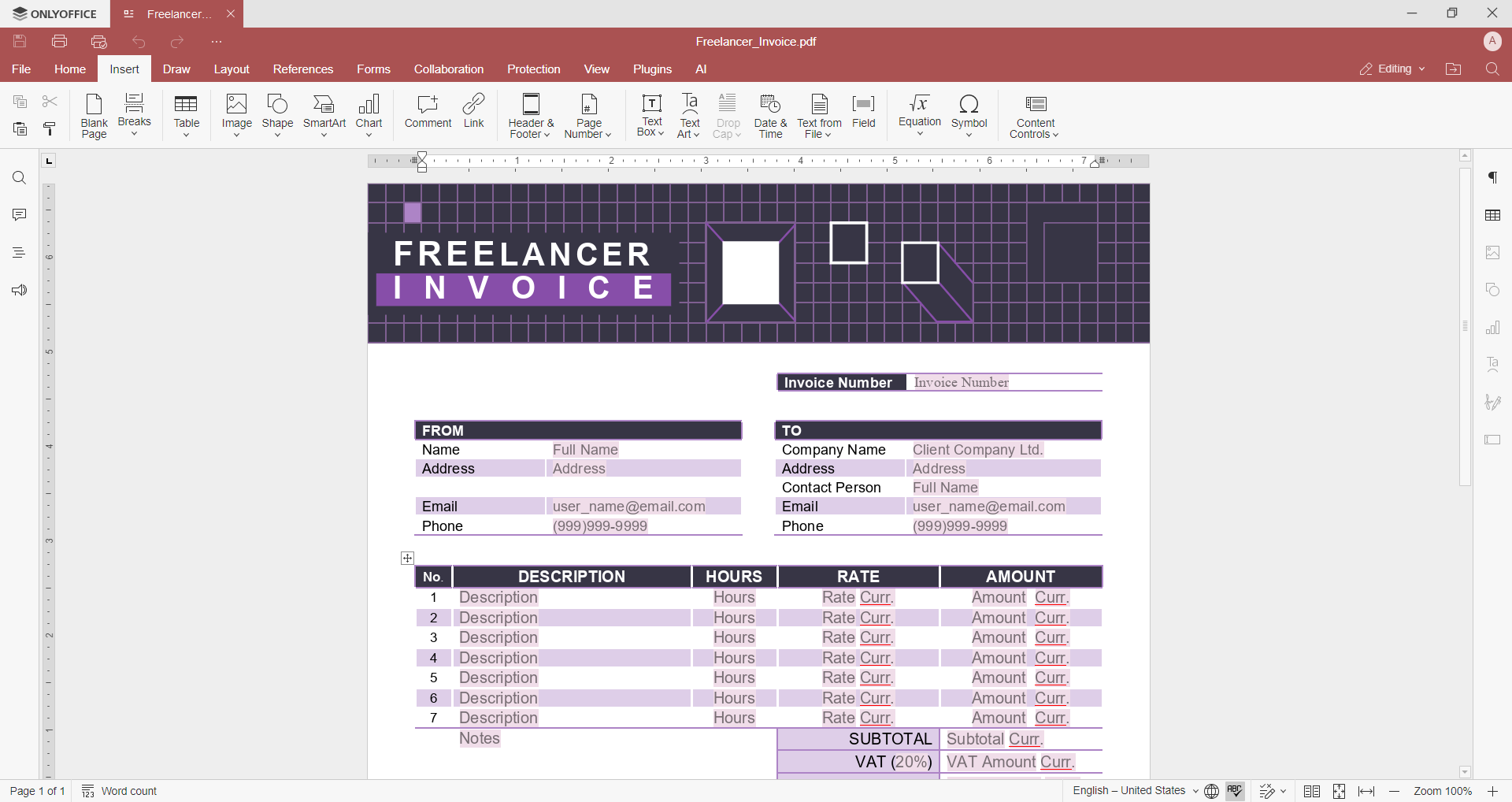
One of the most common use cases is automated document creation. A PDF generation API service allows applications to generate documents dynamically based on templates or structured data.
Developers often use a PDF creation or maker API to generate documents such as:
- invoices;
- receipts;
- contracts;
- reports;
- certificates.
Typical operations include:
- generating PDFs from templates;
- converting documents using a Word to PDF API;
- creating files from plain text with a convert text to PDF API;
- generating documents from structured content.
For example, a SaaS platform might use a document generation API to create reports for users automatically after processing their data.
Editing and annotation
Another common feature is editing existing documents. Using PDF Editor API, developers can modify files directly inside their applications.
Typical editing features include:
- inserting text or images;
- modifying existing content;
- adding comments and annotations;
- filling out PDF forms;
- adding fields for signatures.
These capabilities are useful in document review workflows, collaboration tools, and form-based applications.
PDF conversion
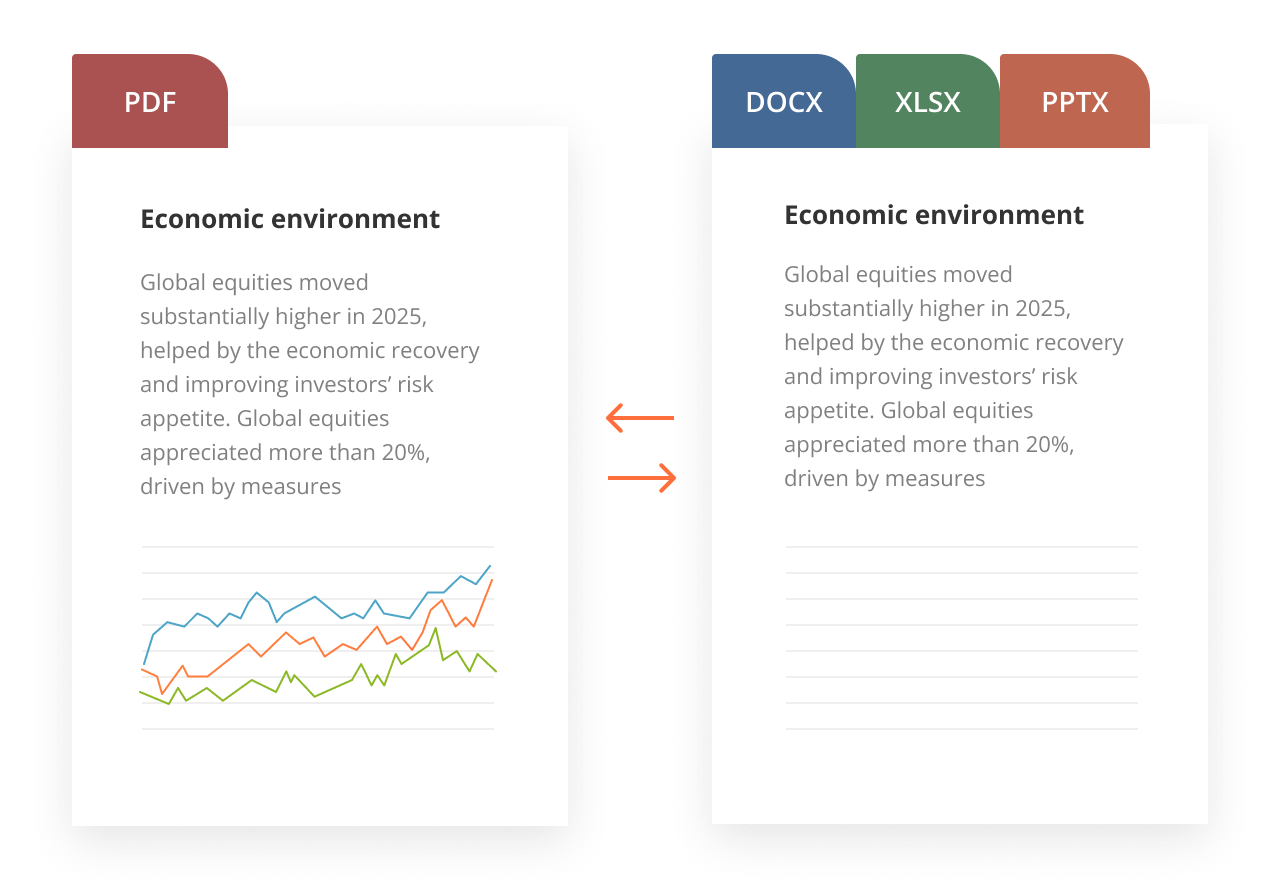
Many applications need to convert documents between formats. A PDF Converter API allows developers to automate this process.
For example, a platform might accept files in multiple formats and convert them into PDF before storing or sharing them.
Typical conversions include:
- DOCX to PDF API;
- Word to PDF API;
- PDF to Text API;
- converting spreadsheets or presentations into PDF;
- exporting documents into structured formats for analysis.
Conversion APIs are particularly important for large systems that process high volumes of documents automatically.
Signing and protection
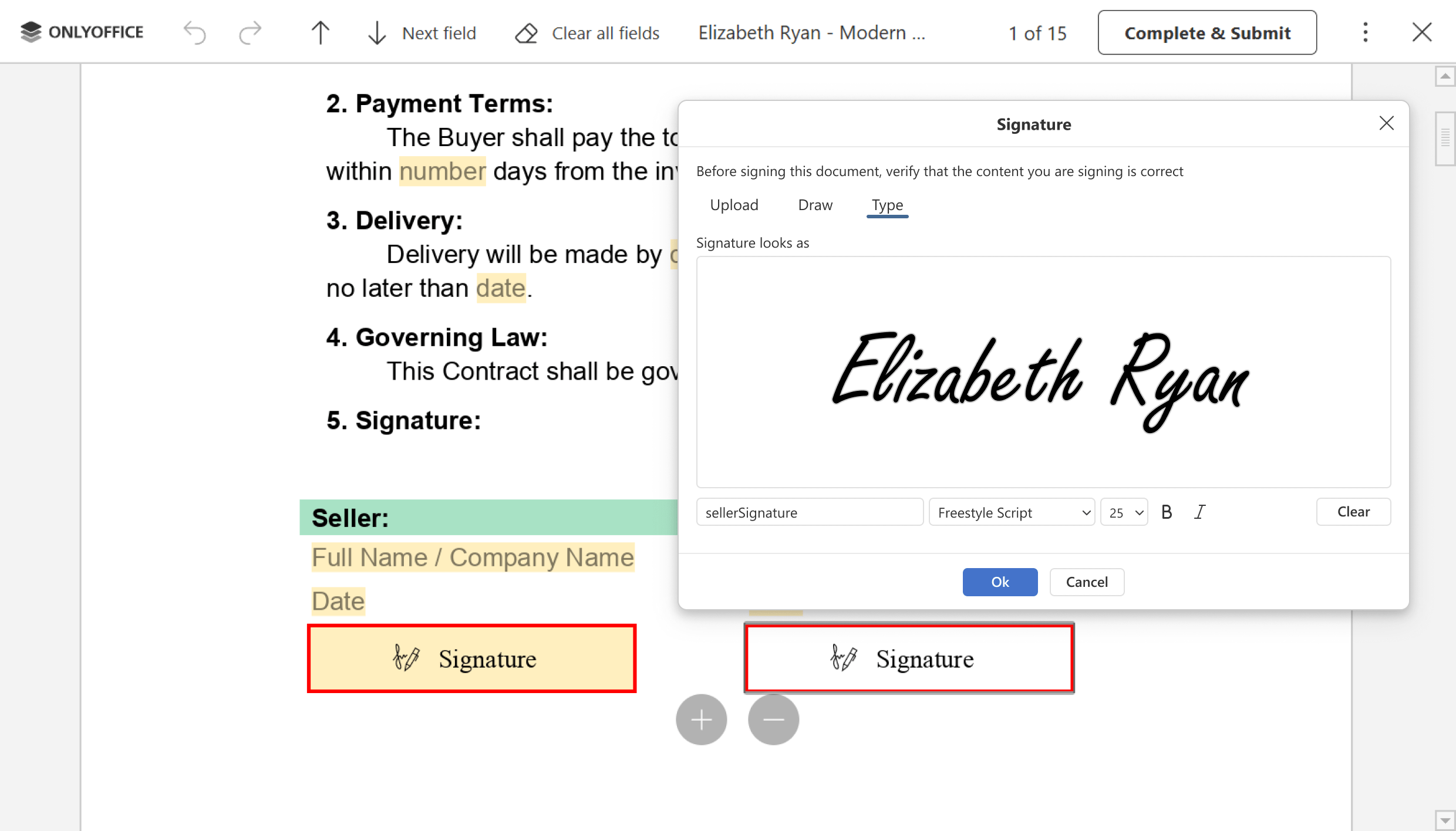
Digital signatures are essential in many document workflows. A PDF Sign API enables applications to support secure document signing directly within their platforms.
Common signing features include:
- adding digital signatures;
- validating signatures;
- protecting documents with passwords;
- restricting editing or printing;
- creating approval workflows.
For businesses handling contracts or legal documentation, these capabilities can significantly simplify document management.
Use cases and examples
A PDF creation API can be used in many real-world scenarios across different industries.
Automated contract signing
Platforms that handle agreements often generate documents automatically and send them for signing. A document generation API can create the contract, convert it into PDF format, and pass it to a signing service.
Generating invoices and reports
Financial platforms frequently rely on a PDF generation API to create invoices or financial reports dynamically. Once the document is generated, it can be sent to customers or stored in the system.
Large-scale document conversion
Organizations often need to convert thousands of files into PDF format. A PDF Converter API allows systems to process large document volumes automatically.
For example, a document management system might use an API PDF Generator to standardize file formats across the platform.
How to integrate PDF API into your application
Most modern services expose a PDF API through REST endpoints, allowing applications to interact with documents using standard HTTP requests. This approach makes it possible to integrate document generation, conversion, editing, or signing features into almost any system.
Developers typically interact with an API PDF Generator by sending requests that contain either files, structured data, or instructions for document processing. The API then returns the processed document or extracted data.
Although the implementation details vary depending on the provider, the general integration workflow is usually similar.
Typical integration workflow
- Create an account and obtain credentials: Most providers require developers to create an account and generate an API key or authentication token.
- Send requests to the API: Applications send requests to endpoints responsible for operations such as document generation, conversion, editing, or signing.
- Process the response: The API returns the generated document, converted file, or extracted content. The application can then store the document, deliver it to users, or continue processing it.
- Implement error handling: Applications should verify response codes, manage timeouts, and handle potential errors returned by the API.
Because most APIs rely on standard HTTP requests, they can easily be integrated into applications written in various programming languages, including C#, Python, and JavaScript. Developers typically use built-in HTTP libraries available in these languages to communicate with the API PDF service.
For detailed endpoint descriptions and implementation examples, developers should refer to the official documentation.
Popular PDF APIs: a quick overview
Many services offer APIs for working with PDF files. Each solution provides different features depending on the needs of developers and businesses.
1. ONLYOFFICE PDF API
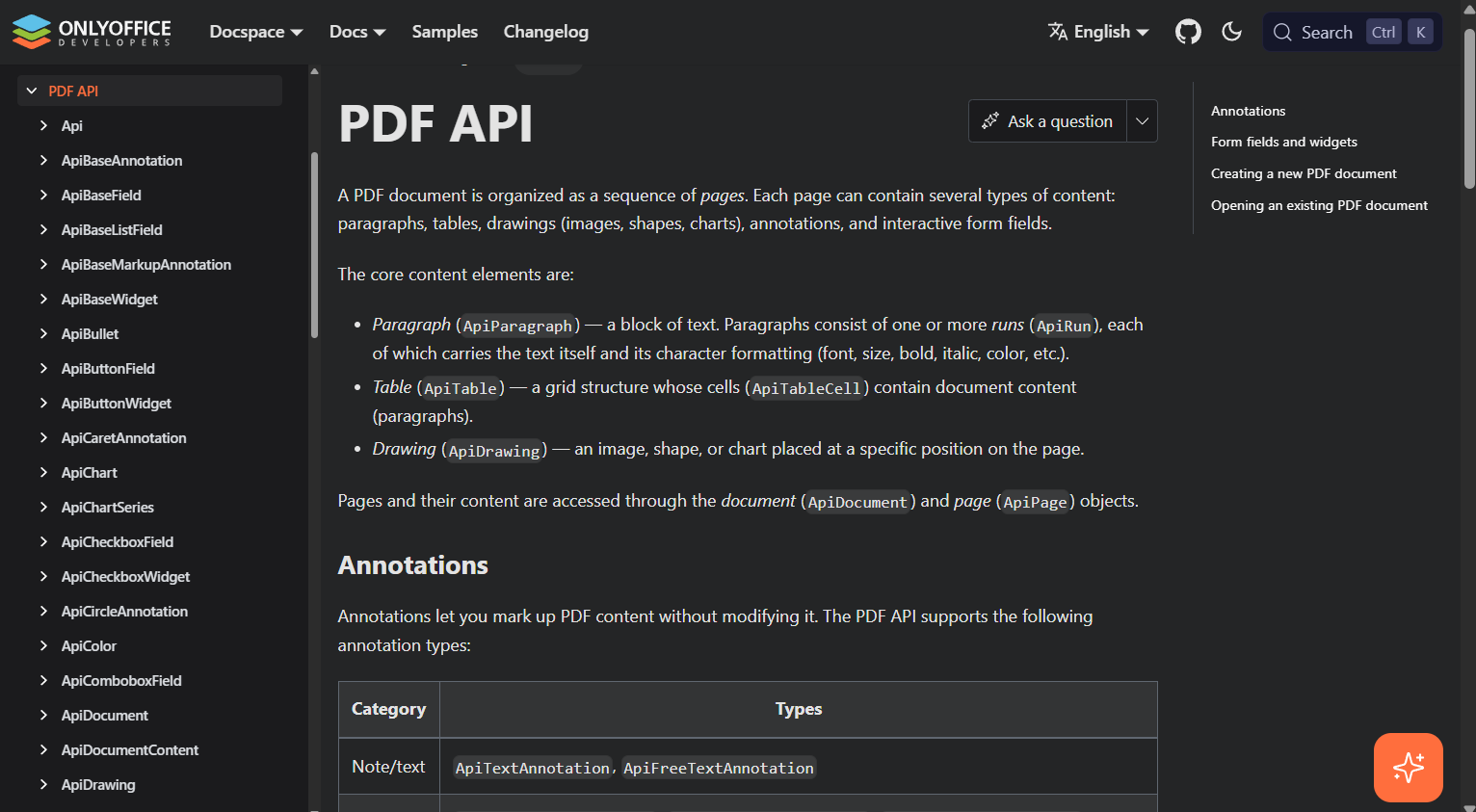
The ONLYOFFICE PDF API allows developers to integrate document editing, conversion, and processing features into their applications. It is designed to work within the broader ONLYOFFICE ecosystem and can be integrated into document workflows and collaboration platforms.
The platform focuses on flexibility, scalability, and integration with existing document management systems.
2. Adobe PDF API
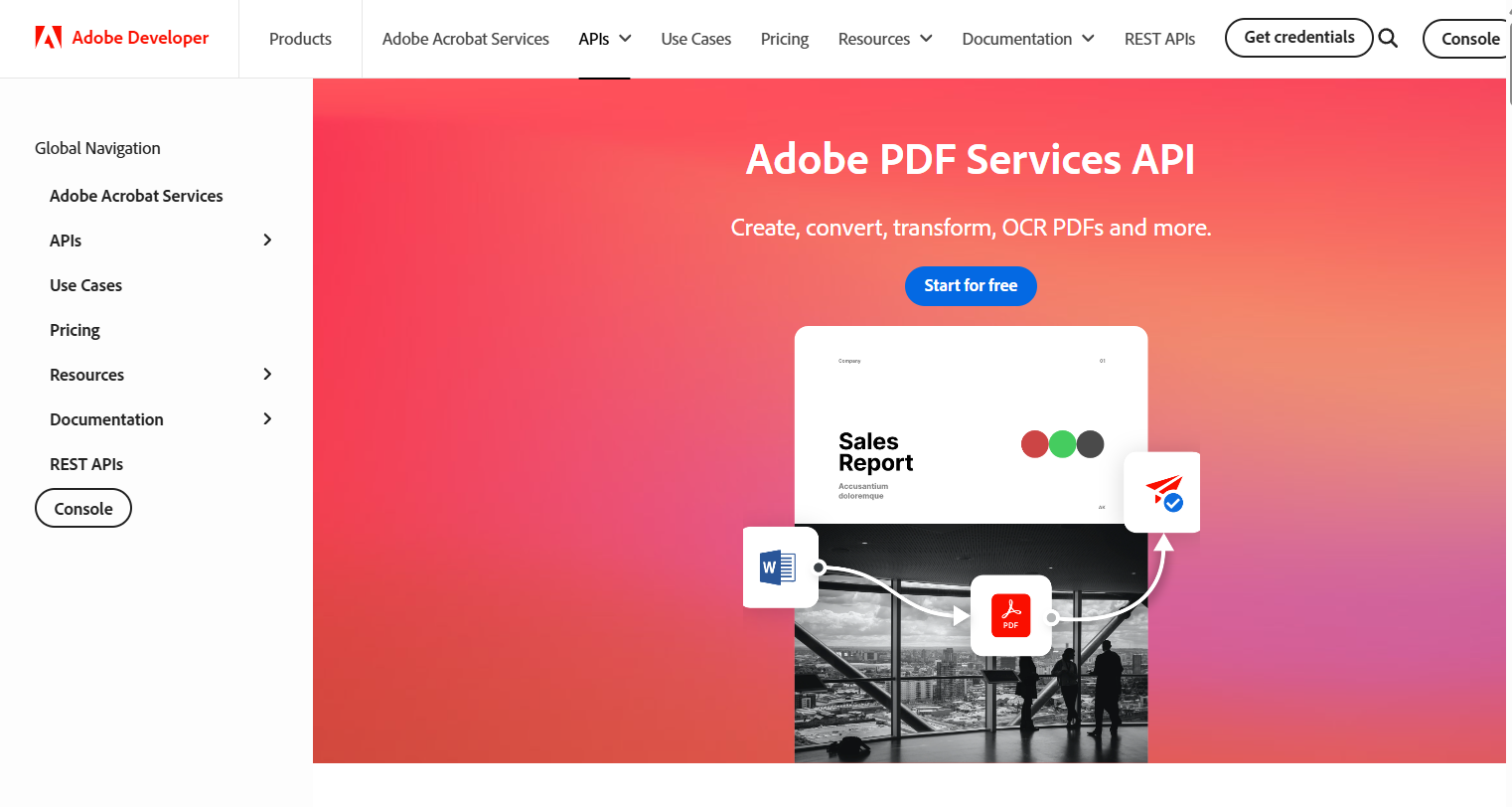
Adobe provides tools for document processing and manipulation. One of the widely known services is the Adobe PDF Embed API, which allows developers to display and interact with PDFs directly inside web applications.
Adobe also offers APIs for document generation, conversion, and document services.
3. PDF Generator API
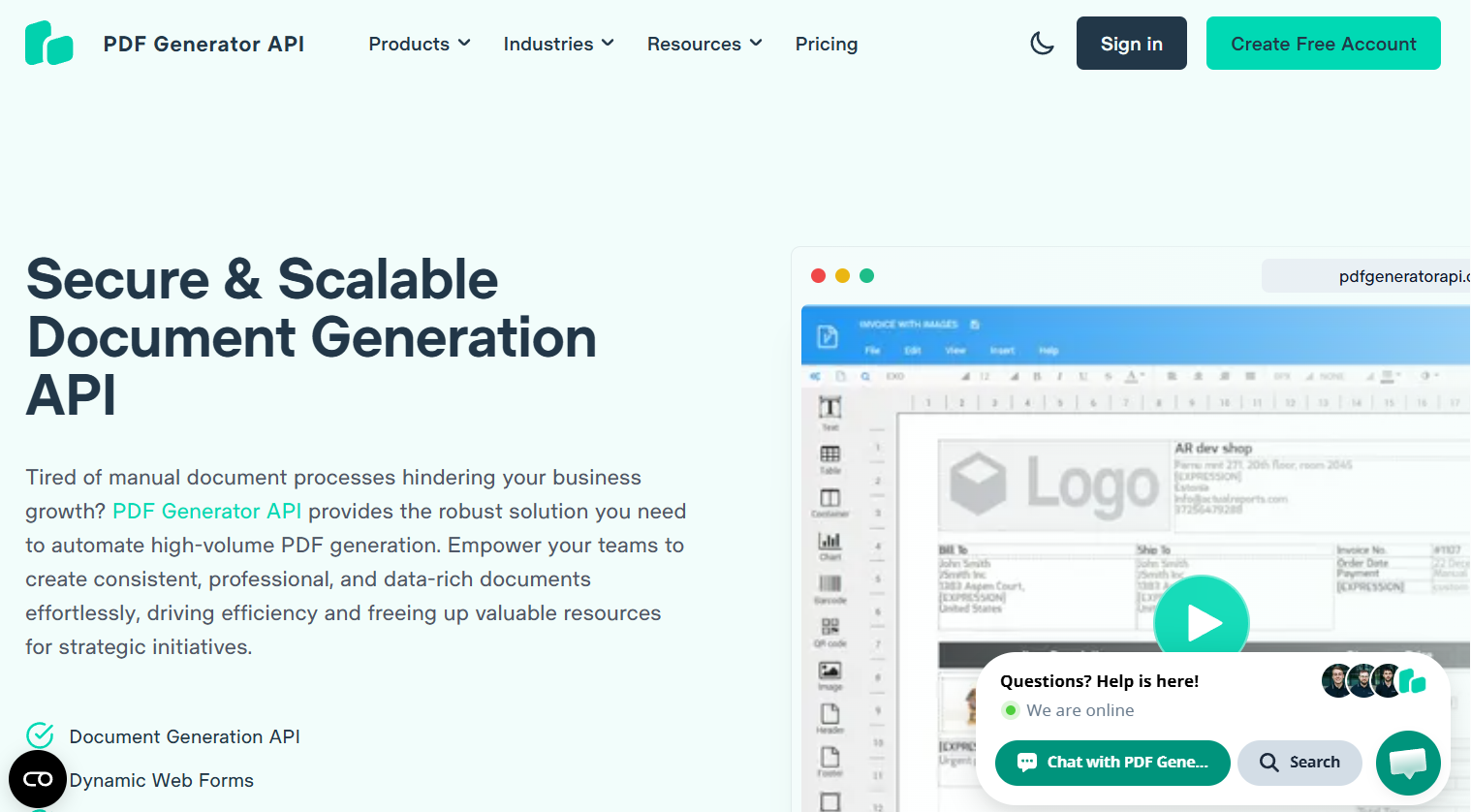
PDF Generator API is a service focused primarily on automated document creation. It is often used for generating invoices, reports, and certificates from templates.
4. PDF.co API
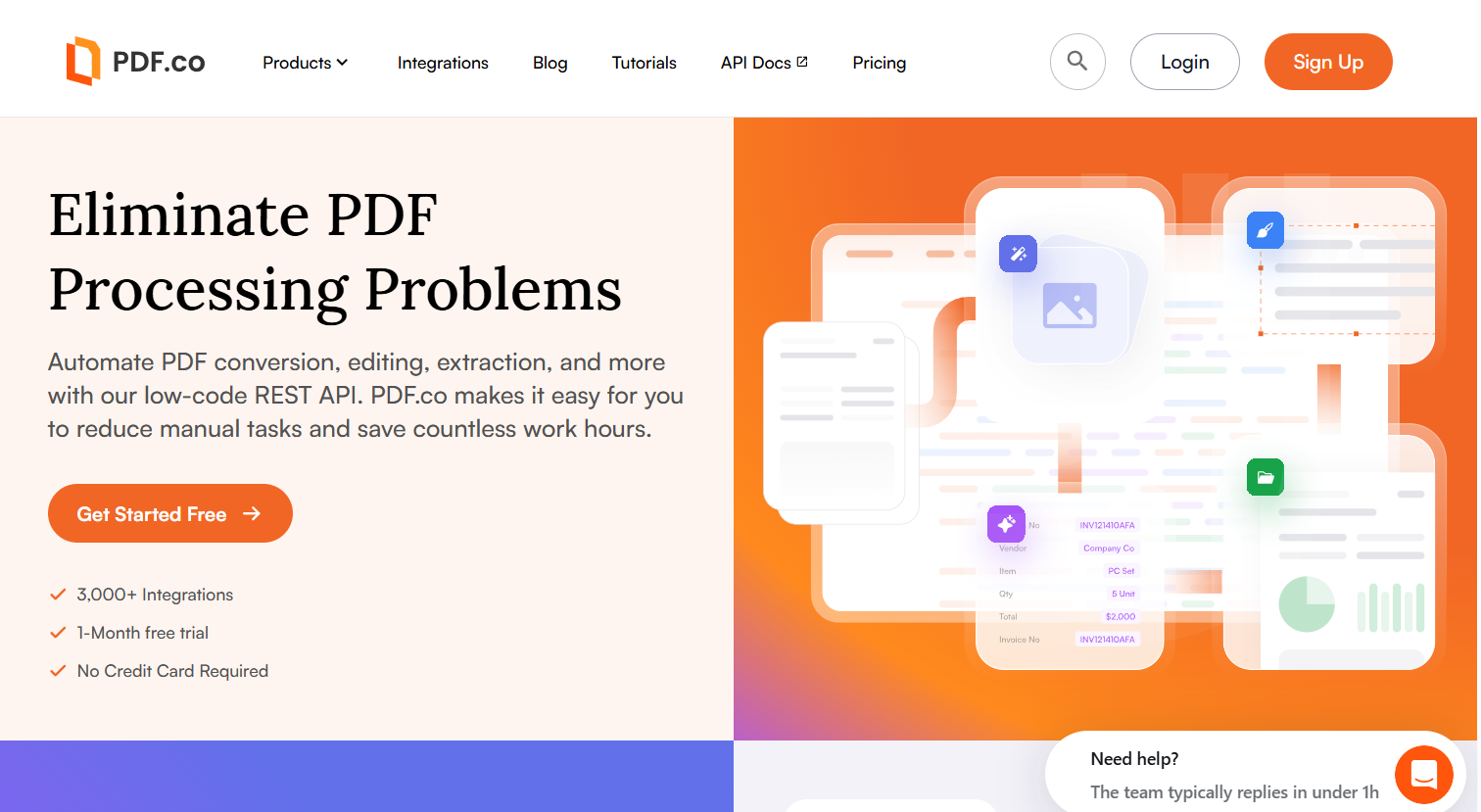
PDF.co provides a wide range of PDF processing features including conversion, editing, data extraction, and document automation. It supports multiple formats and is commonly used for automated workflows.
When choosing a solution, developers typically look for the best PDF API for document conversion and signing at scale, considering factors such as performance, pricing, reliability, and ease of integration.
Automate PDF processing with ONLYOFFICE PDF API
For developers building document-driven applications, the ONLYOFFICE PDF API provides tools for integrating PDF processing into existing systems.
Using the API, developers can automate document workflows, convert files between formats, and manage documents within applications without relying on manual processing.
The API can be integrated into various environments and programming languages, making it suitable for both small applications and large-scale services.
Create your free ONLYOFFICE account
View, edit and collaborate on docs, sheets, slides, forms, and PDF files online.