ONLYOFFICE Documents v9.3 for iOS: Liquid Glass support and new ways to open, edit, and save files on the go
The latest update of ONLYOFFICE Documents for iOS is now available. Version 9.3 introduces several practical improvements that make working with documents on iPhone and iPad more flexible, especially when handling files from different sources and languages.

Liquid Glass support
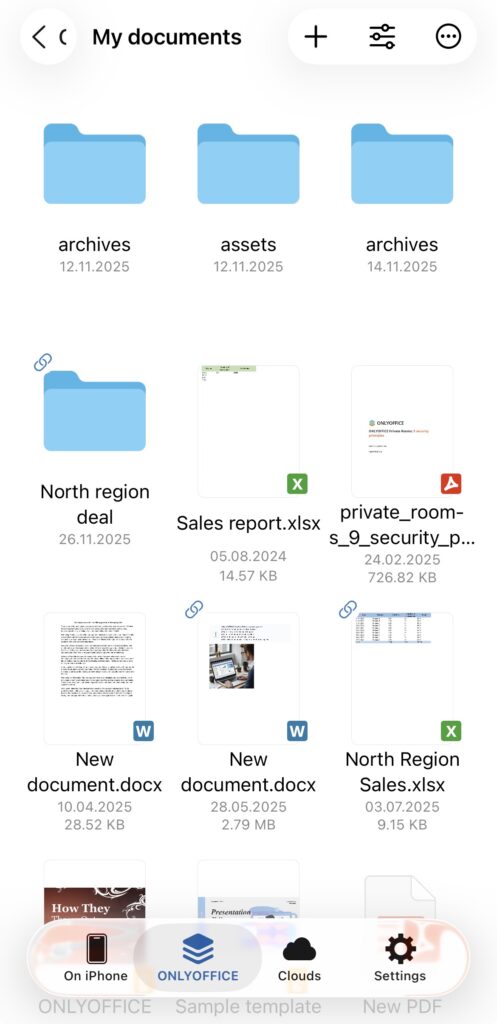
Version 9.3 adds support for Liquid Glass, ensuring the app integrates smoothly with the latest iOS visual environment. The interface now feels more consistent with the system design, providing a cleaner look and more responsive interactions across the app.
Extended character input support
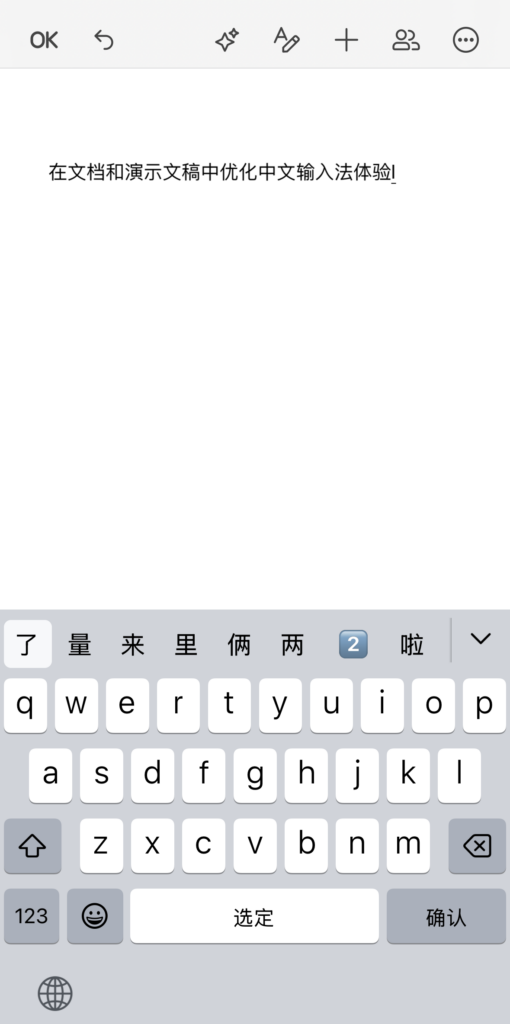
You can now type and edit documents using ideographic characters directly in text documents and presentations. The update improves how complex character input is handled, ensuring smoother text entry and a more reliable editing experience for languages such as Chinese and Japanese.
External document editing
You can now open external documents for editing without importing them manually first.
This makes it easier to:
- Work with files received via email or messaging apps
- Edit documents stored in third-party services
- Quickly review and update shared files without duplicating them
File saving to multiple destinations
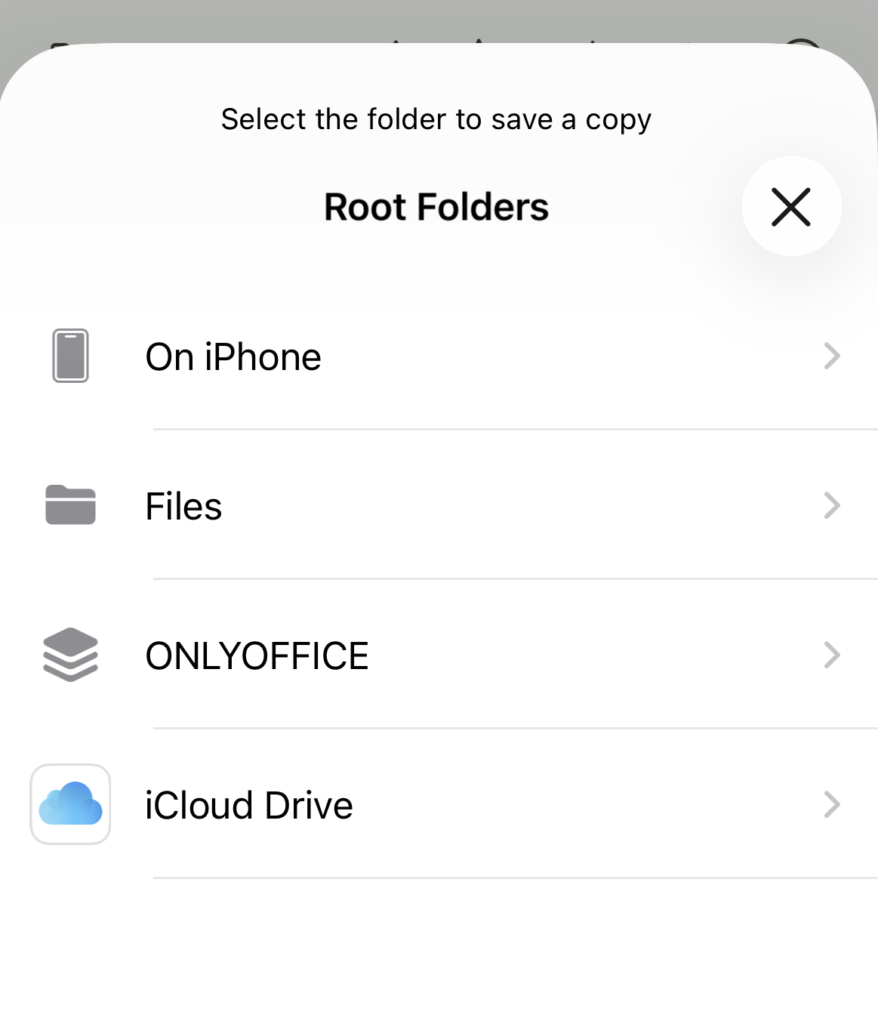
It is now possible to save a copy of a document directly from the editor to different locations. Supported destinations include:
- Connected cloud storage services
- The app’s internal storage
- Any location on your device via the iOS Files system picker
This gives you more control over where documents are stored and how they are shared, whether you are organizing personal files or preparing materials for colleagues.
Where to find: Save a copy as -> Choose a file format -> Select the folder to save a copy
The update also includes a range of smaller enhancements aimed at making everyday work smoother. These changes improve navigation, responsiveness, and overall stability when handling large or complex files.
Get ONLYOFFICE Documents v9.3 for iOS
Update the app to access the new features and improvements. If you are installing it for the first time, download it from the App Store and connect it to your cloud or work locally with files on your device.
Discover all the latest ONLYOFFICE updates in our webinar:
Create your free ONLYOFFICE account
View, edit and collaborate on docs, sheets, slides, forms, and PDF files online.


