ONLYOFFICE Docs Enterprise 9.3: more flexible configuration via the Admin Panel, easier PDF form signing, multipage view and more
With the version 9.3 release, enterprise users get access to a bunch of new features and improvements designed to boost productivity, enhance collaboration and strengthen security. In this blog post, you will find a breakdown of what the updated ONLYOFFICE Docs Enterprise brings to teams and companies across all industries.

Updated Admin Panel for more flexible configuration
The core updates in ONLYOFFICE Docs Enterprise 9.3 revolve around the Admin Panel, a secure web interface designed to provide streamlined control over the configuration, monitoring, and security of your Docs instance. It simplifies server management and allows you to monitor performance without configuring server files.
Version 9.3 introduces several new settings in the Admin Panel, allowing ONLYOFFICE Docs Enterprise admins to manage their instance more effectively. For example, they can now:
- View the final Document Server configuration in the designated window;
- Run a script to obtain the HTTPS certificate with ease;
- Shut down the Document Server in a moment;
- Manage existing fonts and upload customs ones;
- Upload a license file to activate ONLYOFFICE Docs Enterprise;
- Upload a signing certificate to enable trusted digital signatures on submitted PDF forms;
- Access detailed data for individual tenants directly on the Statistics tab.
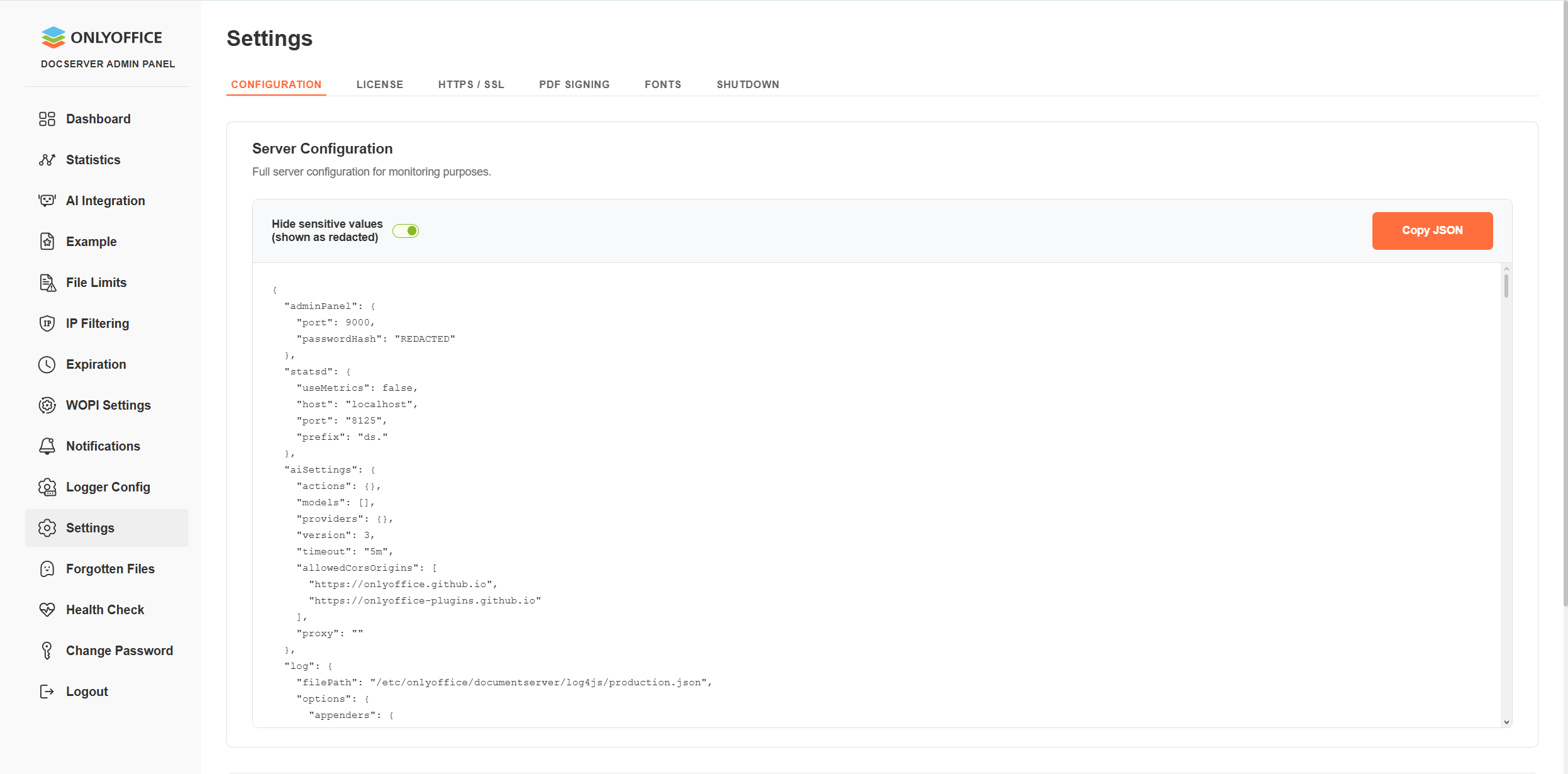
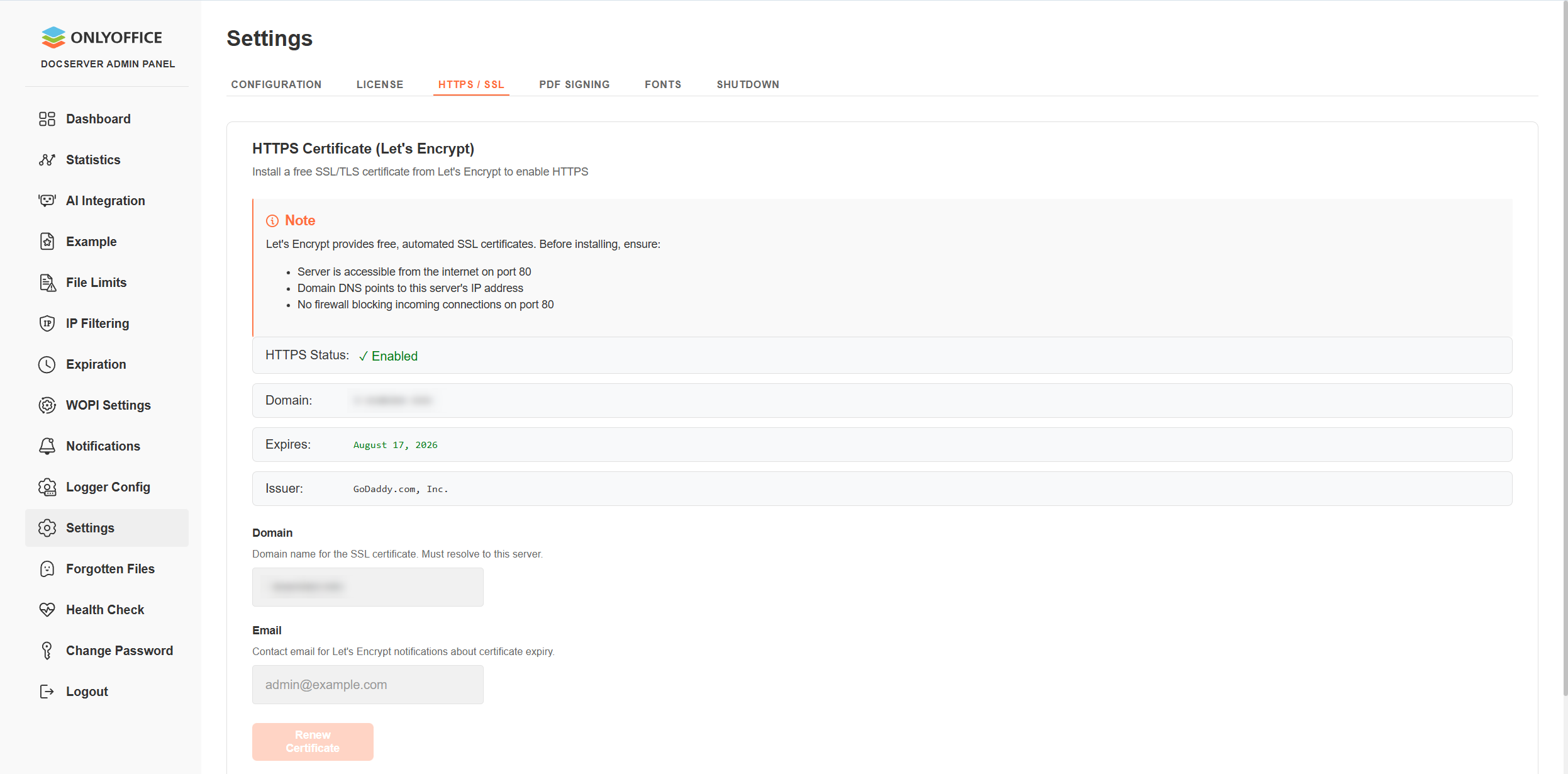
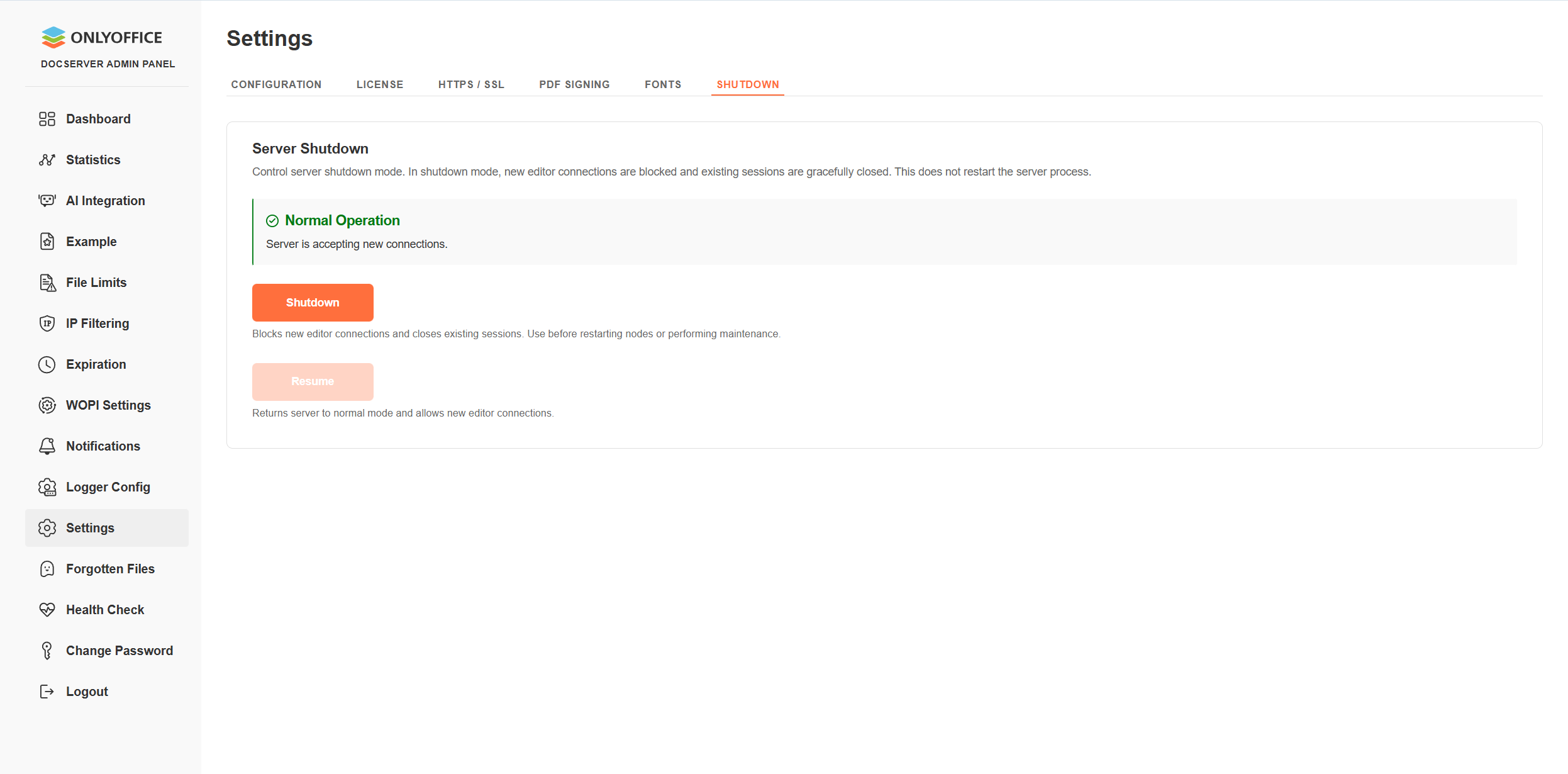
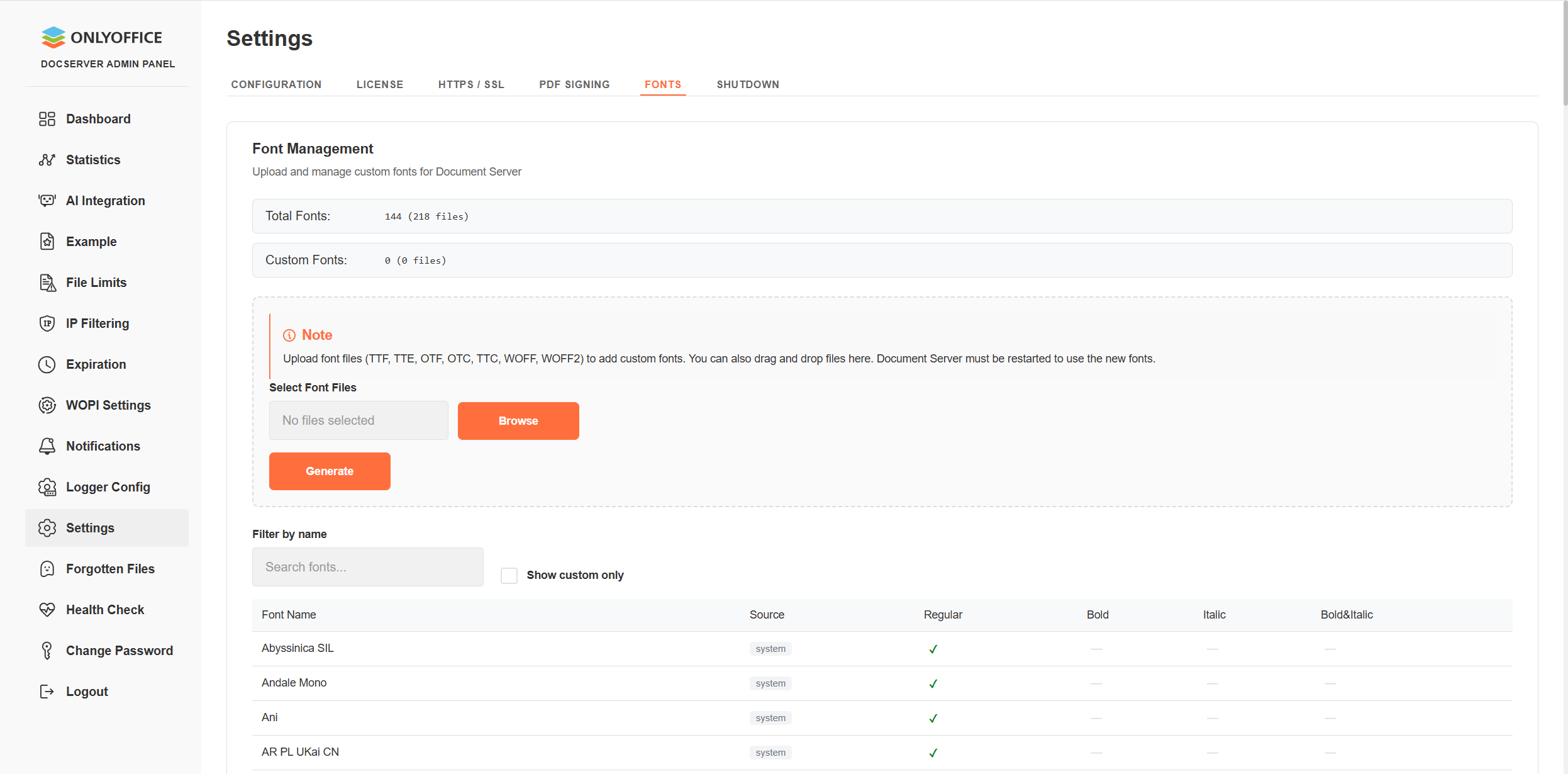
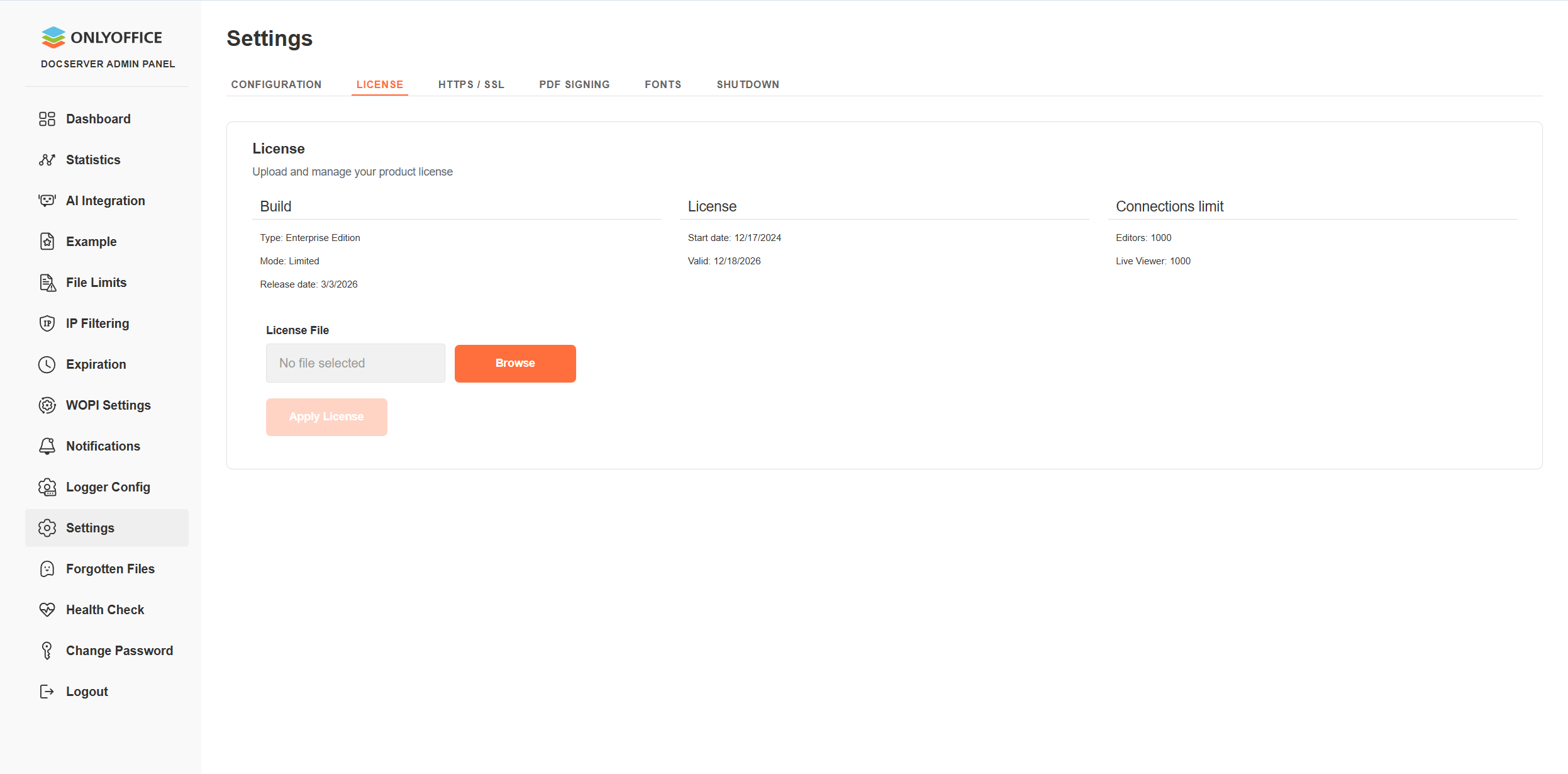
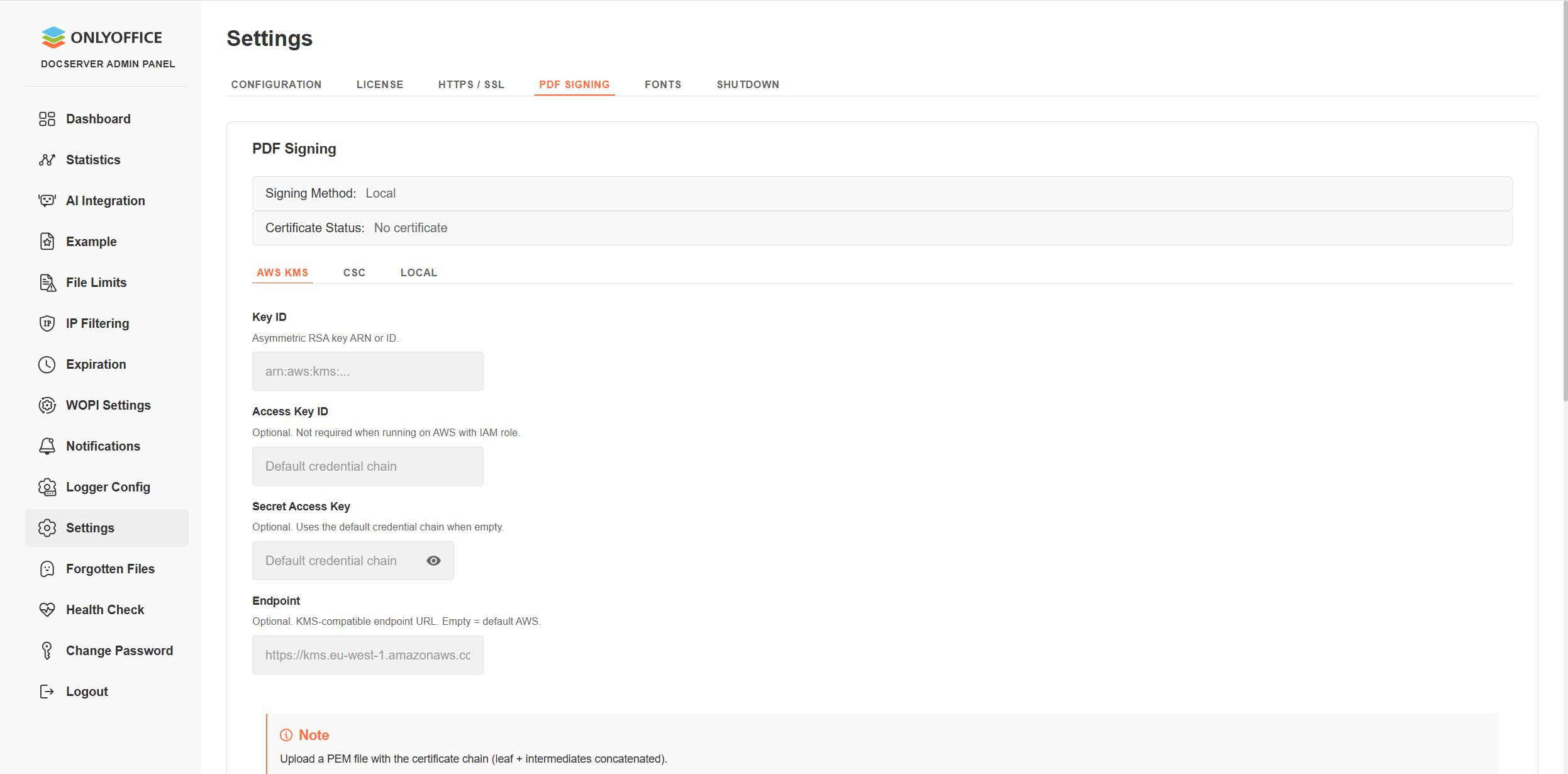
These settings don’t radically change the configuration process but make it more convenient and straightforward.
More options for signing PDF forms
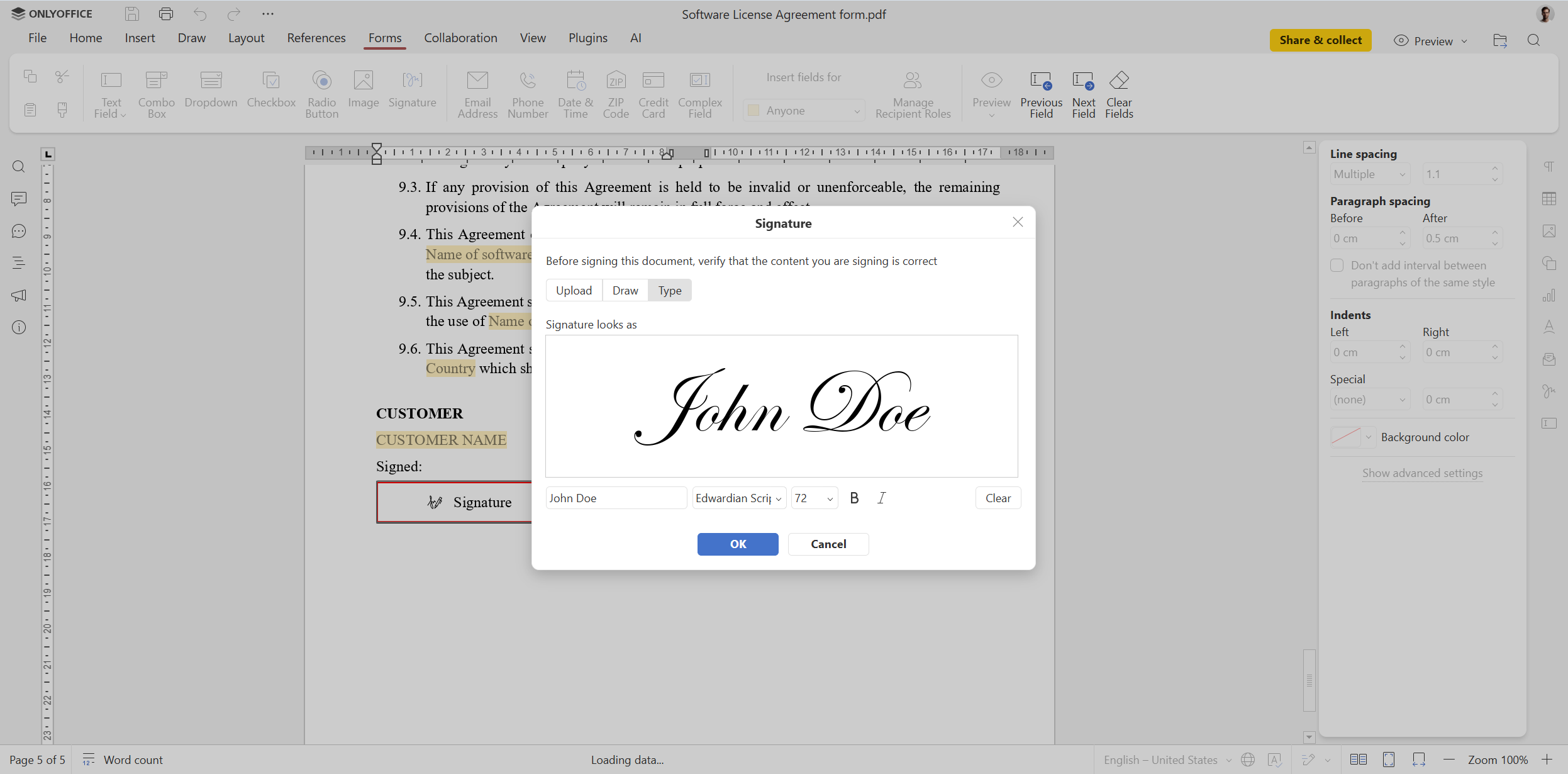
For many businesses, digital signing of documents is vitally important. With the updated signature field in PDF forms, ONLYOFFICE Docs Enterprise 9.3 makes this process easier, offering two new options:
- Custom text: you can type a signature using a professional-looking font;
- Drawing: you can draw a signature directly on the screen.
In addition to the already available image upload, which now comes with the ability to remove white backgrounds, the new options allow ONLYOFFICE Docs Enterprise users to sign PDF forms the way they like.
Multipage view in documents
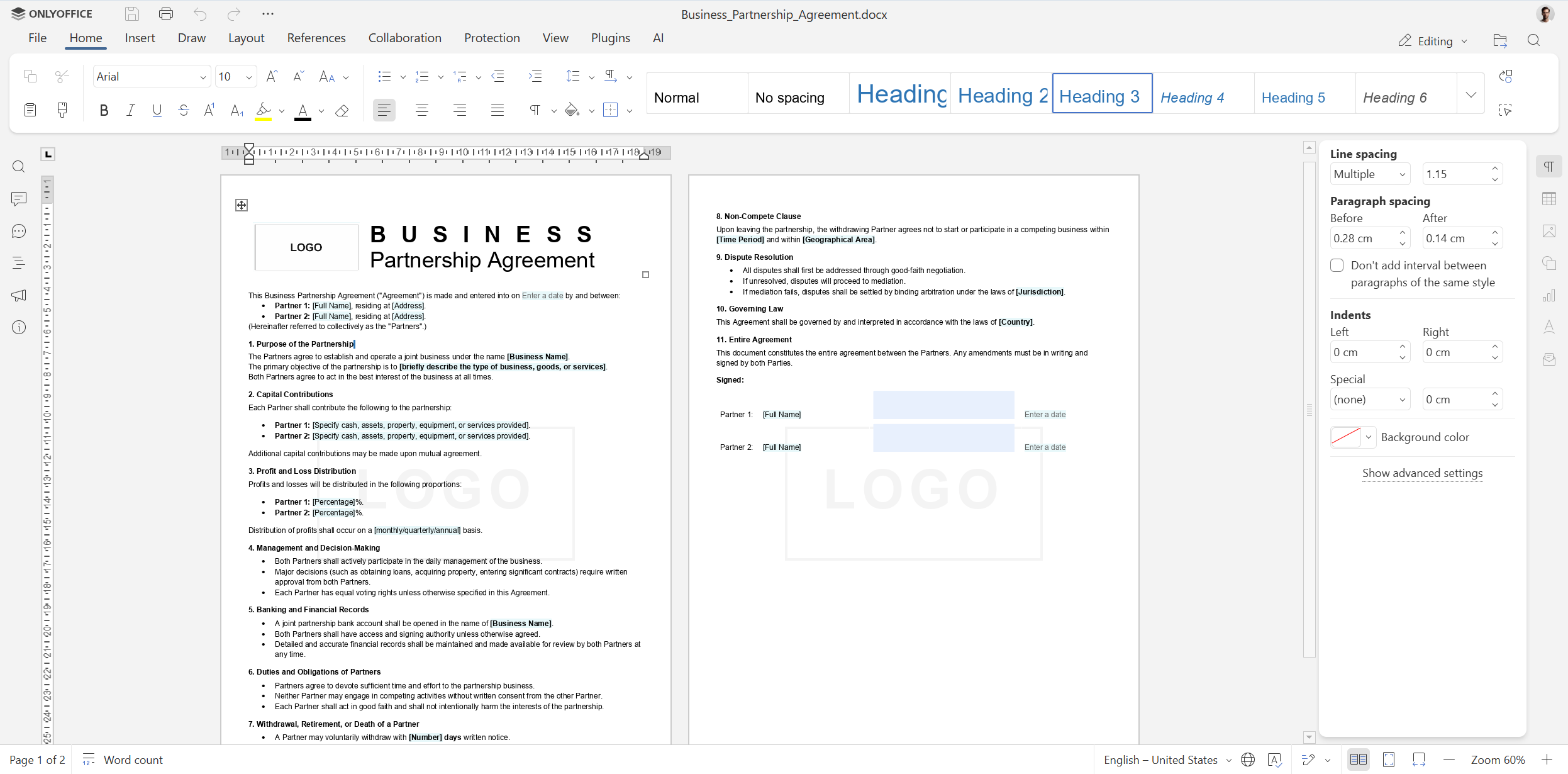
ONLYOFFICE Docs Enterprise 9.3 is not only about the PDF form and spreadsheet improvements. It also brings the Multipage View feature to ONLYOFFICE Document Editor, allowing business teams to review multiple pages side-by-side, improving layout assessments and collaborative editing.
What else is new in ONLYOFFICE Docs Enterprise 9.3
Here is a rundown of other useful features and updates of version 9.3 for teams and businesses:
- Editing password-protected files, managing links and support for version history in ONLYOFFICE PDF Editor;
- Header & Footer tab and enhanced comments in documents;
- Solver tool, new functions and dynamic array support in spreadsheets;
- Support for GIF animations in slideshow mode;
- Adding hyperlinks to images, shapes and groups in documents and spreadsheets;
- Improved macro recording;
- Saving files in .md format;
- Viewing TSV files (Tab-Separated Values) and more.
Read this blog post to learn more about version 9.3 or watch our YouTube webinar:
Get ONLYOFFICE Docs Enterprise 9.3
Download the self-hosted version of ONLYOFFICE Docs Enterprise 9.3 or get access to the new features via the cloud-based version of the suite to create a truly collaborative environment within your business platform:
INSTALL ON-PREMISES TRY IN THE CLOUD
Not sure about how ONLYOFFICE Docs Enterprise can make a difference for your company in terms of document editing and real-time collaboration? Book a free demo and experience a live product walkthrough:
Create your free ONLYOFFICE account
View, edit and collaborate on docs, sheets, slides, forms, and PDF files online.


