ONLYOFFICE connector v4.0.0 for HumHub released: diagram viewing, new supported file formats and other updates
Good news for HumHub users!
Our official connector has been updated to version 4.0.0, introducing diagram viewing, enabling support for new file formats and providing compatibility with HumHub 1.18. Learn this blog post to learn all the details.

Diagram viewing
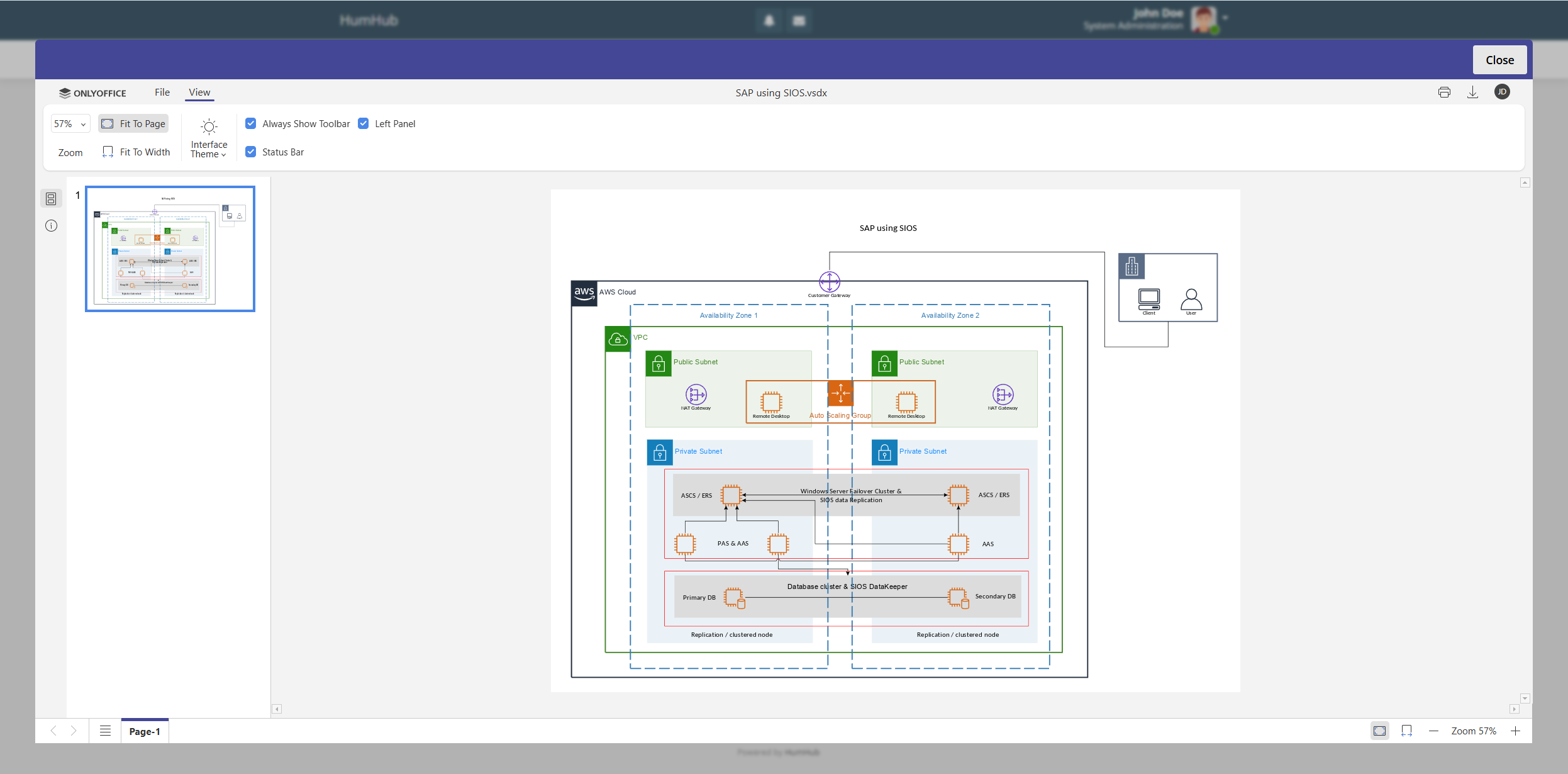
With version 4.0.0, the functionality of ONLYOFFICE Diagram Viewer comes to the integration, allowing HumHub users to open and view Microsoft Visio diagrams. The list of supported formats includes VSDX, VSSX, VSTX, VSDM, VSSM and VSTM.
To open a diagram, simply click it in the Files section of your HumHub space and choose the View document option.
Compatibility with new file formats
The updated integration app for HumHub introduces several new formats, as follows:
- Apple iWork formats: Pages, Keynote, Numbers;
- Hancom Office formats: HWP, HWPX;
- MD documents;
- ODG presentations.
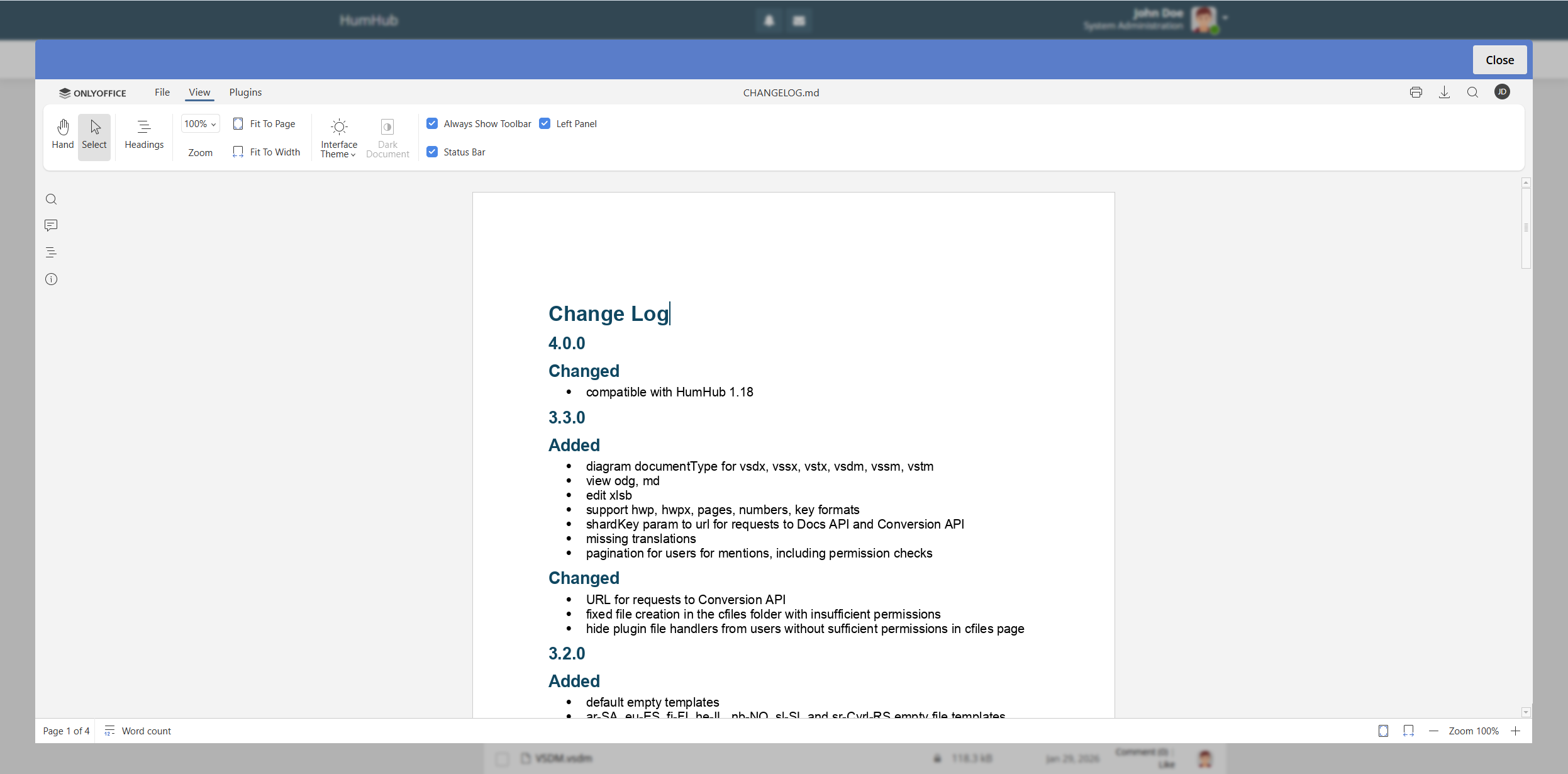
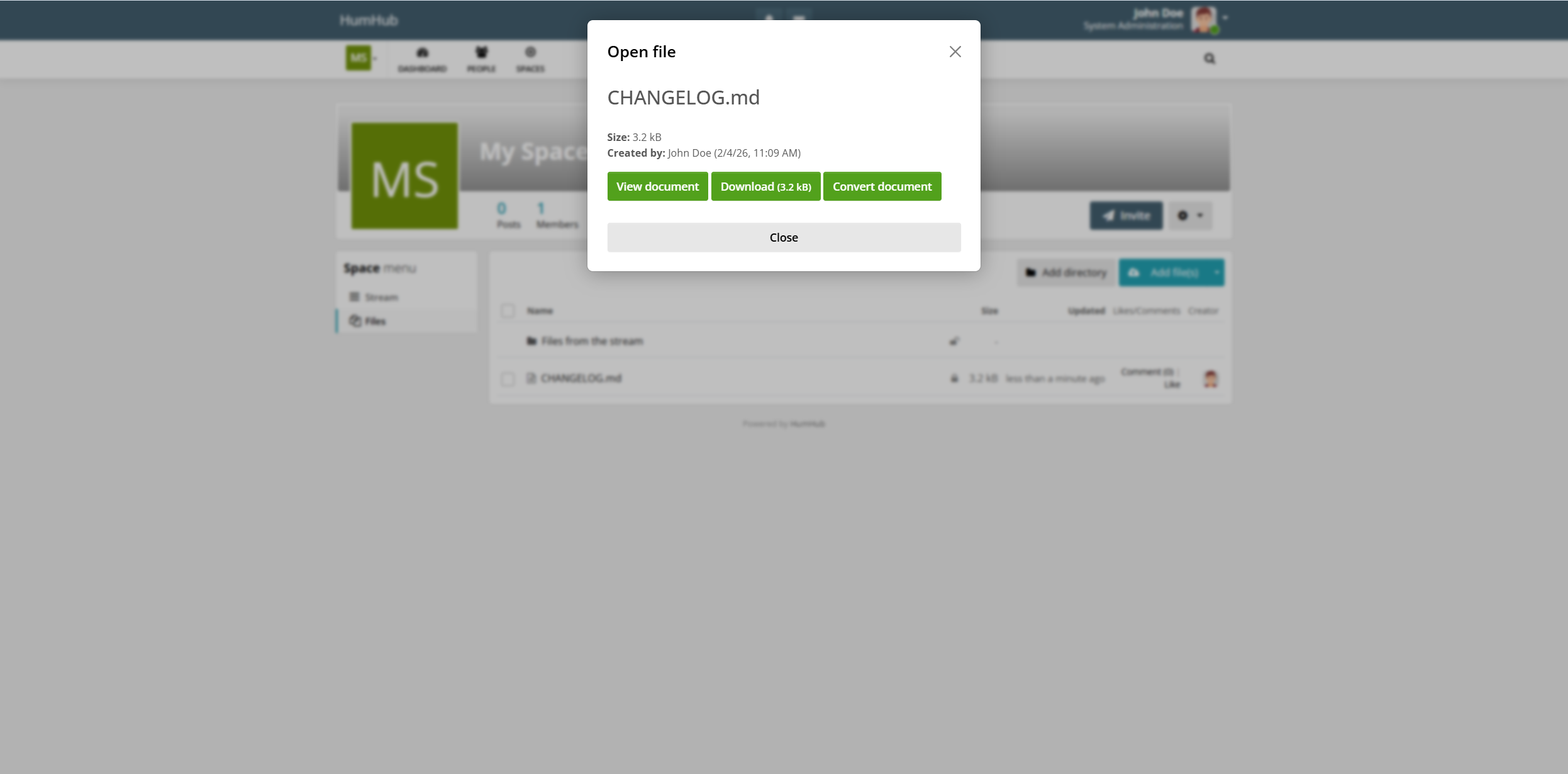
You can easily open such files for viewing. However, if you want to make some edits, you have to convert them to OOXML formats (DOCX, PPTX, XLSX) with the Convert document option. This option will turn your document, spreadsheet or presentation into an editable file of the corresponding type.
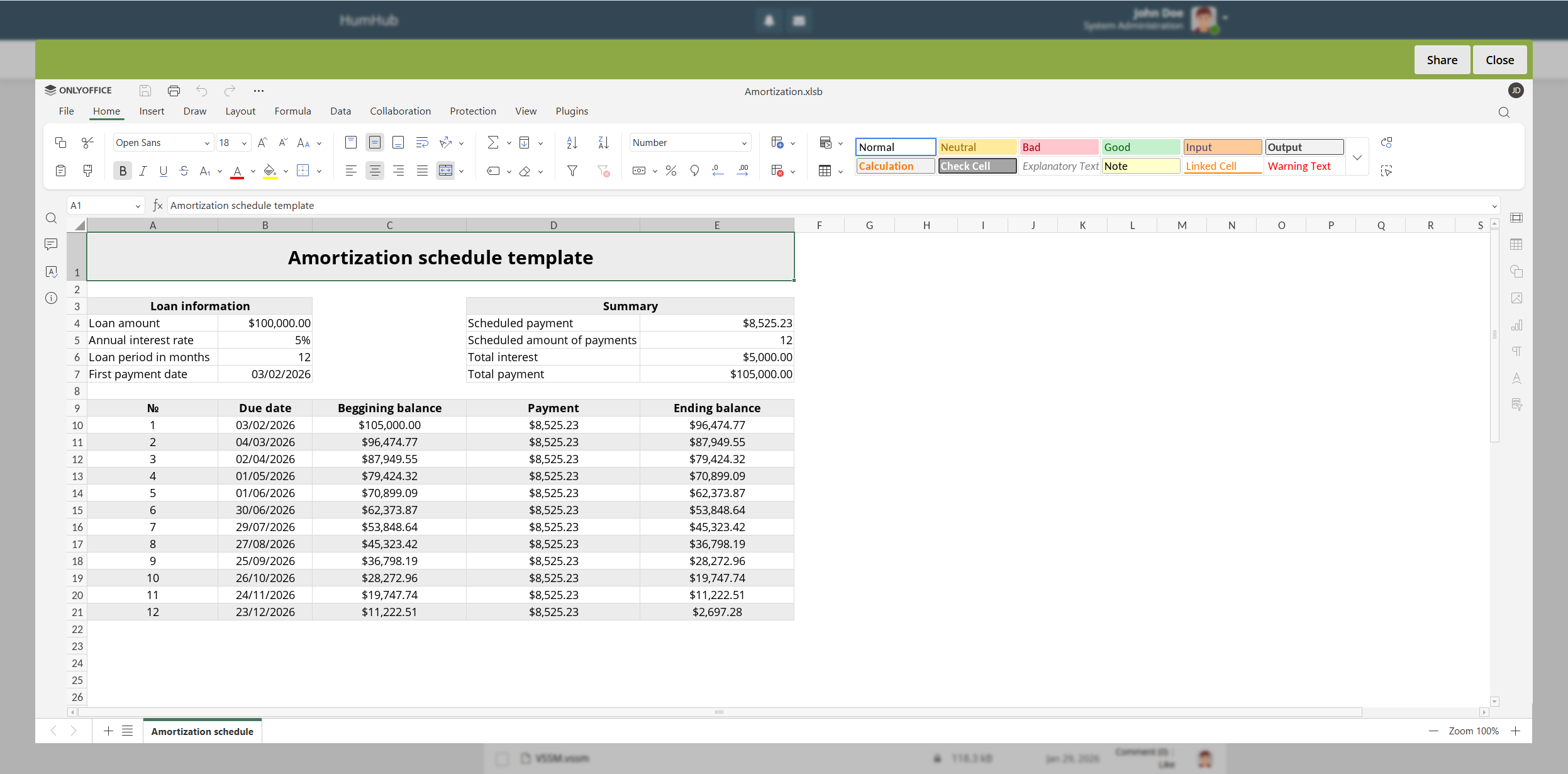
Version 4.0.0 also supports Excel Binary Workbook files (XLSB), which are available for direct editing without preliminary conversion to OOXML. This is possible with the Edit document option.
Other updates
Besides the broader file format compatibility, the updated connector for HumHub comes equipped with the following improvements:
- Compatibility with HumHub 1.18;
- ShardKey parameter for requests to Docs API and Conversion API;
- Improved translations for available languages and more.
To learn more about all the changes, please refer to the full changelog on GitHub.
Get the updated integration app for your HumHub platform
Download the latest version of the ONLYOFFICE integration app from the HumHub Marketplace and give the new features a try right now:
FAQ: ONLYOFFICE and HumHub integration
Is the ONLYOFFICE integration app for HumHub free?
Yes, the integration app is absolutely free. You can install it from the HumHub Marketplace or GitHub.
Do I need to install ONLYOFFICE Docs to use this integration?
Yes, you do. You can either deploy ONLYOFFICE Docs on-premises or sign up for the cloud-based version.
Is it possible to try the integration before implementing it?
Yes, you can install the ONLYOFFICE integration app and connect it to a demo server via the settings. Please note that this will be a public test server, so we don’t recommend sharing sensitive data there. The server will be available for 30 days.
How do I configure the ONLYOFFICE and HumHub integration?
You can find detailed installation and configuration instructions in our Help Center and API documentation.
Does this integration support AI features?
Yes, it does. You can configure the built-in AI assistant and add your favourite AI model provided by OpenAI, Mistral, Ollama, TogetherAI, Anthropic, Google Gemini, Stability AI, DeepSeek, OpenRouter and more. When enabled, the AI plugin lets you quickly generate text content and images, rewrite sentences, analyse and summarise texts, correct grammar and spelling mistakes, translate and communicate with a chatbot right in your documents.
Where do I request a new feature for this integration?
Your feedback is always appreciated, so don’t hesitate to share your ideas and suggestions here. Alternatively, you can visit our forum and engage with the community.
Useful links
Get ONLYOFFICE Docs: on-premises / cloud
Get the integration app: HumHub Marketplace / GitHub
Guides: Help Center / API documentation
Create your free ONLYOFFICE account
View, edit and collaborate on docs, sheets, slides, forms, and PDF files online.


