Zotero plugin for ONLYOFFICE updated: improved interface, flexible citations, and more
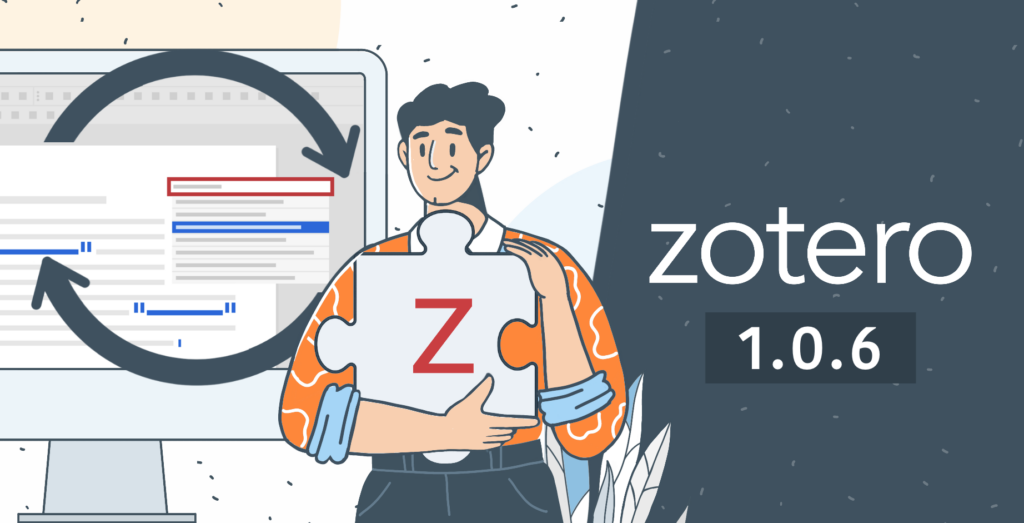
We’ve released a new version of the Zotero plugin for ONLYOFFICE editors, version 1.0.6. This update focuses on improving usability and giving users more control over how citations are created and formatted, making academic and research writing even more convenient.
Refreshed interface for better usability
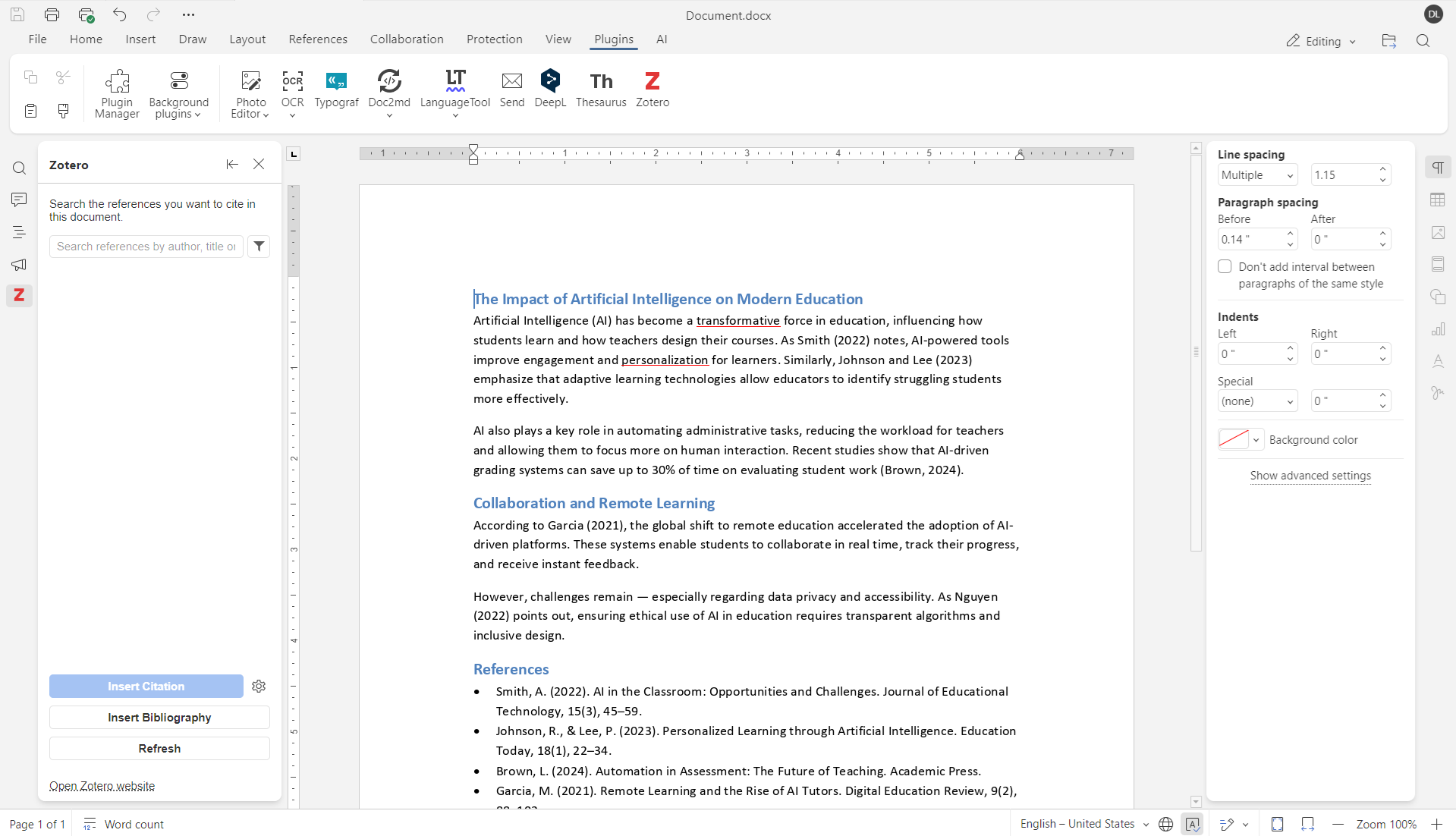
The plugin interface has been redesigned to make working with references faster and more intuitive. Navigation is now clearer, and key actions are easier to find, helping you focus on writing instead of managing citation settings.
Library selection
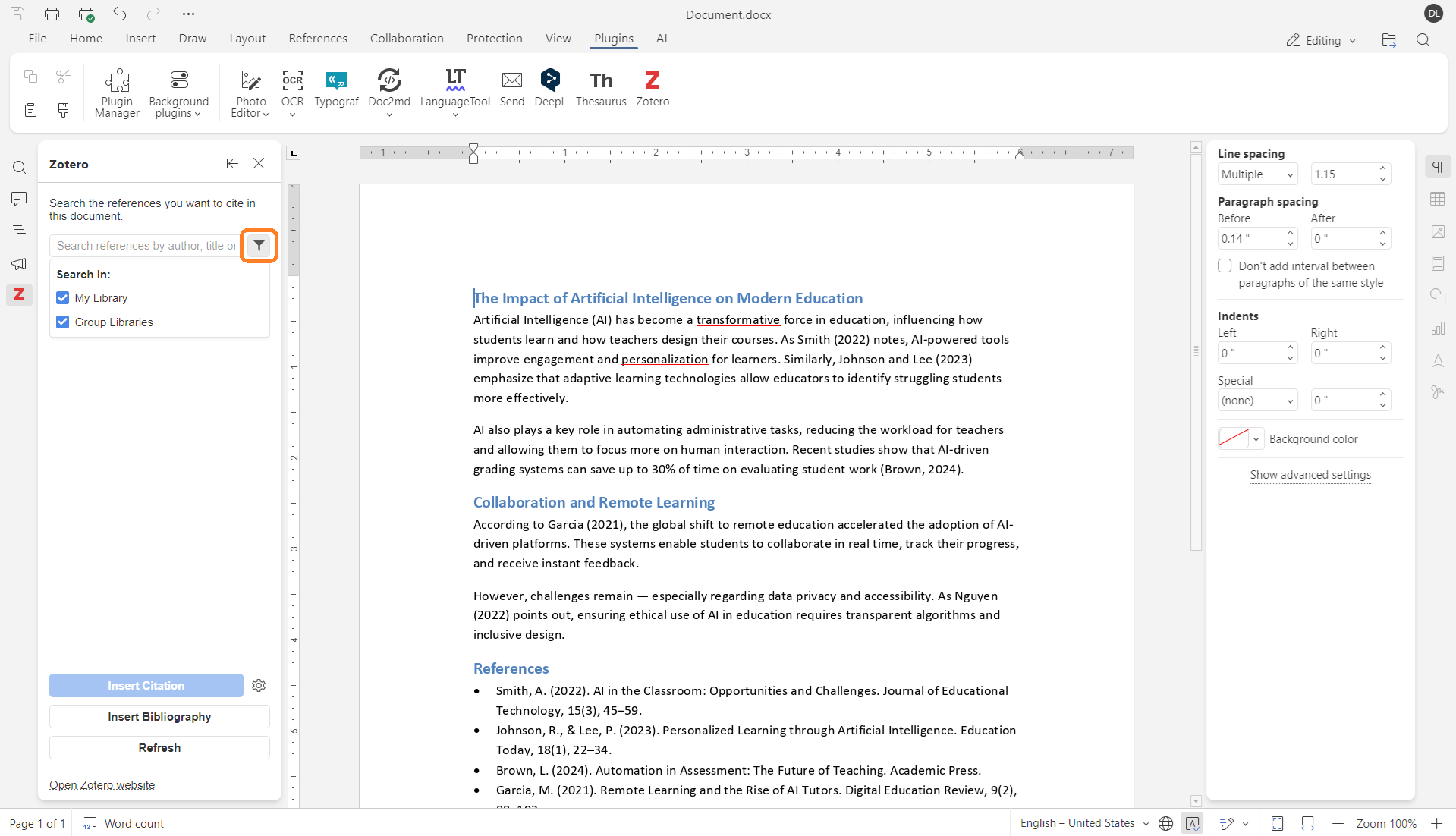
You can now select a specific Zotero library to work with. This is especially helpful if you use several libraries, for example, a personal library alongside shared or project-based collections.
Instead of searching through all sources at once, you can limit the search to the relevant library and find the required references faster.
Where to find: Filter button next to the search bar
Prefixes and suffixes in citations
Version 1.0.6 adds support for prefixes and suffixes in citations. This lets you include short words or phrases before or after a reference, such as see, cf., or other clarifications, directly in the citation settings, without editing the text manually.
Where to find: expand the block with your resource and enter the suffix and prefix

Omit author option
A new Omit author option makes it possible to exclude the author’s name from a citation. This is useful when the author is already mentioned in the sentence and repeating it in the reference is unnecessary.
Where to find: expand the block with your resource and enable the checkbox
Citation locators
The plugin now supports citation locators, allowing you to specify precise locations within a source. You can add:
- Page numbers
- Chapters
- Sections
- Other location references
This ensures citations are more accurate and aligned with academic standards, particularly when referencing specific parts of a source.
Update the plugin and try it out
If you already use the Zotero plugin in ONLYOFFICE Editors, simply update it to version 1.0.6 using the Plugin manager in the Plugins tab. If you haven’t tried it yet, now is a great time to integrate Zotero into your document workflow and streamline academic writing.
START ONLINE GET DESKTOP EDITORS
FAQ: updated Zotero plugin
How can I get the updated plugin?
If you already use the Zotero plugin in ONLYOFFICE Editors, simply update it to version 1.0.6 using the Plugin manager in the Plugins tab. If not, you can also install the latest version of the plugin via the Plugin Manager.
Can I use the Zotero plugin offline?
Yes. In ONLYOFFICE Desktop Editors, you can work with your local Zotero library without an Internet connection, as long as the Zotero application is running.
Can I add my own citation styles?
Yes. You can import custom CSL files and use them in your documents to match specific journal or institutional requirements.
Is the Zotero plugin free?
Yes. The plugin is completely free and available via the Plugin Manager in ONLYOFFICE editors.
Where can I send feedback or feature suggestions?
We’d love to hear your ideas and feedback! Join the discussion in our community or share your suggestions on our feedback platform.
Create your free ONLYOFFICE account
View, edit and collaborate on docs, sheets, slides, forms, and PDF files online.


