ONLYOFFICE Documents 9.2 for Android released: What’s new?
We updated ONLYOFFICE Documents for Android devices to version 9.2. This release enables faster access to recent and favorite files, sign in with LinkedIn, enhanced RTL support, and more.
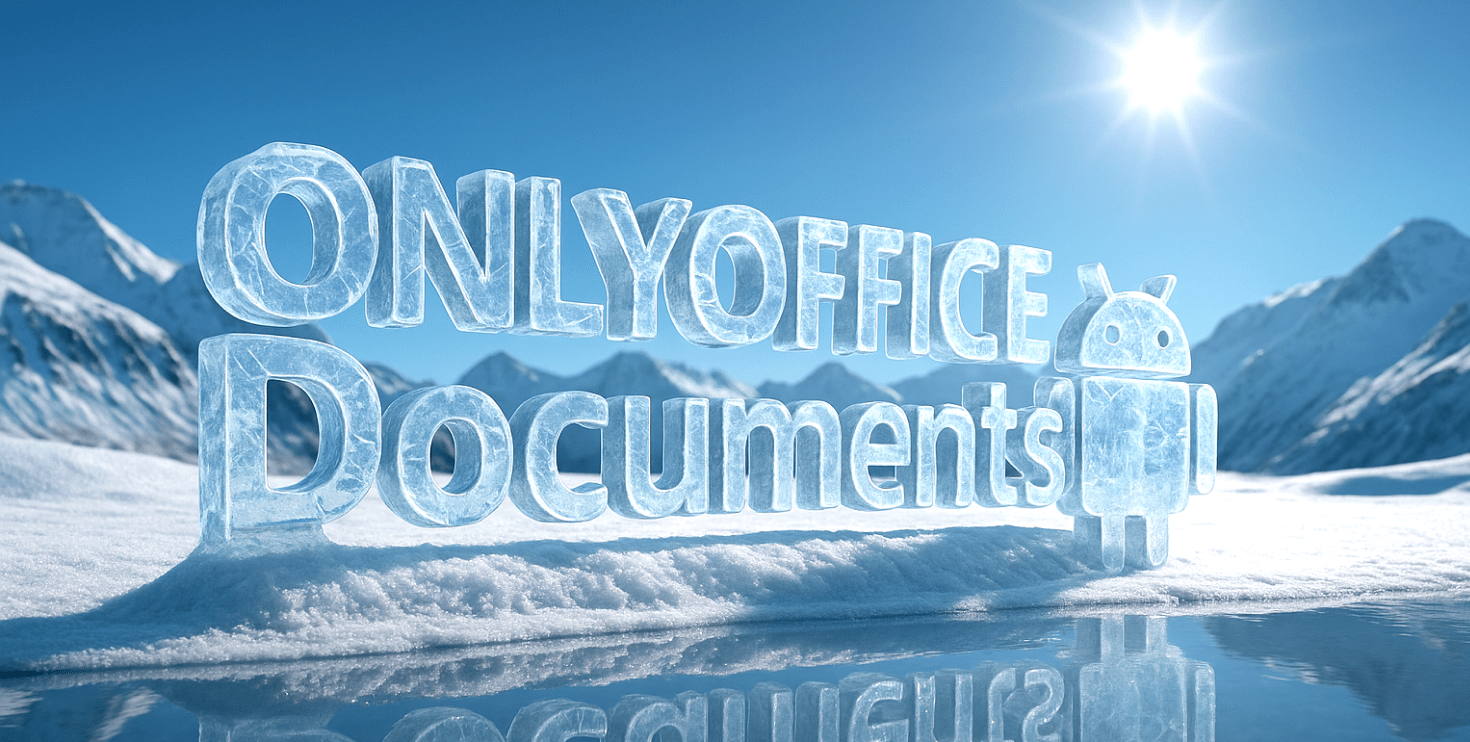
Easy access to the most important documents
Find your most important files instantly. New dedicated sections — Shared with me, Favorites, and Recent — provide direct shortcuts to your recent activity and collaborative work, streamlining your workflow and saving you valuable time.
Where to find: Clouds tab
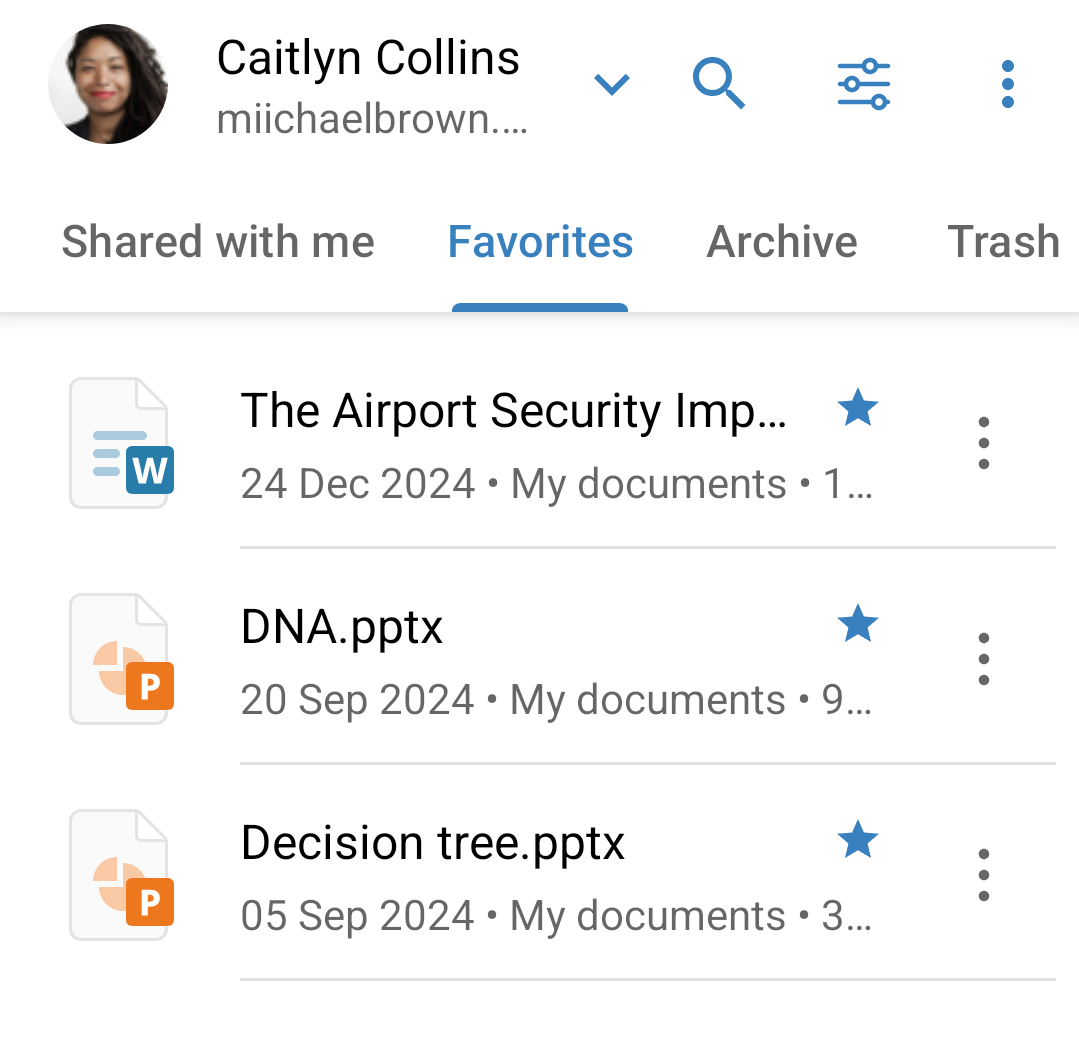
Sign in with social accounts
Access your documents faster, without the hassle of passwords. You can now sign in or create a DocSpace account using your existing LinkedIn, Apple ID, or Zoom credentials, offering you a more convenient and secure way to get straight to work.
Where to find: Clouds tab > Add account
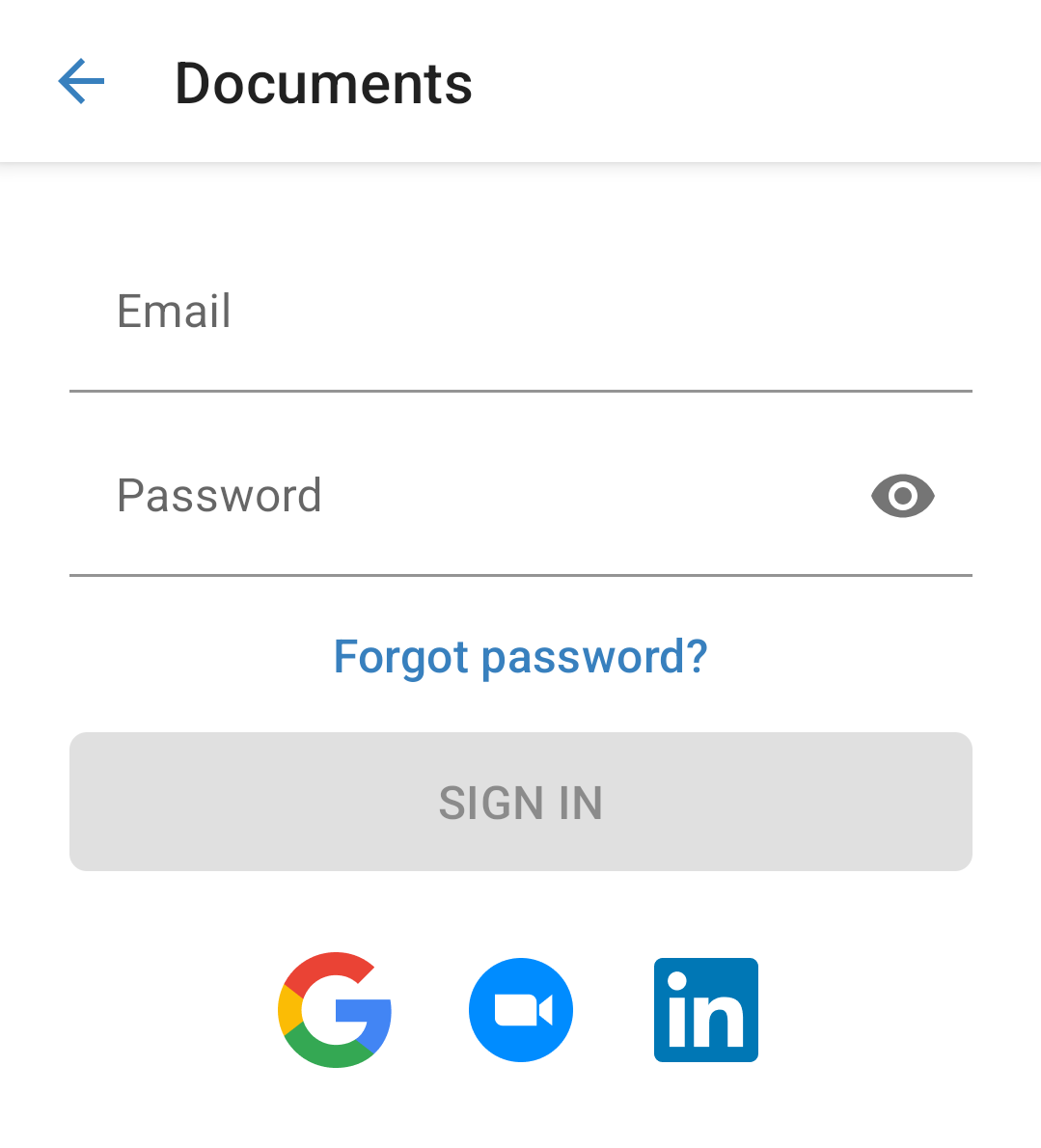
Paragraph and cell direction (RTL)
Fully support multilingual content with new right-to-left (RTL) formatting in spreadsheets. You can now effortlessly switch the direction of paragraphs and table cells across all editors, ensuring a flawless experience for languages like Arabic and Hebrew.
Where to find: Cell > Text format > Text direction
Other updates and improvements
Experience a more intuitive and powerful way to collaborate. The improved sharing workflows in DocSpace 3.5 make it easier than ever to share files and precisely manage access, ensuring the right people have the right permissions seamlessly.
Get ONLYOFFICE Documents 9.2 for your Android smartphone or tablet today for free.
You can also download the official app from Samsung Galaxy Store, Huawei AppGallery, Xiaomi GetApps.
Useful links
ONLYOFFICE Documents 9.2 for iPhone and iPad. What’s new?
What is ONLYOFFICE Documents for Android? Learn more
Browse all ONLYOFFICE mobile apps. Visit website
ONLYOFFICE Docs 9.2: What’s new?
Create your free ONLYOFFICE account
View, edit and collaborate on docs, sheets, slides, forms, and PDF files online.


