ONLYOFFICE Desktop Editors is the default office suite on Winux
Summary
ONLYOFFICE Desktop Editors is the default office suite on Winux because it provides a familiar and feature-rich alternative for users migrating from Windows. The developers of Winux chose ONLYOFFICE for its comprehensive support of various document formats and its visual similarity to Microsoft Office, making it an ideal choice for users transitioning to a Linux-based environment.
- Winux is designed for users migrating from Windows.
- ONLYOFFICE offers native support for popular document formats.
- It allows collaborative work through cloud integration.
- The OS is free for students upon request.
- Winux includes pre-installed applications for various tasks.
Winux is a Linux-based operating system designed for users migrating from Windows. Since the very first release, it comes with ONLYOFFICE Desktop Editors as a pre-installed office package. Read this blog post to find out why the Winux developers prefer ONLYOFFICE and why this OS is a great choice for anyone looking to ditch Windows.

What is Winux?
Winux is a Linux-based operating system built to remove hardware barriers while providing a familiar desktop experience for users migrating from Windows. What this means is that it seamlessly runs on both old PCs and laptops whose hardware is no longer supported by recent Windows versions and modern 64-bit architectures.
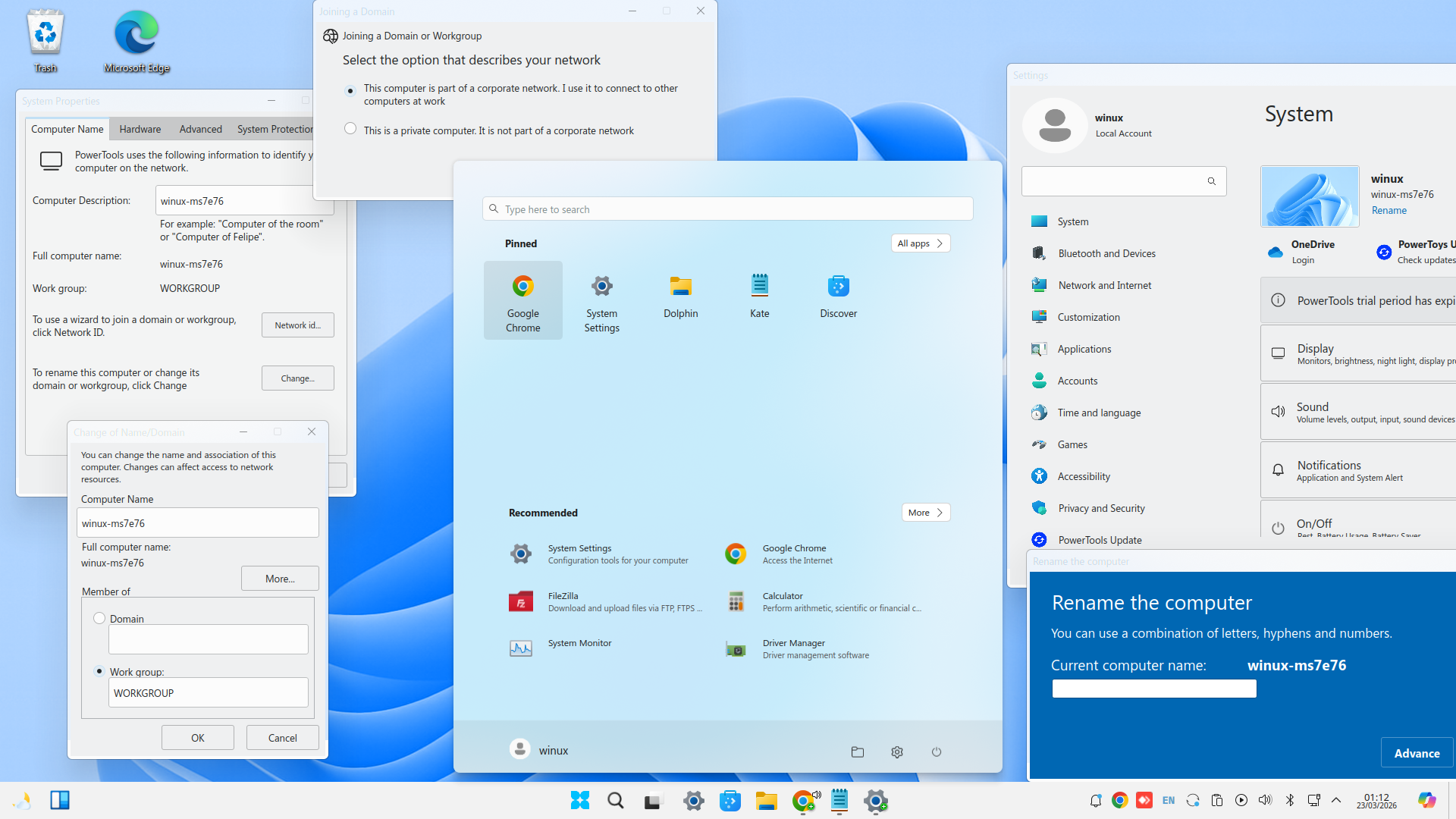
Inspired by the visual appearance of Windows 10 and 11, Winux stands out due to the following features:
- Familiar theme designs combined with the original Winux branding;
- WinBoat support for running native Windows apps;
- Compatibility with Wine 11 for launching .exe and .msi applications;
- Pre-installed apps for various tasks, e.g. Edge, Google Chrome, Steam and Heroic;
- Native Active Directory graphical support;
- Compatibility with Google Play and Android apps;
- Regular updates for up to 6 years based on Ubuntu’s LTS.
Winux provides 30-days access to its Professional Tools after installation and remains fully functional for essential activities after the 30-days evaluation period ends. Interestingly, the OS is completely free for students upon request.
Using ONLYOFFICE Desktop Editors on Winux
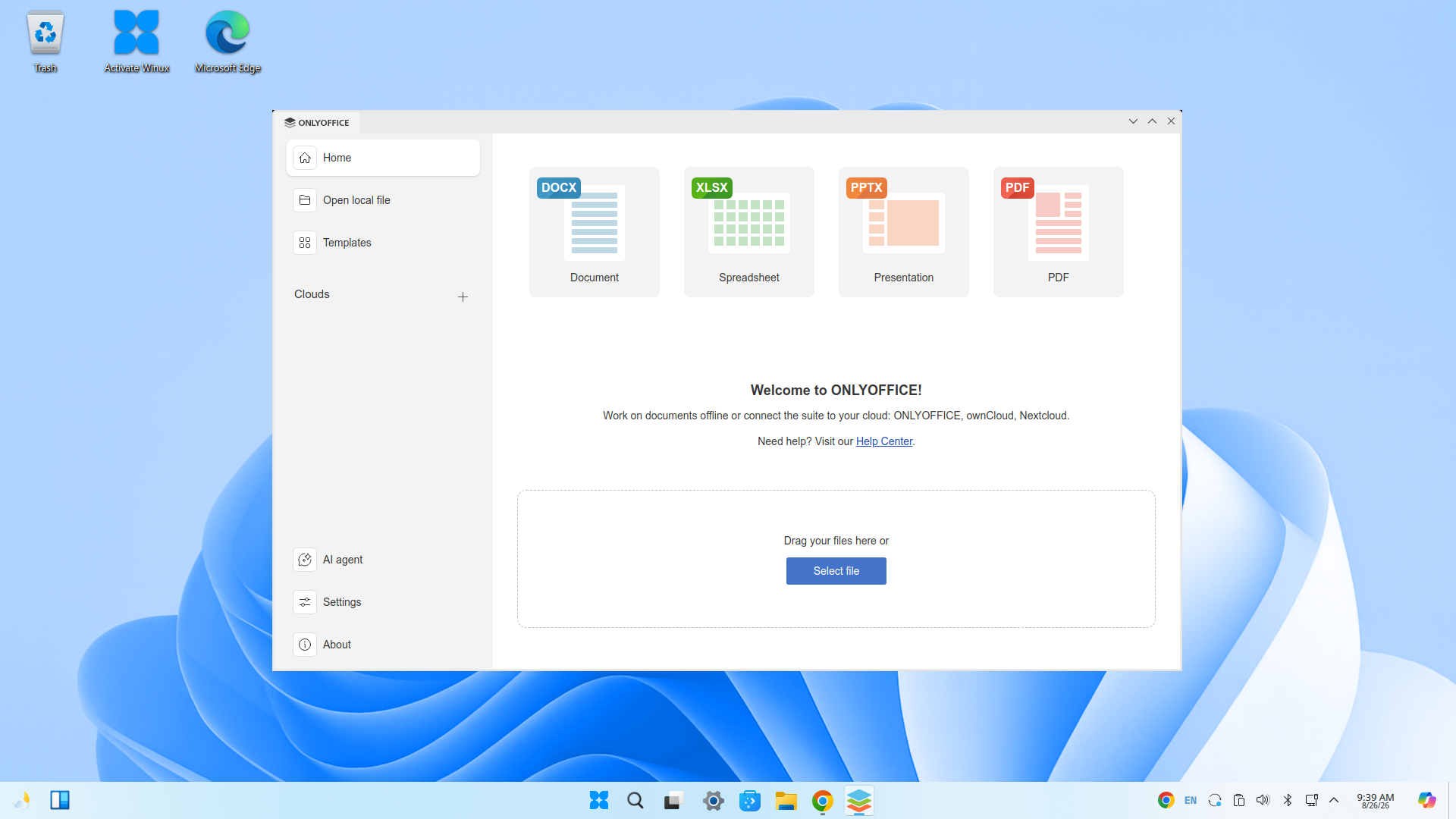
As a pre-installed application, ONLYOFFICE Desktop Editors is available in the Start menu right from the system’s first boot. After launching it, Winux users can:
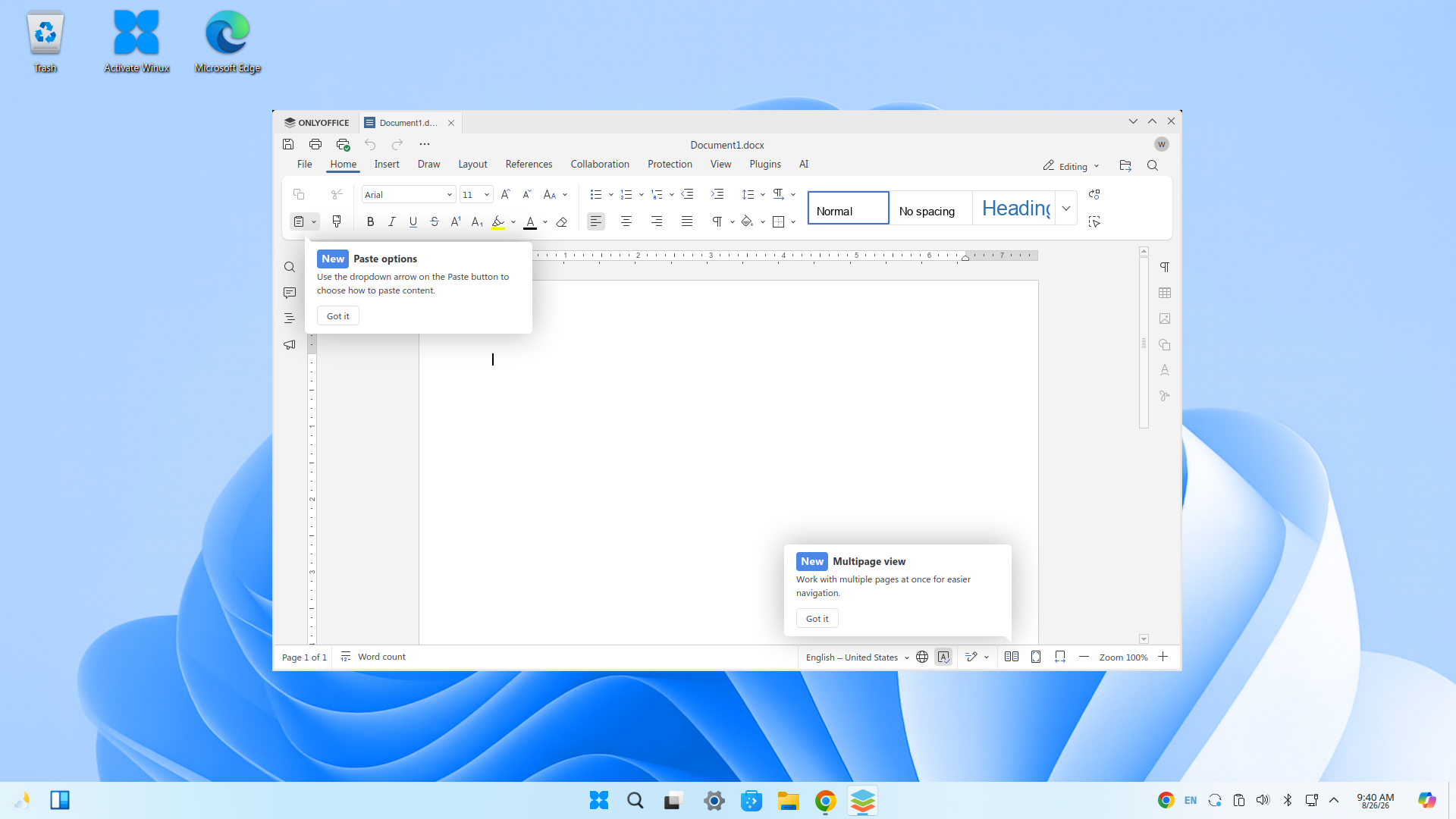
- Create and edit Word documents, Excel spreadsheets and PowerPoint presentations due to native support for DOCX, XLSX and PPTX;
- Work with other popular formats, including ODF files, Apple iWork formats (Pages, Keynote, Numbers) and Hancom Office’s HWP and HWPX;
- Edit, redact, annotate and convert PDFs;
- Handle fillable forms, creating them from scratch or using ready-made templates;
- View and print Visio diagrams;
- Connect any AI provider and work faster with their favourite AI assistant, automating such tasks as content generation, translation, image creation, summarization, text analysis, grammar and spelling correction, formatting, etc.;
- Log into their cloud account and enable collaborative work — ONLYOFFICE, Nextcloud, Seafile, ownCloud, Liferay, kDrive and Moodle.
Here is how the people behind the Winux project describe their choice in favour of the default office suite:
ONLYOFFICE comes pre-installed on Winux and is by far the only Linux alternative for Windows users that replaces Office in terms of both features and visual appearance.
Get ONLYOFFICE Desktop Editors for your OS
Are you developing your own operating system and want to include ONLYOFFICE Desktop Editors as a pre-installed office package? Get the latest version for free from GitHub or download it for Linux, Windows and macOS from our website:
Is ONLYOFFICE Desktop Editors already part of your OS? Let us spread the word about it! Send us an email, tweet us at @only_office or reach out via our community, so that we can discuss the details.
Create your free ONLYOFFICE account
View, edit and collaborate on docs, sheets, slides, forms, and PDF files online.