ONLYOFFICE Desktop Editors is the default office suite on Liya Linux
Summary
ONLYOFFICE Desktop Editors is indeed the default office suite on Liya Linux, an Arch Linux-based distribution tailored for older PCs. This operating system comes pre-installed with ONLYOFFICE, providing users with a familiar and efficient office experience. Liya Linux emphasizes simplicity, performance, and privacy, making it an excellent choice for those seeking a lightweight yet powerful desktop environment.
- Liya Linux targets users with older hardware.
- ONLYOFFICE offers a familiar interface for Microsoft Office users.
- The OS includes intelligent memory compression by default.
- Users can launch ONLYOFFICE with just a few clicks.
- It supports various document formats and collaborative tools.
Following up on our series of blog posts dedicated to operating systems with ONLYOFFICE Desktop Editors pre-installed, today we will tell you about Liya Linux, an Arch Linux–based distribution designed for users who want to revive their older PCs.
About Liya Linux
Started under the name “Aravalli Linux” in 2021, Liya Linux has undergone a long transformation process since then, including a complete rebranding. It’s an Arch Linux–based distribution built to give users a faster and more practical desktop experience, especially on older or modest hardware.
Designed with a focus on simplicity, performance and privacy, Liya Linux comes with a preconfigured Cinnamon desktop, offering rolling updates and a set of pre-installed tools so that users can install once and keep their system always updated without unnecessary complexity.
Key features of Liya Linux:
- Hardware-optimized builds and intelligent memory compression by default;
- Ready-to-use desktop setup with Cinnamon, Brave, ONLYOFFICE Desktop Editors, Btrfs snapshots and Samba usershares;
- Preconfigured firewall, zero telemetry, minimal background services and optional LUKS encryption for unmatched security;
- Automatic installation of graphics and network drivers;
- Preconfigured Chaotic-AUR with access to thousands of ready-to-use AUR packages;
- Open-source code with minimal proprietary firmware included for optimized hardware support.
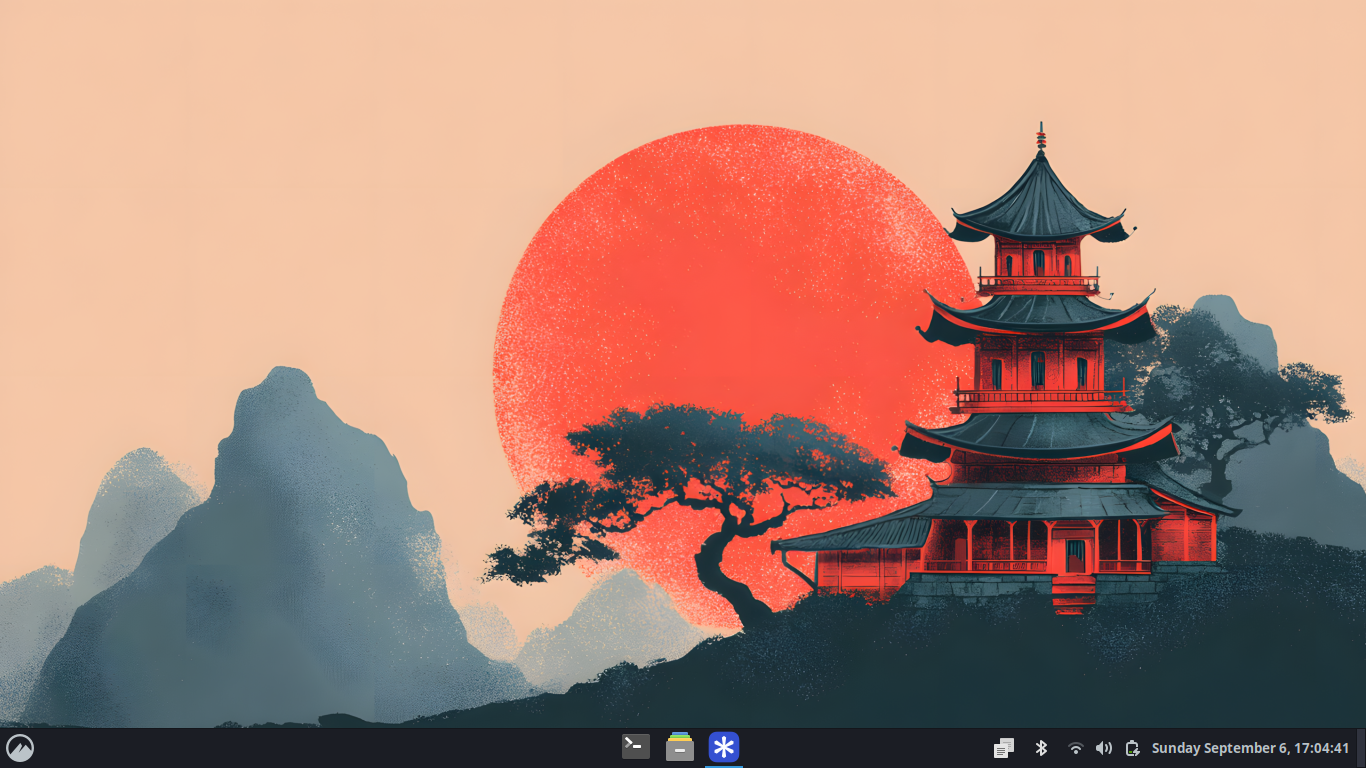
How to launch ONLYOFFICE Desktop Editors on Liya Linux
ONLYOFFICE Desktop Editors is already pre-installed on Liya Linux, so launching it involves three simple steps:
- Click the bottom-left mountain icon in the taskbar;
- Search for ONLYOFFICE;
- Click the ONLYOFFICE icon, and you are done.
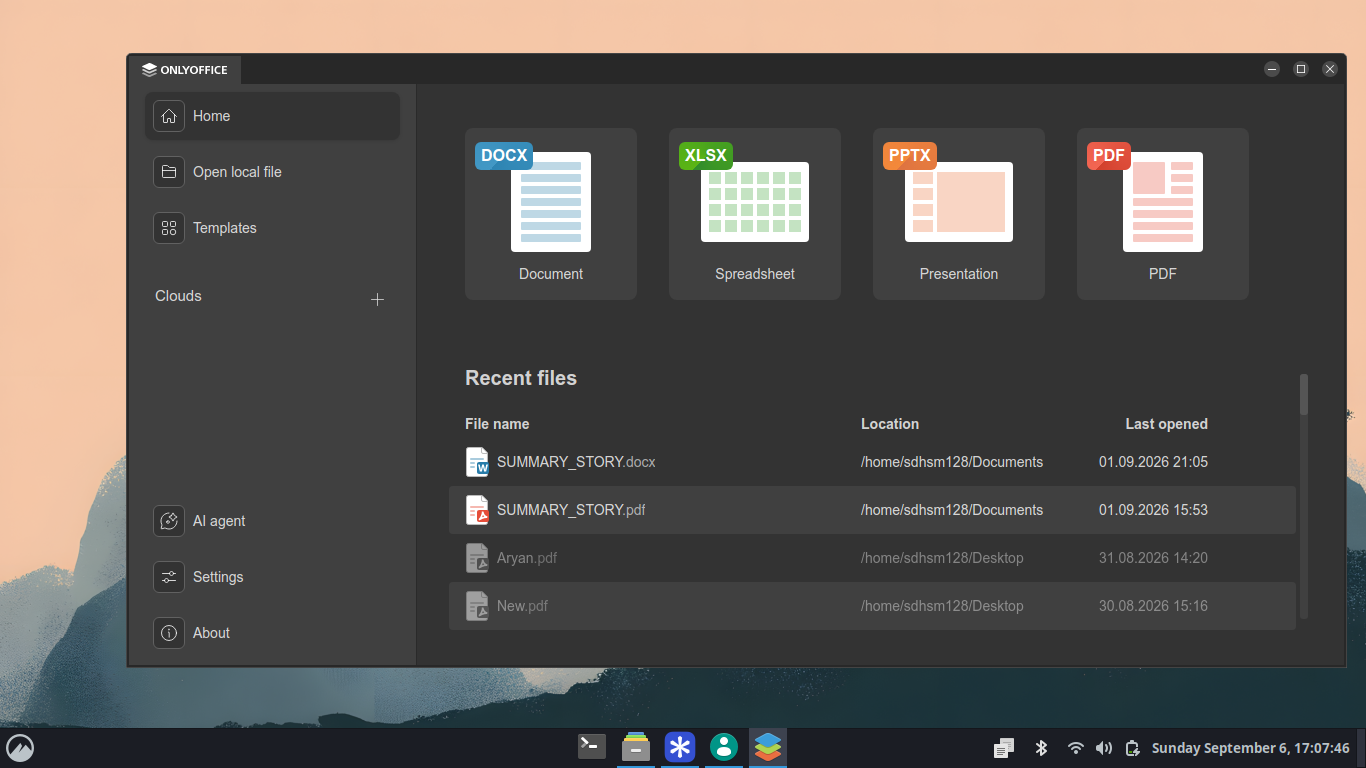
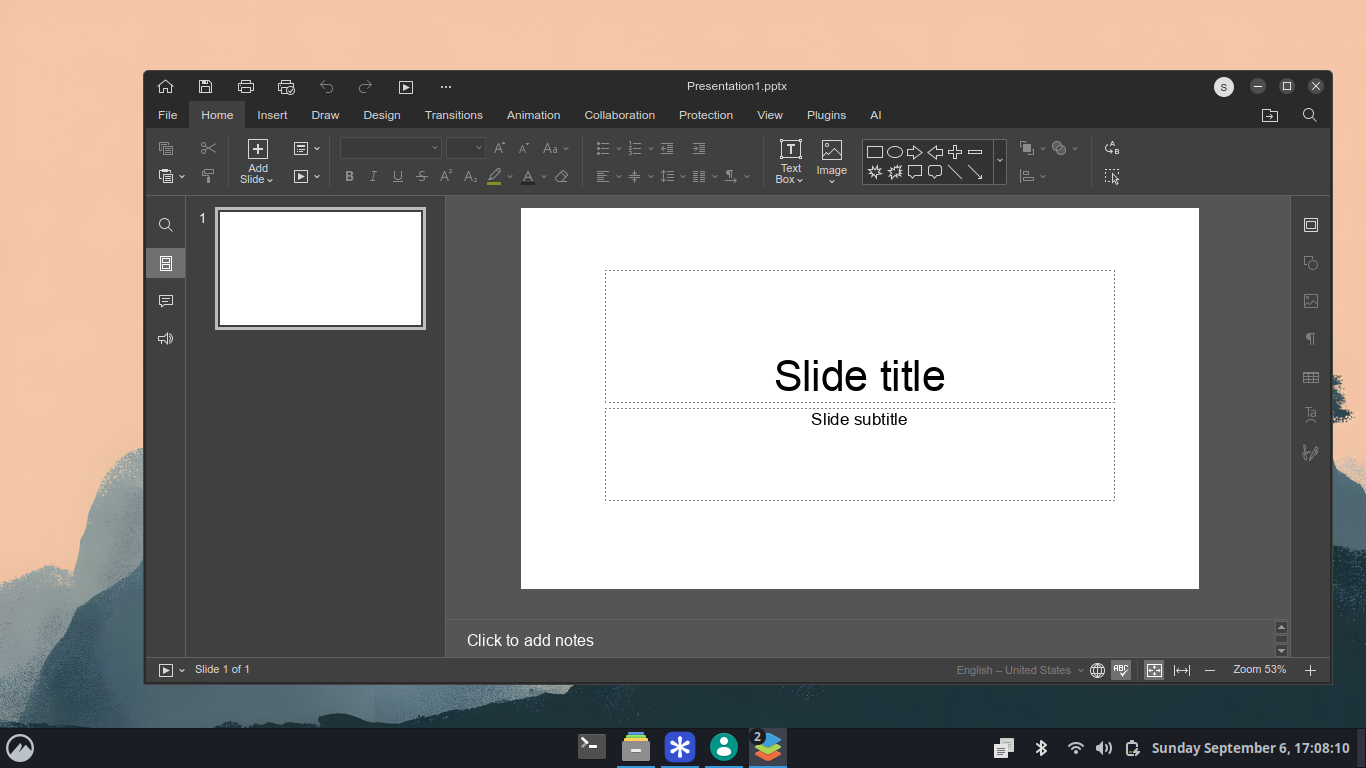
With ONLYOFFICE Desktop Editors, Liya Linux users get access to:
- Editors for DOCX documents, XLSX spreadsheets, PPTX presentations and other office files, including ODF, Apple iWork formats (Pages, Keynote, Numbers) and Hancom Office’s HWP and HWPX;
- Fillable form creator;
- Full-featured PDF editor with OCR, redaction, annotation, conversion and digital signature tools;
- Diagram viewer for Visio files;
- Optional AI assistant for text-related tasks — ChatGPT, Mistral, Google Gemini, Claude Sonnet, xAI and more;
- Cloud-based integration for collaborative work — ONLYOFFICE, Nextcloud, Seafile, ownCloud, Liferay, kDrive and Moodle.
Why ONLYOFFICE
SAYED M. Hisham, the founder and main developer of Liya Linux, on why his project offers ONLYOFFICE Desktop Editors as a pre-installed app:
This OS was designed for people running very low-spec computers, and based on a survey I conducted, many of them were already accustomed to Microsoft Office. So I started looking for office suites that had a familiar look and feel to Microsoft Office, but weren’t actually Microsoft Office. And then I found ONLYOFFICE.
Get ONLYOFFICE Desktop Editors
Thinking about adding ONLYOFFICE Desktop Editors as a pre-installed office package to your own OS? Get the latest version for free from GitHub or download it for Linux, Windows and macOS from our website:
Do you want us to write about your OS with ONLYOFFICE Desktop Editors pre-installed? Please send us a request or contact us in any way that is convenient for you — email, X or our community forum.
Create your free ONLYOFFICE account
View, edit and collaborate on docs, sheets, slides, forms, and PDF files online.