How to make a resume without Microsoft Word
Summary
You can create a resume without Microsoft Word by using ONLYOFFICE, which offers a free, versatile platform for building and editing resumes. With options for both desktop and online editing, you can choose the method that suits your workflow best. ONLYOFFICE provides a library of templates, a powerful PDF editor, and essential formatting tools, allowing you to craft a polished resume tailored to your specifications.
- ONLYOFFICE is free and accessible online or offline.
- It offers a library of professional resume templates.
- The PDF editor allows for genuine document editing.
- You can customize layouts with various formatting tools.
- Export your resume as a PDF or keep it editable.
You don’t need Microsoft Word to build a resume that gets you noticed. There are several ways to do it, and in this article we’ll show you how with ONLYOFFICE.
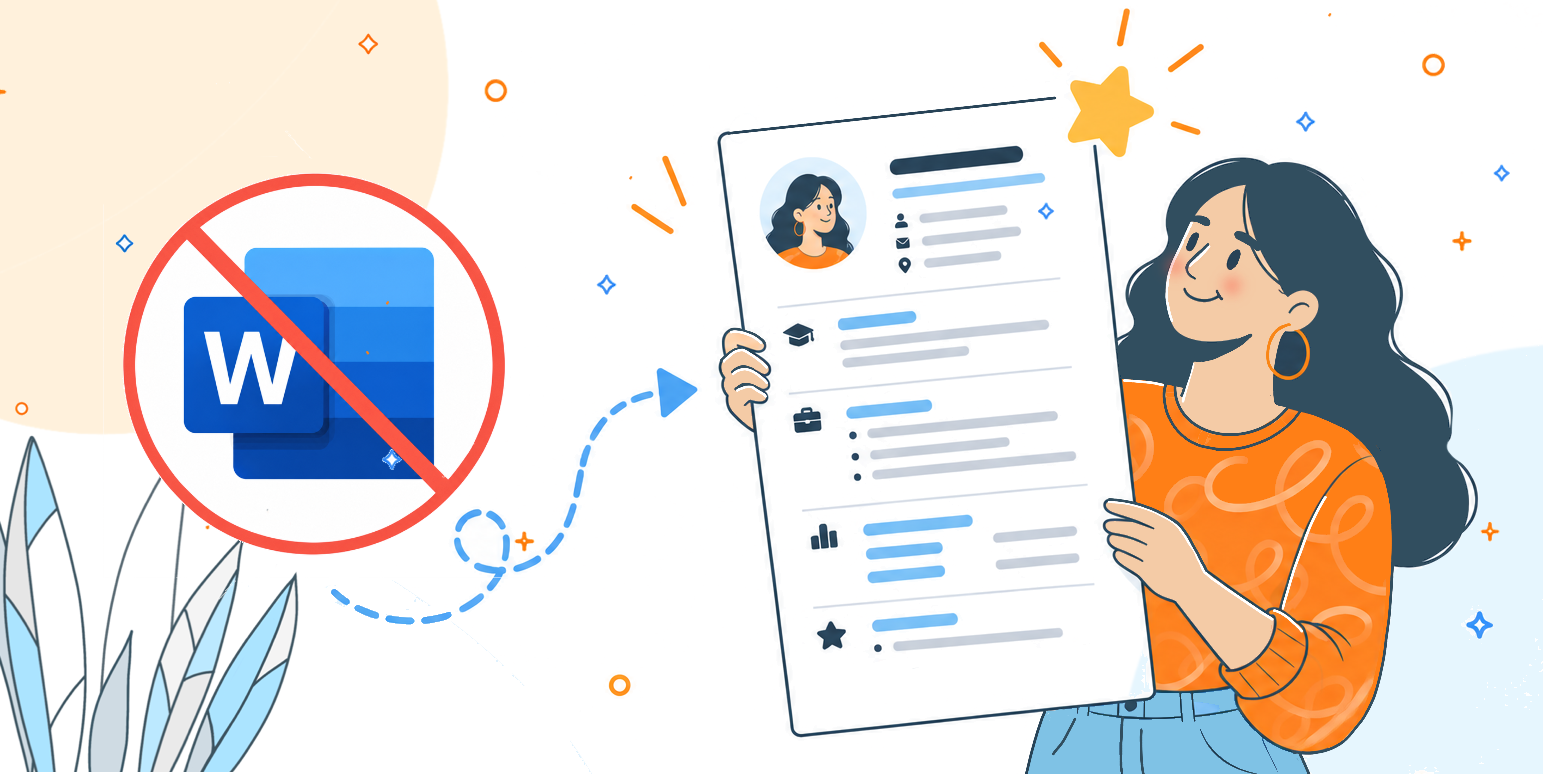
Word has been the default choice for so long that most people never stop to ask if there’s a better option. But think about what actually happens when you sit down to write a resume with it. If you don’t already have a Microsoft 365 subscription, you’re stuck paying for a license just to open a document, or looking for a free trial that expires halfway through your job search.
If a friend or a career center sends you a template as a PDF, you open it and realize you can’t touch a single word, the text is flattened, the fields are locked, and your only option is to retype the entire thing from scratch in a blank document. Formatting breaks the moment you switch between a Mac and a Windows machine, fonts get swapped out without warning, and a resume that looked clean on your laptop suddenly has misaligned bullet points when a recruiter opens it on theirs.
None of that is a good use of your time when you’re already stressed about job applications. ONLYOFFICE was built to remove exactly this kind of friction: it’s free, it runs the same way whether you’re on desktop or in a browser, and it lets you actually edit a PDF instead of just staring at one.
Here’s what it can do, and how to use it to put together a resume from start to finish.
Two ways to work: Desktop or online
ONLYOFFICE gives you the freedom to choose how you work.
With ONLYOFFICE Desktop Editors, a free, open-source application you install on Windows, macOS, or Linux, everything happens locally on your machine. This is ideal if you want full control over your files and don’t want to depend on an internet connection while you write.
If you prefer working online, ONLYOFFICE Docs lets you open a browser and start building your resume right away. No installation, no setup, and your document is accessible from any device you log in from.
Either way, you’re working with the same editor, the same formatting tools, and the same export options. Pick the version that fits your workflow, not the other way around.
Starting from scratch
Before getting into templates, it’s worth looking at what you can do with nothing at all, just the PDF editor and a blank page. Maybe you have a very specific layout in mind, or you just prefer building something that’s entirely your own. ONLYOFFICE’s PDF editor makes that possible.
Instead of just typing text onto a page, you can build your resume out of actual form fields:
- Text boxes for your name, job title, and contact details;
- Dedicated blocks for your work history and education;
- Checkboxes if you want to flag specific skills or languages;
- Dropdown lists for things like proficiency levels.
The editor also gives you basic shapes, lines, and tables to structure the page visually, so you can create clean dividers between sections, align columns, or box off a sidebar for your contact information, all without fighting a rigid template someone else designed.
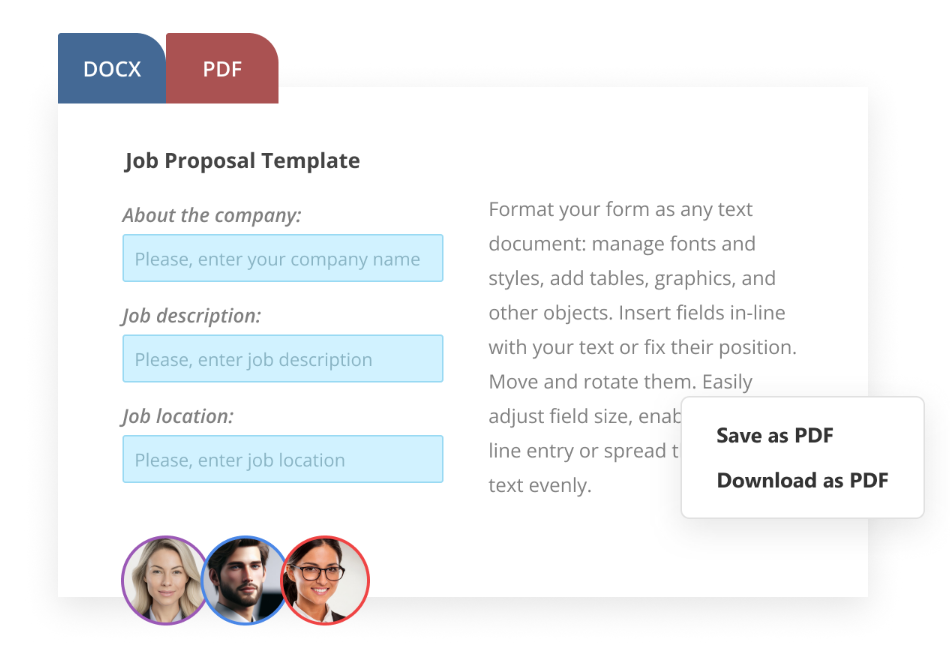
The advantage is control. Every field you add is exactly where you want it, sized how you want it, and it stays that way. Once you’re happy with the structure, you fill it in, adjust the spacing until it feels right, and you’ve got a resume built entirely to your own specifications, no template required.
Starting from a real template
Staring at an empty page is the fastest way to lose motivation. That’s why ONLYOFFICE includes an extensive library of ready-made templates, covering dozens of resume styles: modern, minimalist, creative, academic, and more.
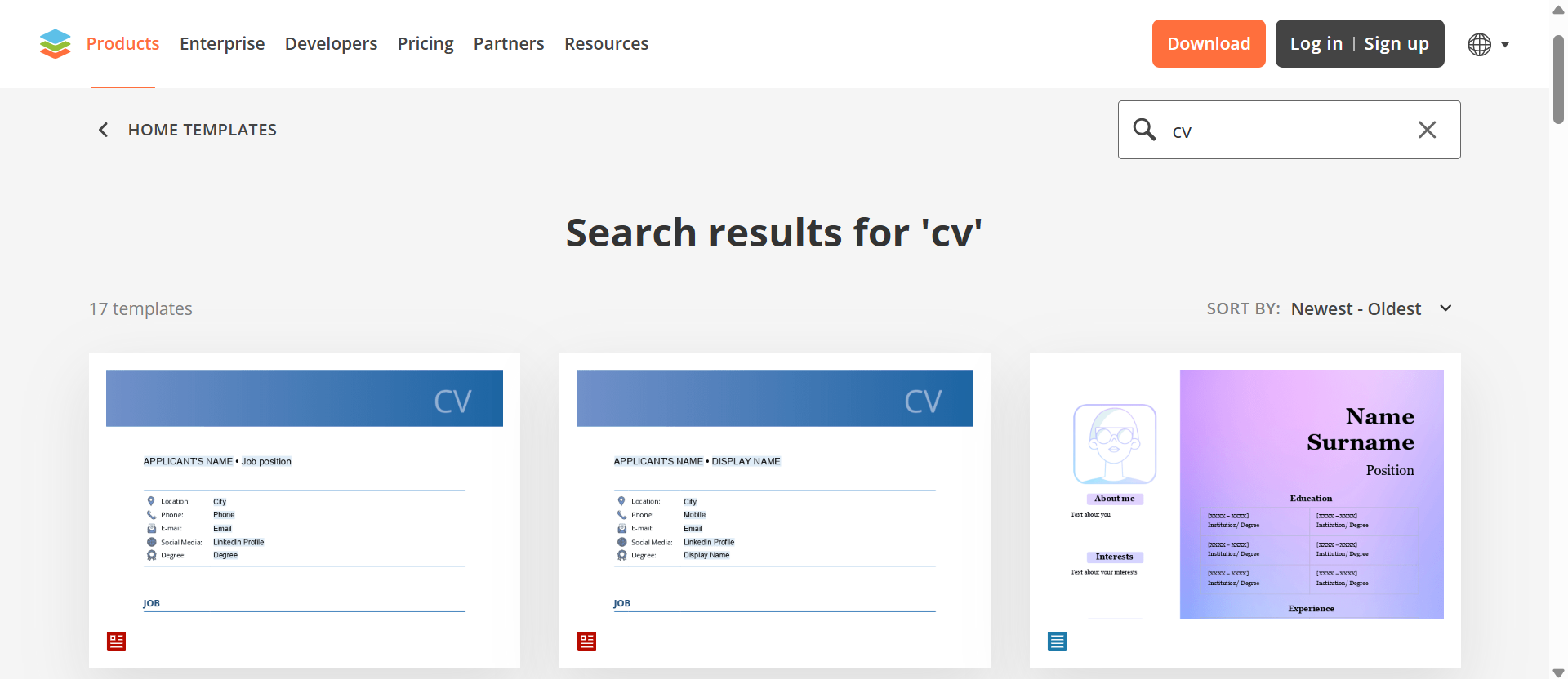
Each template comes pre-formatted with sections for your experience, education, skills, and contact details already laid out. You simply open one, swap in your own information, and adjust the design to match your taste. It’s the quickest way to go from zero to a polished, print-ready resume.
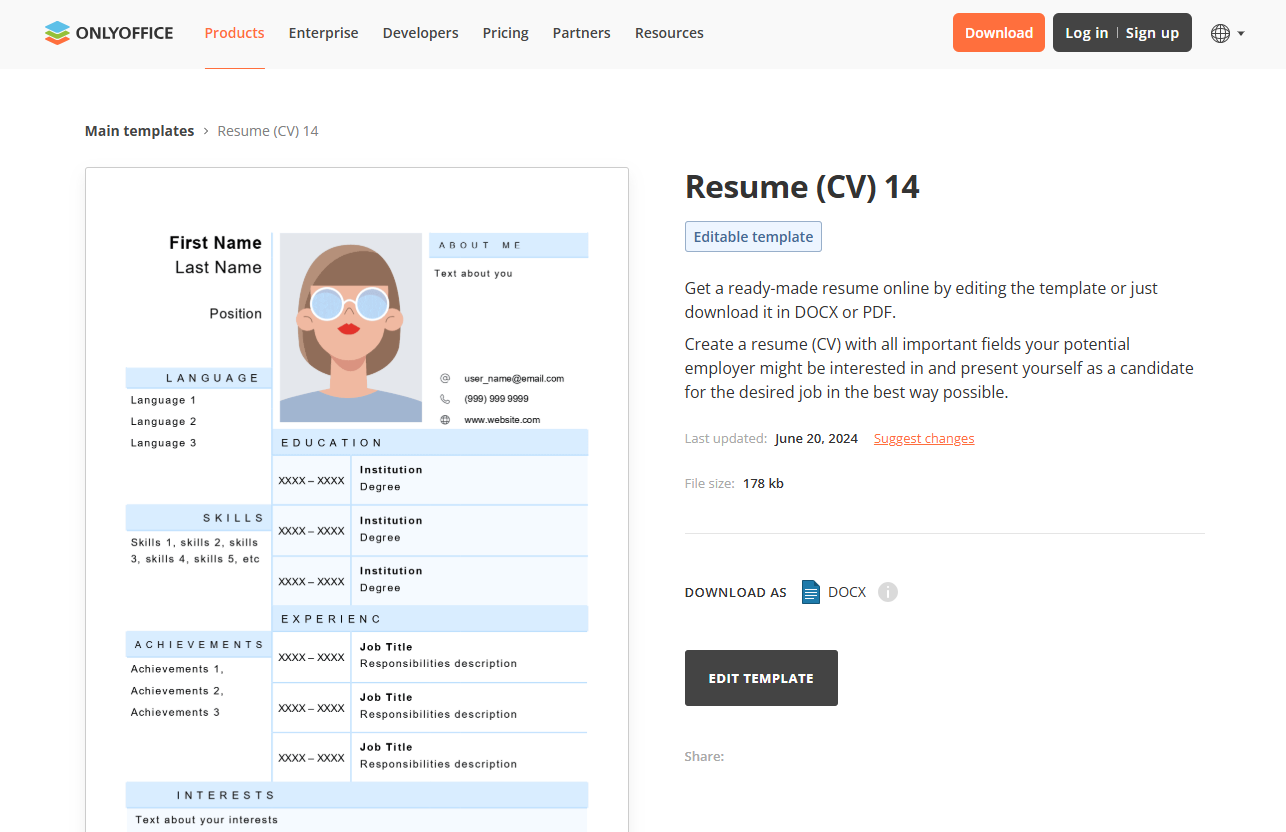
Want to see the templates in action? Watch this video:
A PDF editor that actually lets you edit
Here’s where ONLYOFFICE stands out: its PDF editor. Most tools only let you view or annotate a PDF, but ONLYOFFICE lets you genuinely edit one.
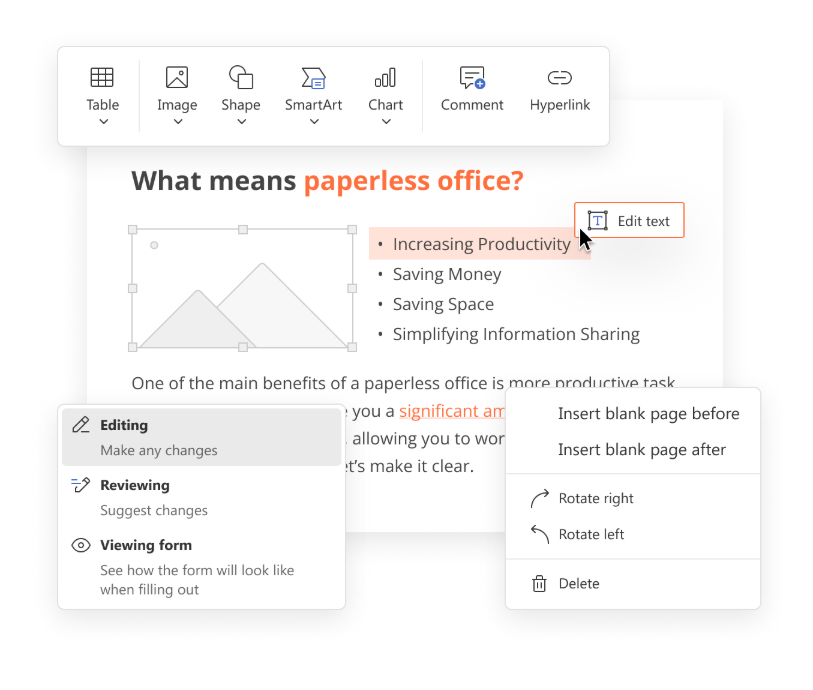
This matters more than it might seem. Say you’ve got an old resume saved as a PDF, maybe one a friend designed for you years ago, or a company template you were handed at a previous job. Instead of rebuilding it from scratch, you can open it directly in ONLYOFFICE and:
- Add new fields for a section you didn’t have before, like certifications or languages;
- Edit existing text, updating your job titles, dates, or skills without touching the surrounding layout;
- Rearrange or resize elements to fit new content cleanly;
- Insert images, so you can drop in a headshot or a logo where needed;
- Adjust fonts, colors, and spacing to refresh a design that feels outdated;
- Sign the document.
You’re not limited to filling in blanks. You can reshape the document itself.
Everything you need in one editor
Beyond PDF editing, the ONLYOFFICE suite gives you the full toolkit expected from a modern word processor:
- Rich text formatting, including styles, headings, bullet points, and tables for skills or timelines;
- Support for DOCX, ODT, and other popular formats, so your resume stays compatible wherever you send it;
- Real-time collaboration, useful if you want a friend, mentor, or career coach to review and comment directly on the document;
- Version history, so you can experiment with different layouts without fear of losing your original draft;
- Cross-platform consistency, meaning your resume looks the same whether you open it on desktop, online, or on a colleague’s machine;
- Extended functionalities with plugins.
Want to learn more about our editors? Have a look!
Once your resume is ready, export it as a PDF for applications, or keep it as an editable file for future updates. Because the formatting is preserved precisely, what you see while editing is exactly what a recruiter will see when they open it.
Get ONLYOFFICE and start shaping your new CV
You don’t need Microsoft Word, and you don’t need to pay for software you might not use so often. ONLYOFFICE gives you a genuine PDF editor, a library of professional templates, and the flexibility to work on desktop or online, all in one place.
Create your free ONLYOFFICE account
View, edit and collaborate on docs, sheets, slides, forms, and PDF files online.