Fleurdelix OS chooses ONLYOFFICE as its default office suite
Summary
Fleurdelix OS has chosen ONLYOFFICE as its default office suite to provide users with a modern, open-source solution that supports familiar file formats like DOCX, XLSX, and PPTX. This choice aligns with Fleurdelix's mission of digital sovereignty and data control, allowing organizations to work seamlessly with documents without relying on external cloud providers. The integration with Nextcloud further enhances collaboration and file management within the Fleurdelix ecosystem.
- Fleurdelix OS focuses on digital sovereignty and data control.
- ONLYOFFICE supports familiar file formats for easy document handling.
- Integration with Nextcloud enhances collaboration capabilities.
- The suite is preinstalled, requiring no additional setup.
- It is designed for organizations with high-security requirements.
We continue our series on operating systems that set ONLYOFFICE Desktop Editors as their default office suite. This time, we take a look at Fleurdelix OS, a free operating system focused on digital sovereignty, data control, and open source technologies.
Who is Fleurdelix OS for, what problem does it aim to solve, and why did its team choose ONLYOFFICE as a default office suite? Discover in the blog post below.

A free and sovereign operating system
Fleurdelix OS is a free, sovereign operating system with built-in AI built by design. It runs on PCs, Macs, virtual machines, Docker containers, and sovereign private clouds.
The goal is to give organizations full control over their infrastructure and data, without depending on foreign cloud providers or recurring license fees.
Fleurdelix is designed for organizations with high-level security, compliance, and data control requirements, including those in healthcare, aerospace, finance, manufacturing, real-time systems, and business management. More broadly, the system is designed for public and private organizations looking for an alternative to proprietary ecosystems.
Fleurdelix OS is based on Ubuntu Server 26.04 Minimal. The team integrates open source components such as Nextcloud for file management and collaboration, and ONLYOFFICE for working with office documents.
Why Fleurdelix chose ONLYOFFICE
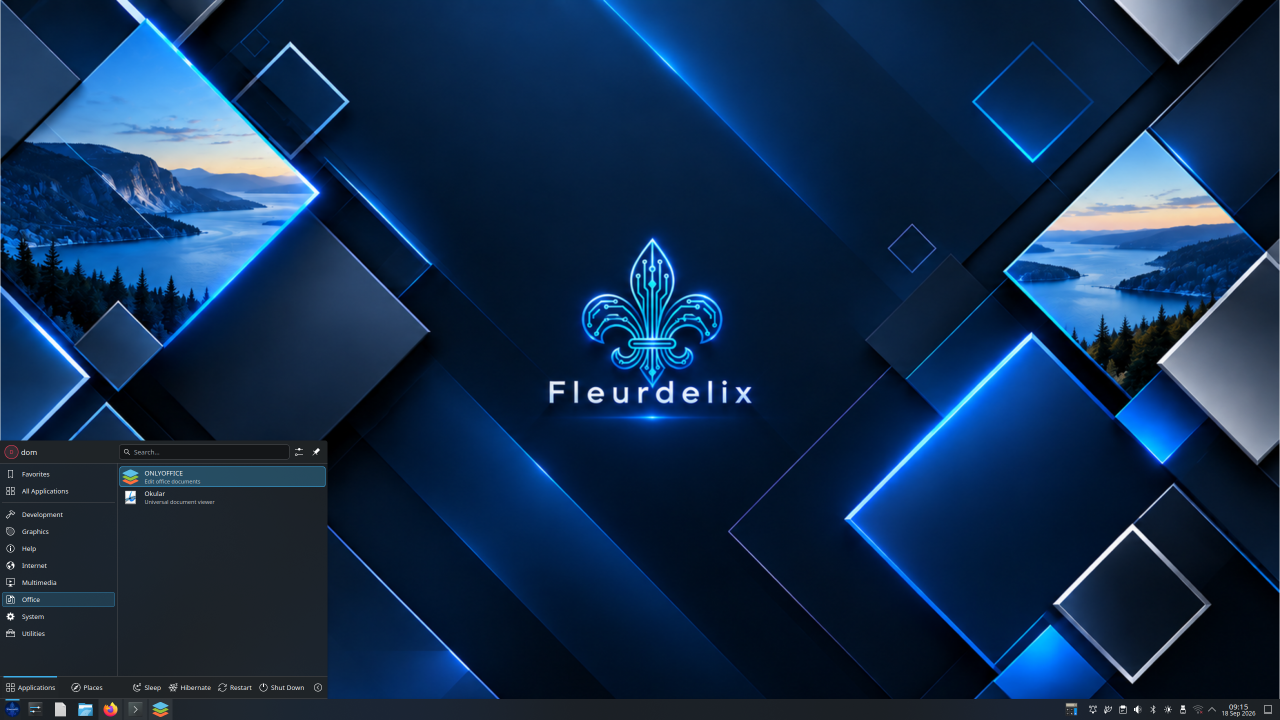
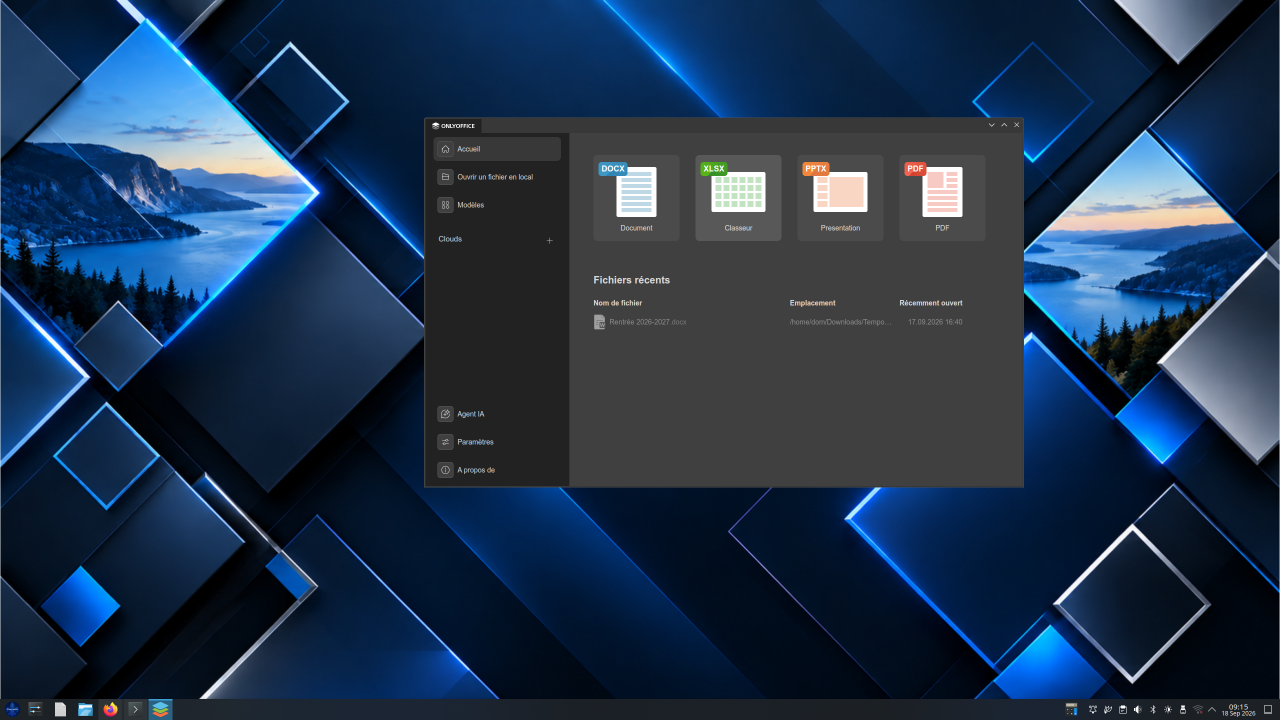
ONLYOFFICE Desktop Editors is preinstalled on Fleurdelix OS, giving users tools for documents, spreadsheets, presentations, and PDFs with no additional installation.
The Fleurdelix team was looking for an open source office suite that supports familiar file formats and lets users continue working with documents created in Microsoft Office. ONLYOFFICE supports formats such as DOCX, XLSX, and PPTX, so users can avoid unnecessary conversions when exchanging files.
The integration with Nextcloud was another factor in the decision. Nextcloud is already part of the Fleurdelix ecosystem, making it possible to combine file management and collaboration with ONLYOFFICE document editing.
Other features of Desktop Editors:
- PDF editor for editing, annotating, and redacting PDFs.
- Form creator to build fillable questionnaires, queries, and administrative documents.
- Plugins to extend the editors with additional tools and services to fit their workflows.
- Built-in template library to use ready-made documents for your needs.
- AI tools to work faster and choose different AI providers, even locally hosted models, giving organizations more flexibility and control over how AI is used with their documents.
For Fleurdelix, choosing an office suite was part of building a complete sovereign environment rather than simply adding another application to the operating system.
Dominique, CEO of Fleurdelix:
Digital sovereignty is not only about where data is stored. It’s also about giving people tools they can actually work with every day. ONLYOFFICE gave us exactly that: a modern, open source office suite with outstanding Microsoft compatibility that fits naturally into our sovereign ecosystem alongside Nextcloud.
Get ONLYOFFICE Desktop Editors
ONLYOFFICE Desktop Editors is available for Windows, Linux, and macOS. The free desktop suite lets users work locally with documents, spreadsheets, presentations, and PDFs.
Useful links
Fleurdelix OS: official website / GitHub
Create your free ONLYOFFICE account
View, edit and collaborate on docs, sheets, slides, forms, and PDF files online.