ONLYOFFICE Desktop Editors comes preinstalled with TN365 Waydroid
Summary
ONLYOFFICE Desktop Editors comes preinstalled with TN365 Waydroid as the default office suite, chosen for its user-friendly interface and comprehensive features. This inclusion allows users to easily create, edit, and manage documents, spreadsheets, and presentations right from the start, enhancing productivity without the need for additional installations.
- ONLYOFFICE offers a simple and familiar interface.
- It supports popular office formats like DOCX and XLSX.
- The suite includes tools for various office tasks.
- Built-in PDF tools reduce the need for extra software.
- Users can work offline without an internet connection.
TN365 Waydroid is a Linux distribution built around the idea of bringing Linux and Android together in one desktop environment. The system was developed by TechNews365 and included ONLYOFFICE Desktop Editors as a default office suite.
Bringing Linux and Android together
TechNews365 develops Linux systems for people who want a desktop that is ready to use from the first boot. The idea behind the project is quite practical. According to its developer, many Linux systems leave users with a relatively empty desktop and require them to spend time finding and installing the applications they need. TechNews365 instead aims to provide a complete selection of software from the start.
TN365 Waydroid takes this approach a step further by combining a traditional Linux environment with Android applications, system tools, multimedia software, virtualization tools, and office software in a single installation.
A desktop built around current software
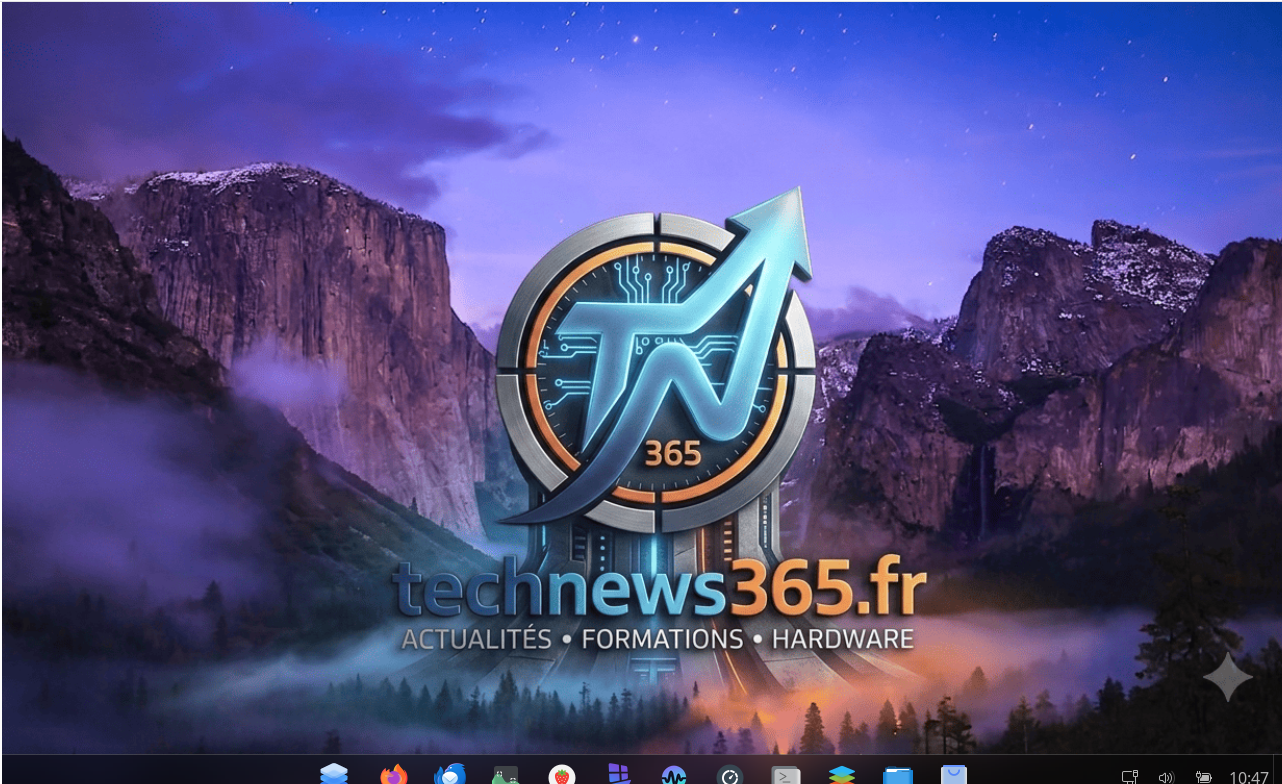
TN365 Waydroid is designed for desktop users with a particular focus on AI and gaming looking for a modern Linux experience.
The current edition includes GNOME 50, Wayland, and GPU acceleration support. It also comes with a range of applications already installed, including VirtualBox, GNOME Boxes, Stacer, Firefox, Thunderbird, and several games. For Android software, TN365 Waydroid includes Waydroid with access to tools such as Aurora Store, F-Droid, and Google Play Store.
Learn more about TN365 Waydroid on technews365.fr and find the project on SourceForge.
Why ONLYOFFICE is included by default
ONLYOFFICE Desktop Editors is installed by default in TN365 Waydroid. The developer chose the suite because the tools needed for everyday office work are in one application and remain easy to use for both beginners and experienced users.
The main reasons for choosing ONLYOFFICE include:
A simple and familiar interface. The editors are designed to make it easy to create, open, and edit files without spending time learning a complicated workflow.
Support for popular office formats. Users can work with DOCX, XLSX, PPTX, and other widely used formats, which makes it easier to exchange files with colleagues and use documents created in Microsoft Office.
A complete set of desktop editors. ONLYOFFICE includes tools for text documents, spreadsheets, presentations, and forms, so users do not need to install different applications for basic office tasks.
Built-in PDF tools. The suite can be used to view, edit, and annotate PDF files, reducing the need for additional software.
AI features. ONLYOFFICE allows users to connect different AI providers and models and use them directly in the editors. This includes Claude and other supported models, which can help with tasks such as generating and improving text, translating content, and analyzing information.
An offline desktop application. ONLYOFFICE Desktop Editors can be used locally on a Linux computer, which is convenient for users who want to work with files without relying entirely on a web browser or an internet connection.
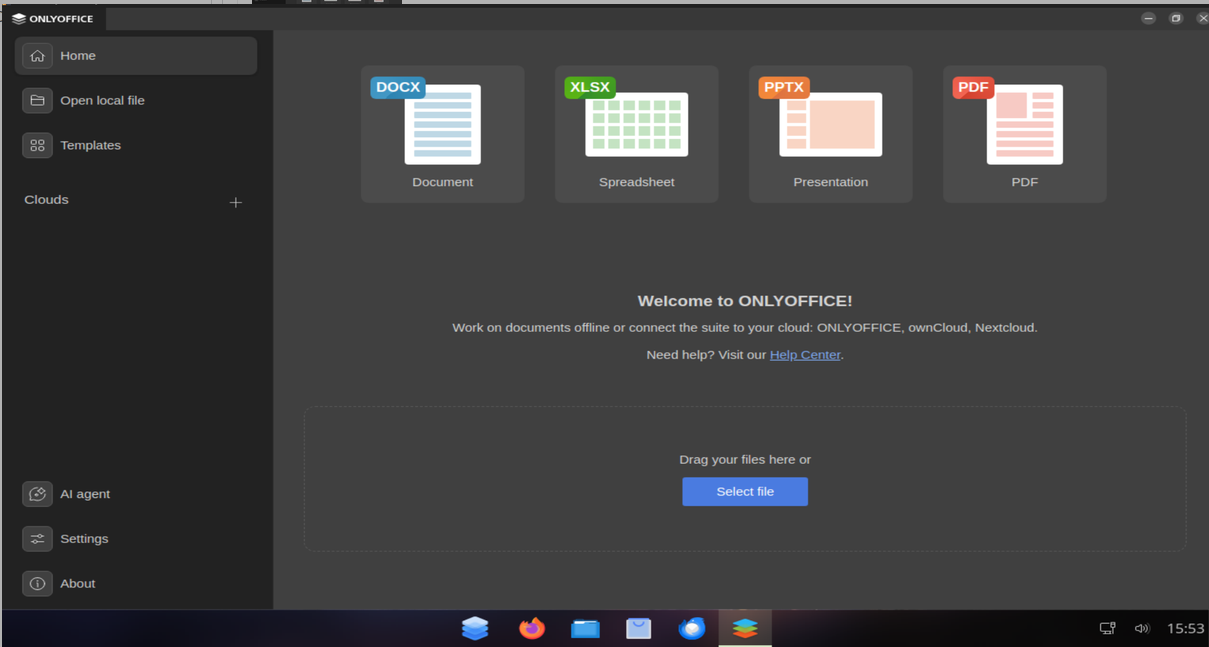
ONLYOFFICE is the default installation, and its shortcut is placed directly on the Dock. After installing TN365 Waydroid, users can immediately create documents, work with spreadsheets and presentations, or edit PDF files alongside their Linux and Android applications.
The developer describes the experience with ONLYOFFICE in simple terms:
I find it easy to create documents with ONLYOFFICE, and I don’t lose time. It’s an easy and quick process.
Get ONLYOFFICE Desktop Editors for your OS
Want to include ONLYOFFICE Desktop Editors in your operating system? Get the latest version for Linux, Windows, and macOS from our website or explore the project on GitHub:
Useful links
Create your free ONLYOFFICE account
View, edit and collaborate on docs, sheets, slides, forms, and PDF files online.