8 Best self-hosted office suites in 2026
Summary
Self-hosted office suites are essential in 2026 for organizations that prioritize data control, compliance, and privacy. By keeping sensitive documents on their own infrastructure, businesses can avoid the risks associated with third-party cloud services, such as data breaches and regulatory non-compliance. The eight self-hosted office suites highlighted in the guide cater to various needs, from lightweight editors to comprehensive workspace platforms, ensuring that teams can find a solution that fits their operational requirements.
- Self-hosted suites enhance data control and privacy.
- They support compliance with regulations like GDPR and HIPAA.
- Options range from lightweight editors to full workspace platforms.
- Real-time collaboration is maintained without third-party reliance.
- Each suite caters to different organizational needs and sizes.
Handing document editing over to a third-party cloud is convenient right up until it isn’t — a pricing change, a compliance requirement, or a data-sovereignty rule can suddenly make relying on someone else’s servers impossible. Self-hosted office suites solve that by keeping documents, spreadsheets, and presentations on infrastructure you actually control, without giving up real-time collaboration.
The category has matured a lot: what used to mean a clunky desktop app now includes browser-based, collaborative editors that hold up against mainstream cloud suites. This guide covers eight self-hosted office suites worth considering in 2026, from lightweight document editors to full workspace platforms.

Why self-hosted office suites matter in 2026
Documents are where the most sensitive information in a company tends to live: contracts, financial reports, HR files, client data. Routing all of that through a third-party cloud means trusting someone else’s infrastructure, someone else’s data-retention policy, and someone else’s roadmap. For organizations under GDPR, HIPAA, or similar regulation, that trust isn’t always optional to give.
Self-hosting removes that dependency. It also removes the recurring per-seat licensing costs that scale badly with headcount, and it gives IT teams control over uptime, backups, and integrations instead of waiting on a vendor’s support queue. The trade-off is real, though: someone has to run the server, apply updates, and handle scaling, which is why the tools in this list vary so much in how much operational overhead they expect from a team.
Note: the suites below aren’t ranked from best to worst. Each fits a different type of team, from privacy-first small groups to IT departments running infrastructure at scale.
1. ONLYOFFICE Docs
ONLYOFFICE Docs is an open-source, self-hosted office suite built around a straightforward idea: real-time co-editing, strong Office format compatibility, and AI assistance should all be part of the core product, not add-ons layered on top later. The engine behind it, is open-source and runs entirely on infrastructure you control — think of it as the server that powers a mainstream cloud-based editing experience, but installed on your own machines rather than someone else’s cloud. It’s available in a free Community version for smaller teams and an Enterprise version with additional support and management tools for larger deployments, so organizations can start small and scale the same platform up instead of switching tools later.
Document editing covers text documents, spreadsheets, presentations, forms, PDFs, and diagrams, with real-time collaboration native to the product rather than bolted on through a third-party integration. On top of that, an AI plugin — installed manually through the Plugin Manager, so nothing runs by default — adds content generation, rewriting, translation, summarization, and OCR directly inside the editor, supporting providers from OpenAI, Claude and Mistral to fully self-hosted options like Ollama and LM Studio.
Ideal for: organizations that want document fidelity, native real-time collaboration, and optional AI assistance in one self-hosted platform, without piecing components together.
2. Seafile (with SeaDoc)
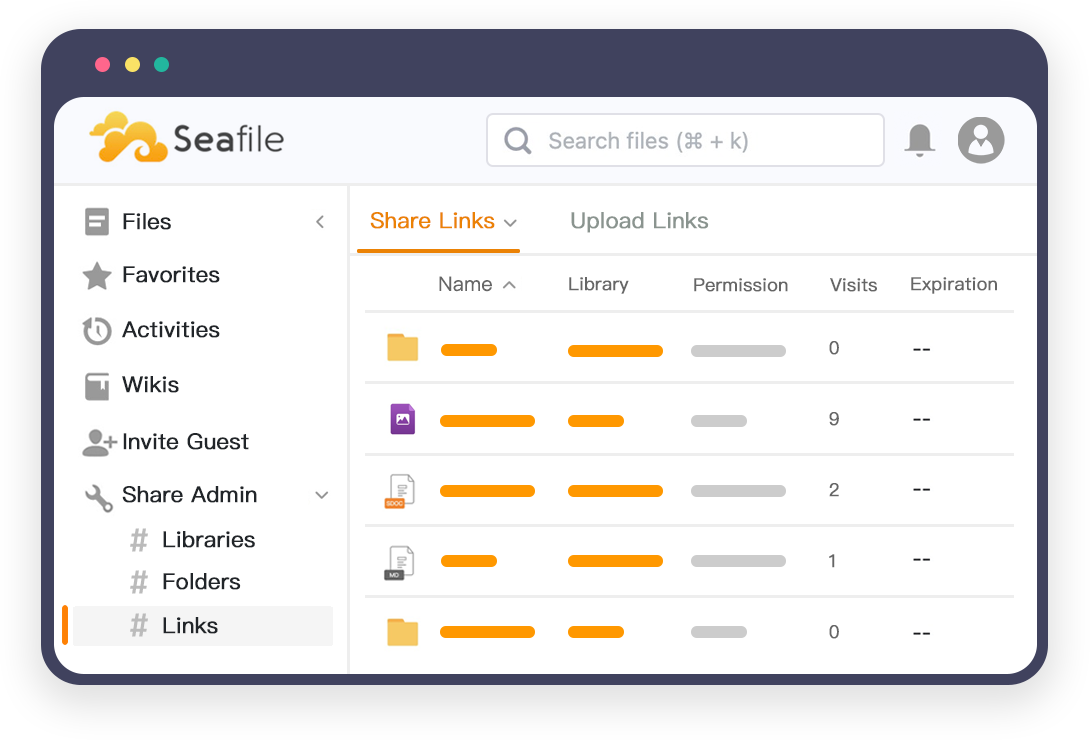
Seafile started as a self-hosted file sync and share platform — a private alternative to Dropbox or Google Drive — and has since grown a genuinely useful collaborative document editor called SeaDoc directly on top of it. That order matters: file storage, versioning, and permissions were the foundation from the start, and document editing was added as an extension rather than the other way around, which shows in how solid the underlying file management feels.
SeaDoc itself is intentionally lighter than a full office suite. It’s a block-based editor built for technical documentation, meeting notes, and team wikis rather than complex, print-ready reports, and it trades some of the formatting depth of Collabora or ONLYOFFICE for speed and simplicity. For teams whose main need is fast, structured internal writing — not client-facing documents with heavy formatting — that trade-off tends to pay off.
Ideal for: teams that want strong file sync and sharing with a fast, lightweight document editor layered on top, rather than a heavyweight office suite.
3. EGroupware
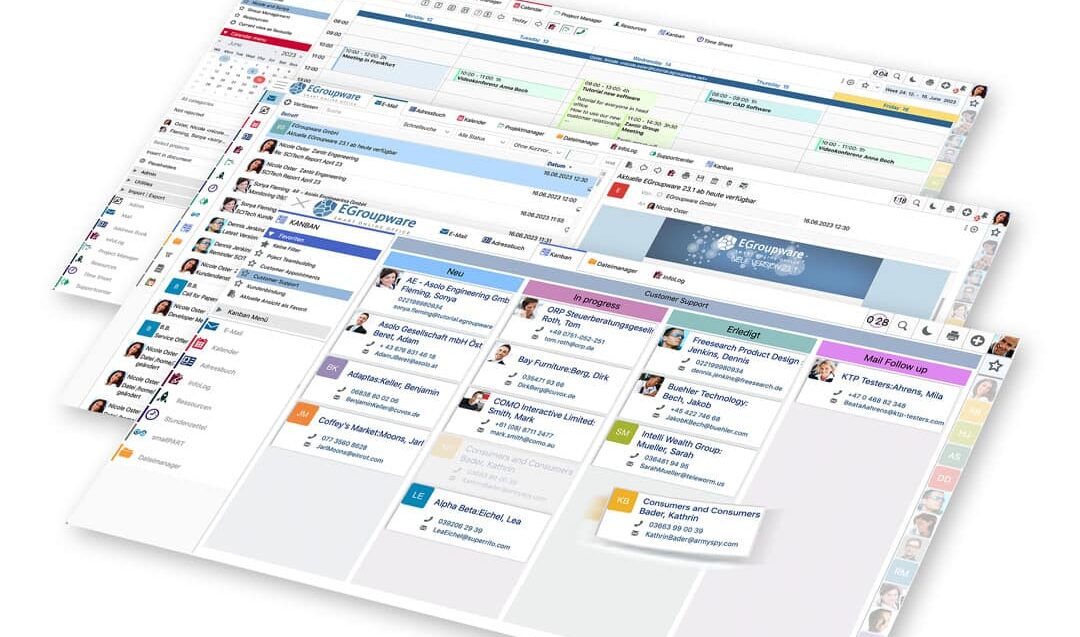
EGroupware takes the same “full workspace” approach as a bundled office platform, but comes at it from the groupware side rather than the file-sync side: calendars, contacts, email, project management, and a basic CRM sit at the core, developed and hosted by a German company that markets the whole platform around “digital sovereignty” — data staying on infrastructure you control, in a jurisdiction with strong data-protection law. For organizations that want one login covering most of daily office work, not just document editing, that breadth is the draw.
Document editing itself comes through an integration with Collabora Online, added on top of EGroupware’s own modules rather than built natively — so, similarly to other platforms on this list that lean on Collabora, document fidelity is strong but the editing experience is one layer removed from the core product. Where EGroupware stands out is everything around the documents: task and project tracking, video conferencing and chat integrations, and compliance-oriented features like e-invoicing support, all managed from the same admin panel. It tends to appeal most to organizations — SMEs, public administrations, universities — that want a single self-hosted alternative to a mainstream cloud productivity bundle rather than a standalone editor.
Ideal for: organizations that want document editing bundled with calendar, email, project management, and CRM in one self-hosted platform.
4. Group Office
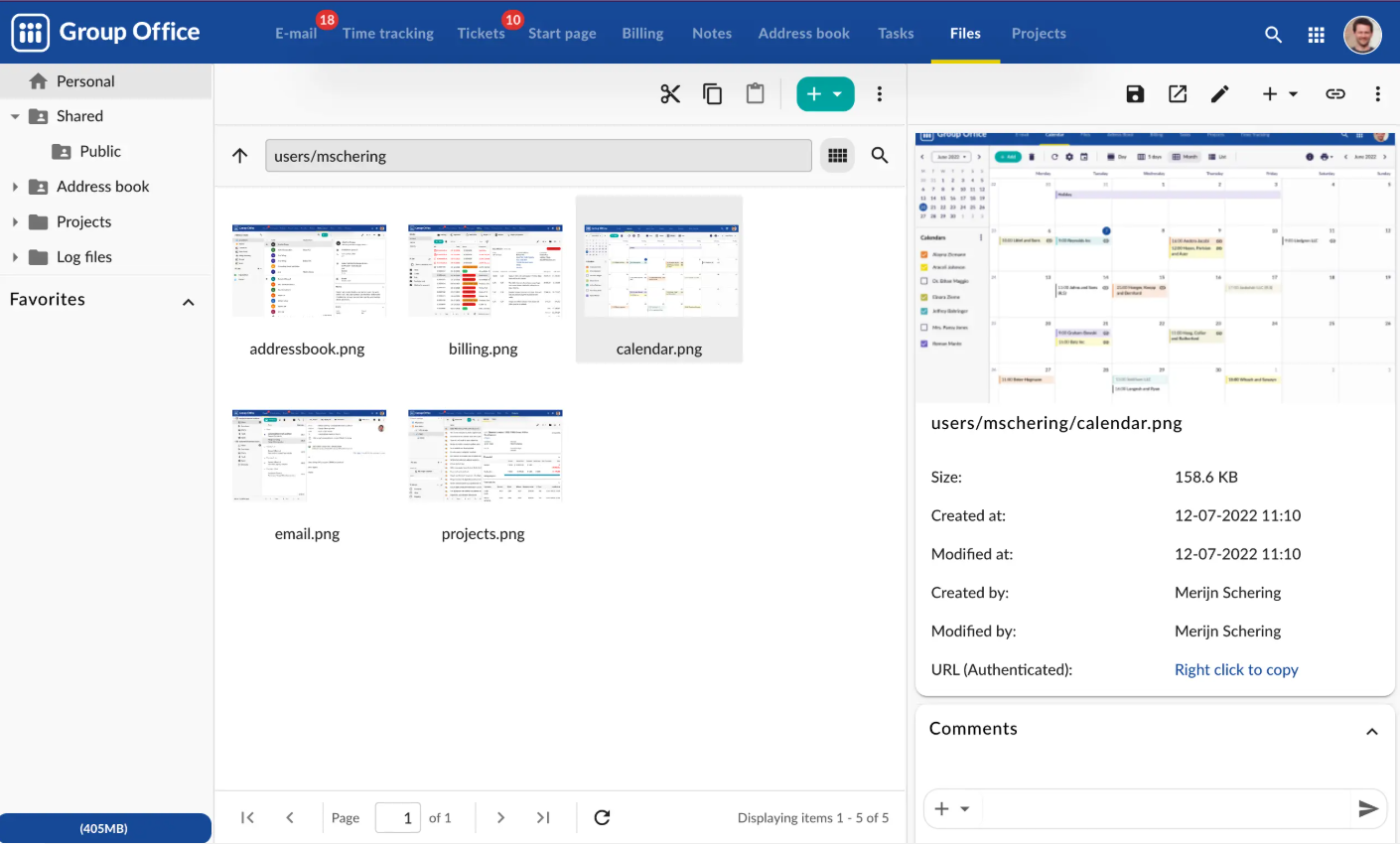
Group Office takes the broadest approach on this list: it’s a self-hosted groupware platform that bundles document editing alongside email, shared calendars, project management, and a basic CRM, aimed at organizations that want one system covering most of daily office work rather than a standalone editor. Data stays entirely on the organization’s own server, including document editing itself, which the project positions as a genuine privacy advantage over syncing files to individual devices.
Being modular is both its strength and its complexity: teams can turn features on or off depending on what they need, and developers can extend it with custom modules, which makes it flexible but also means the out-of-the-box experience is less polished than a tool built around a single purpose. It tends to appeal most to smaller organizations that want to consolidate several separate tools — email, calendar, docs, light CRM — into one self-hosted system rather than running each piece separately.
Ideal for: small and mid-sized organizations that want document editing bundled with email, calendar, and light CRM in one self-hosted system.
5. CryptPad
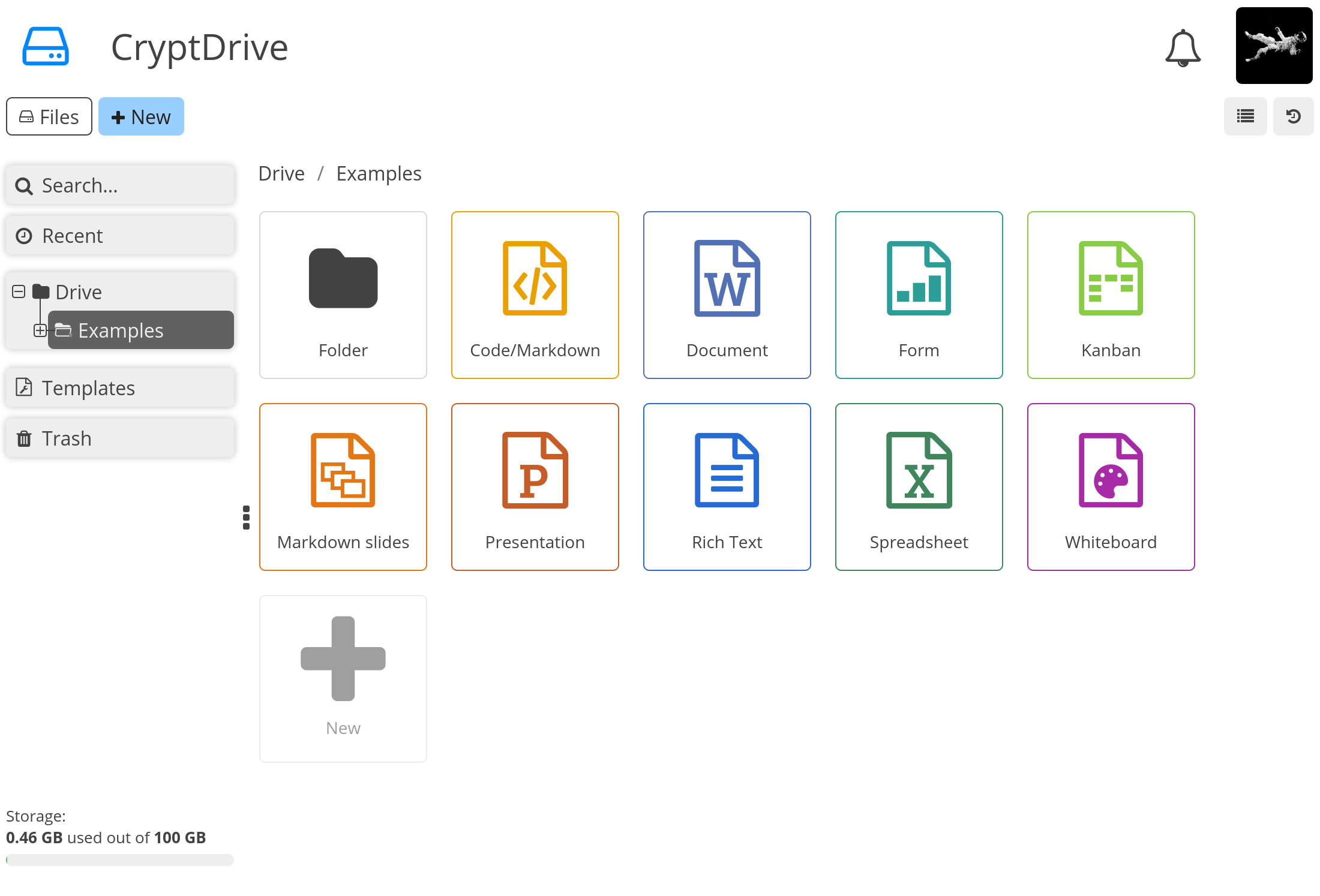
CryptPad takes privacy further than any other tool on this list: it’s zero-knowledge, meaning documents are encrypted and decrypted entirely in the browser, so the server — and whoever administers it — never has access to readable content, even in the event of a breach. For organizations with genuinely strict confidentiality requirements, that’s a meaningfully different guarantee than a self-hosted suite that simply keeps data off someone else’s servers while still storing it in plaintext.
That security model comes with trade-offs. CryptPad uses its own editors rather than the LibreOffice or Microsoft Office rendering engines, so document fidelity for complex files is a step behind Collabora or ONLYOFFICE, and client-side encryption adds some performance overhead, particularly on older hardware. In exchange, teams get a genuinely audited, zero-knowledge architecture covering documents, spreadsheets, presentations, forms, and kanban boards in one suite — a combination few self-hosted tools even attempt.
Ideal for: privacy-conscious teams and organizations with strict confidentiality requirements who can accept a lighter editing experience in exchange.
6. OX App Suite
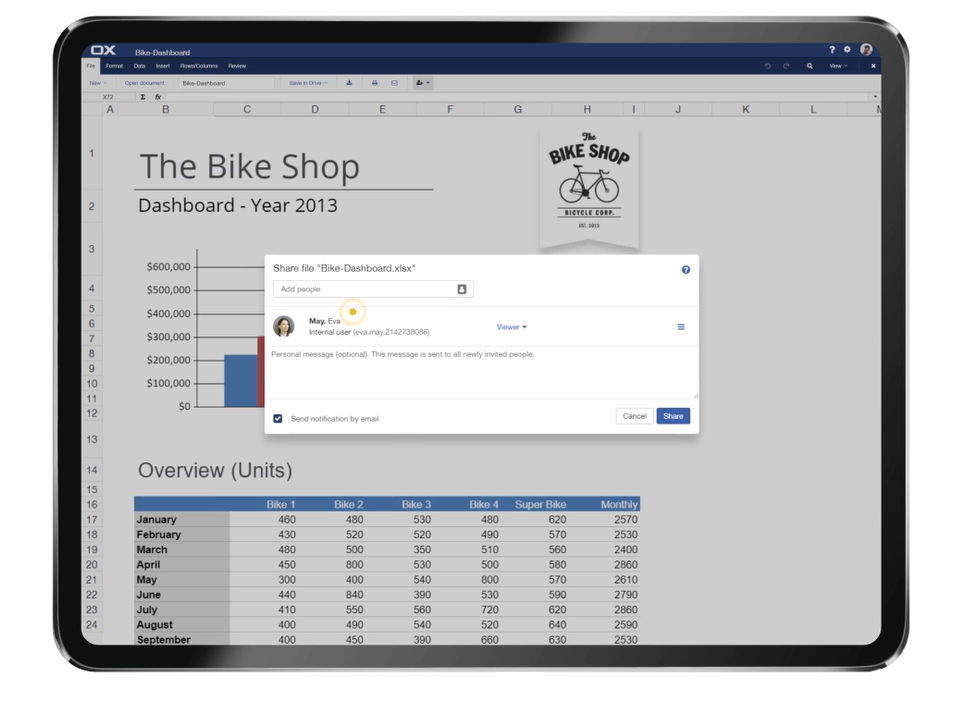
OX App Suite, built by the German company Open-Xchange, takes a webmail-first approach: email, calendar, and contacts are the core, with OX Documents — text, spreadsheet, and presentation editing — layered on as part of a broader productivity package. That structure reflects where it’s most commonly deployed: hosting providers and ISPs that want to offer their customers a white-labeled, all-in-one productivity bundle running on infrastructure they control, rather than a business installing it purely for document editing.
For organizations evaluating it as a standalone office suite rather than an email platform with documents attached, that heritage matters — OX Documents is capable but secondary to the mail and calendar experience the suite is really built around. It’s a strong fit for anyone already choosing a self-hosted communication platform who wants document editing bundled in, and a less obvious choice for a team that only needs the office suite piece.
Ideal for: hosting providers and organizations that want self-hosted email, calendar, and document editing bundled into one white-labeled platform.
7. Collabora Online
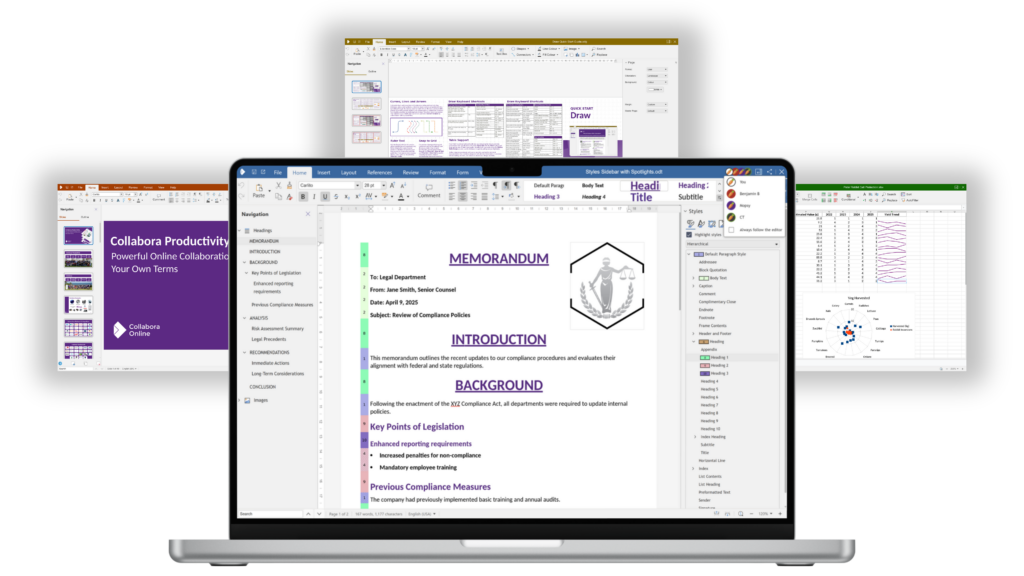
Collabora Online is the most widely deployed self-hosted office suite in the open-source ecosystem, and it earns that position by building directly on LibreOffice’s rendering engine — the same technology behind one of the most mature open-source document formats in the world. That heritage shows up in document fidelity: complex Word, Excel, and PowerPoint files tend to open looking the way they’re supposed to, which is where many lighter self-hosted editors struggle.
Its biggest strength is how well it plugs into other platforms rather than standing alone. It’s the default editing engine behind ownCloud and several other self-hosted file-sharing platforms, so most organizations encounter it not as a standalone product but as the editor inside something else they’re already running. That makes it less of a destination in its own right and more of an editing layer teams add to infrastructure they’ve already chosen — which is either exactly what you want or an extra moving part, depending on your setup.
Ideal for: teams running ownCloud or a similar file-sharing platform who want a mature, LibreOffice-grade editor built in.
8. LibreOffice
LibreOffice remains the most widely used open-source office suite in the world, and for good reason: it’s a mature, full-featured desktop suite with strong compatibility for Word, Excel, and PowerPoint formats, built by a large and active community. For organizations that don’t need browser-based real-time collaboration — teams working on local files, or environments where documents are edited by one person at a time — it’s still the simplest, most dependable starting point.
Where it shows its age is collaboration. LibreOffice itself is a desktop application, not a web server, so self-hosted, browser-based editing means running it through a remote desktop setup or pairing it with a server component like Collabora Online, which is effectively LibreOffice’s own engine repackaged for the browser. Organizations that need real-time co-editing from day one are usually better off starting directly with Collabora Online or another browser-native suite rather than trying to bolt collaboration onto a desktop app.
Ideal for: individuals and teams that mainly need a dependable offline editor, not real-time browser collaboration.
At a glance: how these suites compare
| Suite | Best for | Standout feature |
| ONLYOFFICE | Full-featured, AI-ready document editing | Open-source Document Server with multi-provider AI built in |
| Seafile (SeaDoc) | Internal docs, wikis, meeting notes | Fast, lightweight editor on top of solid file sync |
| EGroupware | Full office platform with calendar, mail, and CRM | Groupware suite with Collabora-based editing built in |
| Group Office | Small teams wanting docs plus groupware | Bundles editing with email, calendar, and CRM |
| CryptPad | Privacy-critical, confidential documents | Zero-knowledge, end-to-end encrypted editing |
| OX App Suite | Hosting providers, white-label deployments | Webmail-first suite with documents built in |
| Collabora Online | Teams running ownCloud or similar platforms | LibreOffice-grade document fidelity, browser-based |
| LibreOffice | Offline editing, single-user work | The most mature open-source office suite available |
Note: features and editions change over time — check each project’s own documentation before deciding on a deployment.
Get started with ONLYOFFICE
Download ONLYOFFICE Docs to self-host your own document server, or sign up for a free ONLYOFFICE DocSpace account to try it in the cloud before deploying it on your own infrastructure.
Create your free ONLYOFFICE account
View, edit and collaborate on docs, sheets, slides, forms, and PDF files online.