ONLYOFFICE DocSpace and Authentik integration: simplify authentication across various apps and create a single workspace for your team
Summary
The integration of ONLYOFFICE DocSpace with Authentik simplifies authentication across various applications by allowing users to log in to DocSpace using their existing Authentik credentials. This centralized identity management streamlines login processes, enhances security, and enables the creation of a unified workspace where teams can collaborate effectively without the hassle of managing multiple usernames and passwords.
- Users benefit from single sign-on convenience.
- Administrators manage identities from one platform.
- Enhanced security features are available.
- The integration supports scalability for growing teams.
- Third-party apps can be easily connected.
Since modern teams usually use multiple services and platforms, handling user authentication separately for each solution can quickly become a real pain. The ONLYOFFICE DocSpace and Authentik integration is designed to solve this problem by bringing centralized identity management and streamlined login workflows into your document collaboration environment.
In this blog post, you will find out what the ONLYOFFICE DocSpace and Authentik integration is, why it matters and how to create a single productivity hub by connecting third-party services and tools.
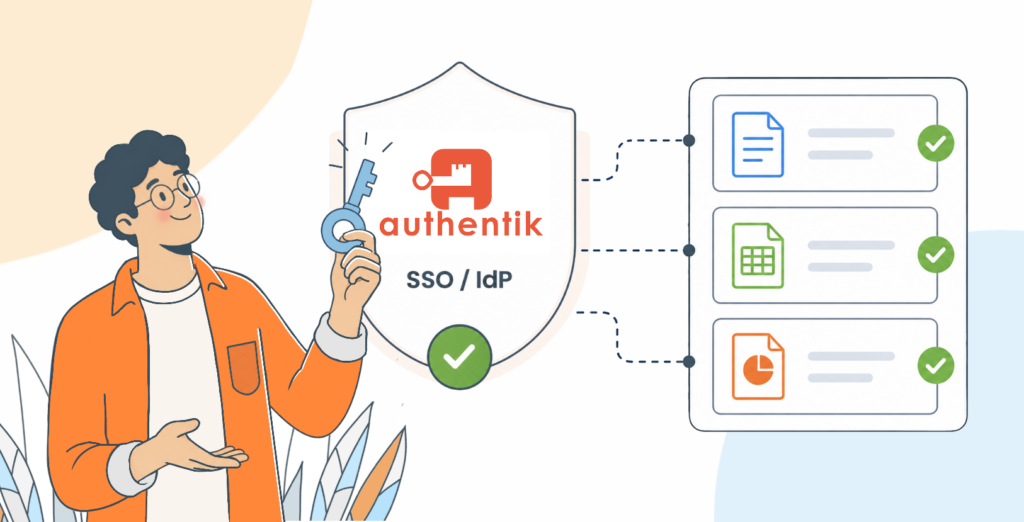
What is the ONLYOFFICE DocSpace and Authentik integration?
ONLYOFFICE DocSpace is a secure environment for document collaboration, file sharing and room-based teamwork. It allows teams and companies to create flexible spaces where users can edit documents, review and share content, manage permissions and collaborate in real time.
Authentik is an open-source identity provider primarily designed for self-hosting. It supports authentication, authorization and single sign-on, giving administrators a centralized way to manage users, access rules and login methods across multiple applications.
The integration between ONLYOFFICE DocSpace and Authentik enables users to sign in to DocSpace through Authentik using a standard authentication protocol. Instead of maintaining separate login credentials for their DocSpace, organizations can use Authentik as the identity source and authentication layer.
Key benefits of integrating ONLYOFFICE DocSpace with Authentik
Here is why this integration is worth giving a try:
- Single sign-on convenience. Users can access ONLYOFFICE DocSpace using their existing Authentik credentials, without having to remember another username and password combination.
- Centralized identity management. Instead of managing users directly in multiple systems, administrators can control identity and authentication settings from the Authentik platform, all in one place.
- Improved security. Using Authentik as the authentication provider allows organizations to apply stronger login controls, such as multi-factor authentication, access restrictions, session management and identity-based rules.
- Better scalability. As your team becomes bigger, manual login management for every service becomes increasingly inefficient. By integrating DocSpace with Authentik, you create a more scalable setup that can grow with your organization.
- Extended functionality. Since Authentik provides compatibility with multiple apps, you can create a single workspace for your team and combine DocSpace’s document collaboration capabilities with email platforms, project management features, communication services and other productivity tools.
How the integration works
The integration is based on external authentication, where ONLYOFFICE DocSpace delegates user authentication to Authentik. In practice, this means DocSpace trusts Authentik to verify user identities.
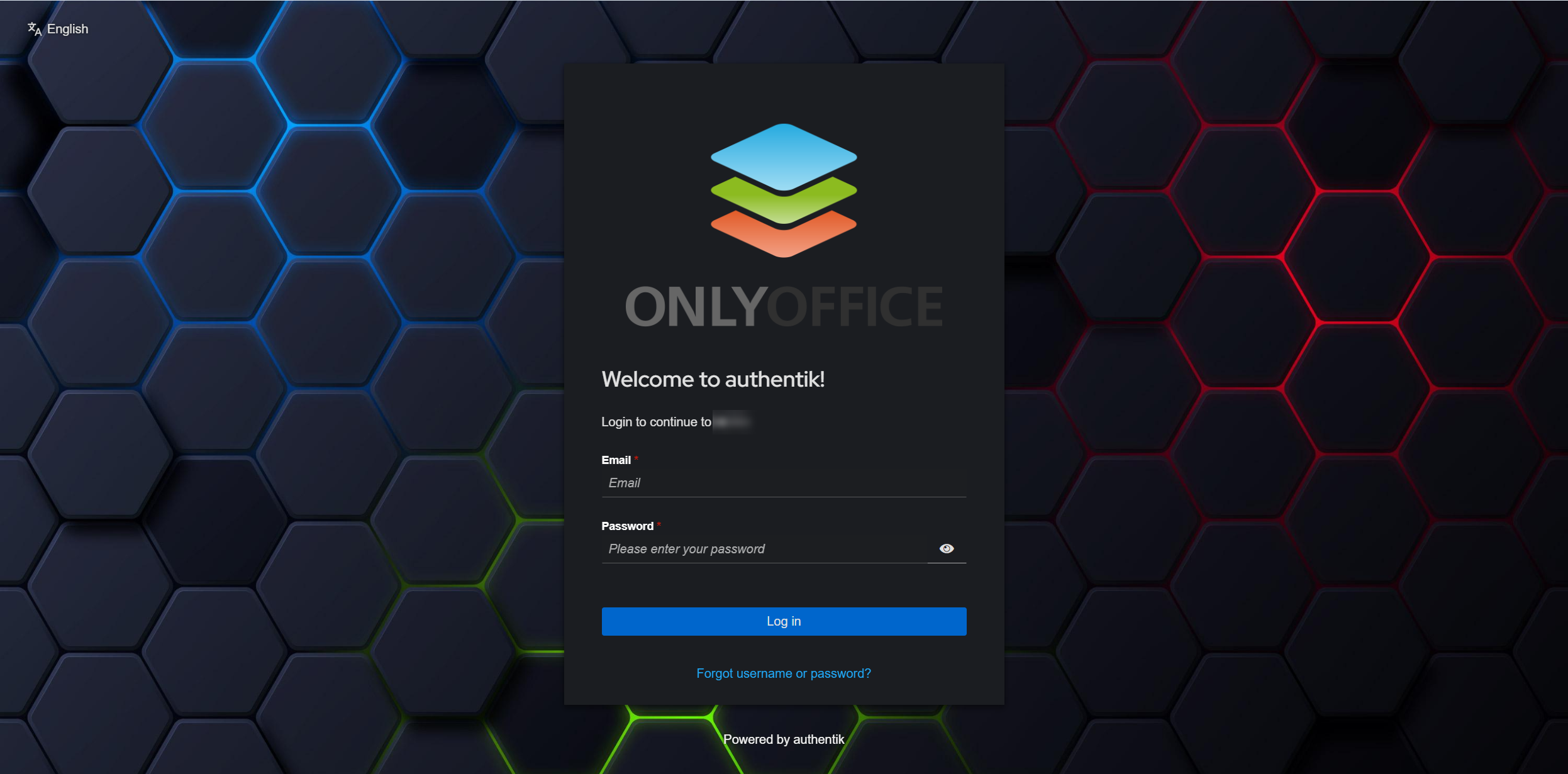
If you want to know the technical details of how this integration works and what you need to integrate and configure both platforms, please take a look at the detailed instructions in our Help Center.
Upgrade your DocSpace and Authentik integration with third-party applications
The best thing about the DocSpace and Authentik integration is that it’s not only about simplified authentication and authorization. It also allows you to create a centralized workspace with dozens of productivity apps and tools that you can easily access from one place.
In other words, Autherntik makes it possible to extend DocSpace’s document collaboration features by connecting third-party apps and creating a unique productivity stack for your team.
Here are some examples of services and tools that you can connect to Authentik, apart from ONLYOFFICE DocSpace:
- Matrix, Slack, Rocket.chat and Mattermost for real-time communication;
- Zoom for video conferencing;
- Planka, OpenProject and Kanboard for tasks and projects;
- Roundcube, grommunio and mailcow for email management;
- Amazon Web Services, DigitalOcean and OVHcloud as cloud providers;
- GitHub, GitLab and Jenkins for development;
- DokuWiki, Notion and Wiki.js for documentation management;
- Drupal, WordPress, Stripe, Cloudflare and dozens of other apps.
The full list is available on the Authentik website.
Use case scenario: ONLYOFFICE team
Now that you know what the ONLYOFFICE DocSpace and Authentik integration is, let’s take a look at how it works in practice, based on the example of our team.
At ONLYOFFICE, we use our own software products for different workflows:
- ONLYOFFICE DocSpace for document management and collaboration, both with internal and external users;
- ONLYOFFICE Workspace for project and email management.
Additionally, we rely on third-party services to stay connected and boost our productivity. For example:
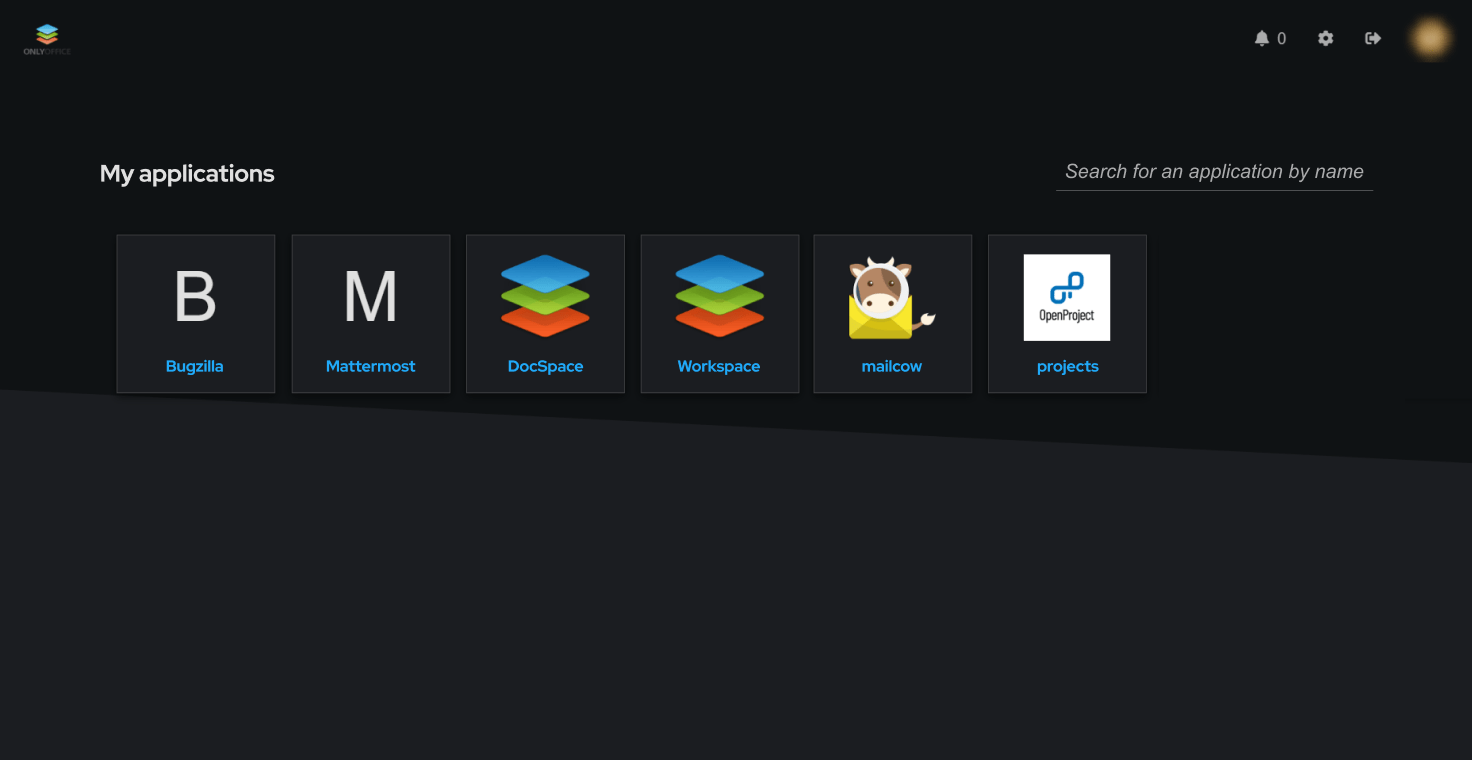
- Bugzilla for internal bug records and feature requests;
- Mattermost for internal communication across departments;
- OpenProject for project management;
- Mailcow for email management.
To make the authentication process easier across all the tools we use every day, we implemented an Authentik server and integrated each solution, including our DocSpace platform and Workspace portal.
Now every member of our team can easily access whatever they need in one place, using their Authentik credentials without having to remember multiple password combinations. This setup is not just about convenience. It strengthens security and centralizes identity management, allowing us to focus on what we do best — providing the best office tools to millions of users worldwide.
Get started with ONLYOFFICE DocSpace
If your team is already using Authentik within their IT infrastructure, adding ONLYOFFICE DocSpace is a natural step toward a more integrated digital workplace with document collaboration and management features. Try DocSpace in the cloud or on-premises and create a unified authentication environment:
START ONLINE INSTALL ON-PREMISES
FAQ: ONLYOFFICE DocSpace and Authentik integration
What is the ONLYOFFICE DocSpace and Authentik integration?
It’s an SSO (single sign-on) setup where ONLYOFFICE DocSpace delegates user authentication to Authentik. Users log in to their DocSpace using their Authentik identity instead of separate DocSpace credentials.
What problem does this integration solve?
This integration eliminates the need to manage and remember separate usernames and passwords for ONLYOFFICE DocSpace when your organization already uses Authentik for identity management across multiple services.
Can I use this integration for free?
Sure, you can. Both DocSpace and Authentik are available for free but there are also paid tariff plans for big teams and enterprises.
Is this only for the self-hosted DocSpace, or does it work in the cloud too?
This integration works for both the DocSpace cloud and the self-hosted version, as long as you have the required admin access and correct configuration.
Where can I find setup instructions?
Step-by-step guidance is available in our Help Center.
Does Authentik support ONLYOFFICE DocSpace only?
No. With Authentik, you can connect various apps, not only DocSpace, and create a single authentication environment for all the tools you use. Integration examples include Mattermost, GitHub, Drupal, WordPress, Seafile, HubSpot, Box, Zendesk and more.
Create your free ONLYOFFICE account
View, edit and collaborate on docs, sheets, slides, forms, and PDF files online.


