Best alternatives to MS Office 2019
Summary
There are several excellent alternatives to MS Office 2019, catering to various user needs and preferences. Options include ONLYOFFICE Desktop Editors for those seeking a powerful, Microsoft-compatible suite, LibreOffice as a popular free open-source choice, and cloud-based solutions like ONLYOFFICE DocSpace and Google Workspace for enhanced collaboration. Users can select the best alternative based on their specific requirements, such as cost, compatibility, and preferred operating systems.
- ONLYOFFICE Desktop Editors offers extensive editing features.
- LibreOffice is a free, open-source office suite.
- ONLYOFFICE DocSpace enables secure document collaboration.
- Google Workspace provides real-time collaboration tools.
- WPS Office is a cost-effective alternative with a familiar interface.
One of the most common productivity suites for users and organizations has been Microsoft Office 2019. But due to changes in software requirements, progress in collaborative work, and Microsoft’s current focus on cloud-based services, people are considering alternatives.
Many trusted choices are available today, ranging from a desktop office suite, an online editor, a free open-source solution, or a single purchase without subscriptions.
This guide will explore the best alternatives to MS Office 2019 and help you select the accurate solution for your workflow.
Why look for an alternative to MS Office 2019
While MS Office 2019 still provides essential productivity tools, there are several reasons users are considering switching to alternatives.
Office 2019 end of life
One of the reasons users are considering alternative is because Microsoft Office 2019 has already reached the end of its support lifecycle.
Microsoft officially ended Office 2019 support on October 14, 2025. Following this date, the suite no longer receives security updates, bug fixes, technical support, or feature improvements.
Although Office 2019 continues to stay operational, using end-of-life software can expose security risks and compatibility issues organizations and individual users. As operating systems evolve and cloud services introduce new technologies, older applications may experience increasing compatibility issues with file sharing, collaboration tools, and third-party integrations. For organizations that handle sensitive information or operate in regulated industries, relying on unsupported software can also introduce compliance and cybersecurity risks.
This is one of the reasons why many businesses and individual users today are migrating to actively maintained office suites that continue to receive security updates, compatibility improvements, and modern collaboration features.
Office 2019 for Mac view-only conversion
Microsoft has announced that Office 2019 for Mac and Office 2021 for Mac will switch to a reduced-functionality “view-only” mode after July 14, 2026, unless users install supported updates or move to newer Microsoft offerings. As a result, affected users may lose the ability to create, edit, or save documents while retaining only basic viewing capabilities.
The change is linked to Microsoft’s certificate and licensing infrastructure and has generated significant discussion among Mac users who purchased perpetual licenses expecting long-term editing functionality without an ongoing subscription. For users who want predictable long-term access to their files, this development highlights the importance of choosing office suites that continue to receive updates while preserving full document editing capabilities.
This news has generated intense discussion among users, making them look for alternative office solutions for macOS.
Desktop office suites (full-featured)
If your routine involves working offline and you are considering a productivity suite downloaded on your computer, there are some desktop office suites that are better than MS Office.
1. ONLYOFFICE Desktop Editors
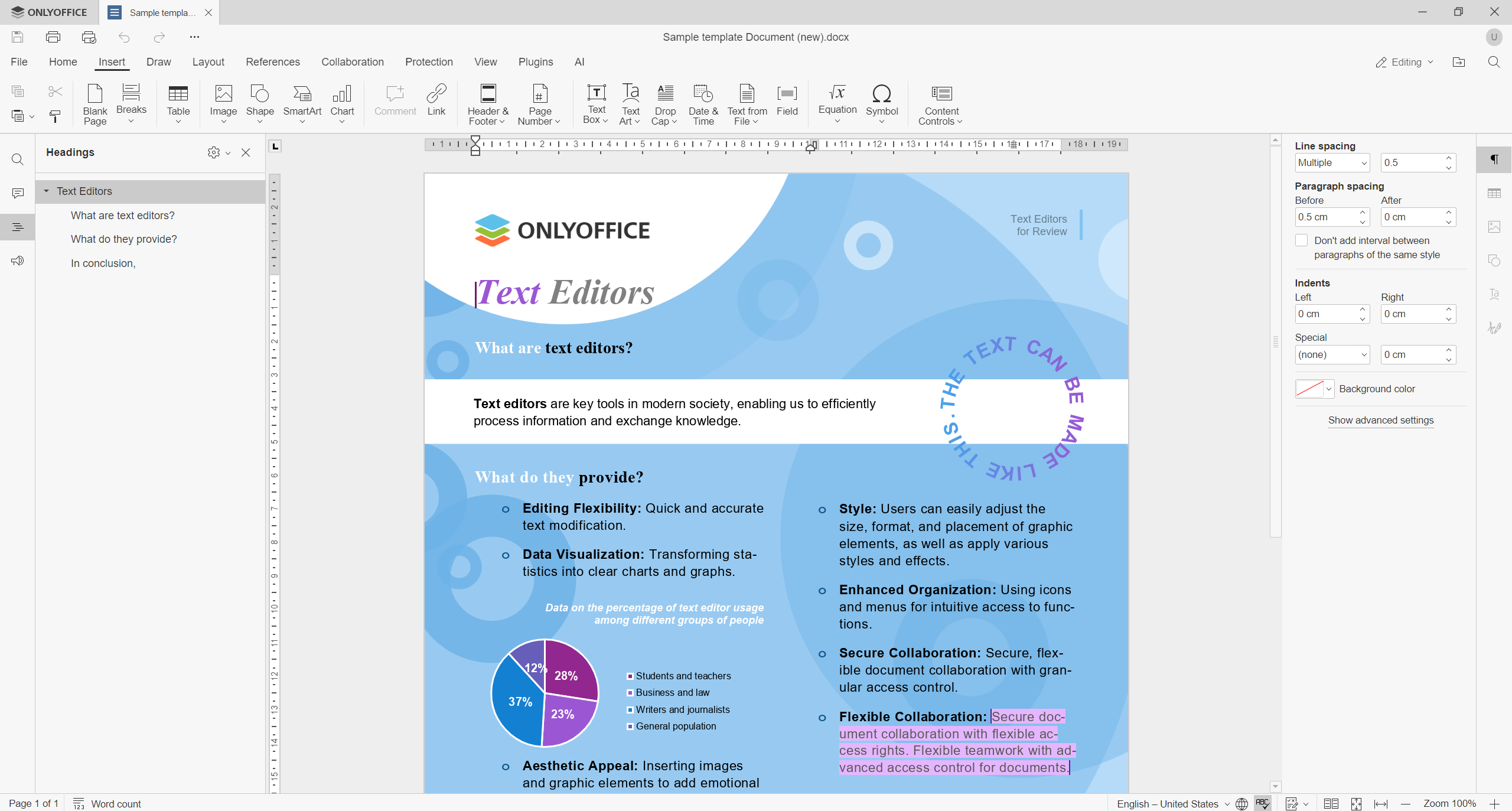
ONLYOFFICE Desktop Editors is a powerful office suite for Windows, Linux, and macOS. It combines document editing, collaboration, and file management in a single application. The suite includes editors for text documents, spreadsheets, presentations, fillable forms, PDF viewing and editing, and e-book reading.
An advantage of ONLYOFFICE Desktop Editors is its compatibility with Microsoft Office formats, including DOCX, XLSX, and PPTX. Unlike many alternatives, it uses these formats as native file types, helping preserve formatting and reducing compatibility issues when exchanging files with Microsoft Office users.
The suite offers a familiar interface, advanced formatting tools, document comparison, form creation, PDF editing, and AI-powered capabilities. Users can generate content, summarize documents, translate text, improve writing, explain complex passages, and automate routine tasks directly within the editor. They work completely offline or connect the editors to cloud services such as ONLYOFFICE DocSpace, Nextcloud, ownCloud, Seafile, and others for real-time collaboration, while benefiting from a modern interface and advanced editing features.
For businesses and individuals considering a modern, privacy-focused, and Microsoft Office-compatible solution without mandatory subscriptions, ONLYOFFICE Desktop Editors is one of the strongest alternatives available.
2. LibreOffice
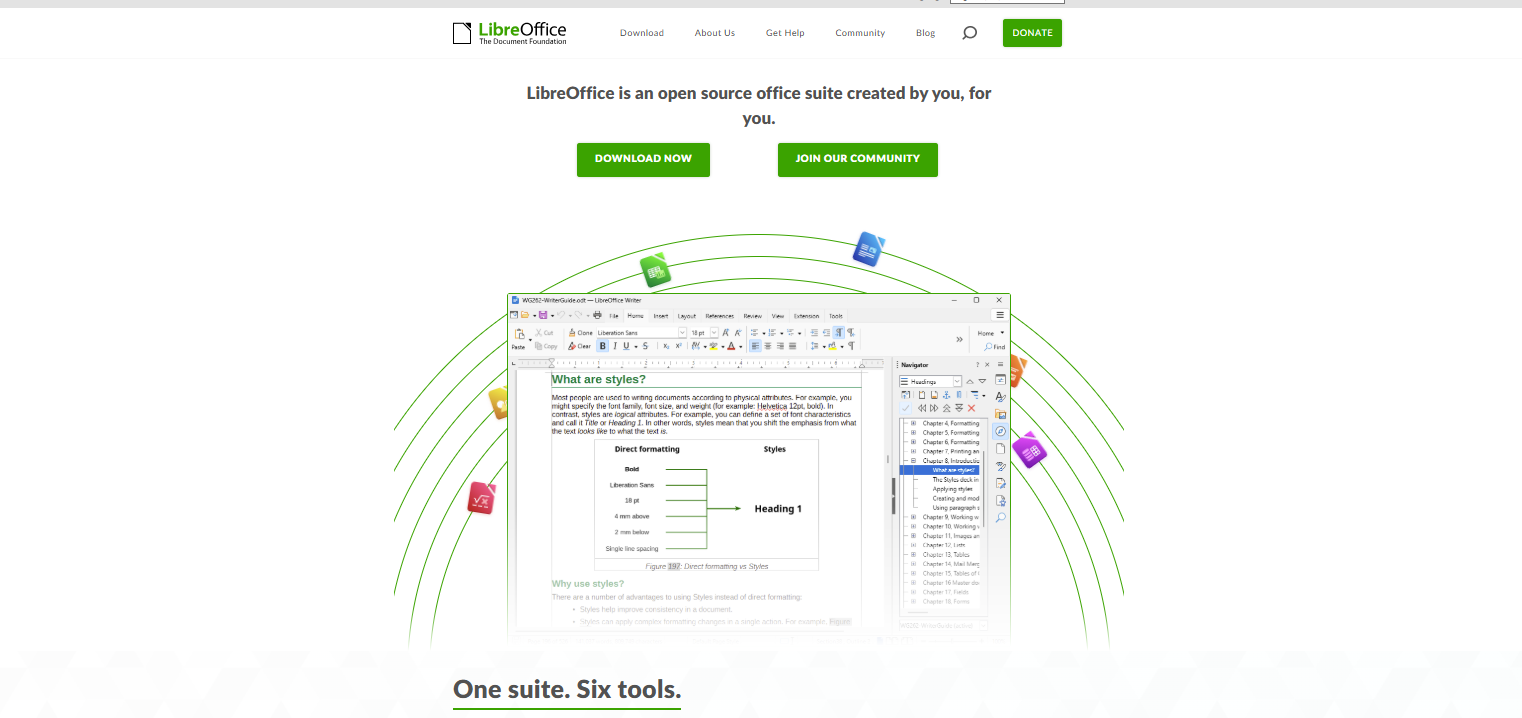
LibreOffice is a popular, free, open-source office suite available today. It includes Writer, Calc, Impress, Draw, and other productivity tools. It supports many file formats and is actively maintained by a large community of contributors.
This is for users seeking a cost-free alternative to MS Office 2019.
3. Apache OpenOffice
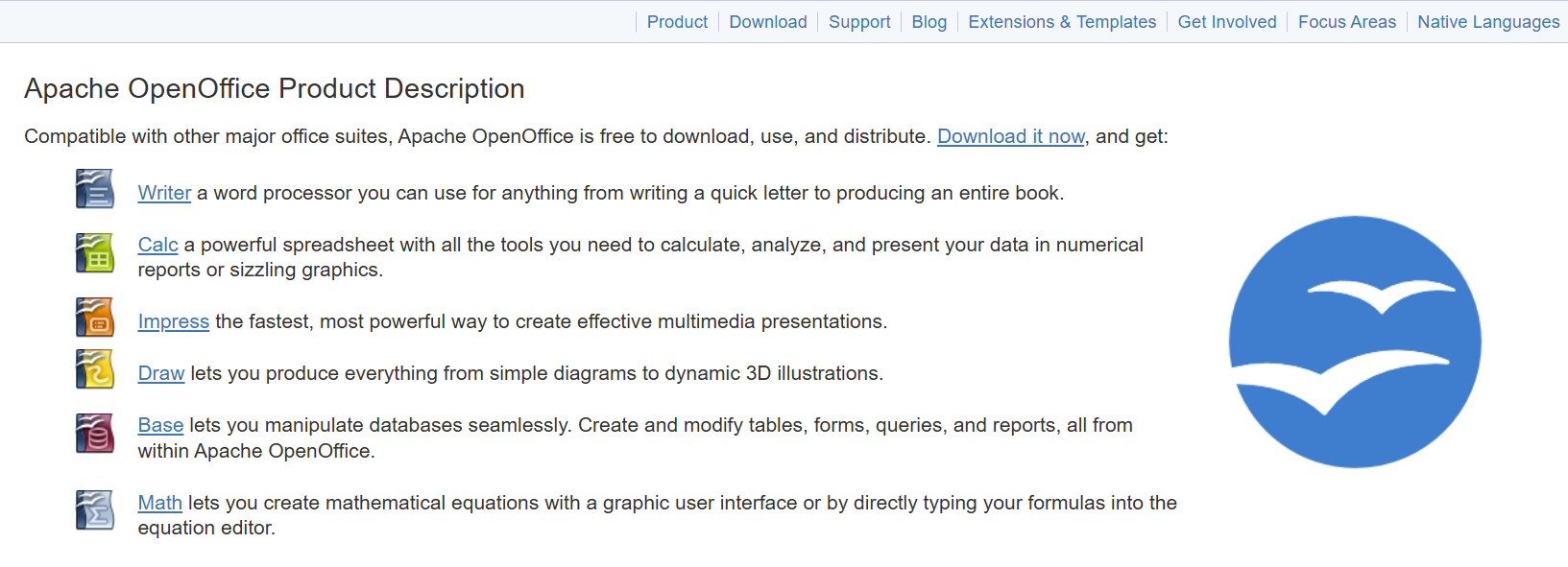
Apache OpenOffice is an established open-source office suite that offers applications for word processing, spreadsheets, presentations, and database management.
Even though its development moves at a slower pace, it is still a useful choice for users who need a simple and free productivity suite.
4. WPS Office
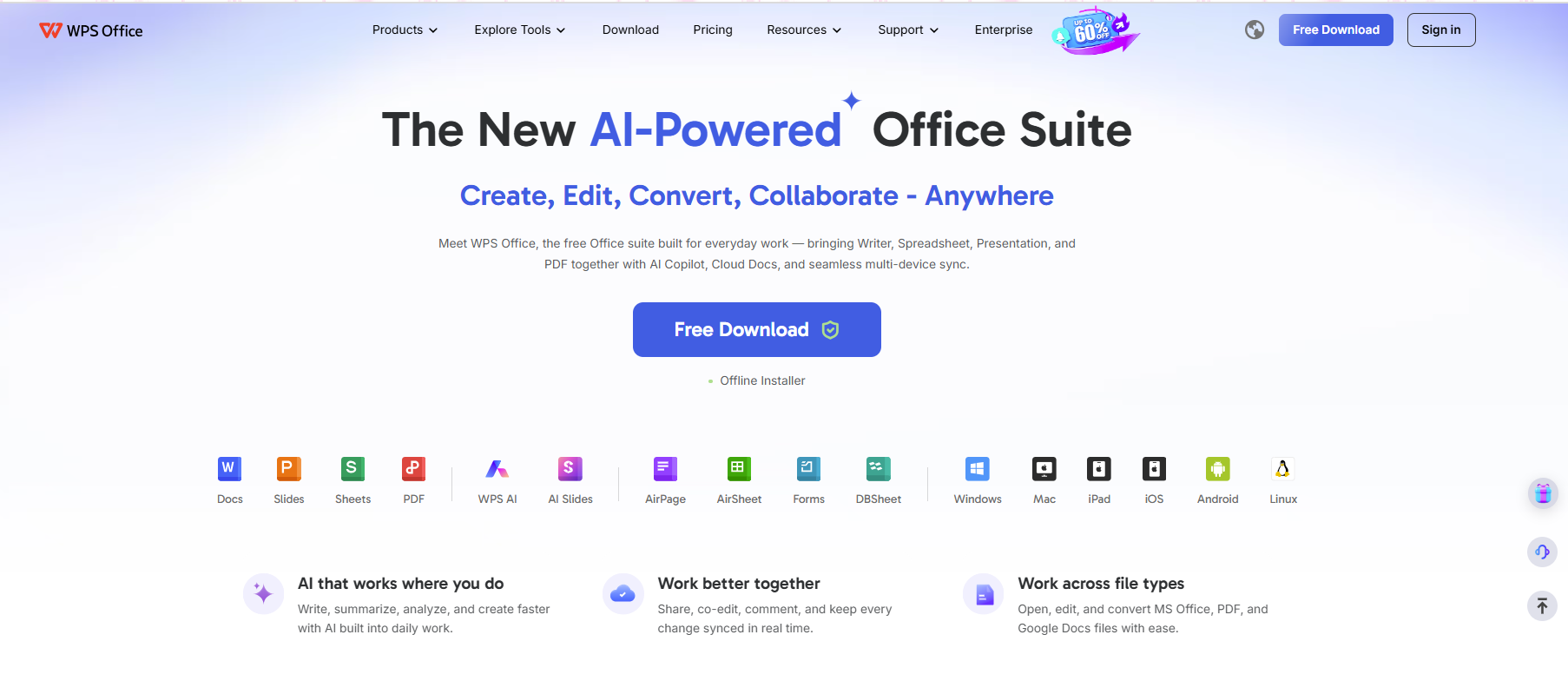
WPS Office provides a refined user experience and closely resembles Microsoft Office. It has tools for documents, spreadsheets, presentations, and PDFs. The free version offers considerable features, while paid plans unlock additional features.
5. FreeOffice
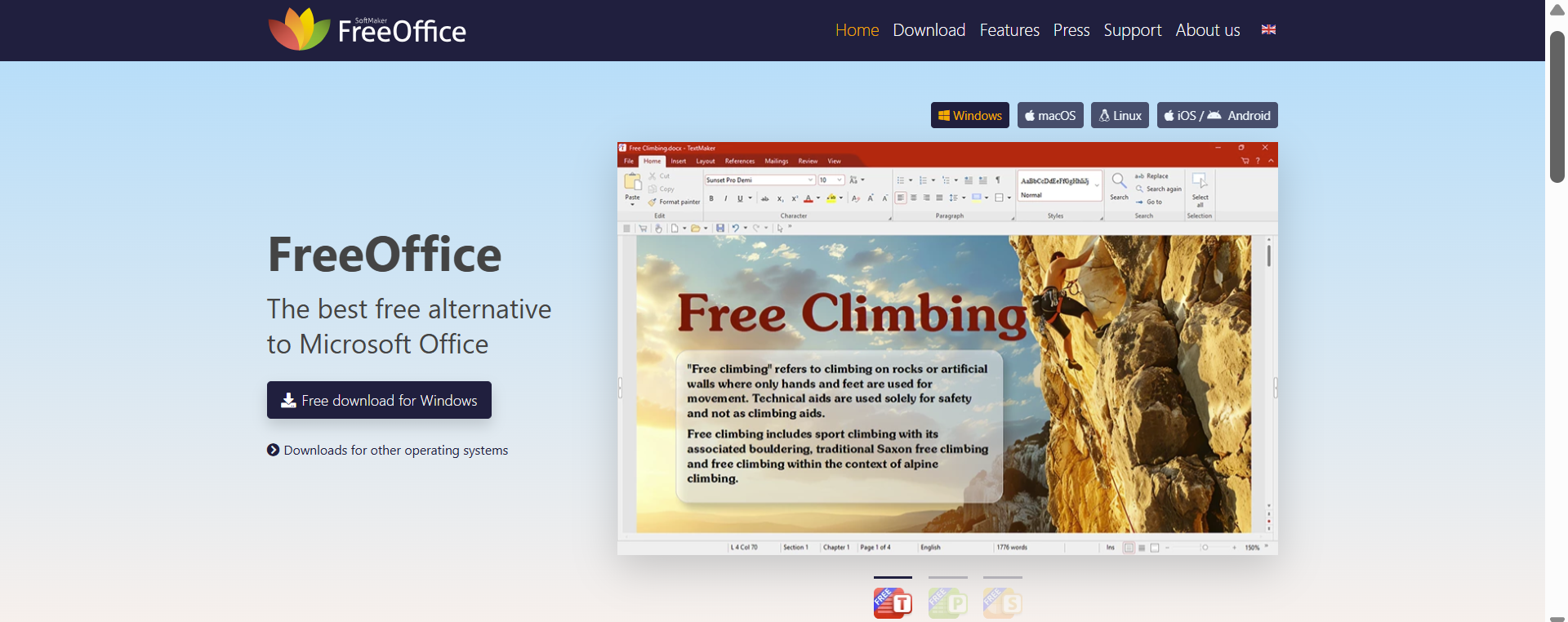
FreeOffice is developed by Softmaker and is a lightweight office suite designed for users who want well-known productivity tools without paying.
It supports Microsoft Office file formats and performs strongly across different operating systems.
Native macOS Apps (Apple)
Apple users may already have access to built-in productivity tools that can serve as practical choices to MS Office 2019.
1. Pages, Numbers, and Keynote
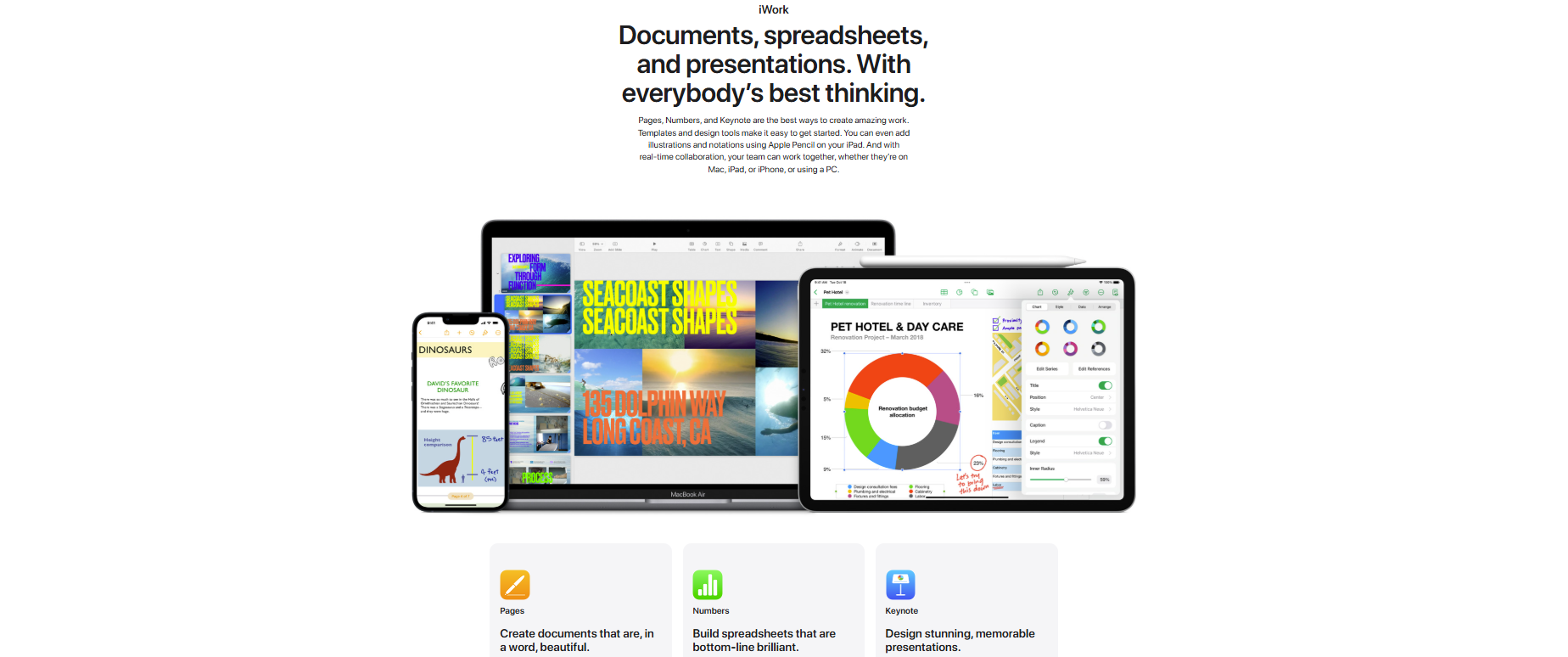
Apple’s Pages, Numbers, and Keynote applications are free to use with most Mac devices. They offer simple interfaces, seamless integration with macOS, and support for creating documents, spreadsheets, and presentations. This is mainly built for users who work within the Apple ecosystem.
2. iWork for iCloud
Apple also offers iWork through iCloud for users who require access via browsers. Pages, Numbers, and Keynote can be accessed online, and users can create or edit files virtually from any device with internet access.
Online editors (browser-based)
Cloud-based office suites continue to evolve because they make collaboration and remote work easier.
1. ONLYOFFICE DocSpace
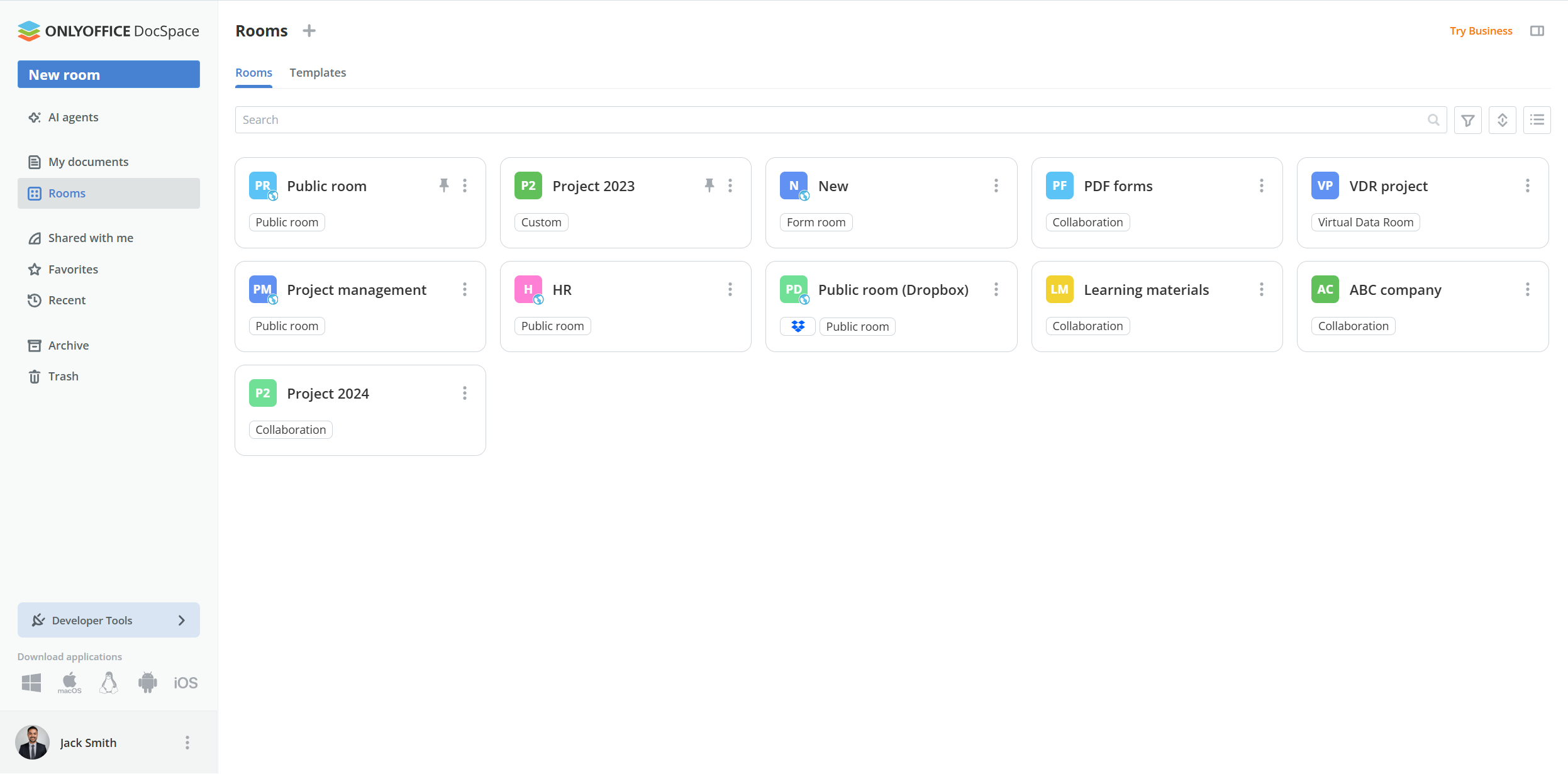
ONLYOFFICE DocSpace is a secure document collaboration platform that combines cloud storage, file sharing, document management, and real-time co-editing in one workspace.
Unlike traditional online editors, DocSpace allows users to create dedicated collaboration rooms for different purposes, including project management, client communication, document review, data rooms, and team collaboration. Granular permission settings give administrators complete control over who can view, edit, review, comment on, or share files.
The platform supports all major office document formats and provides compatible editing for DOCX, XLSX, and PPTX files. Teams can collaborate in real time, track changes, leave comments, communicate within documents, and manage workflows from any browser.
This platform is for teams, educators, businesses, and organizations looking for secure collaboration while maintaining strong control over their data. Users can choose between cloud-based deployment or self-hosted installation for additional privacy and flexibility.
2. Google Docs, Sheets, and Slides
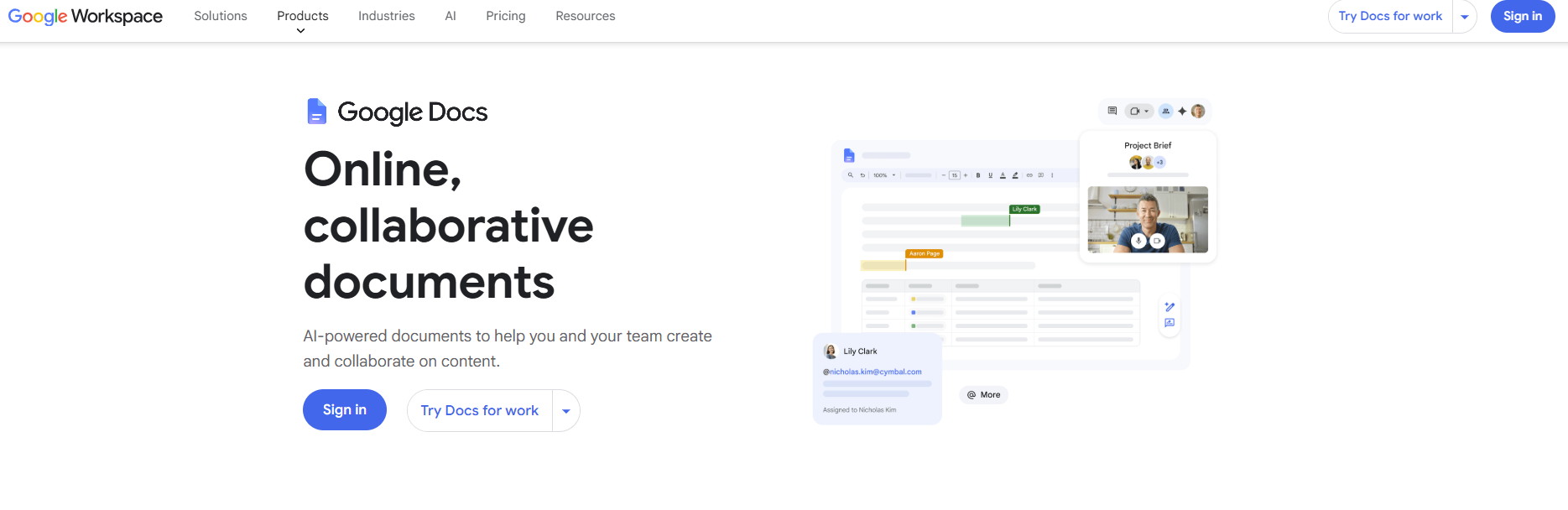
Google Workspace is a commonly used cloud productivity platform.
Google Docs, Sheets, and Slides offer real-time collaboration, auto-save options, and cross-device access. Free personal accounts provide basic features, while business plans come with advanced administrative controls.
3. Zoho Workplace
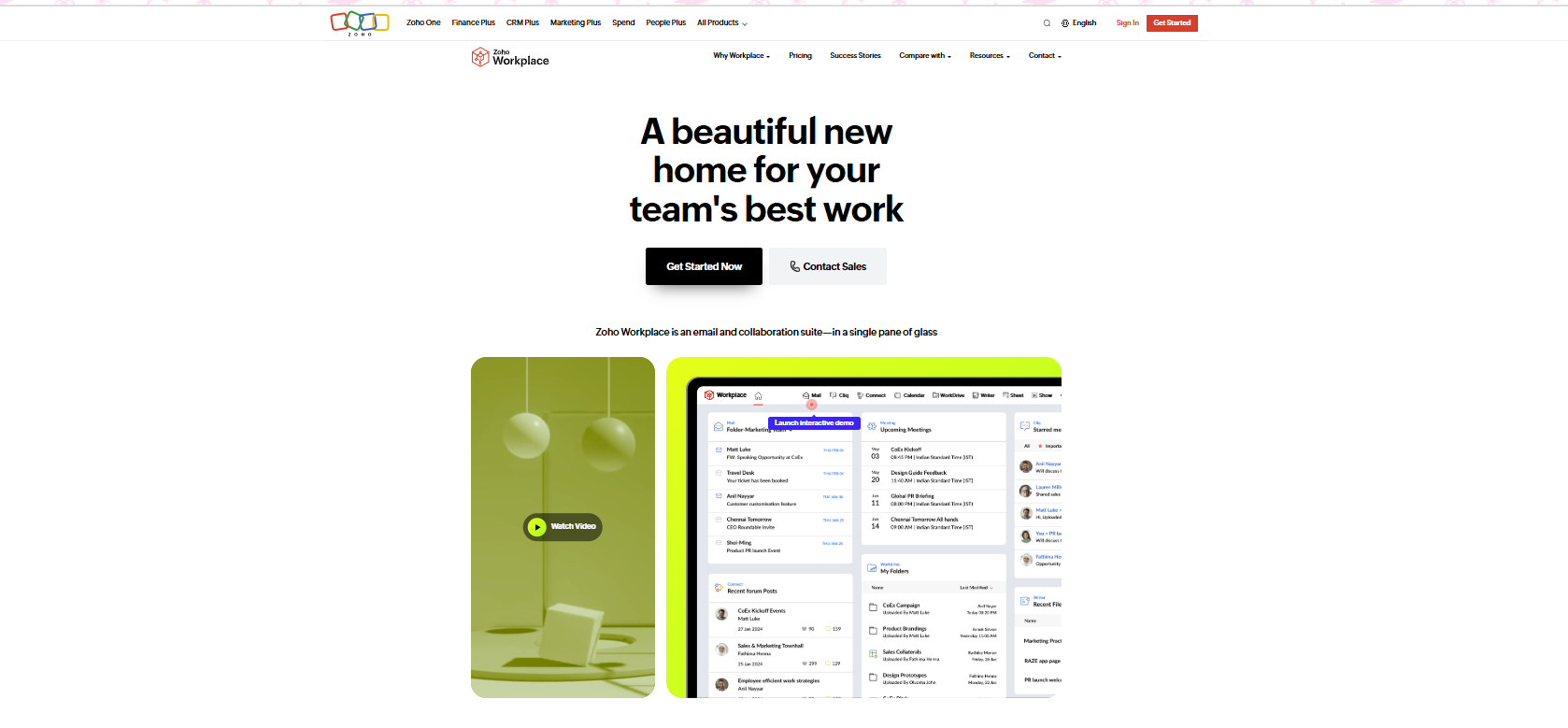
Zoho Workplace offers an efficient work environment that includes editing documents, email, collaboration tools, and cloud storage. It is for small businesses and organizations that are seeking an integrated online workspace.
Paid alternatives (one-time purchase)
Some users opt to purchase software once rather than committing to frequent subscriptions.
1. WPS Office Professional
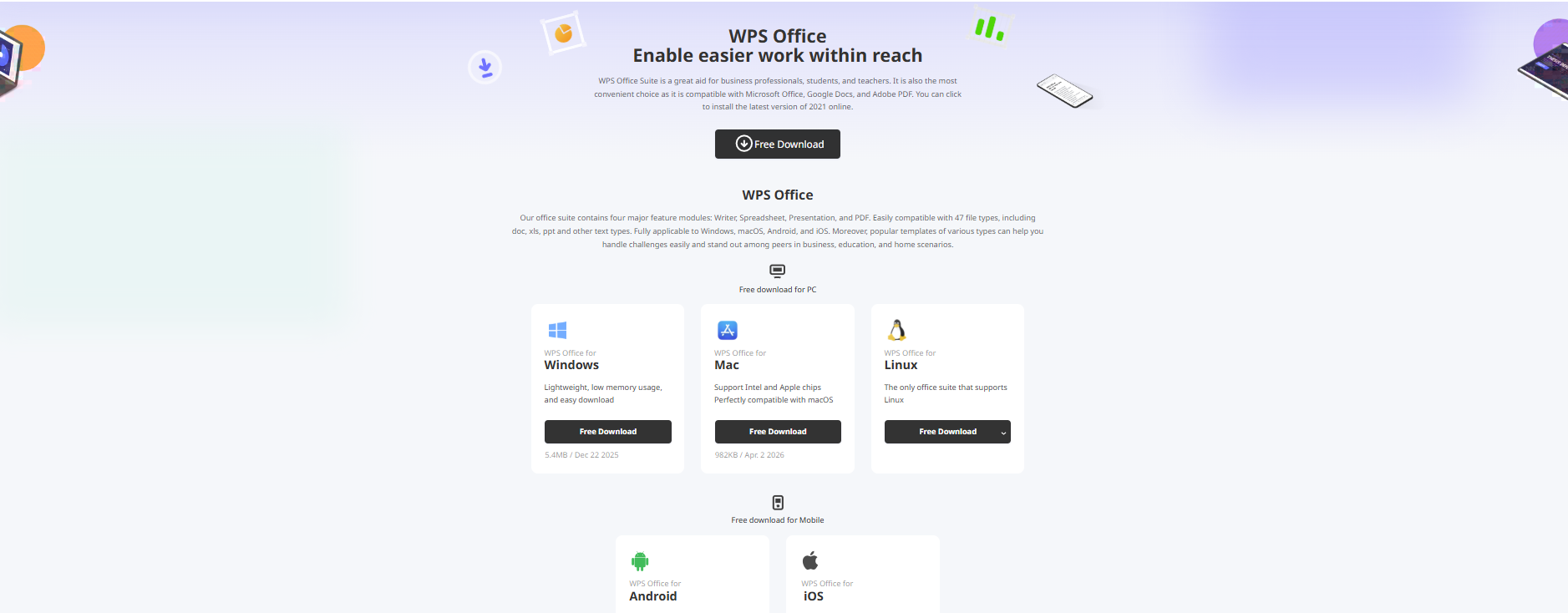
WPS Office Professional offers additional features beyond the free version, including quality PDF capabilities and high-end productivity tools. Users can purchase this as a standalone solution with extended access without ongoing subscription fees.
2. SoftMaker Office Professional
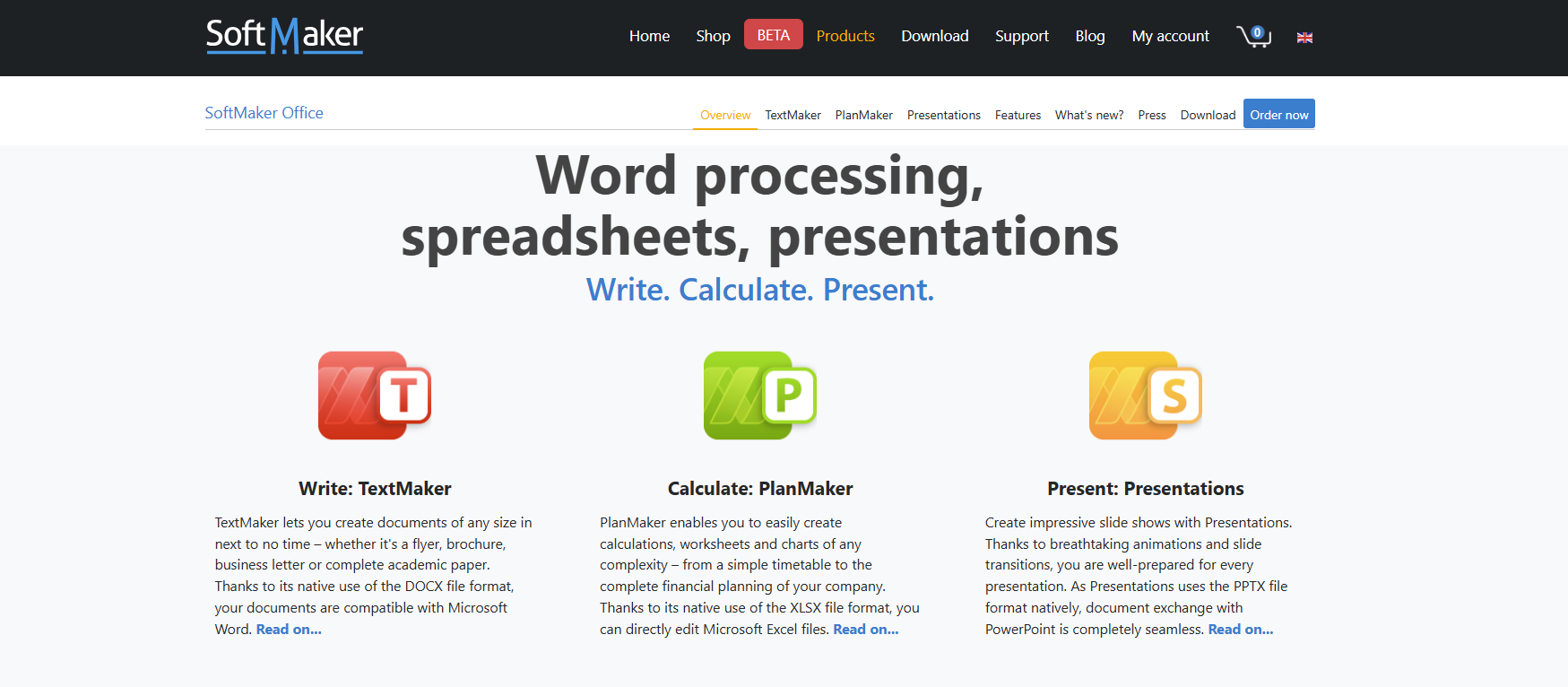
SoftMaker Office Professional is highly compatible with Microsoft Office and provides a traditional work environment experience. This solution appeals to users who prefer a one-time investment rather than an ongoing subscription model.
Free and open-source
Users who focus on transparency, privacy, and collaborative development prefer working with open-source software.
Some of the strongest free and open-source alternatives to MS Office 2019 are:
- ONLYOFFICE Desktop Editors
- LibreOffice
- Apache OpenOffice
You can keep full control over your documents without any subscription costs.
Cross-platform alternatives
Some users have work across multiple operating systems. For them, cross-platform support is essential.
Below are the office suites that work on Windows, macOS, and Linux:
- ONLYOFFICE
- LibreOffice
- WPS Office
Users gain a seamless experience with this flexibility, regardless of the device or the operating system.
Conclusion: How to choose the right alternative
Choosing an alternative to MS Office 2019 depends on your priorities.
If you need a solution that combines desktop editing, online collaboration, strong Microsoft Office compatibility, multi-platform support, PDF editing, form creation, and flexible deployment options, ONLYOFFICE stands out as one of the most complete alternatives to MS Office 2019 available today.
If you want a free and open-source software, LibreOffice remains a strong contender. Users who enjoy working with the Apple ecosystem may consider Pages, Numbers, and Keynote sufficient, while teams that prioritize cloud-based solutions benefit from platforms such as ONLYOFFICE DocSpace, Google Workspace, or Zoho Workplace.
Before you decide, consider your workflow, collaboration needs, costs, and preferred operating system. The good news is that today’s productivity software environment provides great choices for every type of user.
Create your free ONLYOFFICE account
View, edit and collaborate on docs, sheets, slides, forms, and PDF files online.