How ONLYOFFICE empowered Liaoning Technical University to improve document collaboration
Summary
Liaoning Technical University adopted ONLYOFFICE Docs to build a more efficient and secure document environment. The solution helped streamline workflows, improve collaboration, and meet the university’s data security requirements.
- ONLYOFFICE Docs enhanced contract management efficiency.
- Real-time collaboration improved teamwork and productivity.
- On-premises deployment ensured data security and compliance.
- User-friendly interface facilitated seamless integration.
- Features supported various administrative and educational tasks.
Liaoning Technical University integrated ONLYOFFICE Docs to digitize and streamline document workflow: contract drafting, collaborative editing, and version tracking within its business-finance platform. Let’s go deeper into details.
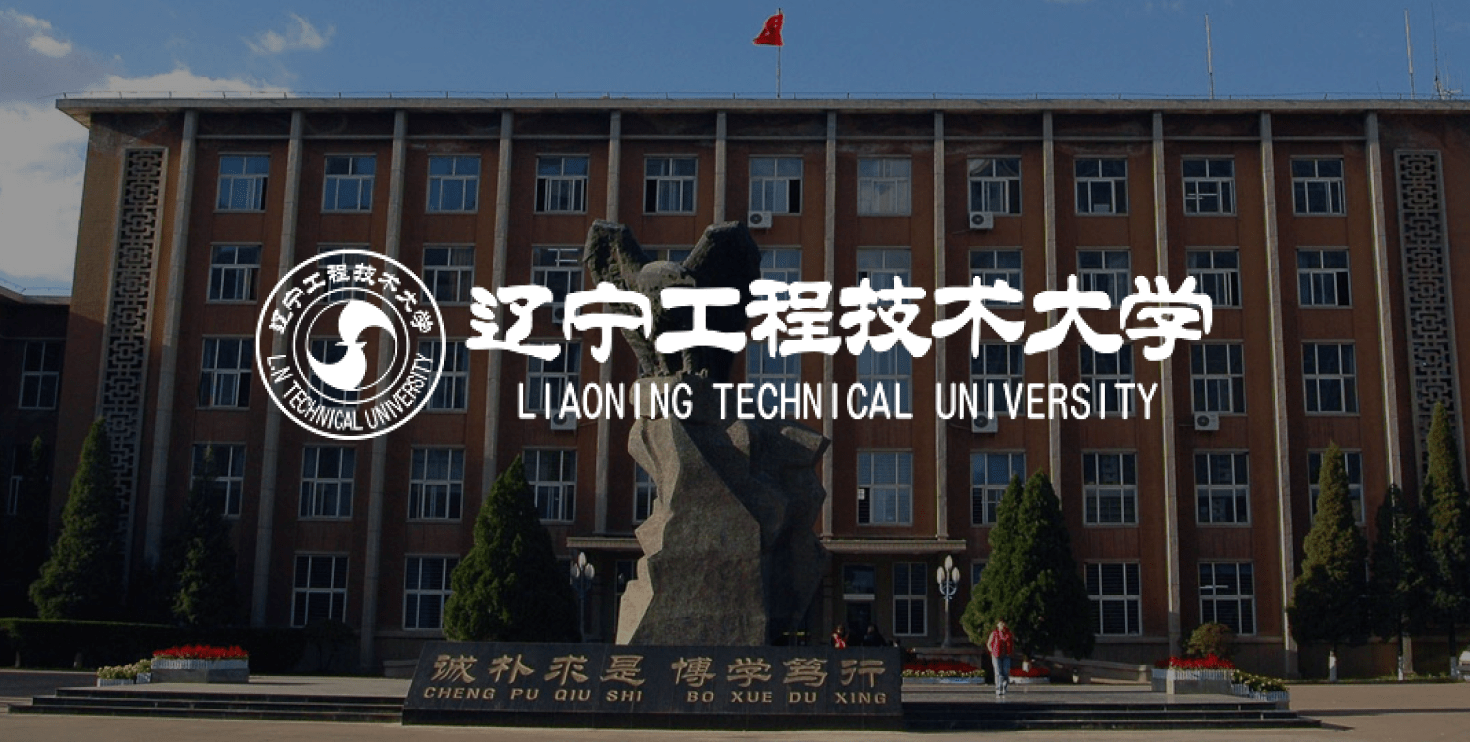
About Liaoning Technical University
Liaoning Technical University, founded in 1949, is a priority university in Liaoning Province. The university enrolls more than 40,000 students and employs 2,000 faculty members. It excels in engineering and hosts multiple national-level research platforms in energy, emergency safety, and geospatial surveying.

The challenge: teamwork and data residency
As the university drove its campus informatization forward, it faced several key challenges with existing office practices:
- The document-sharing workflow relied on offline copying and messaging tools, hindering teamwork efficiency.
- Change tracking and version control were inconsistent, causing chaotic document versions.
- The campus platform lacked online preview and editing, requiring users to repeatedly download and re-upload files.
- Public cloud services raised data security concerns and could not meet the university’s on-premises deployment requirements.
The solution: ONLYOFFICE Docs
After evaluating several alternatives, the university found that many solutions were costly, lacked on-premises deployment options, offered limited integration, had poor compatibility with document formats, and did not support advanced collaboration features.
The university chose ONLYOFFICE Docs mainly for the following reasons:
- Microsoft Office format compatibility allows users to keep their existing document habits.
- Open-source architecture enables seamless integration with campus management systems, cloud storage, and teaching platforms.
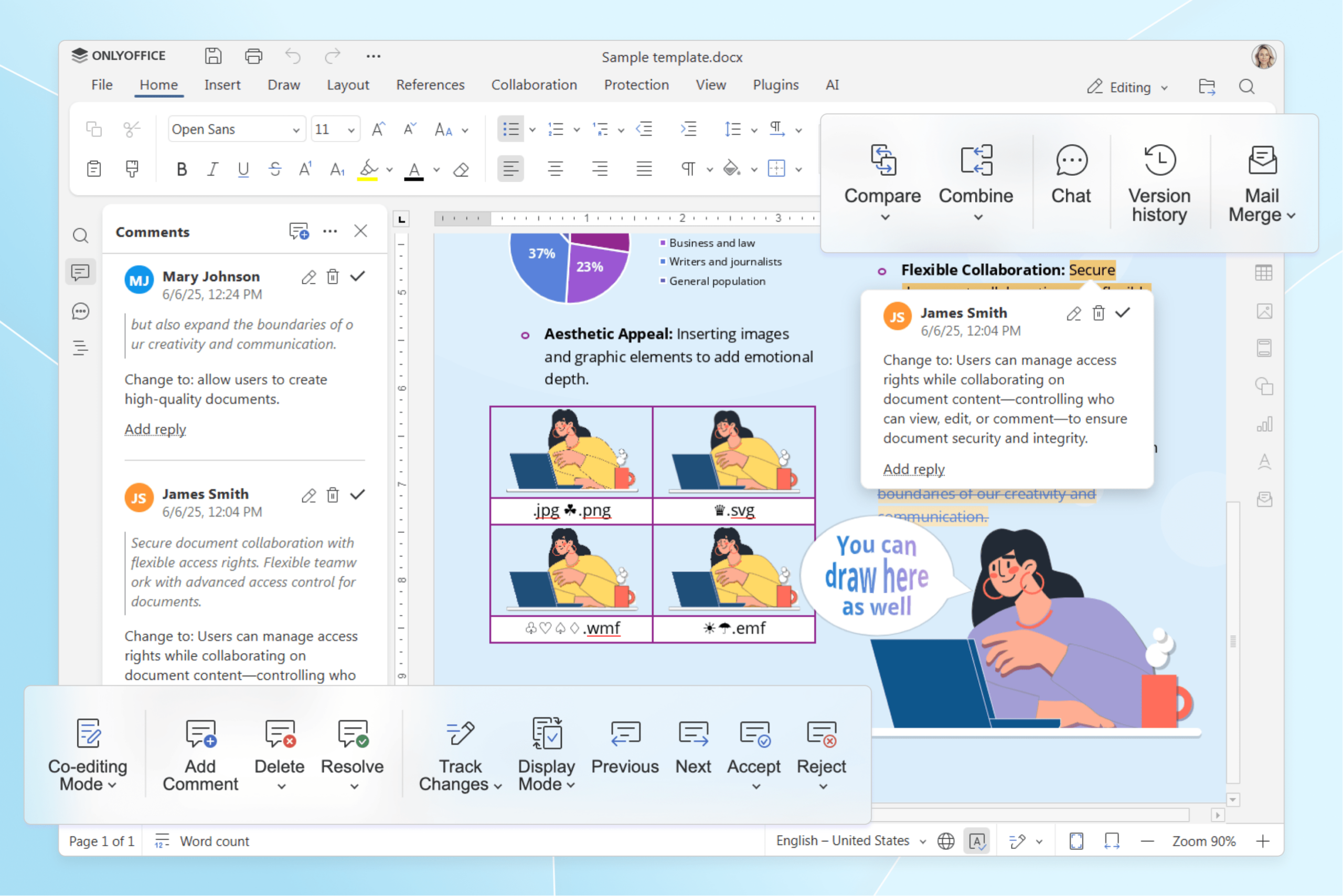
- Real-time co-editing, access controls and PDF editing cover daily needs.
- On-premises deployment for full data control and security.
The results: effective and secure workflow
By integrating ONLYOFFICE Docs into contract management, the university combined procurement, finance, and asset systems—enhancing end-to-end contract processing. It allows them to:
- View and edit contracts directly in the browser without downloading or uploading.
- Collaborate in real-time and track version history.
- Work in an integrated online document collaboration environment.
Beyond its functionality, ONLYOFFICE aligns with the university’s strict data security and compliance requirements:
- On-premises storage retains all sensitive data locally, including contracts, preventing data from reaching public clouds.
- Role-based access controls assign differentiated access (view, edit, comment) by position.
- Full audit trails of all actions help the university comply with campus information security, internal audit, and records management regulations.
We highly recommend ONLYOFFICE to other educational institutions and partners. On-premises deployment ensures data security and compliance. The user-friendly interface integrates seamlessly with our systems.
Features like real-time co-editing, version history, and permission control support scenarios such as administrative work, teaching, and contract management, making this solution suitable for education and partner organizations.
Create your free ONLYOFFICE account
View, edit and collaborate on docs, sheets, slides, forms, and PDF files online.


