How to build a document editor: features users expect today
Explore the key features and modern requirements for creating a document editor, from collaboration tools to advanced customization, designed to meet today’s user expectations.

Why build a new document editor?
Document editing has become a central part of everyday work. Teams rely on document editors to draft content, review files, exchange feedback, and move projects forward across different devices and locations. What used to be seen as a simple office function now plays a much broader role in business platforms, educational tools, and collaborative environments.
That helps explain why interest in the features of MS Word remains strong. Microsoft Word set a familiar standard, and many users still compare new editors against that experience. They expect familiar tools for writing and formatting, but they also want smoother collaboration, better access across devices, and an interface that feels easy from the start.
For developers, this creates a clear opportunity. There is strong demand for editors designed around modern workflows and specific product needs. A document editor built for legal teams, online learning, internal business processes, or client-facing SaaS platforms can offer far more value than a generic text tool.
Core features users expect in a word processor today
People who search write any two features of MS Word usually have the basics in mind. Formatting and editing are often the first things they think of, and those basics still shape how users judge any document editor.
The formatting features of MS Word continue to define what feels standard. Users expect to change fonts, apply bold or italics, adjust spacing, create headings, and align text without effort. These are familiar actions, but they have a direct effect on how comfortable the editor feels. When basic formatting takes too many clicks or behaves unpredictably, users notice right away.
The same is true for editing. Classic editing features in Word such as selecting text, cutting and pasting content, undoing changes, inserting lists, and reorganizing paragraphs remain essential. They rarely stand out when they work well, but they quickly become frustrating when they do not.
File support is another major expectation. One of the best-known functions of MS Word is the ability to work with common document formats reliably. That standard still matters. A modern editor should handle DOCX, PDF, ODT, and TXT with consistent formatting and clean export options. PDF support usually brings a different set of technical demands, especially in products that need stable rendering, conversion, or export through a PDF API. In professional settings, this matters even more because documents often move between teams, systems, and external partners.
The interface matters just as much. Most users are already comfortable with toolbars, formatting panels, menus, and keyboard shortcuts. That familiarity is part of the basic functionality of MS Word, and it continues to influence how new editors are evaluated. A more modern design can be an advantage, but only when the core actions still feel intuitive.
Cross-platform availability is now part of the baseline as well. People write, review, and edit documents in different contexts throughout the day. They may start on a laptop, open the same file in a browser, and make final changes on a mobile device. An editor that works smoothly across these environments has a much better chance of fitting into real workflows.
Advanced features for a competitive edge
Basic editing tools may meet the minimum expectation, but advanced capabilities have a stronger impact on long-term adoption.
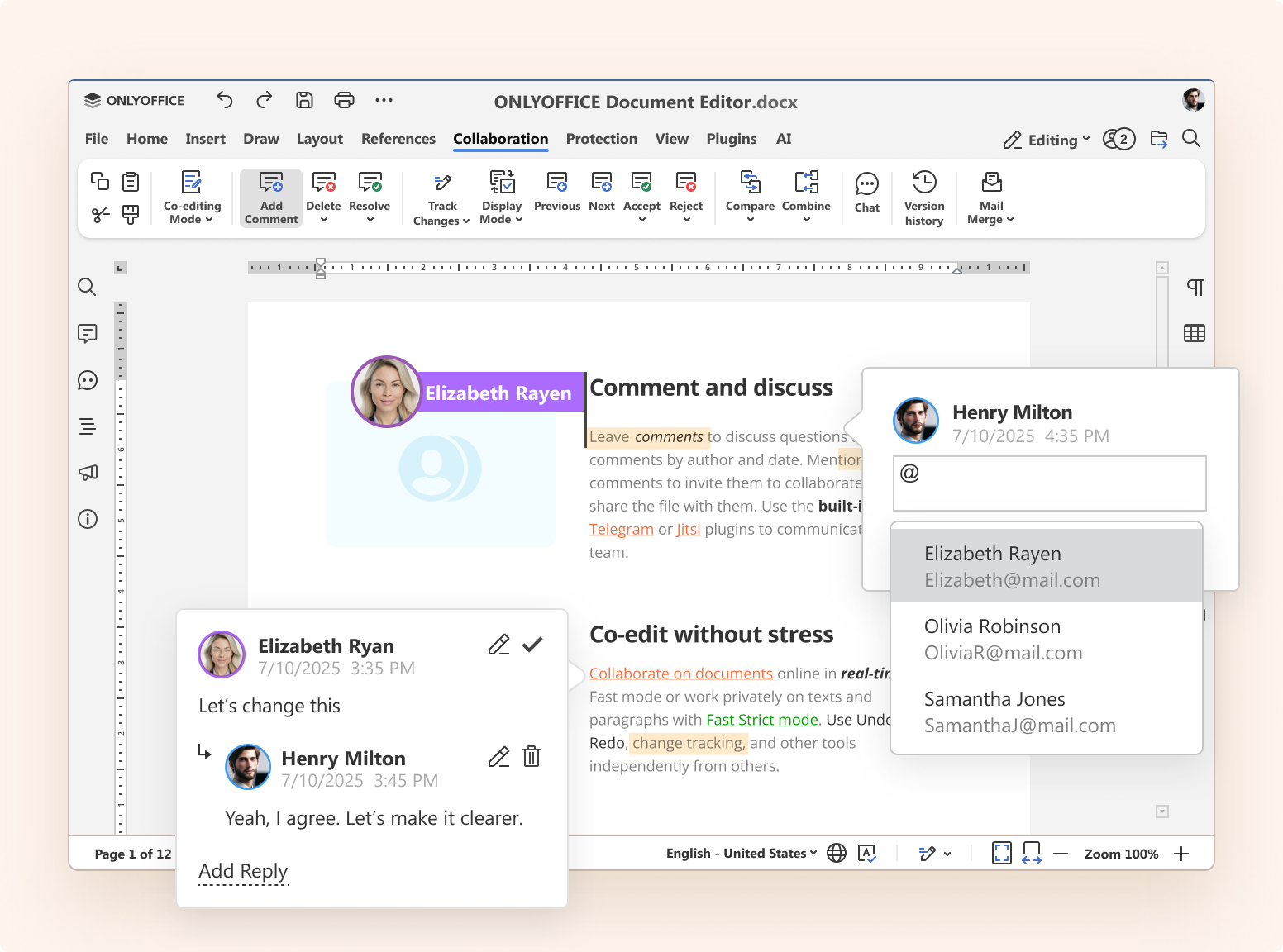
Collaboration is one of the most important examples. Documents are often shared from the beginning of the process, not just after a draft is finished. Teams want to comment, suggest edits, reply to feedback, and work in the same file at the same time. Because of that, editing features of word processor tools now cover more than individual text changes. They also shape how people work together around the document.
Cloud integration has become part of the same experience. Users expect documents to stay accessible and up to date across devices and locations, with changes syncing smoothly in the background. They also expect seamless connections to services such as Google Drive, Dropbox, or internal cloud environments. In practice, that expands the traditional features and functions of MS Word into a much broader product ecosystem and introduces a new layer of document editor development challenges, especially around syncing, performance, and format consistency.
Security has become equally important, especially in business and enterprise settings. Documents often contain internal plans, contracts, financial records, or customer information. Access permissions, secure sharing, audit controls, and protected collaboration are now standard concerns. In many environments, these capabilities sit alongside the advanced features of MS Word that users expect from serious document software.
Offline support still matters too. Users do not always have a stable connection, and some workflows take place in situations where internet access is limited. The ability to keep working without interruption and sync changes later adds a level of reliability that many teams value.
AI-powered assistance is also becoming more common. Grammar checking, spelling support, writing suggestions, and content summaries are starting to feel familiar inside document editors. These tools can speed up the writing process and reduce friction, especially for users who produce content at scale. That is one reason many teams now see them as part of the advanced functions of MS Word in a modern context.
Customization and extensibility
A modern document editor usually works as part of a larger product. Because of that, flexibility matters on both the technical and business side.
API and SDK support are especially important for developers who want to embed editing capabilities into their own applications. A strong integration layer makes it possible to connect the editor with user management, storage systems, approval workflows, or internal services. This moves the conversation beyond standard writing tools and brings the editor closer to the wider functions of MS Word as they are adapted for software products.
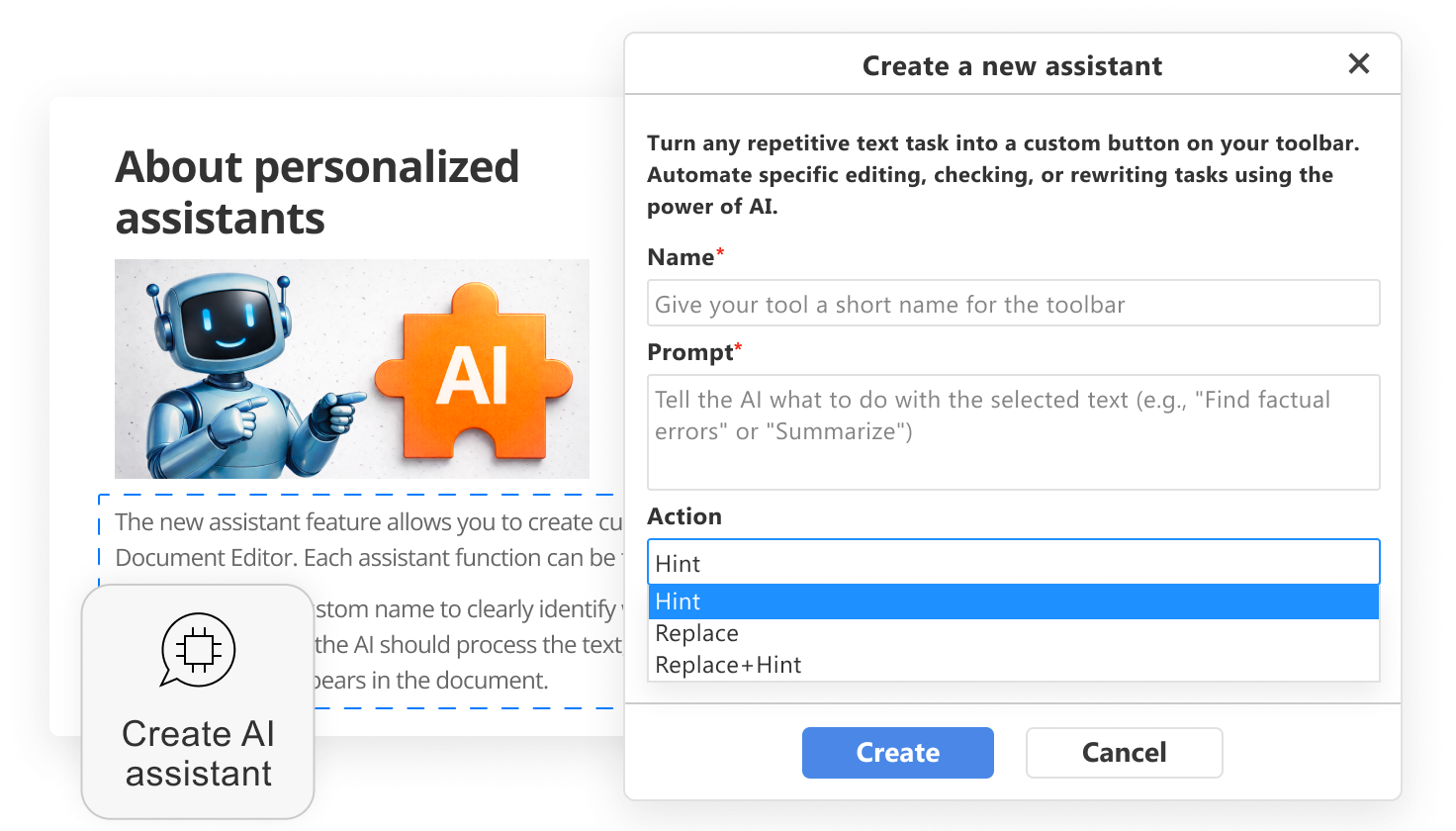
Extensibility matters for end users too. Some teams need electronic signatures, some need diagram tools, and others rely on automation plugins or third-party integrations. A plugin ecosystem gives the editor room to grow without turning the core experience into something heavy or cluttered.
White-labeling is another practical consideration, especially for companies that want a seamless user experience under their own brand. The editor may need to match the platform visually, follow the same navigation style, and feel fully native inside the product. For many businesses, that level of control is an important part of the buying decision.
Performance and scalability
Performance has a strong effect on how polished a document editor feels. Users may not describe the technical cause of a slow interface, but they notice immediately when typing lags, scrolling stutters, or large documents take too long to open.
That is why speed and stability need attention early in development. Efficient rendering, well-managed state, and careful resource handling all contribute to a smoother editing experience. This becomes especially important in long documents, heavily formatted files, and collaborative sessions with multiple active users.
Scalability brings another layer of complexity. Supporting a small team is very different from supporting a large customer base with thousands of simultaneous users. As adoption grows, developers need to think seriously about syncing, caching, concurrency, and backend architecture. These issues often become visible faster than expected once a product starts gaining traction.
Compliance and accessibility
Some of the most important requirements are not always the most visible. Compliance and accessibility may not be the first features people mention, but they often determine whether an editor is suitable for real-world use.
Compliance matters across industries such as healthcare, finance, education, and enterprise software. Regulations like GDPR affect how documents are stored, processed, and shared. In some cases, additional standards such as HIPAA also come into play. These requirements influence infrastructure decisions, security policies, and the overall product architecture.
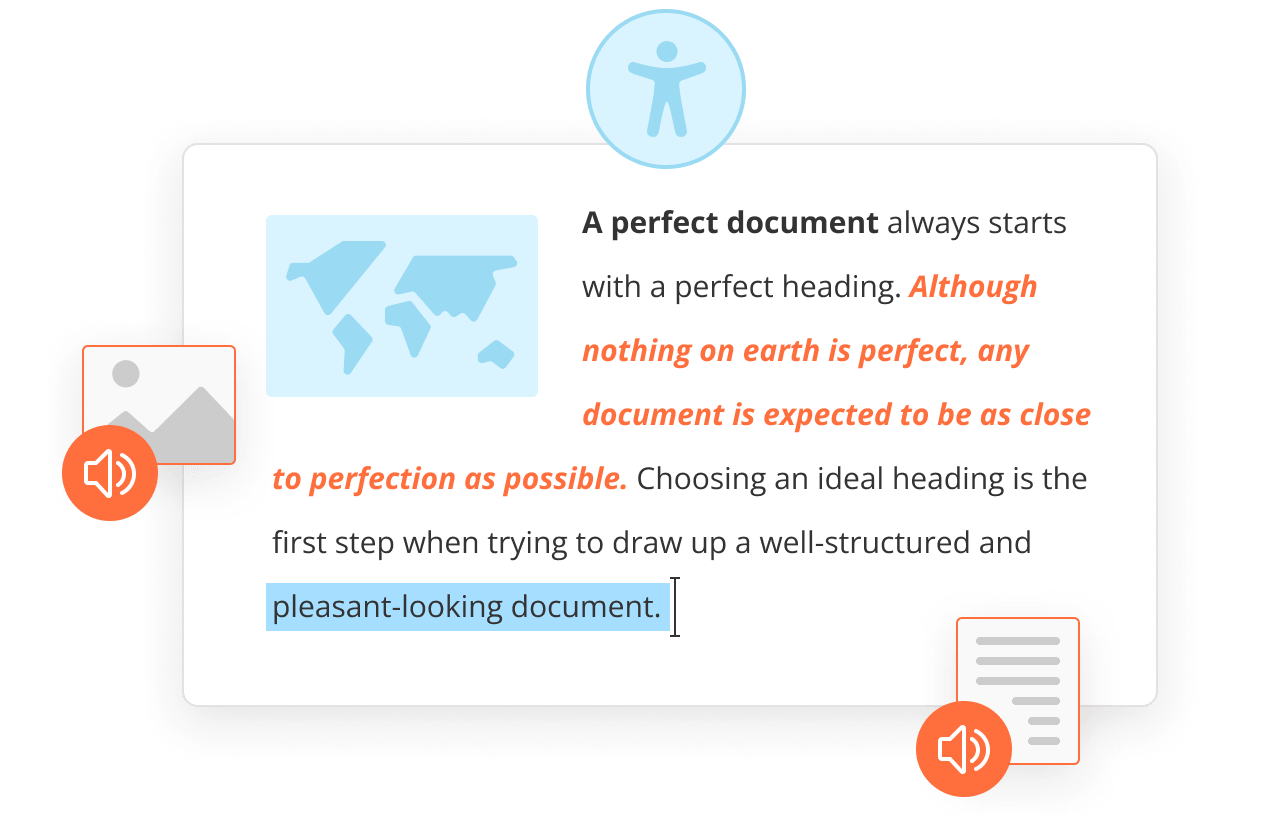
Accessibility deserves the same level of attention. A document editor should work well for people who use screen readers, keyboard navigation, zoom tools, or other assistive technologies. Clear layouts, readable contrast, structured headings, and strong keyboard support improve usability across the board.
Localization is another practical requirement for products with an international audience. Support for multiple languages, regional settings, date formats, and local writing conventions helps the editor feel natural in different markets. This becomes even more important when the editor is part of a global platform used by distributed teams.
Build vs integrate a document editor
Developers face a critical decision: build from scratch, extend an open-source framework, or integrate a ready-made solution.
Building a custom editor from scratch gives a team complete control over architecture, UX, and feature development. That level of freedom can be useful for products with highly specific requirements. At the same time, the workload grows quickly. Even implementing the 5 features of MS Word at a polished production level takes careful planning, testing, and ongoing maintenance. Once collaboration, mobile support, file compatibility, permissions, and performance enter the picture, the project becomes significantly more demanding.
Extending an open-source editor framework can reduce some of that effort. Tools such as ProseMirror or CKEditor offer solid foundations and active communities. They can work well for teams that want flexibility and are prepared to build additional functionality on top. Still, some limitations often appear later, especially around advanced collaboration, complex formatting, or high-fidelity document support.
Integrating a ready-made document editor SDK offers a faster path for many teams. Core features are already in place, advanced capabilities are easier to access, and the development team can focus more attention on the main product. This approach can also reduce long-term maintenance costs, which becomes a major advantage once the platform starts to scale.
Why integrate ONLYOFFICE Docs into your web app
ONLYOFFICE Docs Developer offers a comprehensive solution for integrating a document editor into your app.
For teams that need a full-featured editor without taking on the entire development burden internally, it provides a practical option. The product includes the editing and collaboration tools users already expect, along with strong support for formats such as DOCX and PDF. That makes it easier to deliver a professional editing experience without having to recreate standard functionality from the ground up.
Integration is also straightforward from a development perspective. ONLYOFFICE Docs Developer is built to work with web applications through API and SDK tools, which gives teams room to adapt the editor to their own workflows and product logic. This can shorten implementation time and reduce the number of custom systems that need to be maintained over time.
Deployment can be adapted to different needs, whether that means using the cloud or a self-hosted setup. This flexibility helps teams meet both technical and compliance requirements while reducing development time. For teams that want to keep up with the latest platform improvements, updates such as ONLYOFFICE Docs 9.3 for developers also offer a useful view of how the editor continues to evolve.
Conclusion
User expectations around document editing have changed significantly. Many classic features of MS Word still shape the foundation, but current products are judged on much more than basic writing and formatting.
A strong document editor needs to support collaboration, handle common file formats reliably, perform well with larger workloads, and fit naturally into the wider product experience. It also needs enough flexibility to serve different industries, team structures, and deployment requirements.
For development teams, the real challenge lies in delivering all of that at the right quality level without overextending time and resources. In many cases, integrating a mature solution is the most efficient way to move forward.
Try ONLYOFFICE Docs Developer if you want to bring a modern document editor into your application with less development overhead and a faster path to launch.
Create your free ONLYOFFICE account
View, edit and collaborate on docs, sheets, slides, forms, and PDF files online.