How to install ONLYOFFICE Desktop Editors on openSUSE 16 ARM
ONLYOFFICE Desktop Editors are now available for openSUSE 16 on ARM architecture, making it easier than ever to work with documents on modern ARM-based systems. You can install the free desktop app natively and get a full-featured office suite with stable performance and offline support.
About openSUSE
openSUSE is a reliable and flexible Linux distribution known for its strong community, solid package management, and focus on system stability. It’s a popular choice among developers and advanced users who value control, transparency, and long-term maintainability.
With growing ARM support in openSUSE 16, the distribution is well suited for modern ARM hardware, from single-board computers to professional devices.
How to install ONLYOFFICE Desktop Editors on openSUSE 16 ARM
Installing ONLYOFFICE Desktop Editors on openSUSE 16 ARM takes just a few steps.
Step 1. Download the ARM package
Open the ONLYOFFICE Desktop Editors download page and go to the Linux section.
Download the ARM64 RPM package for openSUSE.
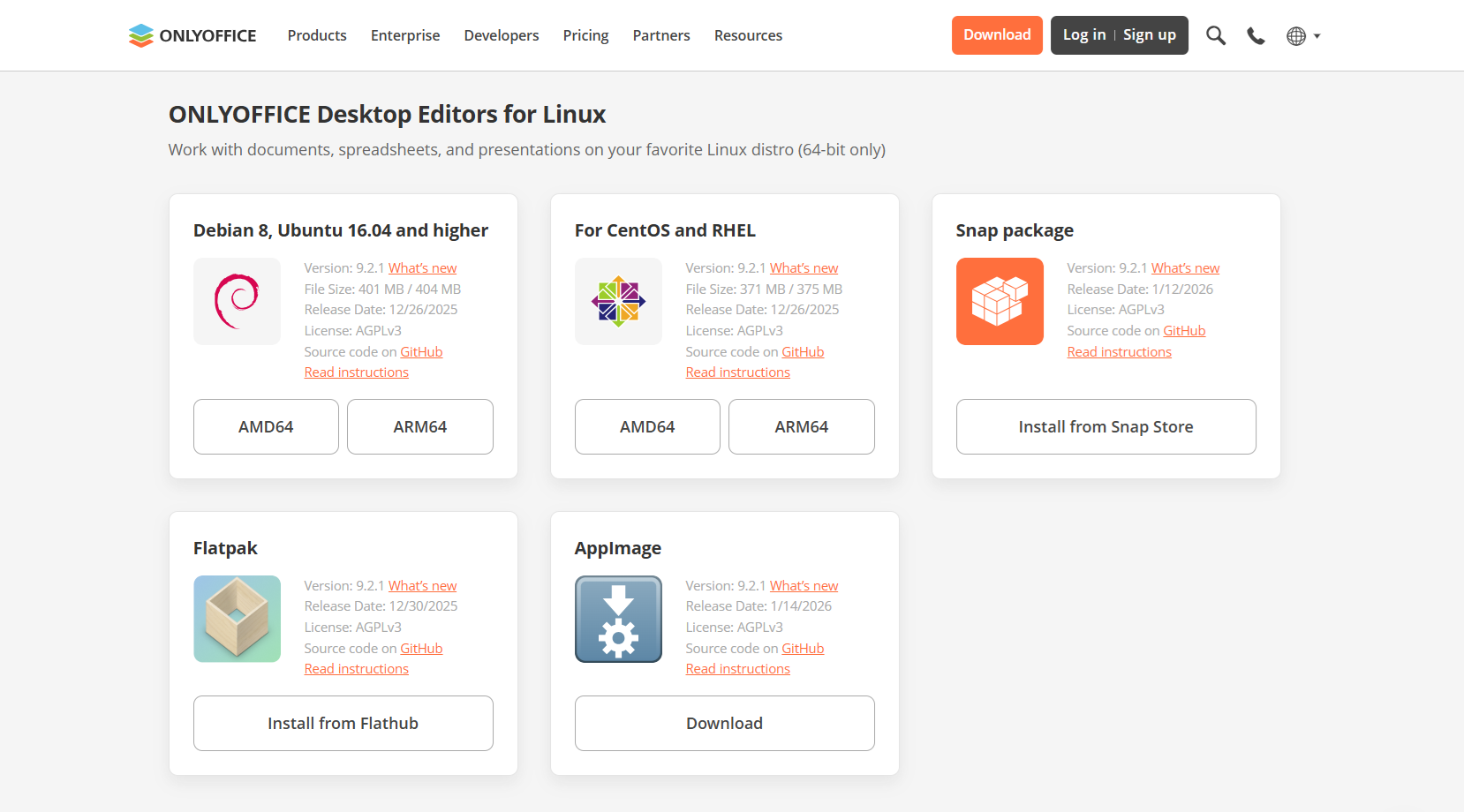
Step 2. Install the package
Open a terminal and navigate to the folder with the downloaded file.
Run the following command:
sudo yum install path_to_rpm_file
The package manager will install ONLYOFFICE Desktop Editors along with all required dependencies.
Step 3. Launch the application
Once installation is complete, you can start the app from the applications menu or by running the following command in the terminal:
desktopeditors
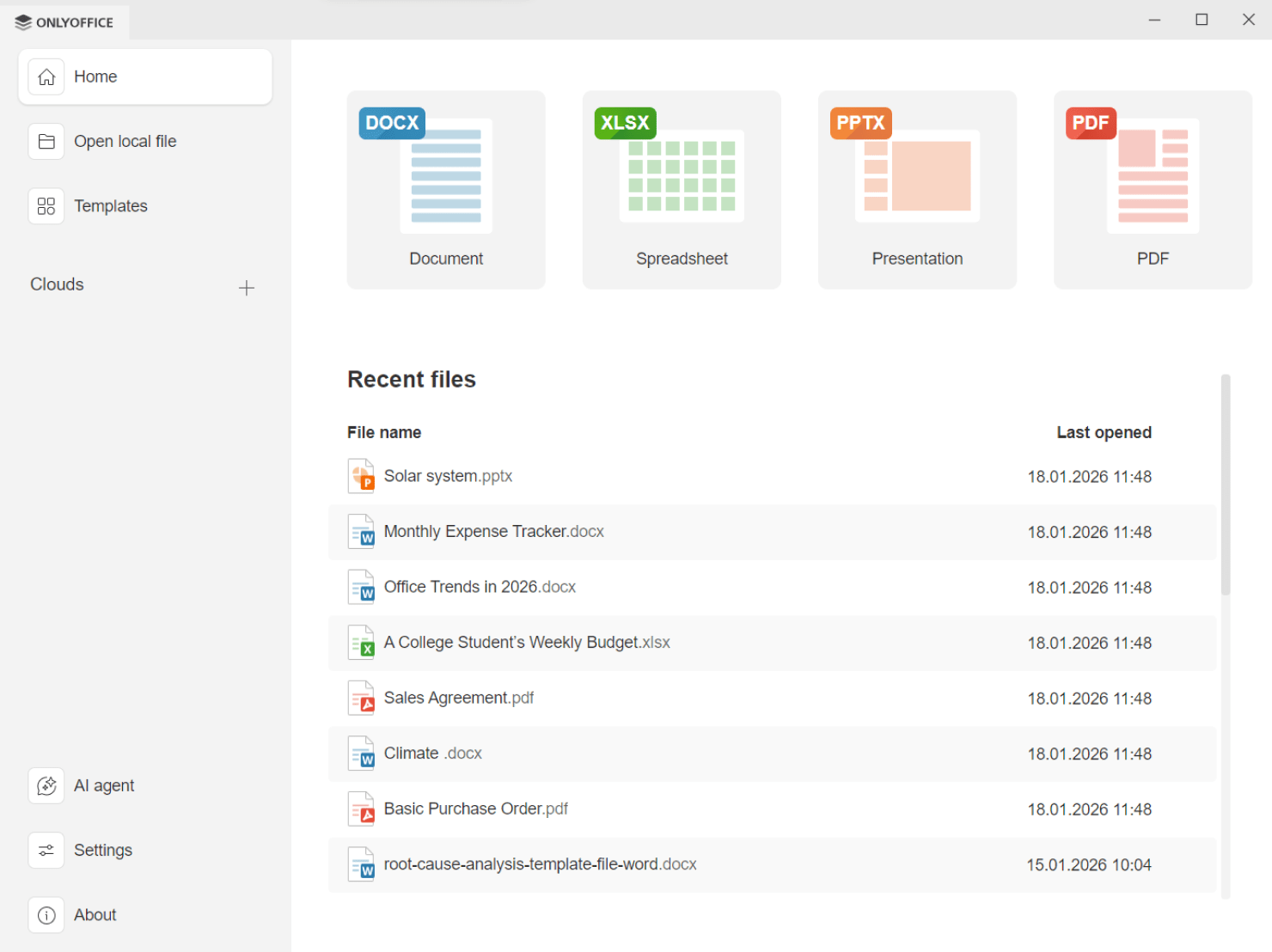
What you can do with ONLYOFFICE Desktop Editors
Work with all key document types. Create and edit text documents, spreadsheets, presentations, and fillable PDF forms. Open and create PDF files to annotate, edit, or convert them without switching to separate tools. View and navigate Microsoft Visio diagrams.
Keep documents secure. Protect your files with passwords, watermarks, and digital signatures to control access and maintain document integrity.
Extend functionality with plugins. Enhance the editors with plugins such as DeepL, LanguageTool, draw.io, Jitsi, and others to translate content, check grammar, create diagrams, or communicate with your team.
Work offline or connect to the cloud. Use ONLYOFFICE Desktop Editors completely offline, or connect them to cloud platforms like ONLYOFFICE DocSpace, Nextcloud, ownCloud, Seafile, Liferay, or Moodle for real-time collaboration.
Use built-in AI tools. Summarize, rewrite, and translate text, generate ideas, and automate routine tasks with AI features without leaving the editor.
Try ONLYOFFICE Desktop Editors on openSUSE 16 ARM
If you’re running openSUSE 16 on ARM hardware, ONLYOFFICE Desktop Editors offer a native, stable, and flexible office solution designed for your platform.
Download the app and start working with documents today:
FAQ: ONLYOFFICE Desktop Editors on openSUSE ARM
Are ONLYOFFICE Desktop Editors native on openSUSE ARM?
Yes. The application runs natively on ARM64 without emulation.
Can I use plugins and AI tools on openSUSE ARM?
Yes. All plugins and AI features are available on openSUSE ARM and can be used free of charge. Please note that some AI models may require a paid subscription, depending on the provider you choose to connect to.
Is ONLYOFFICE Desktop Editors free on openSUSE ARM?
Yes. The desktop app is free and open source.
Is offline work supported?
Absolutely. You can work completely offline and connect to cloud services when needed.
Do I need additional repositories or dependencies?
No. All required dependencies are installed automatically during setup, so no extra repositories or manual configuration are needed.
Create your free ONLYOFFICE account
View, edit and collaborate on docs, sheets, slides, forms, and PDF files online.