How to install ONLYOFFICE Desktop Editors for Windows ARM64
Starting from version 9.2, ONLYOFFICE Desktop Editors is available for the Windows ARM64 platform. Users running Windows 11 on ARM devices — such as Surface Pro X and other powered laptops — can now install the office suite natively and benefit from improved stability and performance.
How to install ONLYOFFICE Desktop Editors on Windows ARM64
ONLYOFFICE Desktop Editors provides a dedicated ARM64 installer for Windows. Follow the steps below to install it on your device:
- Go to the Desktop Editors download page.
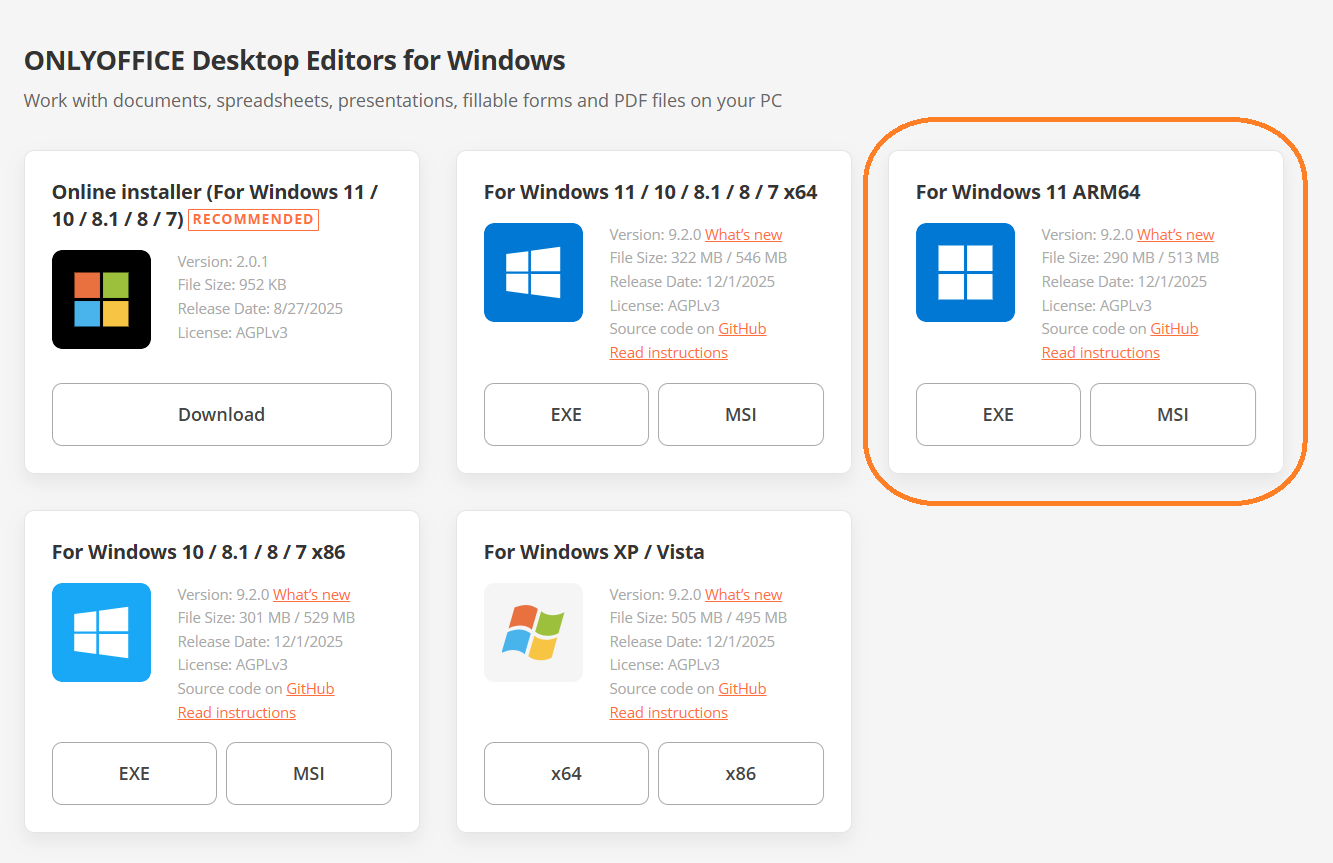
- Find the Windows section and choose ARM64 (.exe or .msi file).
- Download the ARM64 installer.
- Run the executable file.
- Follow the on-screen instructions to complete the installation.
Once installed, open ONLYOFFICE Desktop Editors and start working with your documents.
Alternatively, you can install Desktop Editors using the online installer for Windows or WinGet (Windows Package Manager).
Why native ARM64 support matters
Windows ARM devices continue to gain popularity because they offer a combination of long-lasting battery performance, silent fanless hardware, instant-on responsiveness, and efficient mobile-class ARM processors that deliver smooth everyday computing.
Native ARM64 support means:
- faster app launch
- smoother editing
- reduced power consumption
- better integration with Windows on ARM
Users no longer need to rely on x64 emulation — the suite now runs as a fully optimized ARM application.
About ONLYOFFICE Desktop Editors
ONLYOFFICE Desktop Editors is a free, open-source office suite available for Windows, Linux, and macOS. It includes editors for text documents, spreadsheets, presentations, PDFs, and forms, supporting all popular file formats such as DOCX, XLSX, PPTX, ODT, CSV, and PDF.
With ONLYOFFICE Desktop Editors, you can:
- Create and edit documents, spreadsheets, presentations, and fillable PDF forms
- View, annotate, edit, and convert PDF files
- Visualize data with diagrams and charts
- Use ready-to-fill or custom forms
- Protect your documents with passwords, watermarks, and digital signatures
- Extend the suite with plugins — DeepL, LanguageTool, draw.io, Jitsi, Telegram, ChatGPT tools, and more
- Work completely offline or connect to a cloud solution (ONLYOFFICE DocSpace, Nextcloud, ownCloud, Seafile, Liferay, Moodle, etc.) for real-time collaboration
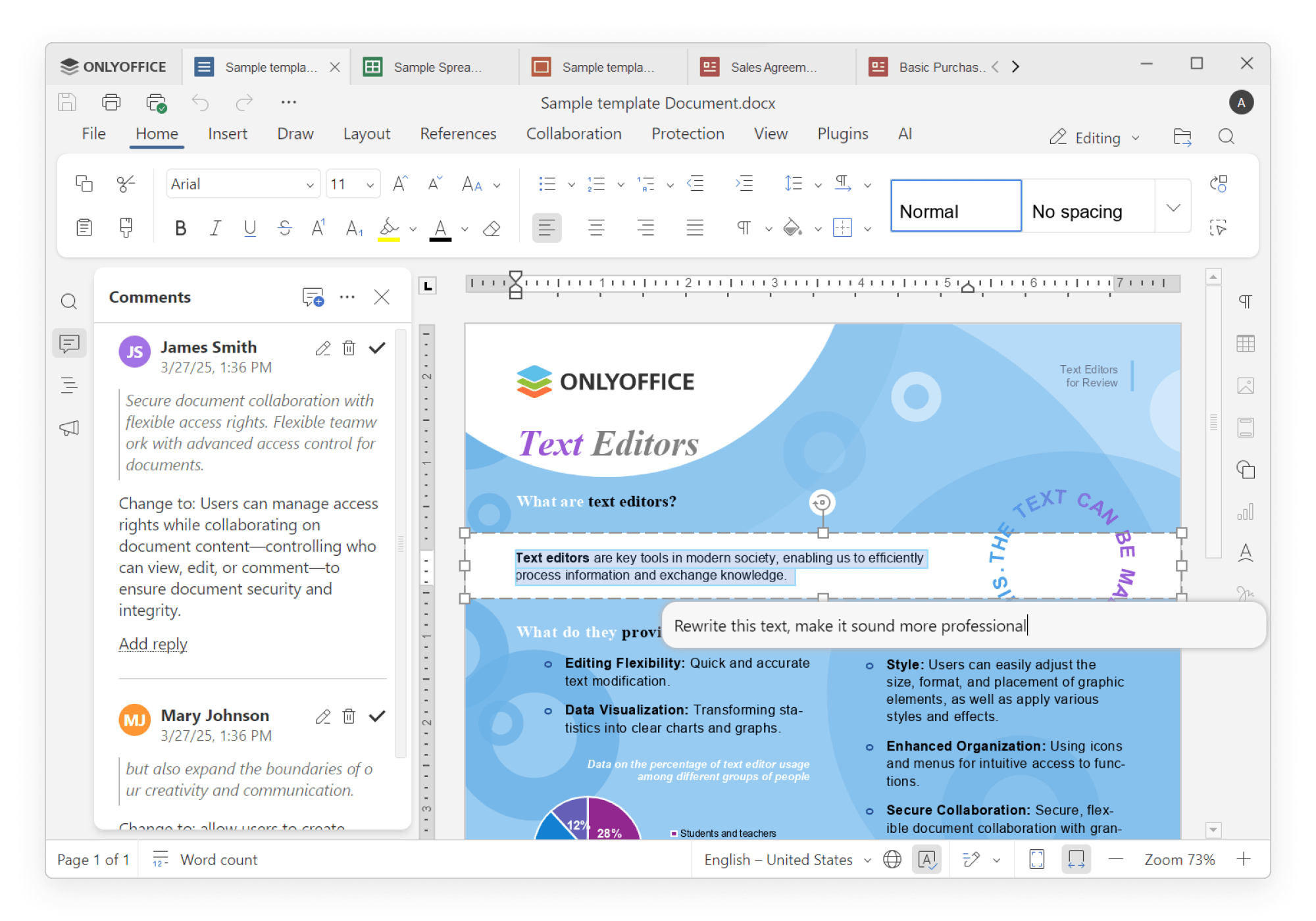
- Use built-in AI tools to summarize, translate, rewrite text, generate ideas, or interact with documents using natural language through the AI agent, as well as generate and analyze the files
Try ONLYOFFICE on your ARM64 device
If you’re using Windows 11 ARM64, ONLYOFFICE Desktop Editors now works faster, smoother, and more efficiently than ever.
New in version 9.2
Version 9.2 also brings a wide range of enhancements across all editors: the new AI agent now includes extensible MCP tools for tasks like file management and document analysis, AI-powered grammar and spelling checks, customizable keyboard shortcuts, macros recording, and smoother tools for creating fillable forms.
To learn more about these updates, make sure to watch our webinar:
Create your free ONLYOFFICE account
View, edit and collaborate on docs, sheets, slides, forms, and PDF files online.


